MariaDB is the default MySQL-compatible database on most Linux distros. This guide installs MariaDB, runs security hardening, and creates your first application database.
Step 1: Install MariaDB Server
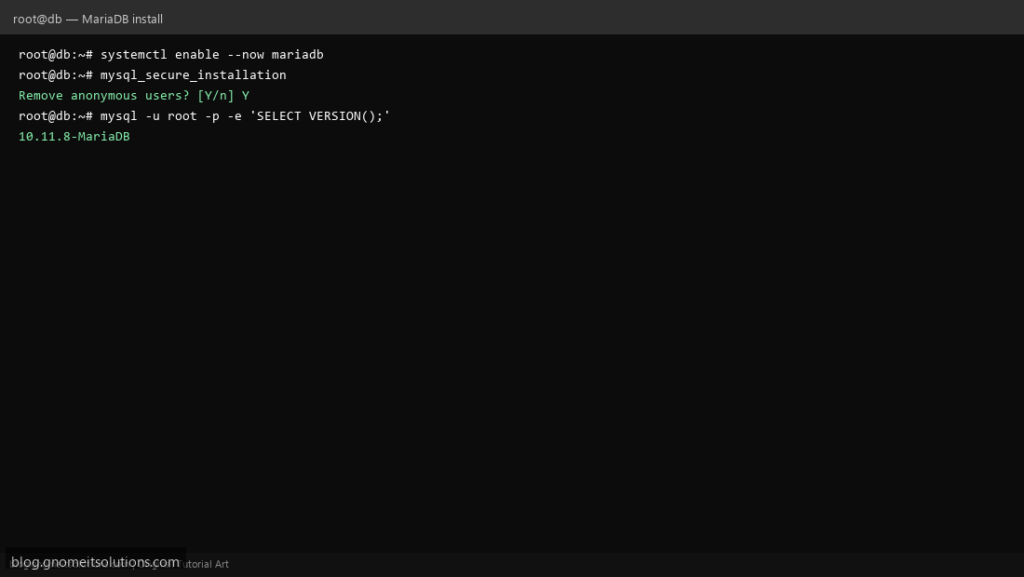
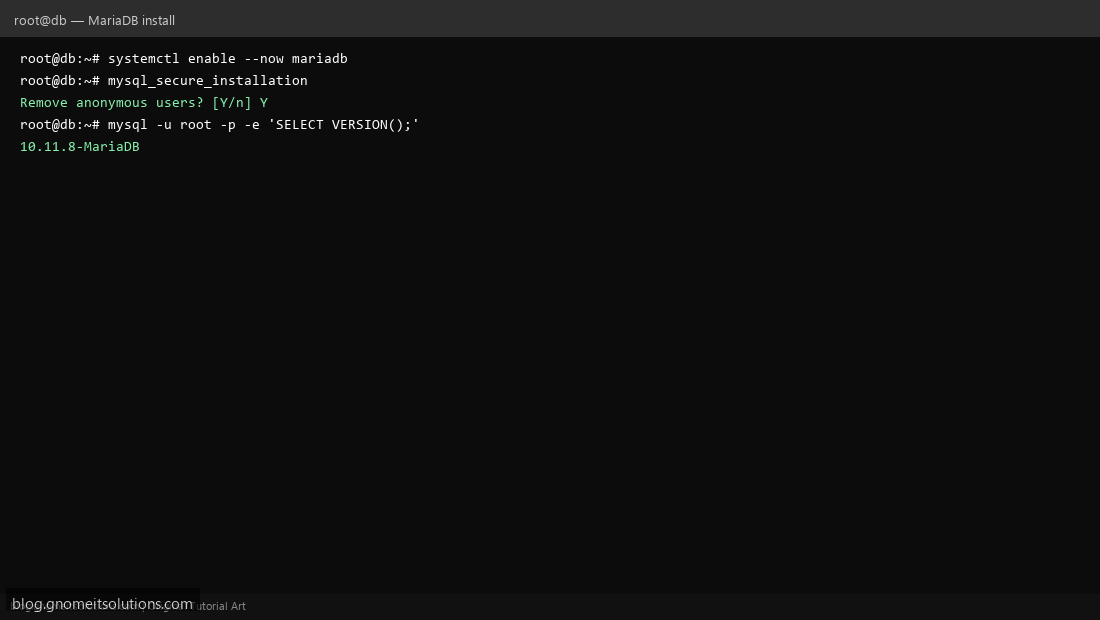
On Ubuntu: apt install mariadb-server. On AlmaLinux: dnf install mariadb-server. Enable with systemctl enable --now mariadb.
Step 2: Run mysql_secure_installation
Execute mysql_secure_installation — set root password, remove anonymous users, disable remote root login, and remove test database.
Step 3: Create Database and User
Log in with mysql -u root -p, then CREATE DATABASE appdb; CREATE USER 'appuser'@'localhost' IDENTIFIED BY 'password'; GRANT ALL ON appdb.* TO 'appuser'@'localhost';
mysql -u appuser -p appdb -e 'SELECT VERSION();'Related tutorials
Terminal screenshots are original illustrations created for Gnome IT Solutions (blog.gnomeitsolutions.com).