sha256sum and md5sum on Linux prove a downloaded ISO or backup file was not corrupted in transit — a staple search before installing distributions or restoring archives. Prefer SHA-256 for security-sensitive assets; md5 remains common for quick non-security checks.
See: split,
rsync,
backup verify script.
Generate checksums
One line per file: hash plus filename.
bashhash
sha256sum ubuntu-24.04.iso
gsha256sum * > SHA256SUMS   # GNU coreutils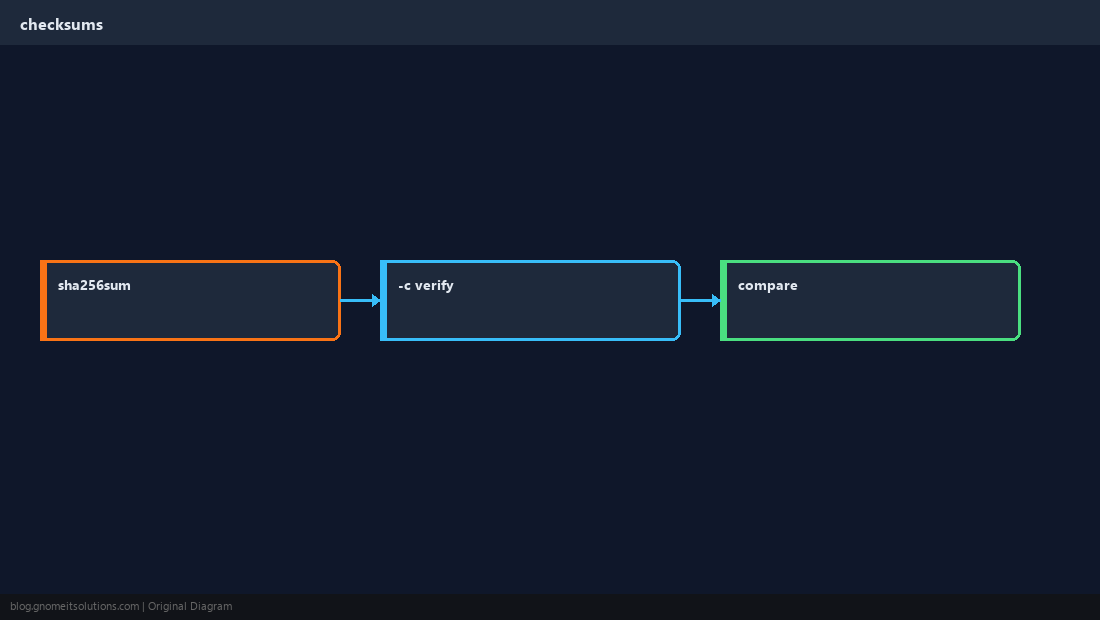
Verify with -c
Vendor files list expected hashes — -c exits non-zero on any mismatch.
bashcheck
sha256sum -c SHA256SUMSAfter copy or rsync
Re-hash destination files before deleting source.
bashcompare
sha256sum /backup/db.sql.gz /data/db.sql.gzSecurity note
MD5 is weak for attacker-crafted collisions — use SHA-256 or gpg signatures for software supply chain.
WarningTreat checksums as integrity, not authenticity — pair with signed manifests from the publisher when available.
Quick Reference
- Create:
sha256sum file - Verify list:
sha256sum -c SHA256SUMS - Prefer SHA-256 over md5 for downloads
Related tutorials
Diagrams are original illustrations by Gnome IT Solutions. Tutorial text © Gnome IT Solutions.