Linux screen keeps processes running when your SSH client disconnects — long compiles, tail -f, or remote installs. It predates tmux but still ships on many servers and rescue images.
Alternative: tmux guide,
nohup,
SSH config.
Start a named session
Named sessions are easier to reattach after days away.
bashstart
screen -S deploy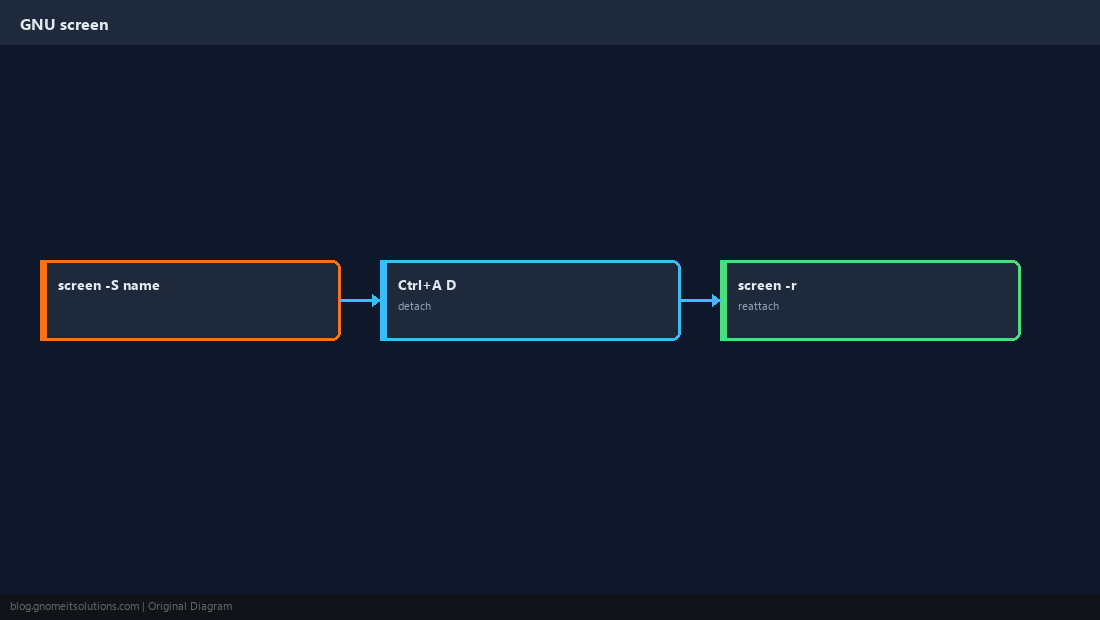
Detach without killing work
Default prefix is Ctrl+A, then D.
List and reattach
If only one detached session exists, plain screen -r works.
bashreattach
screen -ls
screen -r deployWhen to use tmux instead
tmux offers panes and nicer scripting; screen is fine for one long-running command.
TipInside screen, run
echo $STY to confirm you are attached to a session.Quick Reference
- New session:
screen -S name - Detach: Ctrl+A, then D
- Back:
screen -r name
Related tutorials
Diagrams are original illustrations by Gnome IT Solutions. Tutorial text © Gnome IT Solutions.