watch on Linux is the quick dashboard when you do not want to mash Up-Arrow — it clears the screen and reruns your command every 2 seconds by default. Perfect during deploys: watch kubectl get pods, watch df -h, or watch -n1 ss -tln.
Alternatives: htop,
tmux,
tail -f logs.
Basic watch Syntax
Interval -n in seconds; command is one argument (quote complex commands).
watch -n 2 uptime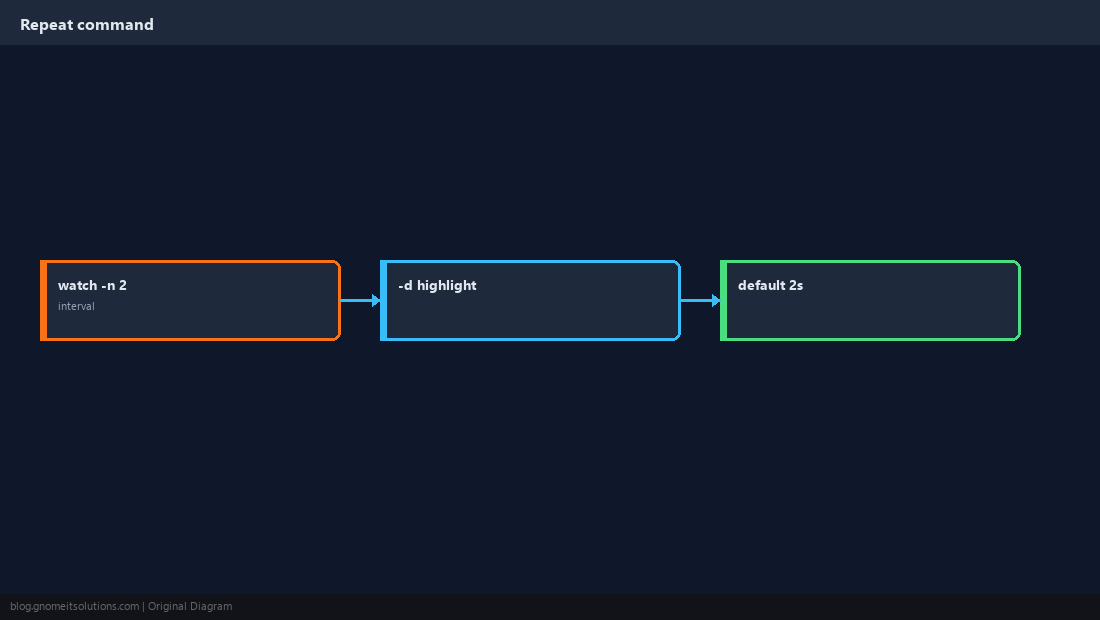
High-Value Examples
Disk, memory, listening ports, and queue depth during incidents.
watch -n 1 'ss -tln | grep -E ":80|:443"'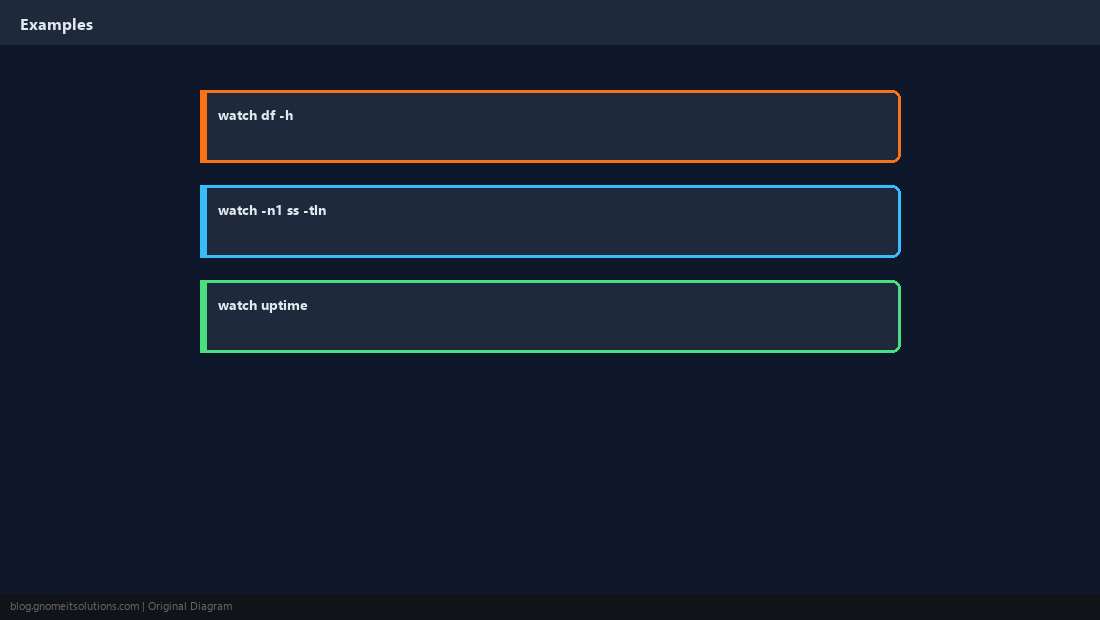
Quoting Pipelines
Pipes need a single quoted string or sh -c so watch runs one shell command.
watch -n 2 sh -c 'df -h / | tail -1'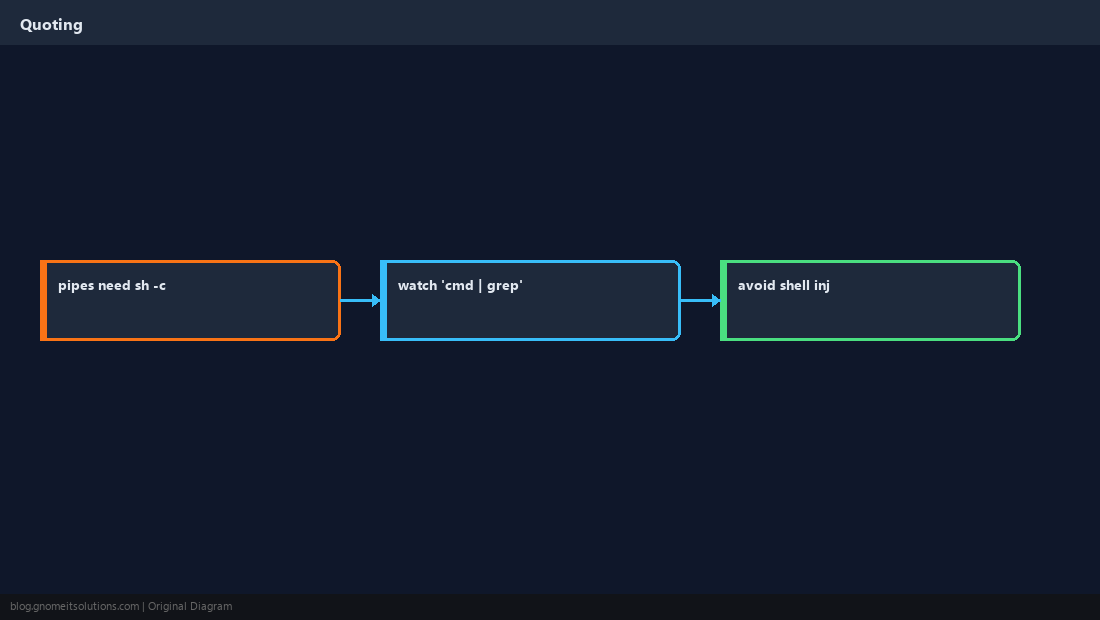
Highlight Changes (-d)
GNU watch can highlight diffs between runs — easier to spot movement.
watch -d -n 1 free -h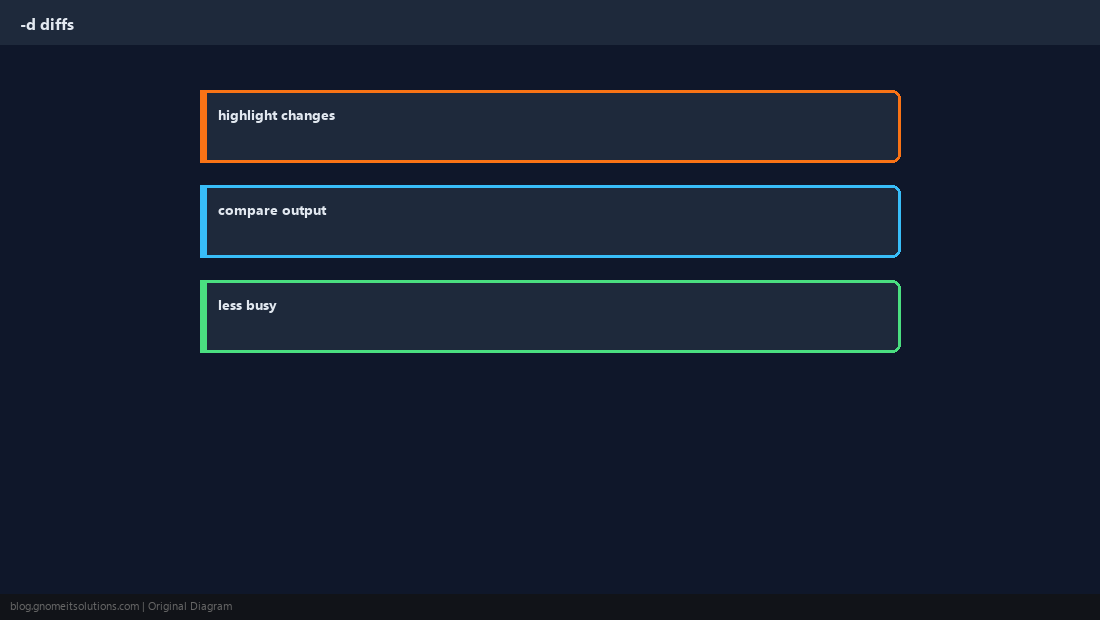
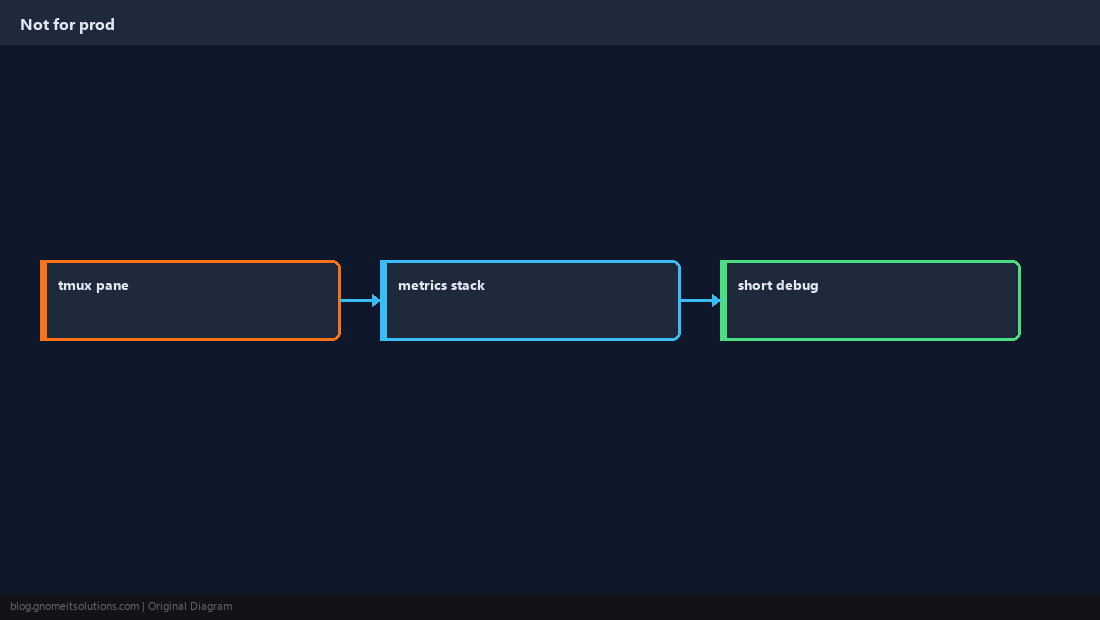
Not a Monitoring Platform
watch dies when SSH drops — use metrics for SLOs and paging.
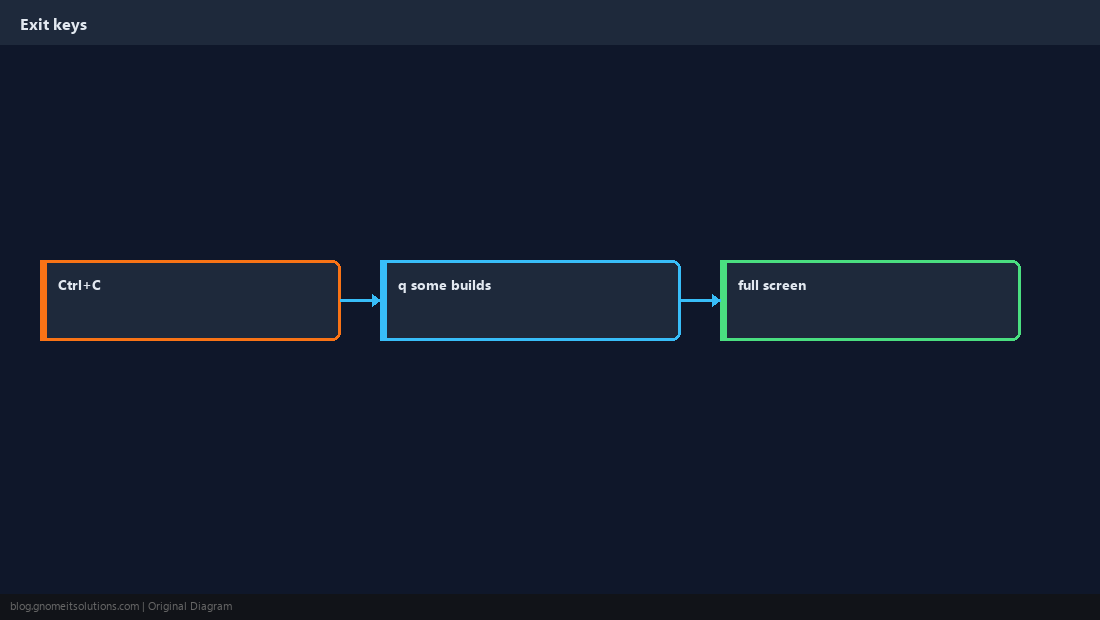
Exit and Full Screen
Ctrl+C stops watch; some terminals respect q depending on watch build.
Quick Sanity Check
Confirm the interval ticks before you stare at it for an hour.
watch -n 1 date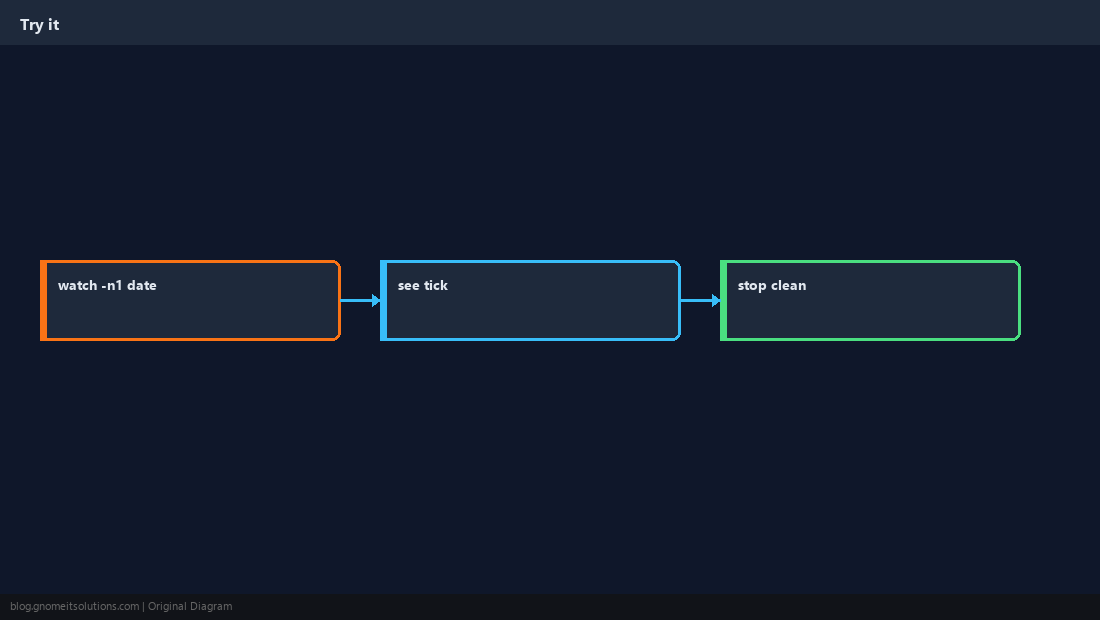
Quick Reference
- Default interval: 2s — change with
-n SECONDS - Pipes:
watch 'cmd | grep x' - Changes:
watch -d(GNU)
Related tutorials
Diagrams are original illustrations by Gnome IT Solutions. Tutorial text © Gnome IT Solutions.