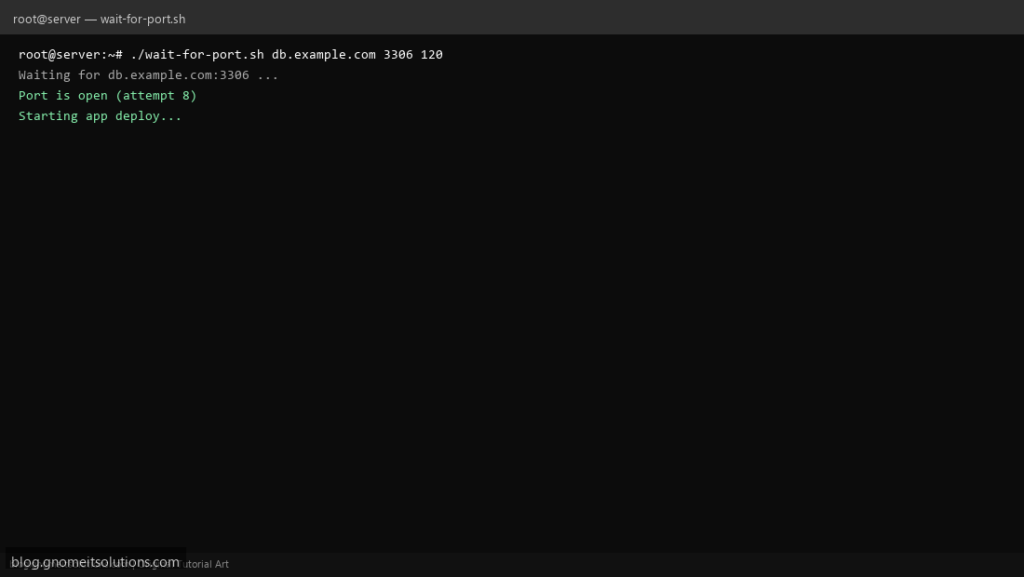
Docker Compose, Kubernetes init containers, and classic deploy scripts all need the same primitive: wait until MySQL listens on 3306 before running migrations. This portable Bash loop uses /dev/tcp (or nc when available) with a hard timeout.
What this script does
- Arguments: host, port, optional timeout seconds
- Polls every 2 seconds until the port accepts TCP
- Fails with exit 1 after timeout (CI/CD can abort deploy)
- Works in minimal images when bash is present
- Safe for use in systemd ExecStartPre or entrypoint scripts
Prerequisites
- Bash 4+ with /dev/tcp enabled (default on most Linux)
- Network route to target host
- Firewall allows probe from runner host
Step 1: Save the script
sudo nano /usr/local/bin/wait-for-port.sh
sudo chmod +x /usr/local/bin/wait-for-port.sh
Step 2: Full script (scroll to read)
wait-for-port.sh
#!/usr/bin/env bash
set -euo pipefail

HOST="${1:?usage: wait-for-port.sh HOST PORT [TIMEOUT_SEC]}"
PORT="${2:?usage: wait-for-port.sh HOST PORT [TIMEOUT_SEC]}"
TIMEOUT="${3:-120}"
INTERVAL=2

log(){ echo "[$(date '+%F %T')] $*"; }

port_open(){
  if command -v nc >/dev/null 2>&1; then
    nc -z -w 2 "$HOST" "$PORT" >/dev/null 2>&1
  else
    timeout 2 bash -c "echo >/dev/tcp/$HOST/$PORT" >/dev/null 2>&1
  fi
}

deadline=$(( $(date +%s) + TIMEOUT ))
attempt=0

log "Waiting for $HOST:$PORT (timeout ${TIMEOUT}s)"
while ! port_open; do
  attempt=$((attempt + 1))
  if [[ $(date +%s) -ge $deadline ]]; then
    log "TIMEOUT after ${attempt} attempts"
    exit 1
  fi
  sleep "$INTERVAL"
done

log "Port is open (attempt $attempt)"
Scroll inside the box to read the full script.
Step 3: Configure settings
- Does not validate TLS or application health — only TCP open
- For HTTP health use API health check script
- Pair with git deploy script
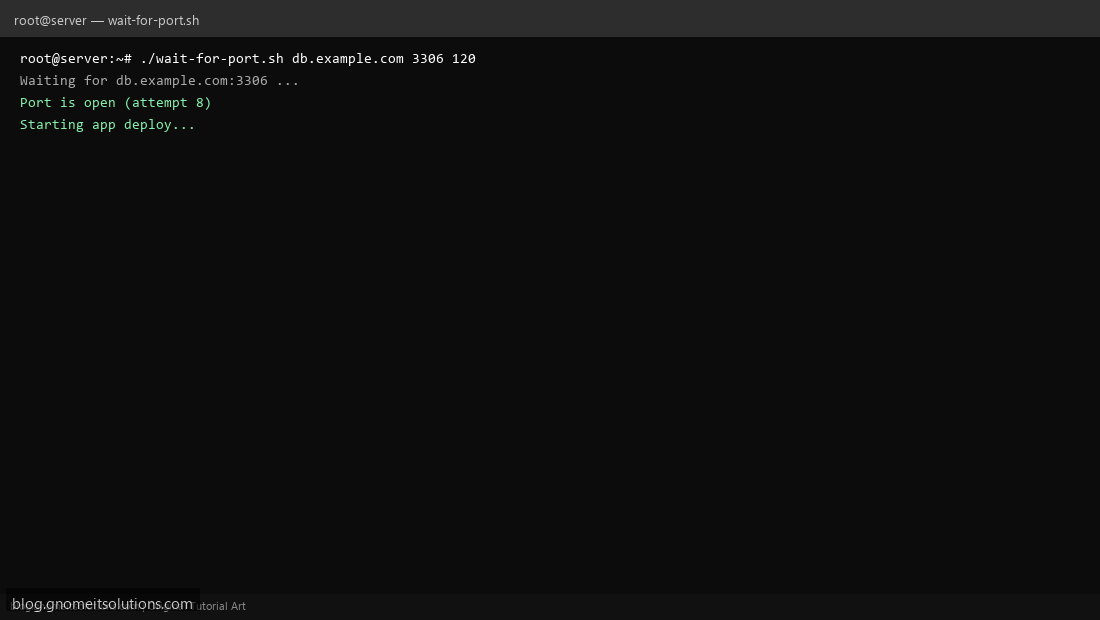
Step 4: Test manually
./wait-for-port.sh 127.0.0.1 22 30echo exit=$?Related tutorials
- Linux Backup Shell Script: Files & Database to Remote Server
- Cron Jobs in Linux: Schedule Tasks with crontab
- SSH Key Authentication on Linux Servers
Terminal screenshot is an original illustration created for Gnome IT Solutions (blog.gnomeitsolutions.com).