
Build a Proxmox homelab on Intel NUC or mini PC.
Step 1: Boot Installer from USB
Flash Proxmox ISO to USB. Boot NUC and select Graphical Install.

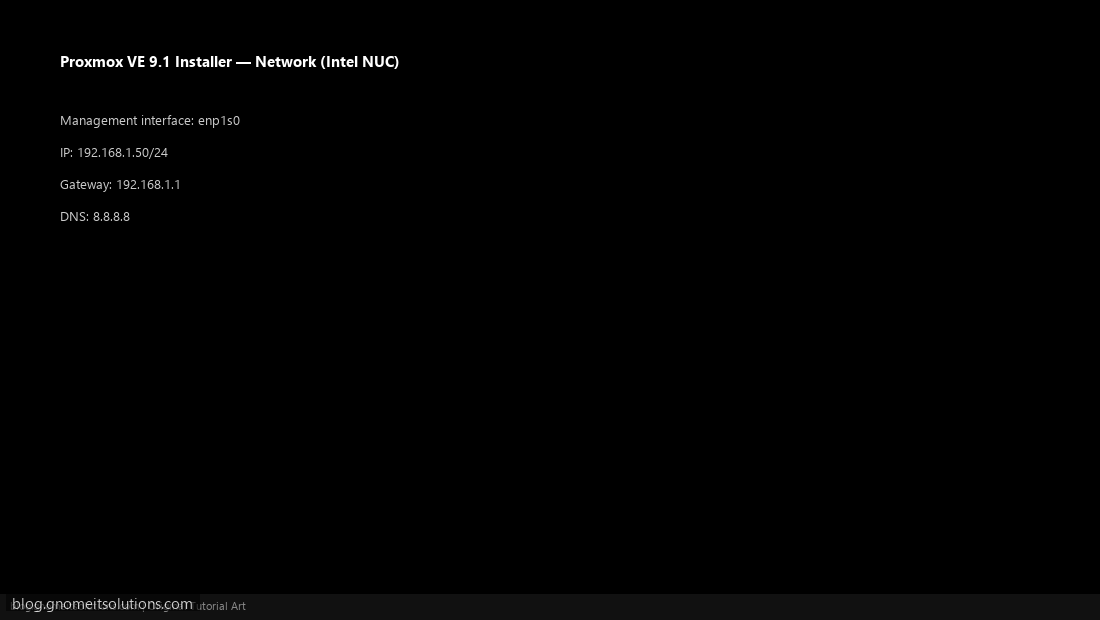
Step 2: Configure Network
Set static IP for management interface during install.
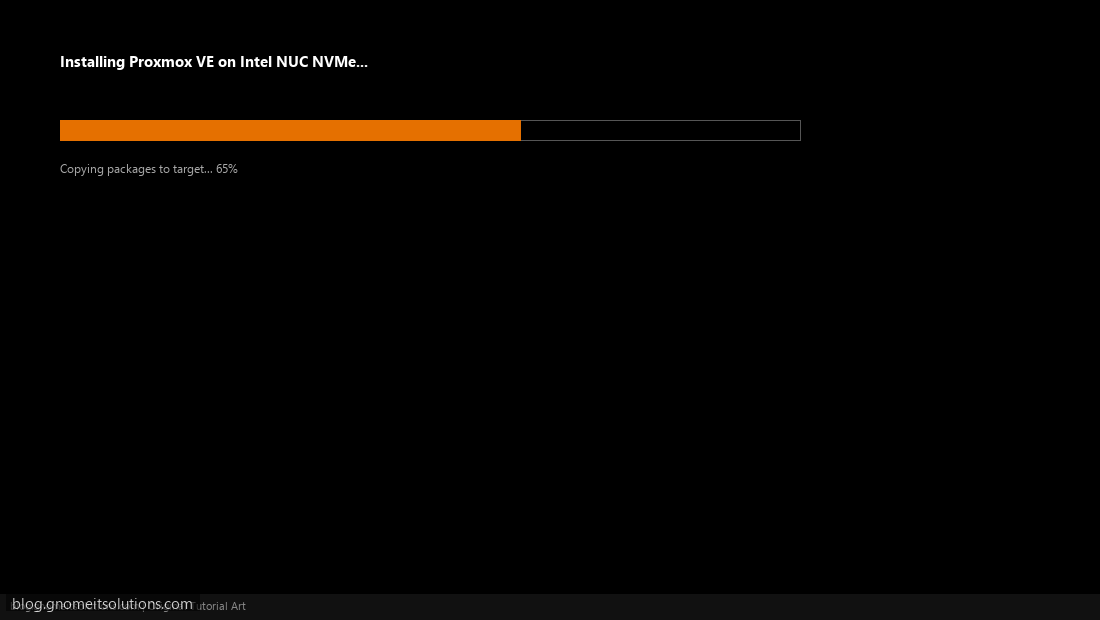
Step 3: Complete Installation
Wait for packages to copy to NVMe, then reboot.
Step 4: First Login to Web UI
Open https://NUC-IP:8006 and log in as root.
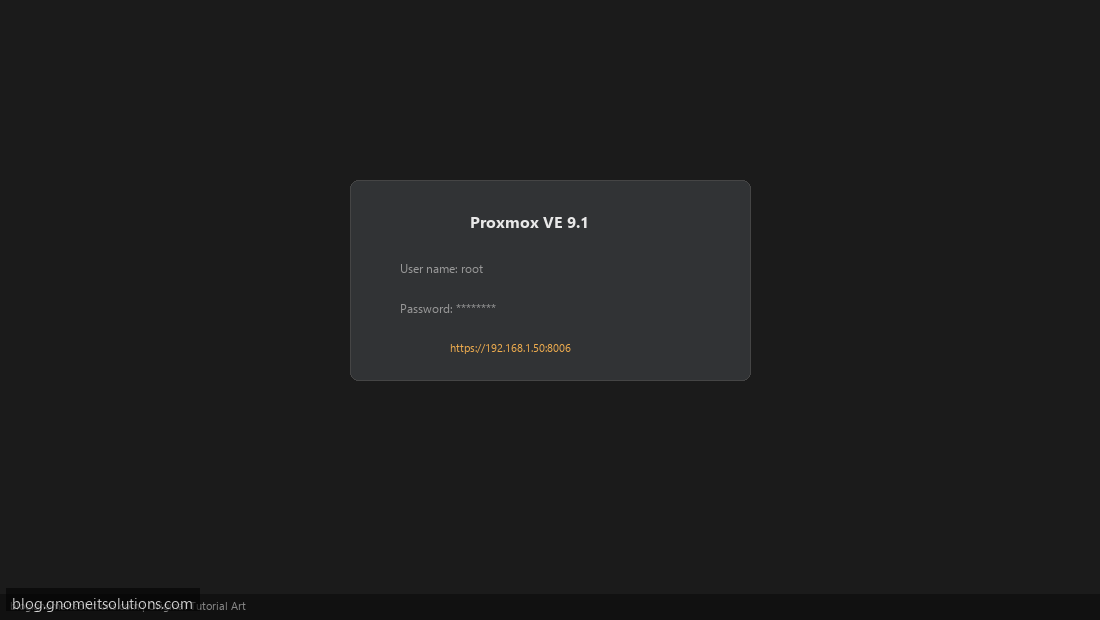
Image credits: All screenshots are original Proxmox VE 9.1-style illustrations
created for Gnome IT Solutions. Each image matches its tutorial step. Not copied from third-party sources.
Image credits: Screenshots are from the official
Proxmox VE documentation
(Proxmox GmbH), used under open documentation terms for educational purposes.
Tutorial text and layout © Gnome IT Solutions.