mysqldump produces a portable SQL file you can restore with the mysql client. It is the first backup tool most admins learn before moving to
per-table parallel tools or physical snapshots.
For production PostgreSQL, see PostgreSQL secure setup; for encrypted off-site backups,
restic can carry dump files after mysqldump creates them.
Logical Backup vs Raw Files
mysqldump exports schema and data as SQL. Restoring does not require the original datadir layout, which is good for migrations.
mysqldump -u root -p mydb > mydb-$(date +%F).sql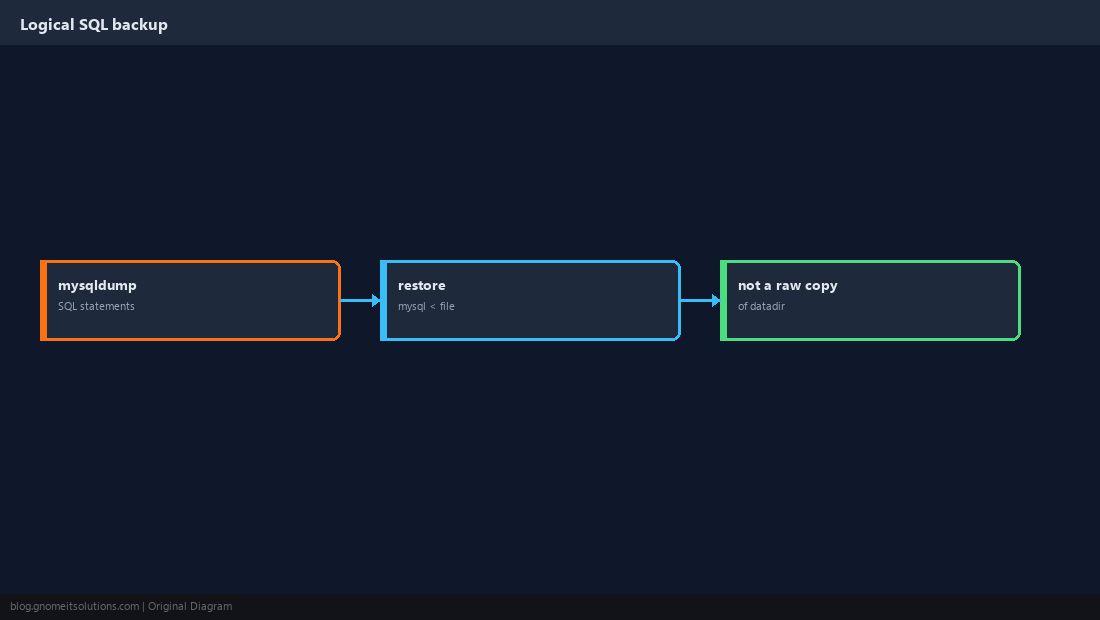
Consistent InnoDB Dumps
--single-transaction uses a snapshot without locking all tables (InnoDB). Add --quick for large tables.
mysqldump -u backup -p --single-transaction --quick --routines --triggers mydb > mydb.sql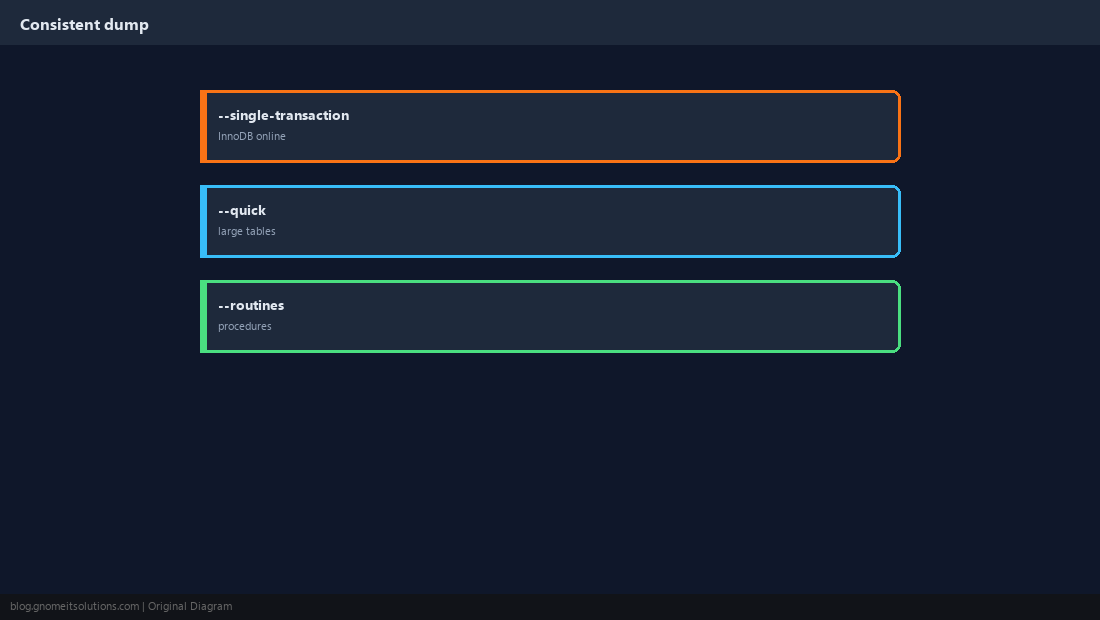
Credentials Without Passwords in Shell History
Use a ~/.my.cnf or --defaults-extra-file with mode 600.
[client]
user=backup
password=CHANGE_ME
host=localhost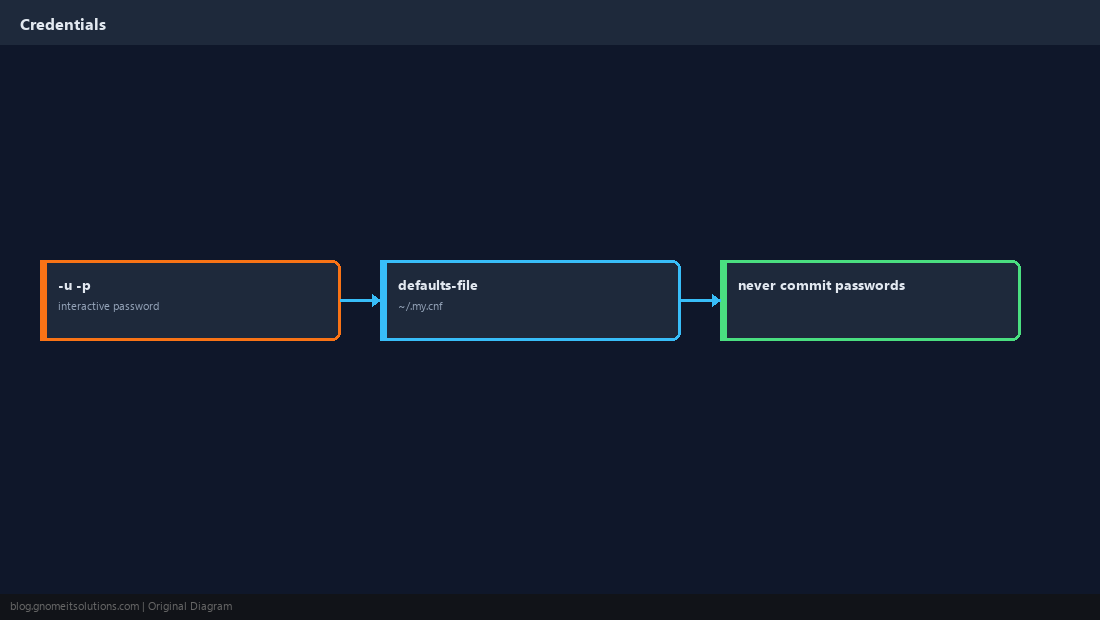
Compress and Name Backups
Pipe through gzip and include timestamps. Prune old files with find.
mysqldump --single-transaction mydb | gzip > /backup/mydb-$(date +%F).sql.gz
find /backup -name 'mydb-*.sql.gz' -mtime +14 -delete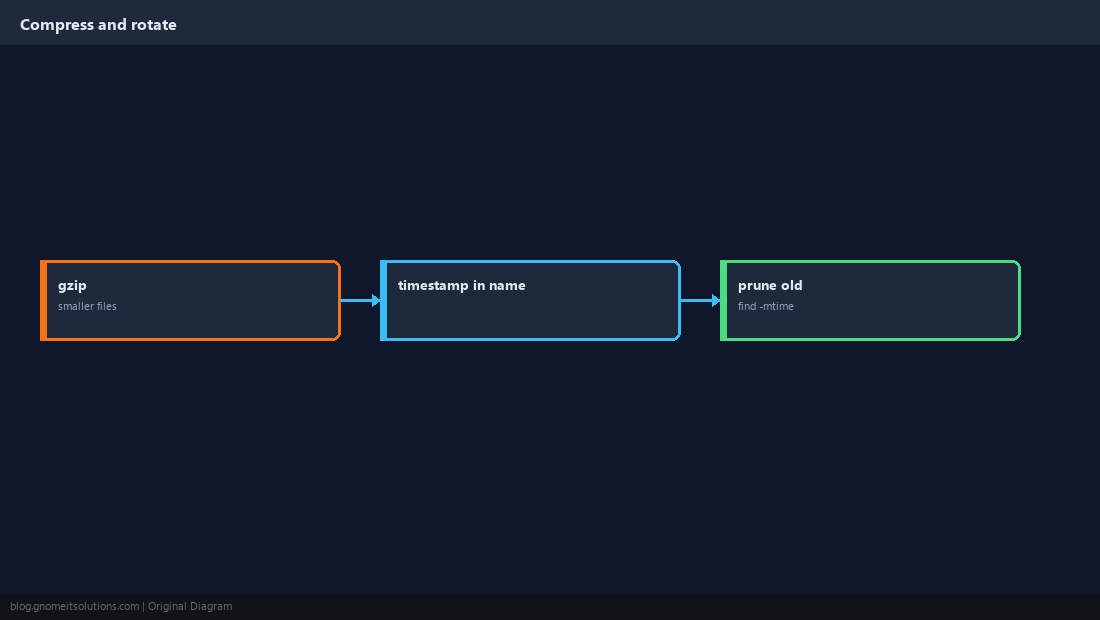
Restore on Staging
Create an empty database, import, and spot-check tables. An untested backup is hope, not a plan.
mysql -u root -p -e 'CREATE DATABASE restore_test;'
gunzip -c mydb.sql.gz | mysql -u root -p restore_test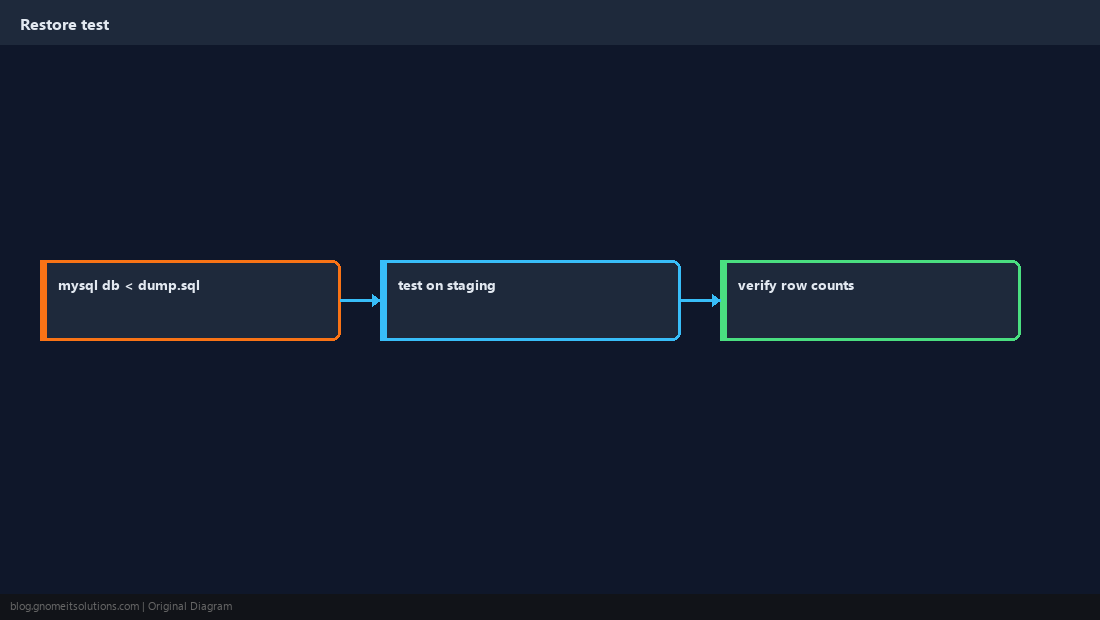
Schedule With systemd Timer
Reuse the pattern from our timer guide: oneshot service + daily timer + log exit codes.
#!/bin/bash
set -euo pipefail
/usr/bin/mysqldump --defaults-extra-file=/etc/mysql/backup.cnf --single-transaction mydb | gzip > /backup/mydb-$(date +%F).sql.gz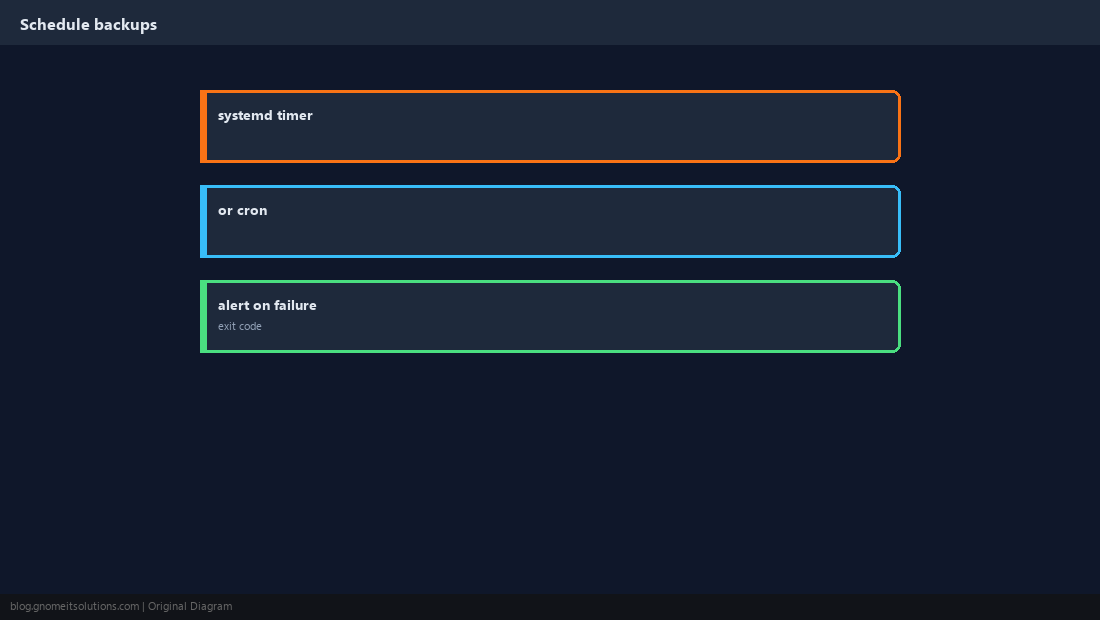
Know the Limits
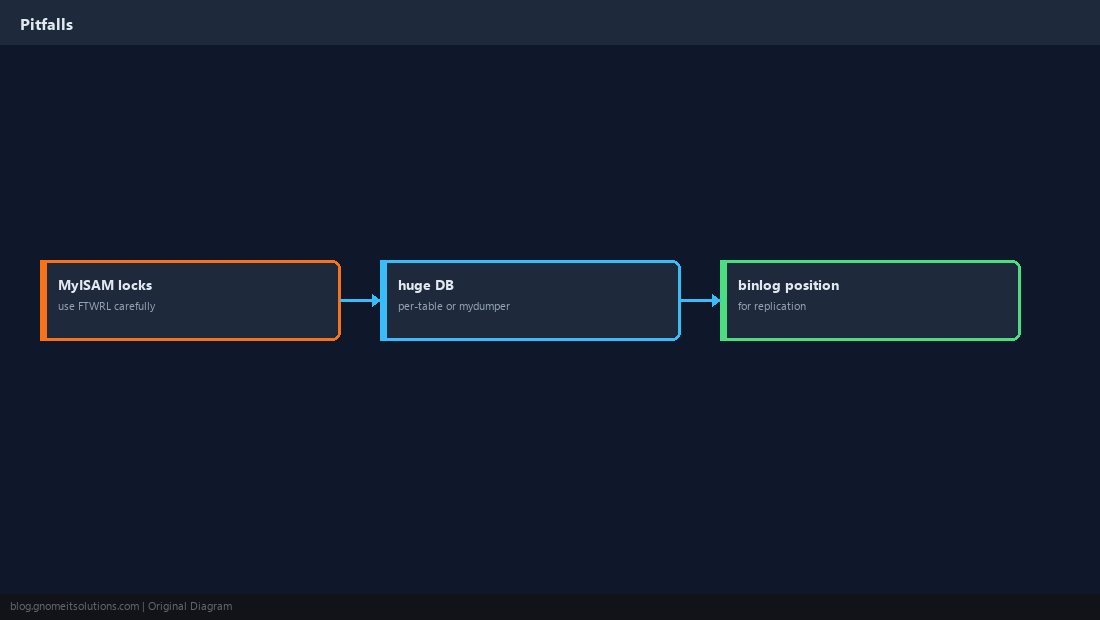
Very large databases may need mydumper/physical backup. MyISAM-heavy schemas need different locking. Replication setups may need binlog coordinates.
Quick Reference
- InnoDB:
--single-transaction --quick - Store creds in mode-600
.my.cnf - Always test a restore on staging
Related tutorials
Diagrams are original illustrations by Gnome IT Solutions. Tutorial text © Gnome IT Solutions.