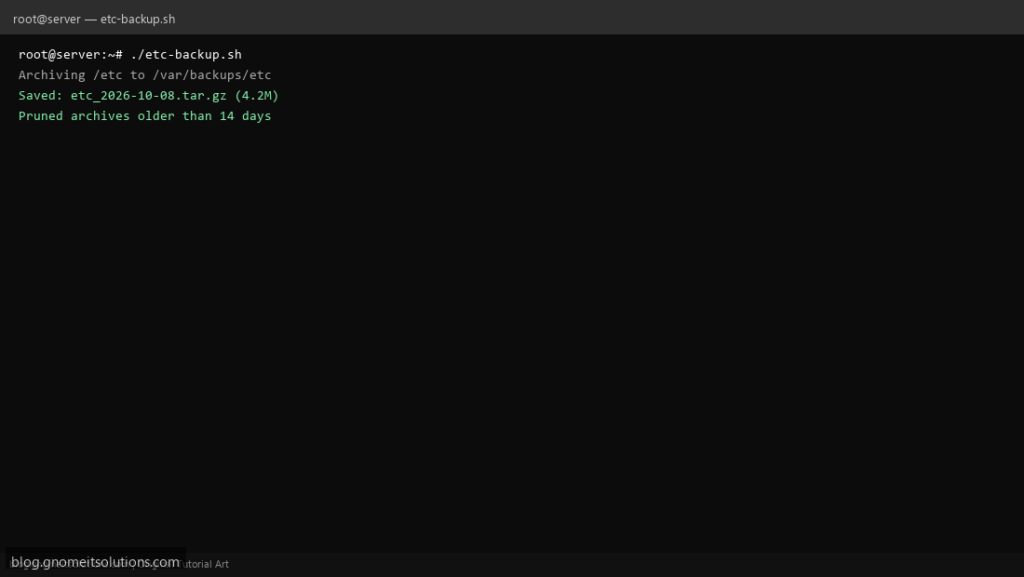
Before you change Nginx, SSH, or firewall rules, snapshot /etc. This lightweight script complements full backup tools — it is fast, diff-friendly, and easy to store off-server next to your database dumps.
What this script does
- Creates
etc_YYYY-MM-DD.tar.gzunder a backup directory - Excludes volatile paths like
/etc/ld.so.cacheif present - Deletes archives older than a configurable retention window
- Logs archive size and path for audit trails
- Documents one-line restore into
/tmp/etc-restorefor inspection
Prerequisites
- Root or sudo (read all of /etc)
- Enough disk for compressed /etc (usually a few MB–GB)
- tar and gzip installed
Step 1: Save the script
sudo nano /usr/local/bin/etc-backup.sh
sudo chmod +x /usr/local/bin/etc-backup.sh
Step 2: Full script (scroll to read)
etc-backup.sh
#!/usr/bin/env bash
set -euo pipefail

BACKUP_DIR="/var/backups/etc"
RETENTION_DAYS=14
DATE=$(date +%F)
ARCHIVE="${BACKUP_DIR}/etc_${DATE}.tar.gz"
LOG="/var/log/etc-backup.log"

log(){ echo "[$(date '+%F %T')] $*" | tee -a "$LOG"; }
mkdir -p "$BACKUP_DIR"

log "Archiving /etc to $ARCHIVE"
tar -czf "$ARCHIVE" \
  --exclude='etc/ld.so.cache' \
  -C / etc

log "Saved: $ARCHIVE ($(du -h "$ARCHIVE" | awk '{print $1}'))"
find "$BACKUP_DIR" -type f -name 'etc_*.tar.gz' -mtime +"$RETENTION_DAYS" -delete
log "Pruned archives older than ${RETENTION_DAYS} days"
log "Inspect restore: mkdir -p /tmp/etc-restore && tar -xzf $ARCHIVE -C /tmp/etc-restore"
Scroll inside the box to read the full script.
Step 3: Configure settings
BACKUP_DIR— destination for archivesRETENTION_DAYS— prune older tarballs- Do not rely on this alone — pair with remote backup scripts
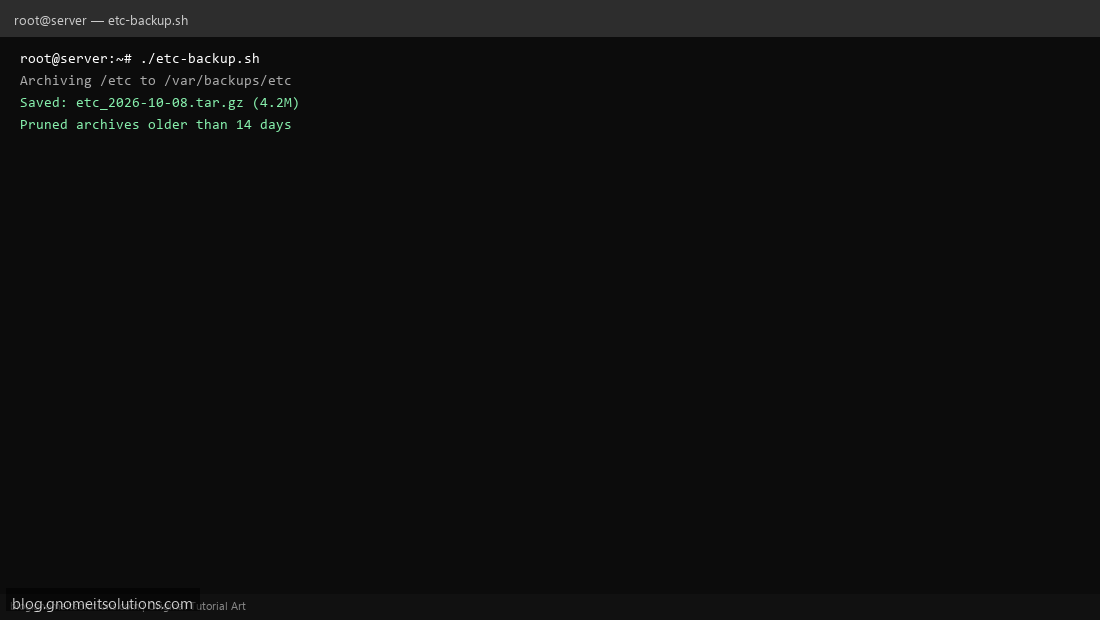
Step 4: Test manually
sudo /usr/local/bin/etc-backup.shls -lah /var/backups/etc/Schedule with cron
sudo crontab -eAdd:
15 3 * * 0 /usr/local/bin/etc-backup.sh >> /var/log/etc-backup.log 2>&1Related tutorials
- Linux Backup Shell Script: Files & Database to Remote Server
- Cron Jobs in Linux: Schedule Tasks with crontab
- SSH Key Authentication on Linux Servers
Terminal screenshot is an original illustration created for Gnome IT Solutions (blog.gnomeitsolutions.com).