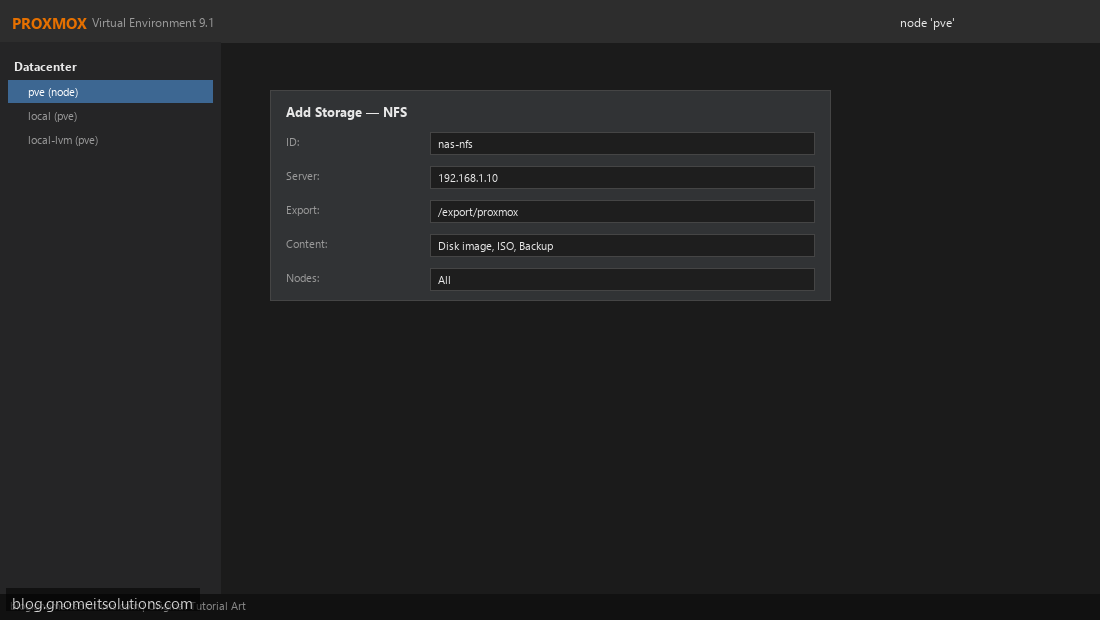
Add NFS Storage to Proxmox VE (Step-by-Step Guide)
Add NFS storage to Proxmox VE for VM disks, ISO files, and backups. Mount NAS shares and configure…
Read tutorial →Browse step-by-step tutorials in this topic.
Add NFS storage to Proxmox VE for VM disks, ISO files, and backups. Mount NAS shares and configure…
Read tutorial →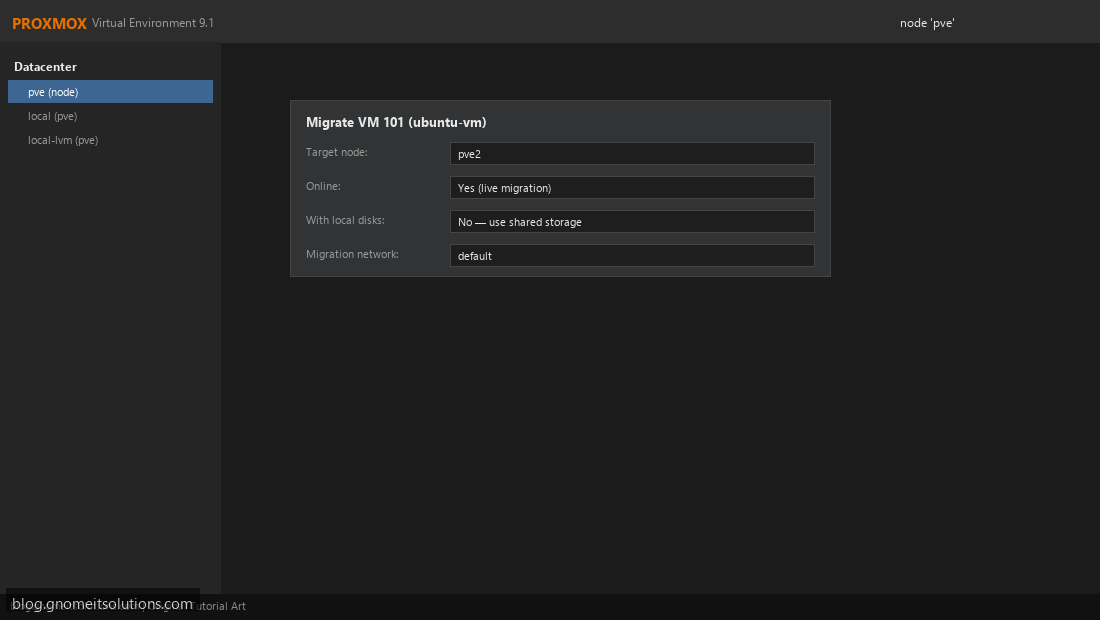
Live migrate running VMs between Proxmox cluster nodes with zero downtime. Requirements, shared storage, and GUI steps.
Read tutorial →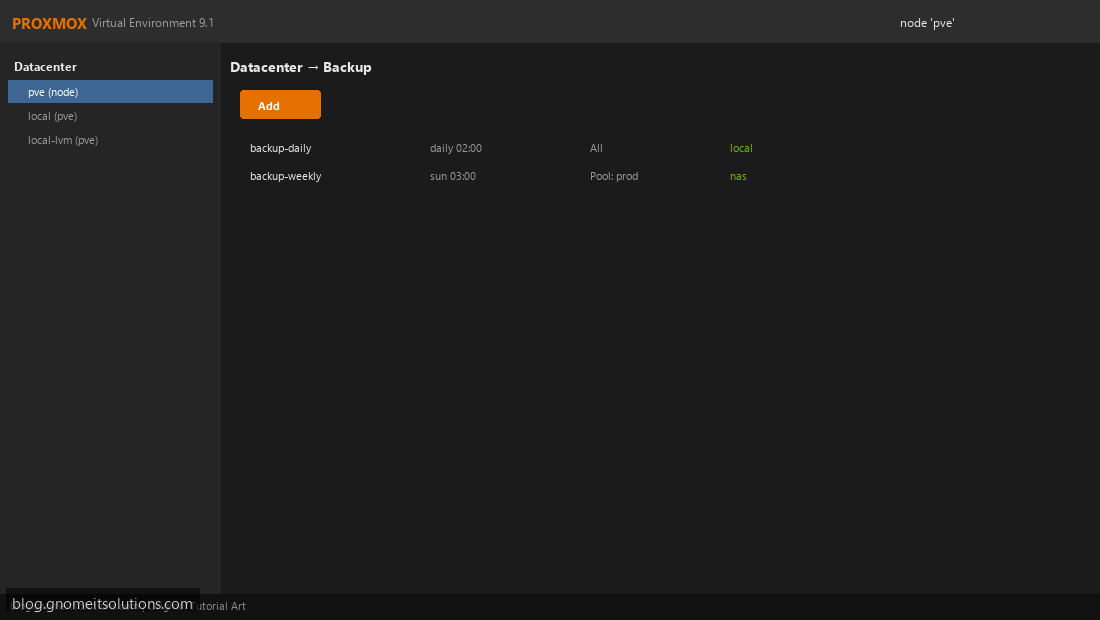
Configure scheduled vzdump backup jobs in Proxmox VE. Set retention, mode, storage, and email notifications.
Read tutorial →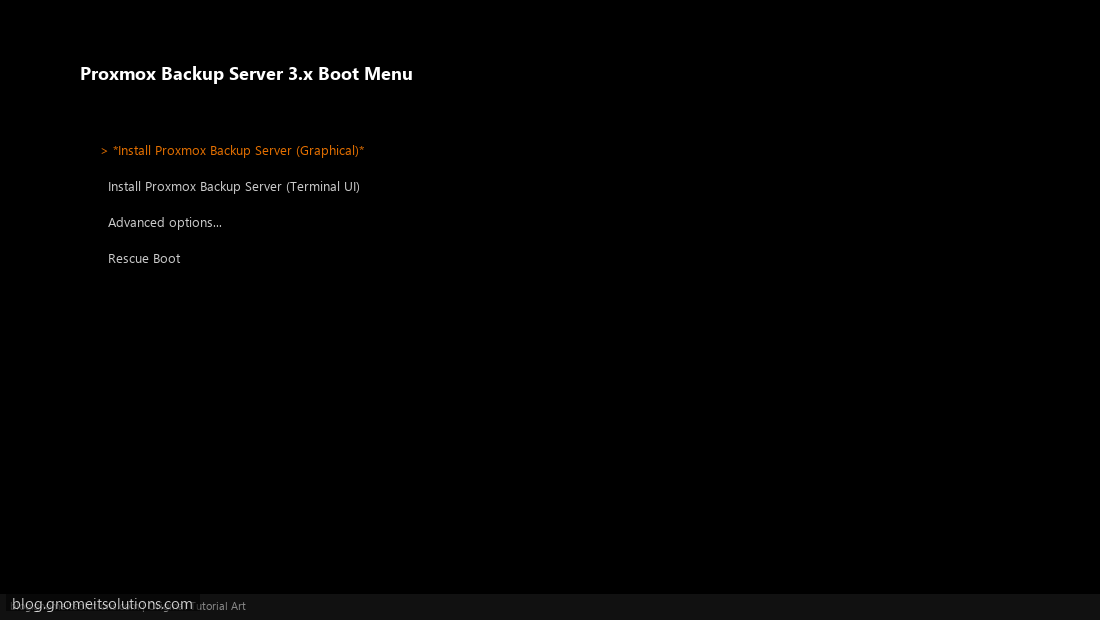
Install Proxmox Backup Server and connect it to Proxmox VE for enterprise-grade deduplicated backups with fast restore.
Read tutorial →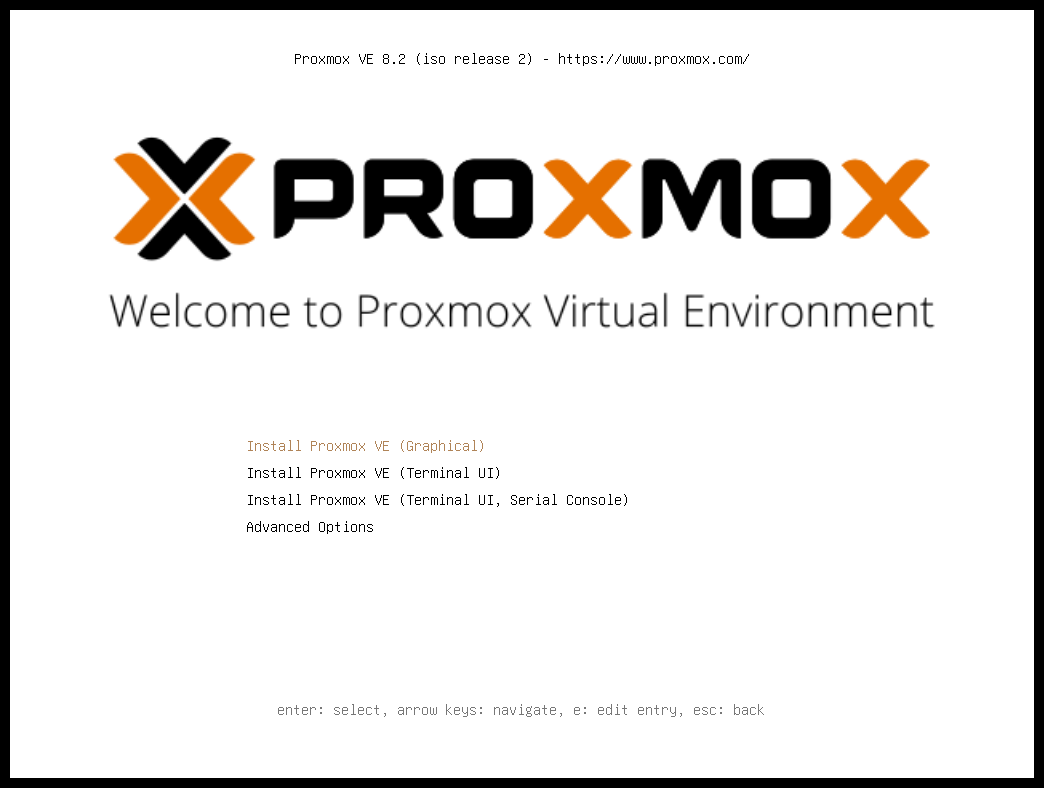
Install Proxmox VE on a bare metal server from USB. Disk setup, network, password, and first web UI…
Read tutorial →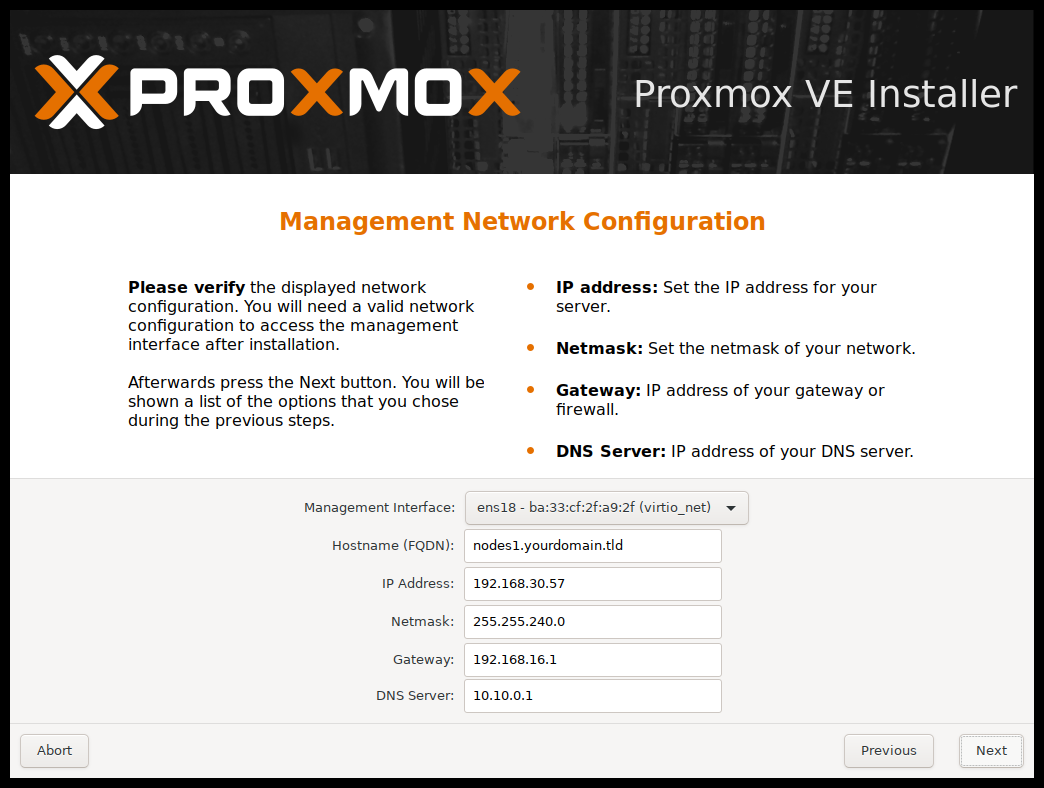
Configure Proxmox networking with Linux bridges, VLANs, and vmbr0. Step-by-step for home labs and production.
Read tutorial →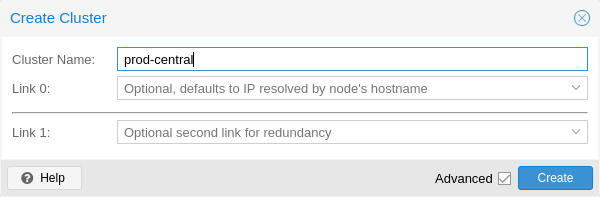
Set up a Proxmox VE cluster with multiple nodes. Covers quorum, corosync, joining nodes, and best practices.
Read tutorial →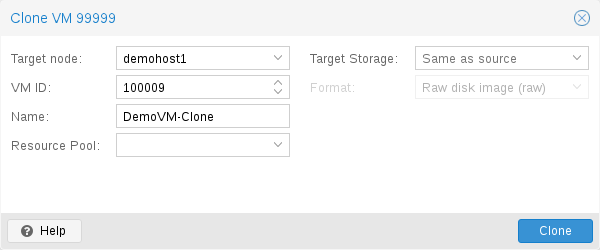
Convert a configured Proxmox VM into a reusable template. Deploy new VMs quickly from your golden image.
Read tutorial →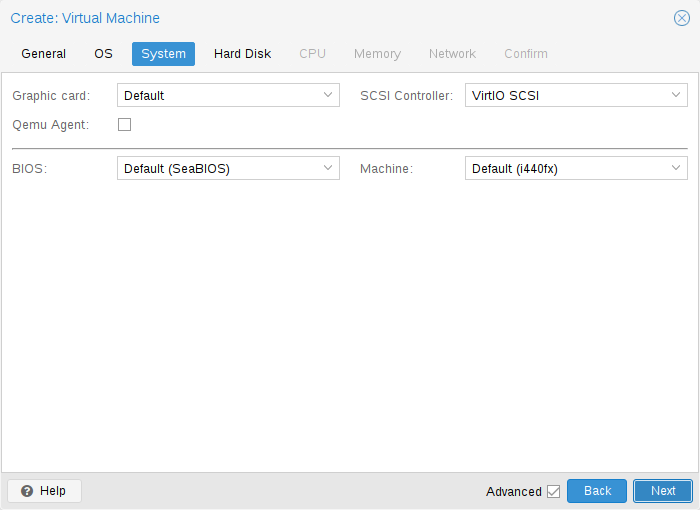
Enable QEMU Guest Agent on Proxmox VMs for clean shutdowns, IP reporting, and better backup integration.
Read tutorial →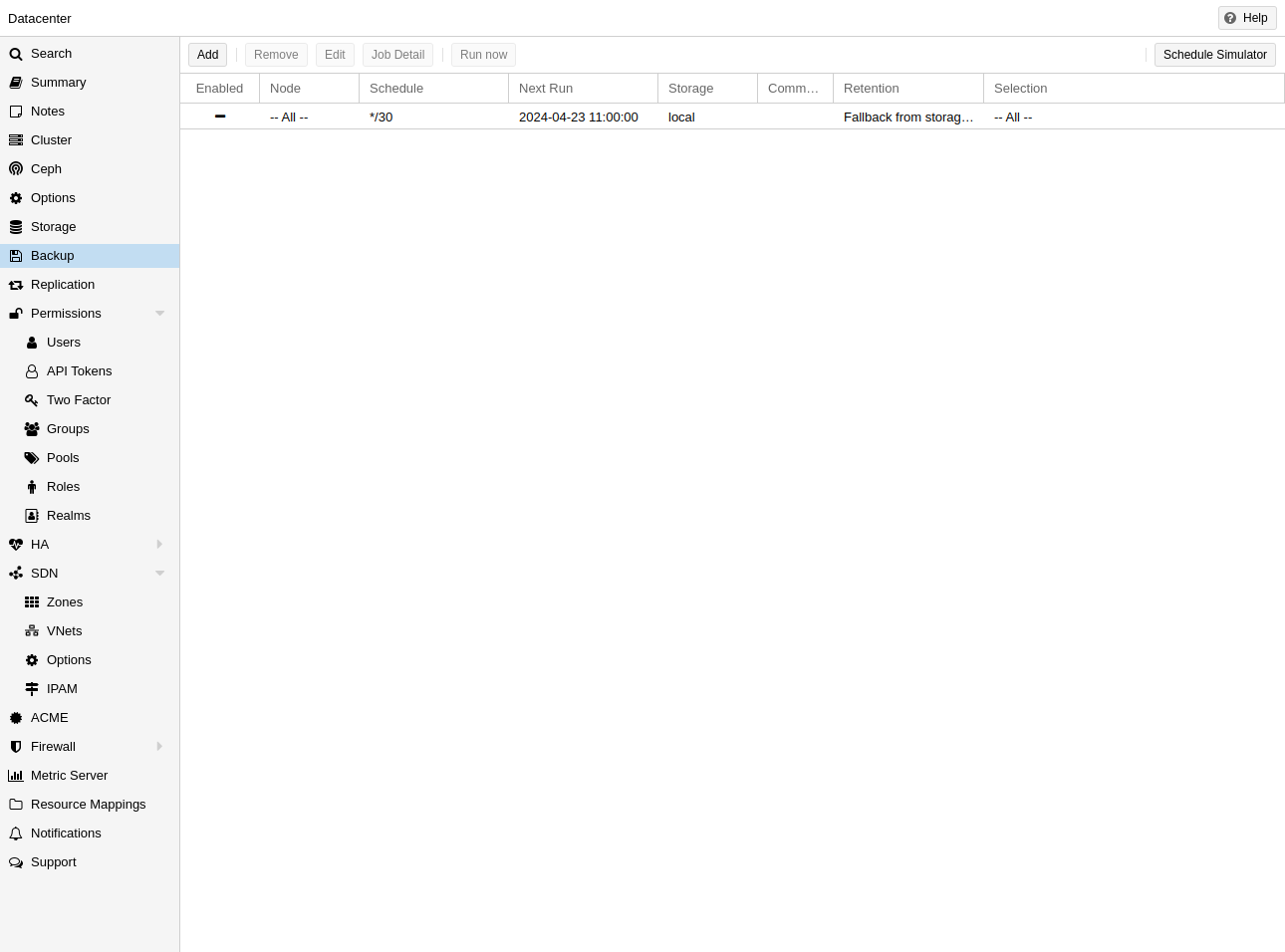
Step-by-step guide to restore a Proxmox VM from backup. Works with NAS, local storage, and vzdump backup files.
Read tutorial →