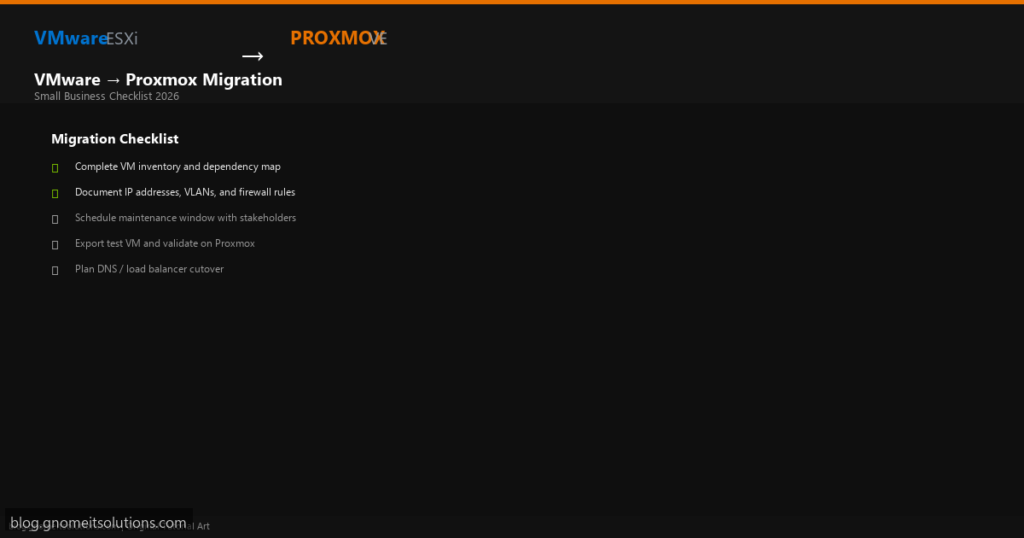
Small businesses running 3–5 ESXi hosts and 10–30 VMs need a structured plan before migrating to
Proxmox VE. This checklist covers every phase — from inventory to rollback — so your
team does not miss DNS, firewall, or backup steps during cutover.
Who should use this checklist
- IT teams of 1–5 people managing on-prem virtualization
- MSPs moving cost-sensitive clients off VMware subscriptions
- Homelab operators bringing production services to Proxmox
Phase 1: Discovery — VM Inventory and Dependencies
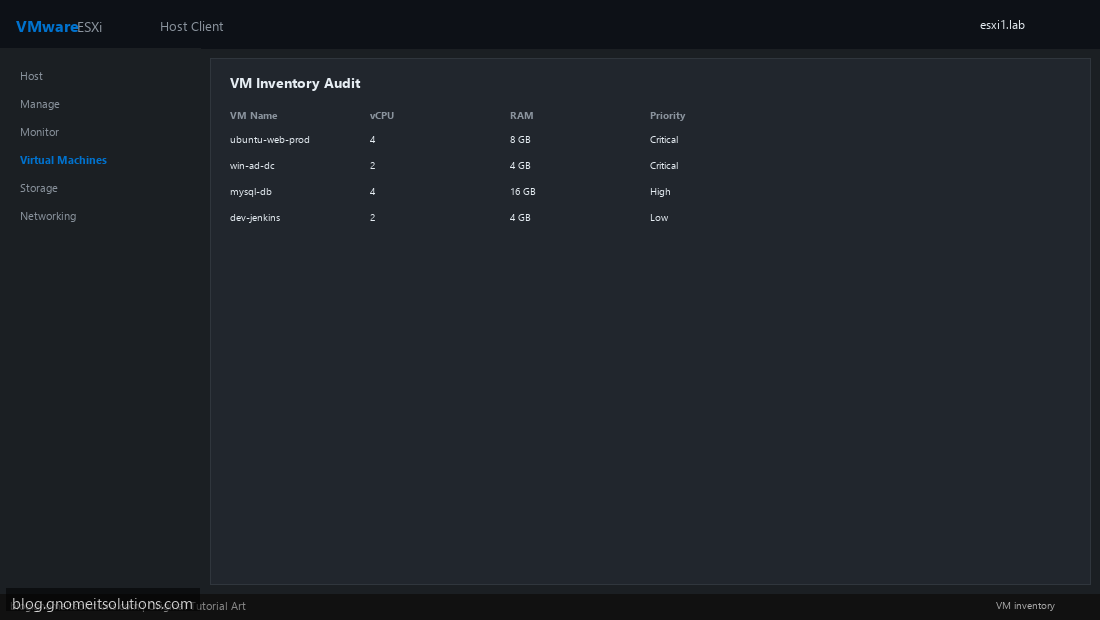
Export a full VM list from ESXi Host Client or vCenter. For each VM record: name, vCPU, RAM, disk size, OS, IP address, VLAN, upstream dependencies (database, AD, DNS), and business criticality (Critical / High / Low). Migrate low-risk VMs first as pilots.
Phase 2: Network and Storage Planning
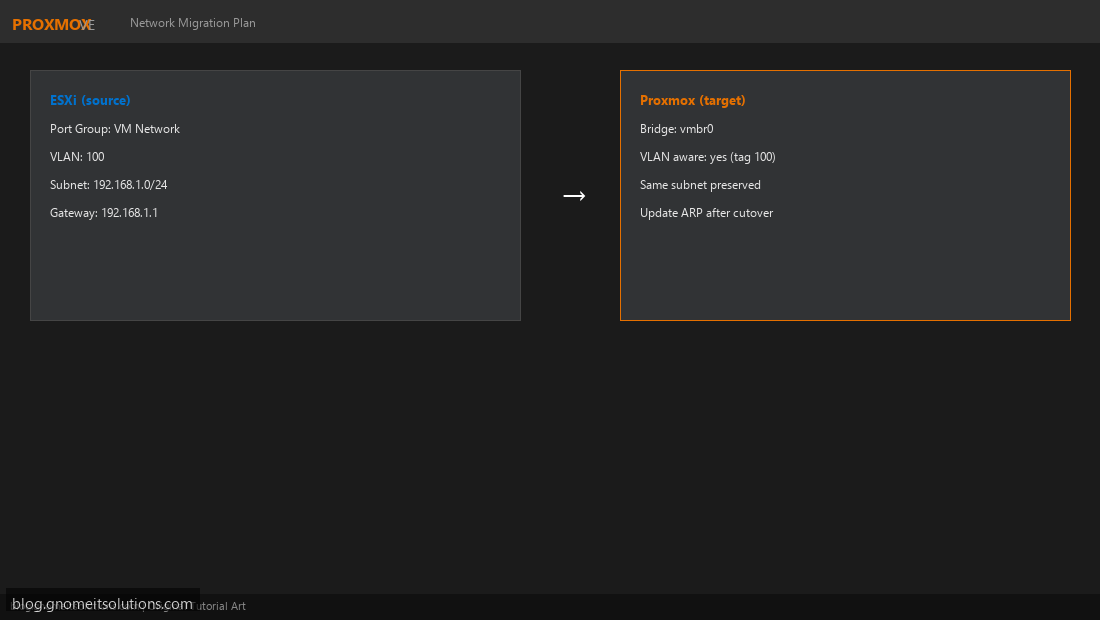
Map ESXi port groups to Proxmox bridges (vmbr0, VLAN-aware tags). Confirm Proxmox storage pools have capacity for all imported disks plus 20% headroom. Plan whether IPs stay the same or change — same-IP cutover is simpler but requires ARP flush.
Phase 3: Schedule Maintenance Window and Notify Stakeholders
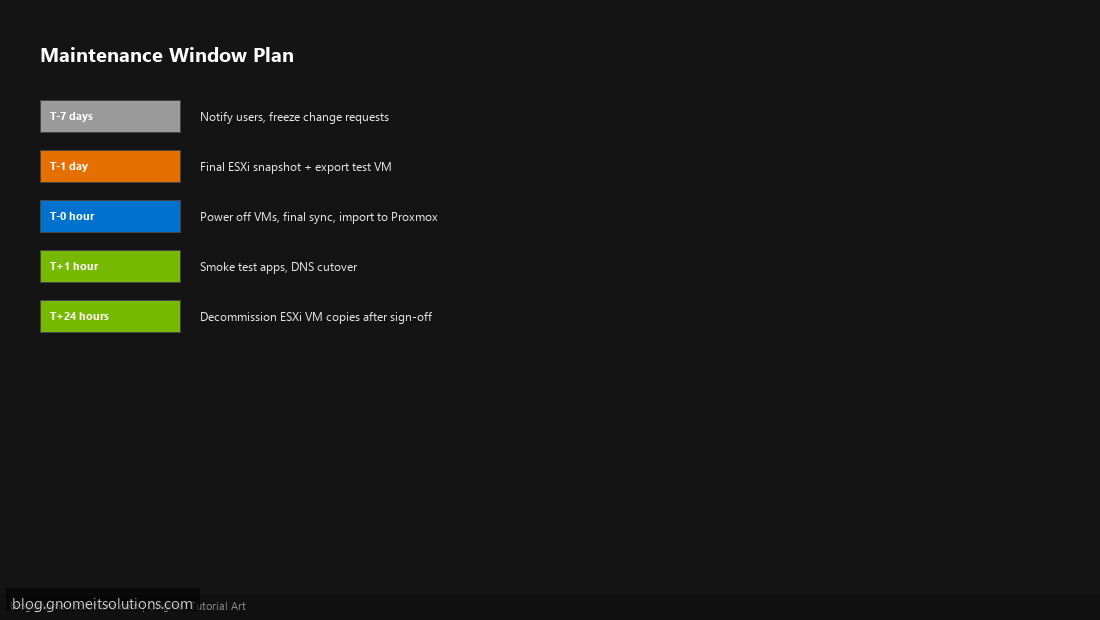
Pick a window when Critical VMs can tolerate downtime. Send notification 7 days ahead. Freeze infrastructure changes 24 hours before cutover. Assign roles: migration lead, app owner for smoke tests, rollback decision maker.
Phase 4: Pilot Migration and Smoke Test
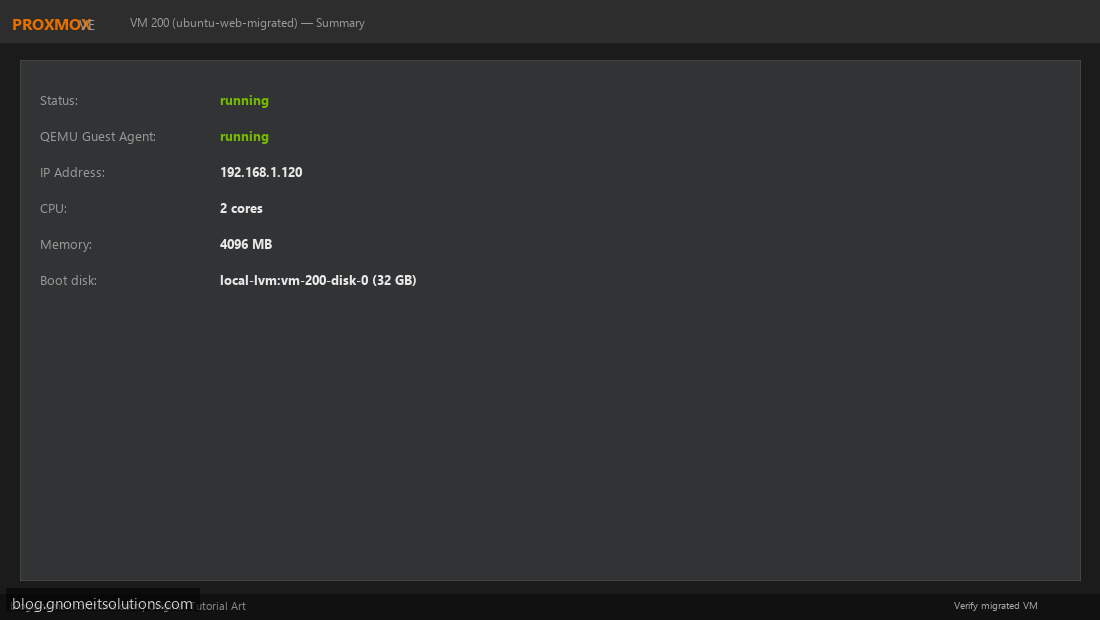
Migrate one non-critical VM end-to-end. Validate boot time, application login, backup job, and monitoring alerts. Document actual downtime vs estimate. Only proceed to bulk migration after pilot sign-off.
Phase 5: Rollback Plan and Go-Live Sign-Off
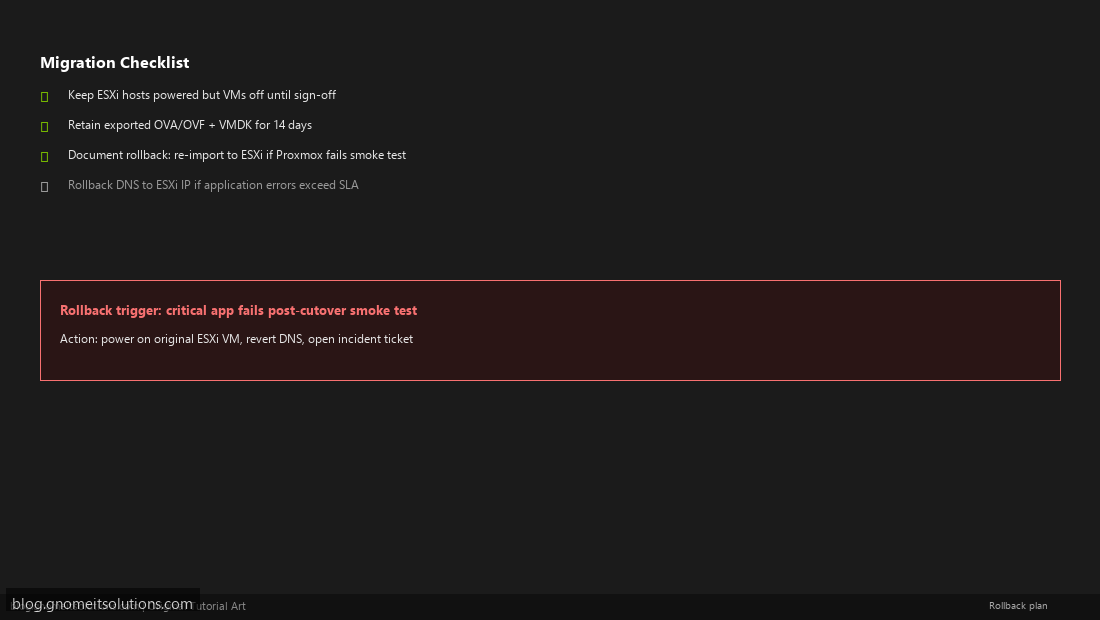
Keep ESXi hosts available (VMs powered off) for 14 days. Retain OVA exports on separate storage. Define rollback trigger: e.g. critical app error rate > 5% within 2 hours of cutover. Get written sign-off from app owners before decommissioning ESXi VMs.
Printable checklist (copy to your runbook)
- ☐ VM inventory spreadsheet completed
- ☐ ESXi port groups mapped to Proxmox bridges/VLANs
- ☐ Proxmox storage capacity verified (disks + backups)
- ☐ Backup of every VM before migration (ESXi snapshot or PBS/vzdump target ready)
- ☐ Pilot VM migrated and smoke tested
- ☐ Maintenance window communicated to users
- ☐ DNS TTL lowered to 300s (if changing IPs)
- ☐ Firewall rules updated for Proxmox host management (8006, 22)
- ☐ Monitoring alerts configured for Proxmox node
- ☐ Rollback procedure documented and tested
- ☐ Go-live sign-off obtained from business owner
- ☐ ESXi decommission scheduled 14 days post-cutover
Related tutorials
Image credits: All illustrations use original Proxmox VE and VMware ESXi
branded artwork created for Gnome IT Solutions — not copied from vendor marketing assets.
Tutorial text © Gnome IT Solutions.
Image credits: Screenshots are from the official
Proxmox VE documentation
(Proxmox GmbH), used under open documentation terms for educational purposes.
Tutorial text and layout © Gnome IT Solutions.