
xargs on Linux bridges Unix filters and commands that want filenames as arguments — the pattern find … | xargs … is one of the most copied snippets on Stack Overflow, and one of the easiest to get wrong when filenames contain spaces.
Foundation: find command,
grep,
awk & sed.
What xargs Does
Reads whitespace- or null-separated input and appends it as arguments to a command — default command is /bin/echo.
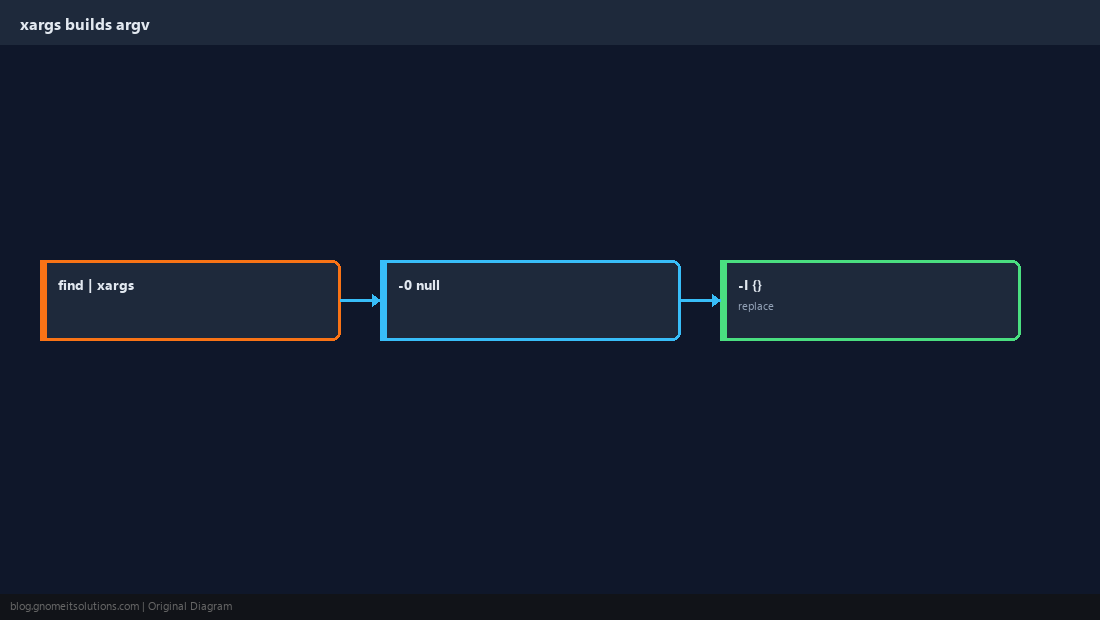
Null-Safe find Pipelines
Always pair find -print0 with xargs -0 on GNU systems.
find /var/www -type f -name '*.log' -print0 | xargs -0 ls -lh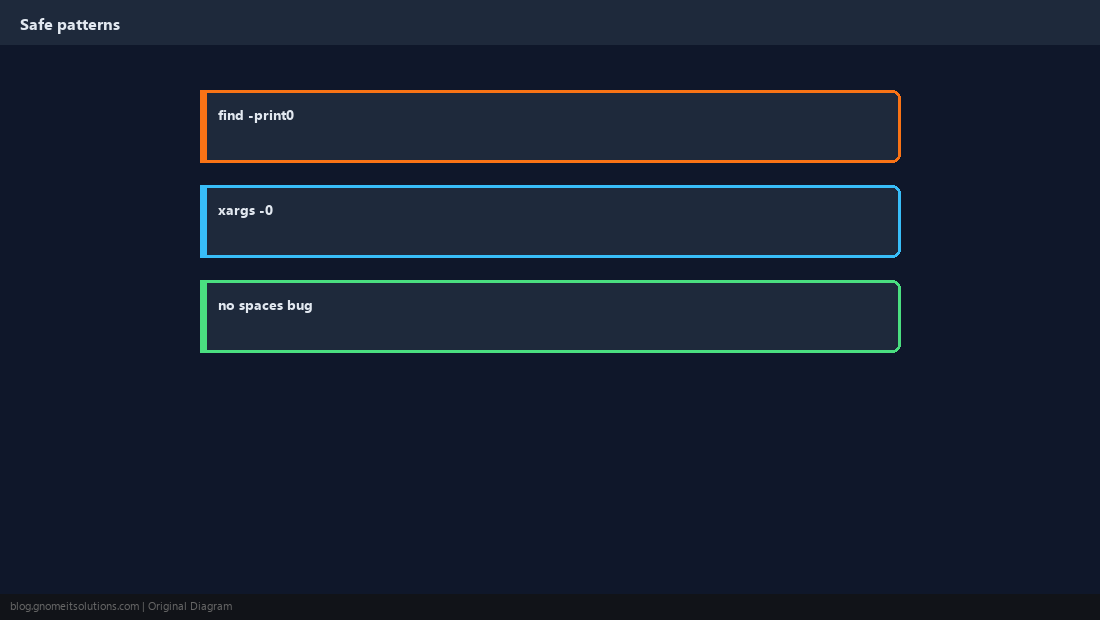
Parallel with -P
Run multiple worker processes — watch CPU and open file limits.
find . -type f -name '*.csv' -print0 | xargs -0 -P 4 gzip -9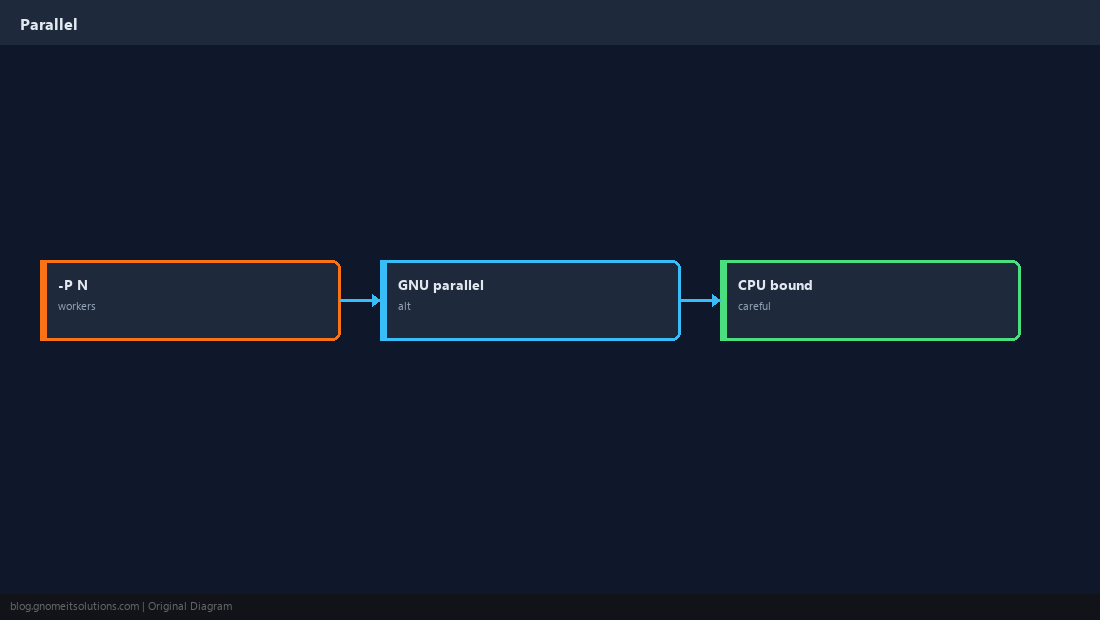
Replace Mode -I{}
Run a template command once per input line — powerful and dangerous with rm.
find . -maxdepth 1 -name '*.JPG' -print0 | xargs -0 -I{} mv {} {}.bak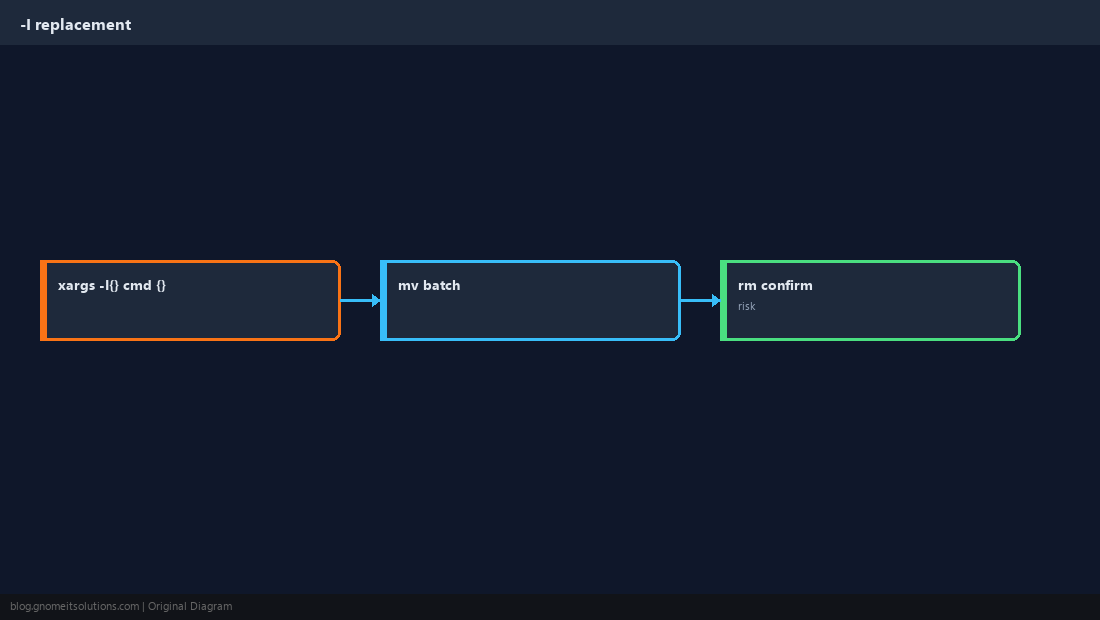
find + grep + xargs
Common pattern: list files containing a string, then act on them.
grep -rl 'OLD_HOST' /etc/nginx --include='*.conf' | xargs -r sed -i 's/OLD_HOST/NEW_HOST/g'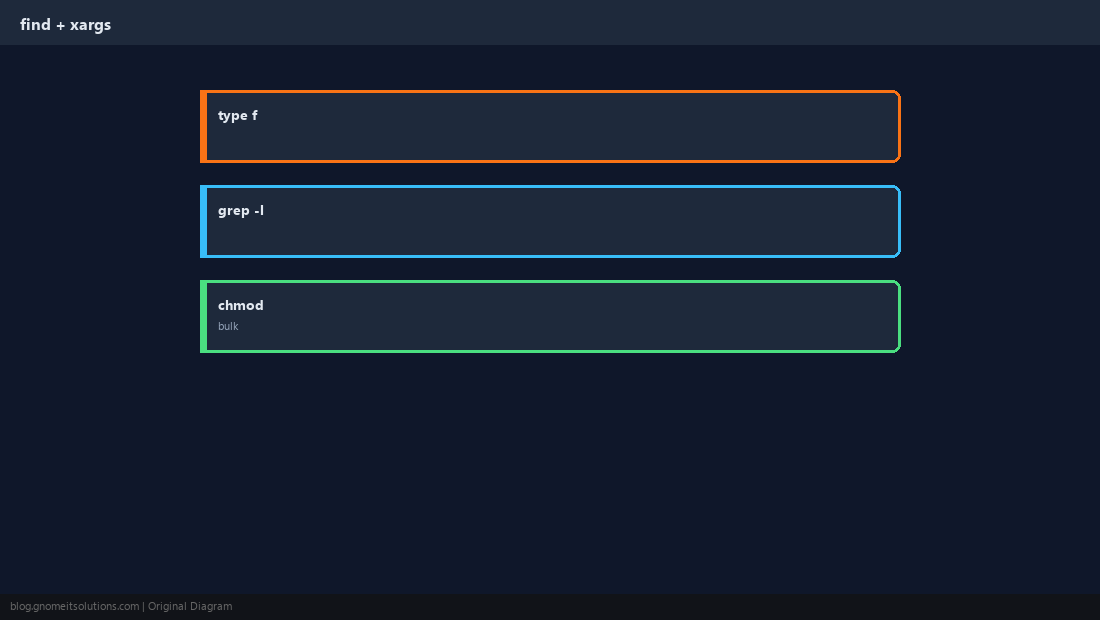
Pitfalls
Empty stdin may still run once; unquoted rm -rf stories are legendary.
-r (no-run-if-empty). Test with echo or printf before destructive commands.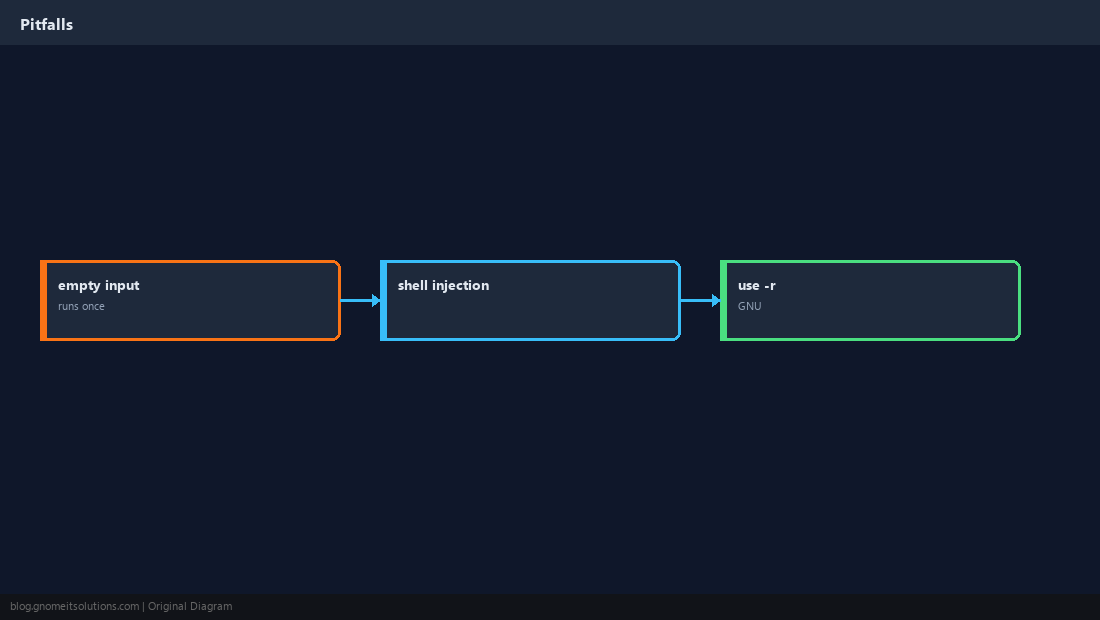
Dry Run First
Pipe to wc -l or head to see how many targets you will touch.
find /tmp -type f -mtime +30 -print0 | xargs -0 -n1 echo | wc -l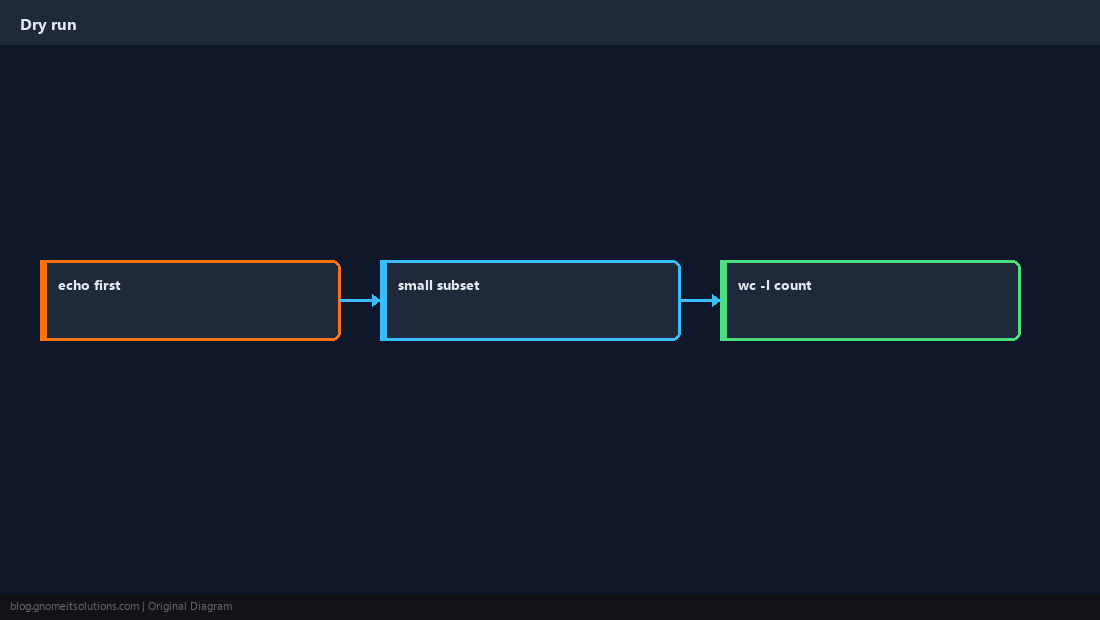
Quick Reference
- Safe:
find … -print0 | xargs -0 CMD - GNU: add
-rto skip empty input - Parallel:
xargs -P N— mindulimit
Related tutorials
Diagrams are original illustrations by Gnome IT Solutions. Tutorial text © Gnome IT Solutions.