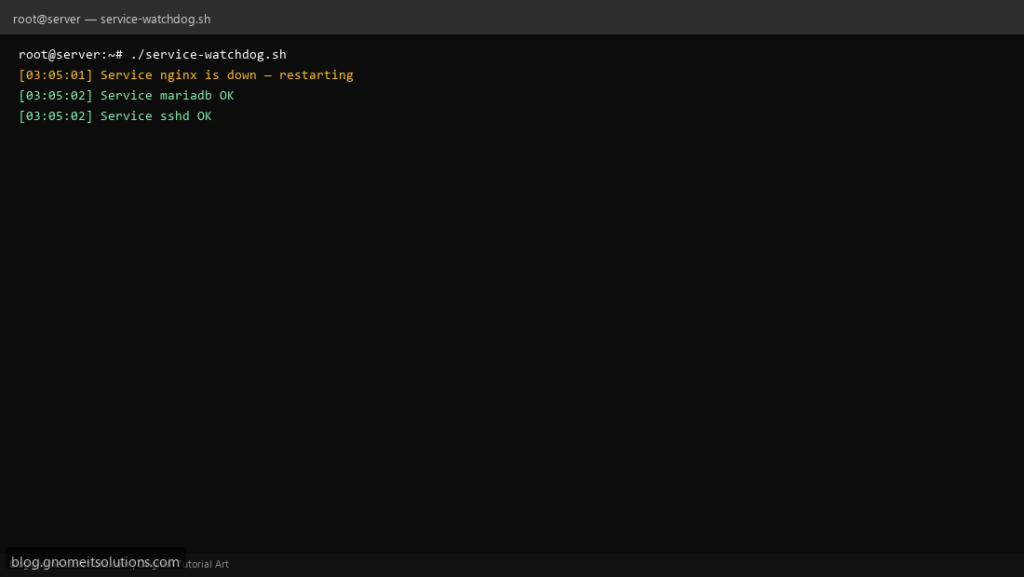
Keep critical services running with a service watchdog script that checks systemd units and restarts them if they stop.
What this script does
- Monitors multiple systemd services
- Auto-restarts stopped or failed services
- Logs every action with timestamps
- Optional email alert on restart
- Safe for cron every 5 minutes
Prerequisites
- systemd-based Linux
- Root/sudo for systemctl restart
Step 1: Save the script
sudo nano /usr/local/bin/service-watchdog.sh
sudo chmod +x /usr/local/bin/service-watchdog.sh
Step 2: Full script (scroll to read)
service-watchdog.sh
#!/usr/bin/env bash
set -euo pipefail

WATCH_SERVICES=("nginx" "mariadb" "sshd")
ALERT_EMAIL="[email protected]"
LOG="/var/log/service-watchdog.log"

log(){ echo "[$(date '+%F %T')] $*" | tee -a "$LOG"; }

for svc in "${WATCH_SERVICES[@]}"; do
  if ! systemctl is-active --quiet "$svc"; then
    log "Service $svc is down — restarting"
    systemctl restart "$svc" || log "ERROR: failed to restart $svc"
    if [[ -n "$ALERT_EMAIL" ]] && command -v mail >/dev/null; then
      echo "Service $svc was restarted on $(hostname -s)" | mail -s "Watchdog: $svc restarted" "$ALERT_EMAIL"
    fi
  else
    log "Service $svc OK"
  fi
done
Scroll inside the box to read the full script.
Step 3: Configure settings
WATCH_SERVICES— systemd unit names to monitorALERT_EMAIL— optional notificationLOG_FILE— action log path
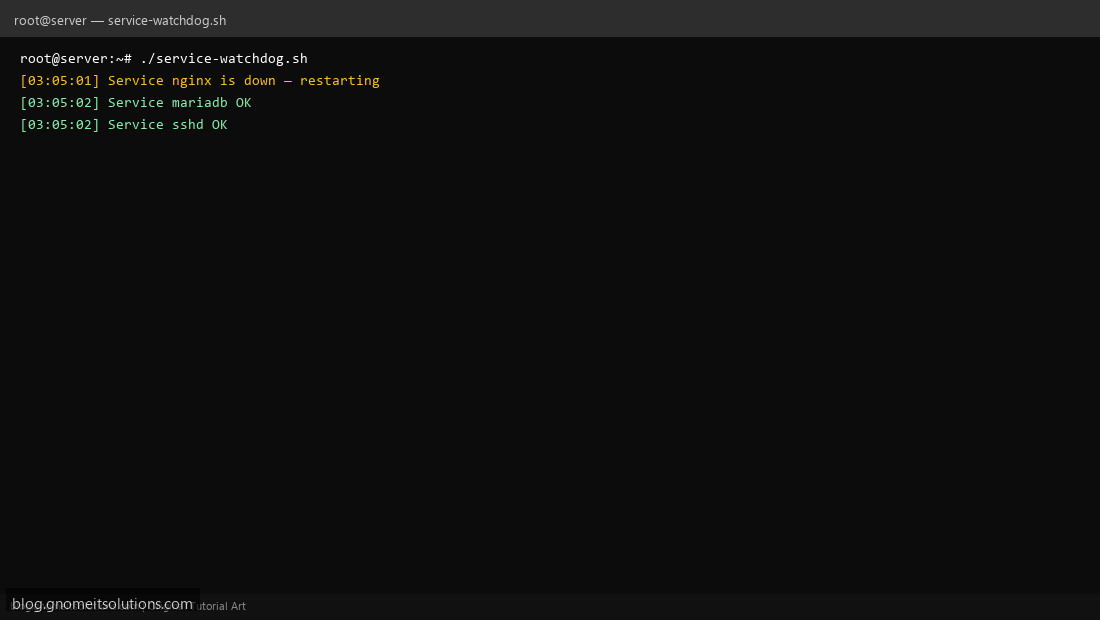
Step 4: Test manually
sudo systemctl stop nginxsudo /usr/local/bin/service-watchdog.shsudo systemctl status nginxSchedule with cron
sudo crontab -eAdd:
*/5 * * * * /usr/local/bin/service-watchdog.sh >> /var/log/service-watchdog.log 2>&1Related tutorials
- Linux Disk Monitor Shell Script
- Linux Backup Shell Script: Files & Database to Remote Server
- Cron Jobs in Linux: Schedule Tasks with crontab
- SSH Key Authentication on Linux Servers
Terminal screenshot is an original illustration created for Gnome IT Solutions (blog.gnomeitsolutions.com).