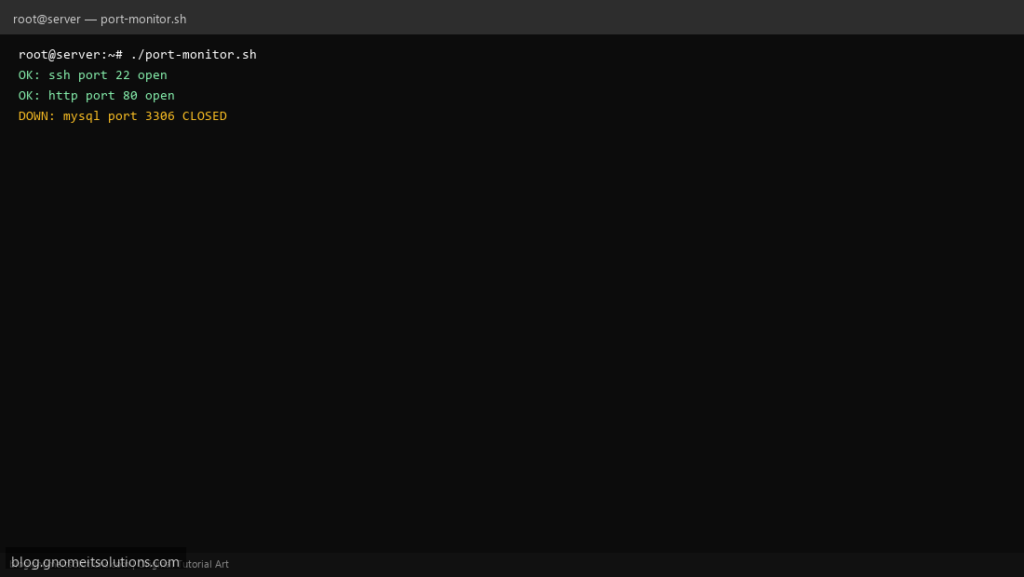
Verify critical services are listening with a port monitor script — SSH, HTTP, HTTPS, MySQL, and custom ports.
What this script does
- Checks if TCP ports are open on localhost
- Configurable list of ports and service names
- Uses bash /dev/tcp or ss command
- Email alert when a port is closed
- Exit code 1 for monitoring integration
Prerequisites
- bash with /dev/tcp support or ss installed
- Root not required for local checks
Step 1: Save the script
sudo nano /usr/local/bin/port-monitor.sh
sudo chmod +x /usr/local/bin/port-monitor.sh
Step 2: Full script (scroll to read)
port-monitor.sh
#!/usr/bin/env bash
set -euo pipefail

HOST="127.0.0.1"
PORTS=("ssh:22" "http:80" "https:443" "mysql:3306")
ALERT_EMAIL="[email protected]"
ISSUES=0

check_port(){
  local name="$1" port="$2"
  if command -v ss >/dev/null; then
    ss -tln | grep -q ":${port} " && echo "OK: $name port $port open" || { echo "DOWN: $name port $port CLOSED"; ISSUES=1; }
  else
    timeout 2 bash -c "echo >/dev/tcp/${HOST}/${port}" 2>/dev/null \
      && echo "OK: $name port $port open" || { echo "DOWN: $name port $port CLOSED"; ISSUES=1; }
  fi
}

for entry in "${PORTS[@]}"; do
  IFS=: read -r name port <<< "$entry"
  check_port "$name" "$port"
done

if (( ISSUES > 0 )) && [[ -n "$ALERT_EMAIL" ]] && command -v mail >/dev/null; then
  echo "Port check failed on $(hostname -s)" | mail -s "Port alert: $(hostname -s)" "$ALERT_EMAIL"
fi
exit $ISSUES
Scroll inside the box to read the full script.
Step 3: Configure settings
PORTS— format name:port e.g. ssh:22HOST— default 127.0.0.1ALERT_EMAIL— optional
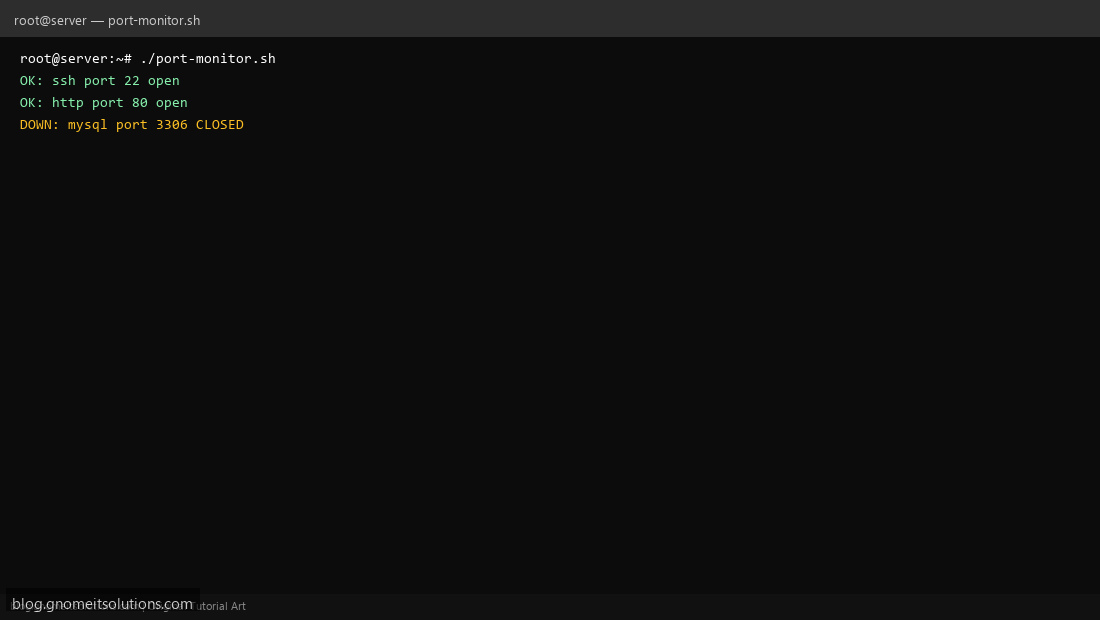
Step 4: Test manually
sudo /usr/local/bin/port-monitor.shss -tlnp | headSchedule with cron
sudo crontab -eAdd:
*/10 * * * * /usr/local/bin/port-monitor.sh >> /var/log/port-monitor.log 2>&1Related tutorials
- Linux Backup Shell Script: Files & Database to Remote Server
- Cron Jobs in Linux: Schedule Tasks with crontab
- SSH Key Authentication on Linux Servers
Terminal screenshot is an original illustration created for Gnome IT Solutions (blog.gnomeitsolutions.com).