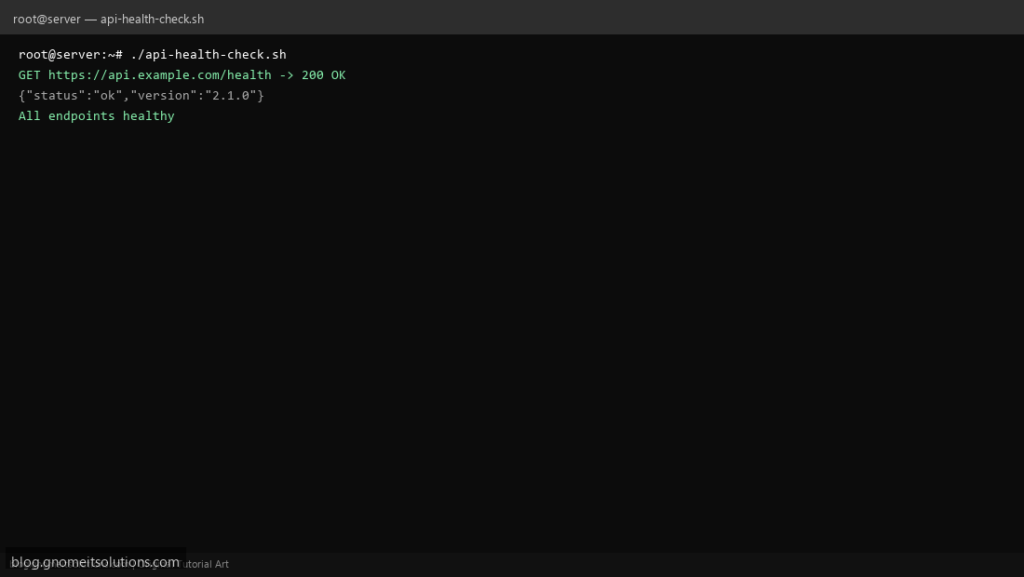
Uptime monitors often ping TCP port 443 — that does not prove your API returns valid JSON. This script hits real HTTPS endpoints, checks status codes, and optionally asserts a JSON field with jq.
What this script does
- Checks multiple URLs from a simple config array
- Uses curl timeouts so hung endpoints fail fast
- Optional jq expression to assert
.status == ok - Logs human-readable pass/fail lines
- Exits non-zero if any endpoint fails (cron-friendly)
Prerequisites
- curl installed
- jq installed for JSON assertions
- Outbound HTTPS from the server
Step 1: Save the script
sudo nano /usr/local/bin/api-health-check.sh
sudo chmod +x /usr/local/bin/api-health-check.sh
Step 2: Full script (scroll to read)
api-health-check.sh
#!/usr/bin/env bash
set -euo pipefail

CURL_TIMEOUT=10
LOG="/var/log/api-health.log"

# url|optional_jq_test (empty = only check HTTP 200)
ENDPOINTS=(
  "https://api.example.com/health|select(.status==\"ok\")"
  "https://api.example.com/version|"
)

log(){ echo "[$(date '+%F %T')] $*" | tee -a "$LOG"; }
fail=0

check_one(){
  local spec="$1"
  local url="${spec%%|*}"
  local jq_test="${spec#*|}"
  local body code

  body=$(curl -fsS --max-time "$CURL_TIMEOUT" -w '\n%{http_code}' "$url" || true)
  code=$(echo "$body" | tail -n1)
  body=$(echo "$body" | sed '$d')

  if [[ "$code" != "200" ]]; then
    log "FAIL $url HTTP $code"
    return 1
  fi

  if [[ -n "$jq_test" ]]; then
    if ! echo "$body" | jq -e "$jq_test" >/dev/null 2>&1; then
      log "FAIL $url jq test did not match"
      return 1
    fi
  fi

  log "OK $url"
}

for ep in "${ENDPOINTS[@]}"; do
  check_one "$ep" || fail=1
done

[[ "$fail" -eq 0 ]] || exit 1
Scroll inside the box to read the full script.
Step 3: Configure settings
- Edit the
ENDPOINTSarray: URL and optional jq test - Increase
CURL_TIMEOUTfor slow backends - Different from our website uptime script — this validates JSON APIs
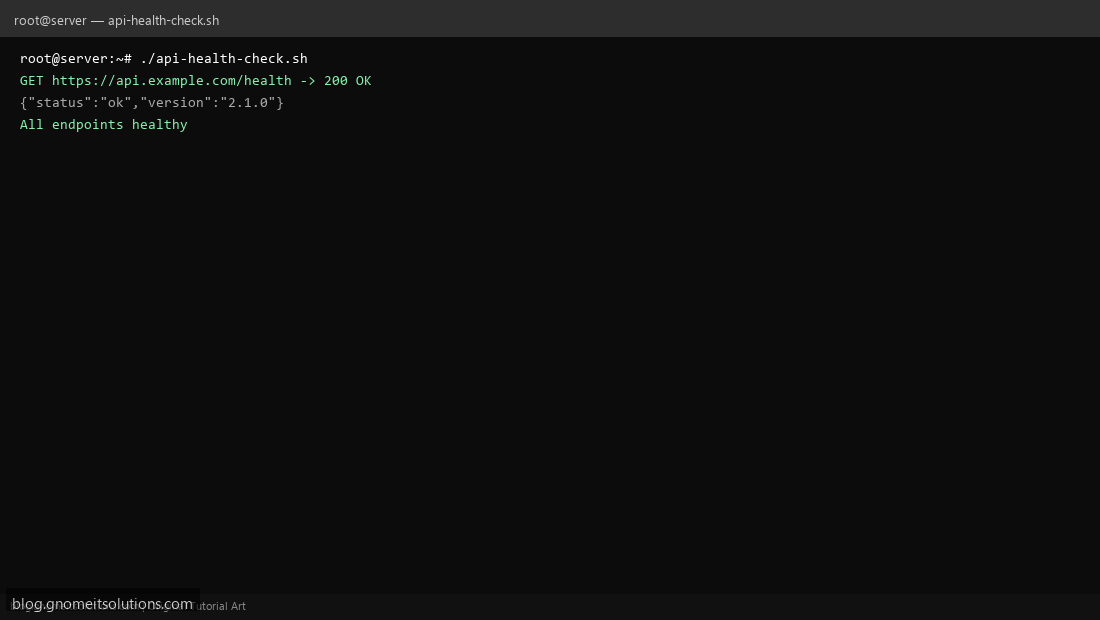
Step 4: Test manually
sudo /usr/local/bin/api-health-check.shecho exit=$?Schedule with cron
sudo crontab -eAdd:
*/5 * * * * /usr/local/bin/api-health-check.sh >> /var/log/api-health.log 2>&1Related tutorials
- Linux Backup Shell Script: Files & Database to Remote Server
- Cron Jobs in Linux: Schedule Tasks with crontab
- SSH Key Authentication on Linux Servers
Terminal screenshot is an original illustration created for Gnome IT Solutions (blog.gnomeitsolutions.com).