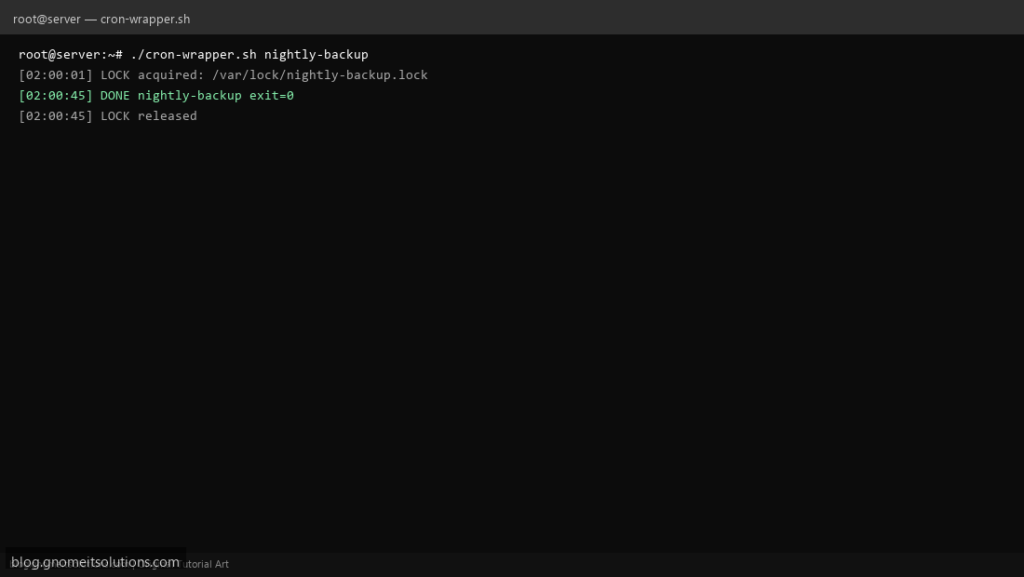
Long-running backup or import jobs started twice can corrupt data or exhaust disk. This cron wrapper uses flock so only one instance runs, while standardizing logs across every job in your crontab.
What this script does
- Takes a job name and command as arguments
- Uses non-blocking
flock— second run exits cleanly if busy - Writes START/DONE lines with exit code to a per-job log
- Works with any underlying script or pipeline
- Keeps lock files under
/var/lock
Prerequisites
- util-linux provides flock
- Cron entry calls the wrapper, not the raw script
- Consistent job names (alphanumeric)
Step 1: Save the script
sudo nano /usr/local/bin/cron-wrapper.sh
sudo chmod +x /usr/local/bin/cron-wrapper.sh
Step 2: Full script (scroll to read)
cron-wrapper.sh
#!/usr/bin/env bash
set -euo pipefail

JOB="${1:?usage: cron-wrapper.sh JOB_NAME command [args...]}"
shift
CMD=("$@")
LOCK="/var/lock/${JOB}.lock"
LOG="/var/log/cron-${JOB}.log"

log(){ echo "[$(date '+%F %T')] $*" | tee -a "$LOG"; }

exec 9>"$LOCK"
if ! flock -n 9; then
  log "SKIP ${JOB} already running"
  exit 0
fi

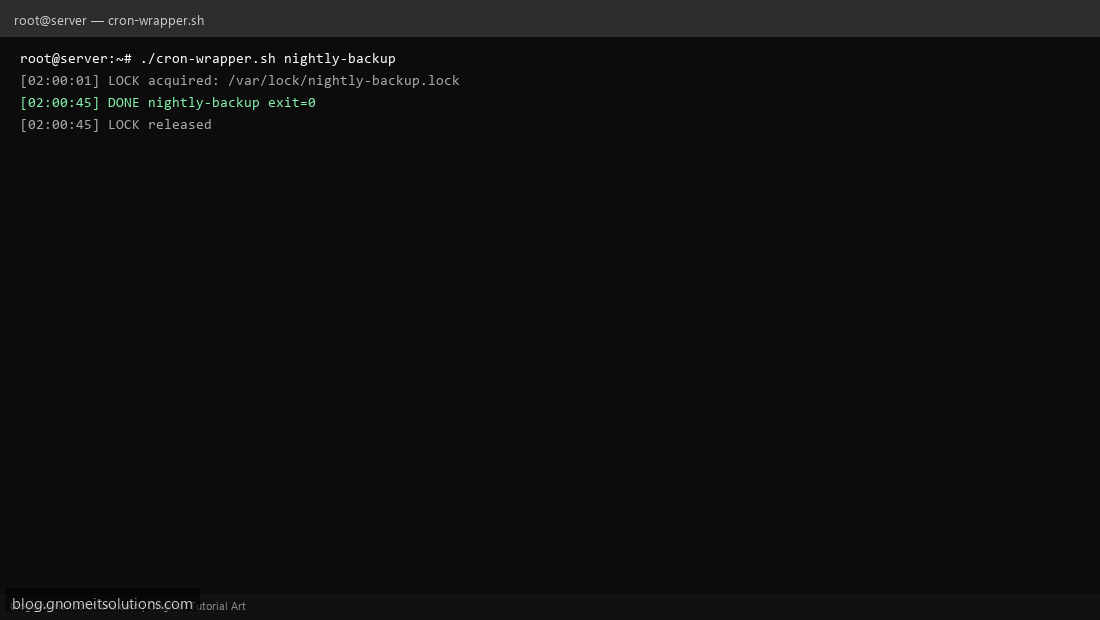
log "LOCK acquired: $LOCK"
log "START ${JOB}: ${CMD[*]}"
set +e
"${CMD[@]}"
ec=$?
set -e
log "DONE ${JOB} exit=$ec"
log "LOCK released"
exit "$ec"
Scroll inside the box to read the full script.
Step 3: Configure settings
- Example:
cron-wrapper.sh nightly-backup /usr/local/bin/mysql-backup.sh - If flock fails, exit 0 so cron does not spam mail — tune if you want alerts on overlap
- Complements crontab basics
Step 4: Test manually
sudo cron-wrapper.sh test-job sleep 30 &sudo cron-wrapper.sh test-job sleep 5; echo second_exit=$?Schedule with cron
sudo crontab -eAdd:
0 2 * * * /usr/local/bin/cron-wrapper.sh nightly-backup /usr/local/bin/mysql-backup.shRelated tutorials
- Linux Backup Shell Script: Files & Database to Remote Server
- Cron Jobs in Linux: Schedule Tasks with crontab
- SSH Key Authentication on Linux Servers
Terminal screenshot is an original illustration created for Gnome IT Solutions (blog.gnomeitsolutions.com).