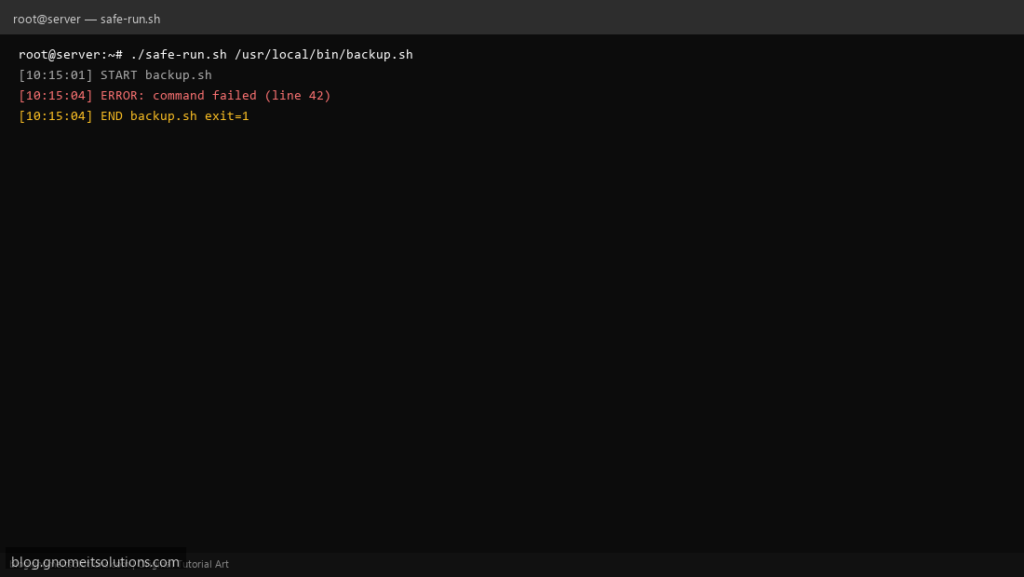
Scripts that fail halfway through a backup or migration are worse than scripts that fail loudly at the start. This pattern combines set -euo pipefail with trap handlers so every run logs start time, failing line, and exit code — ideal for cron mail and monitoring.
What this script does
- Enables
set -euo pipefailfor strict failure semantics - Logs the failing command and line number on
ERR - Always logs script end and exit code on
EXIT - Wraps any command or script path passed as an argument
- Returns the wrapped command’s exit code for cron alerting
Prerequisites
- Bash 4+ on Linux
- Write access to
/var/logor your log directory - Scripts you wrap must be executable
Step 1: Save the script
sudo nano /usr/local/bin/safe-run.sh
sudo chmod +x /usr/local/bin/safe-run.sh
Step 2: Full script (scroll to read)
safe-run.sh
#!/usr/bin/env bash
set -euo pipefail

LOG="/var/log/safe-run.log"
TARGET="${1:?usage: safe-run.sh /path/to/script [args...]}"
shift || true

log(){ echo "[$(date '+%F %T')] $*" | tee -a "$LOG"; }

on_err(){
  local ec=$?
  log "ERROR: command failed (exit $ec) at ${BASH_SOURCE[1]}:${BASH_LINENO[0]}: ${BASH_COMMAND}"
  return "$ec"
}

on_exit(){
  local ec=$?
  log "END ${TARGET##*/} exit=$ec"
  exit "$ec"
}

trap on_err ERR
trap on_exit EXIT

log "START ${TARGET##*/} $*"
exec "$TARGET" "$@"
Scroll inside the box to read the full script.
Step 3: Configure settings
LOG— append-only log file for all wrapped runs- Pass the target script as the first argument; remaining args are forwarded
- Pair with email from cron:
MAILTO=or your monitoring stack - See also our shell scripting guide for basics
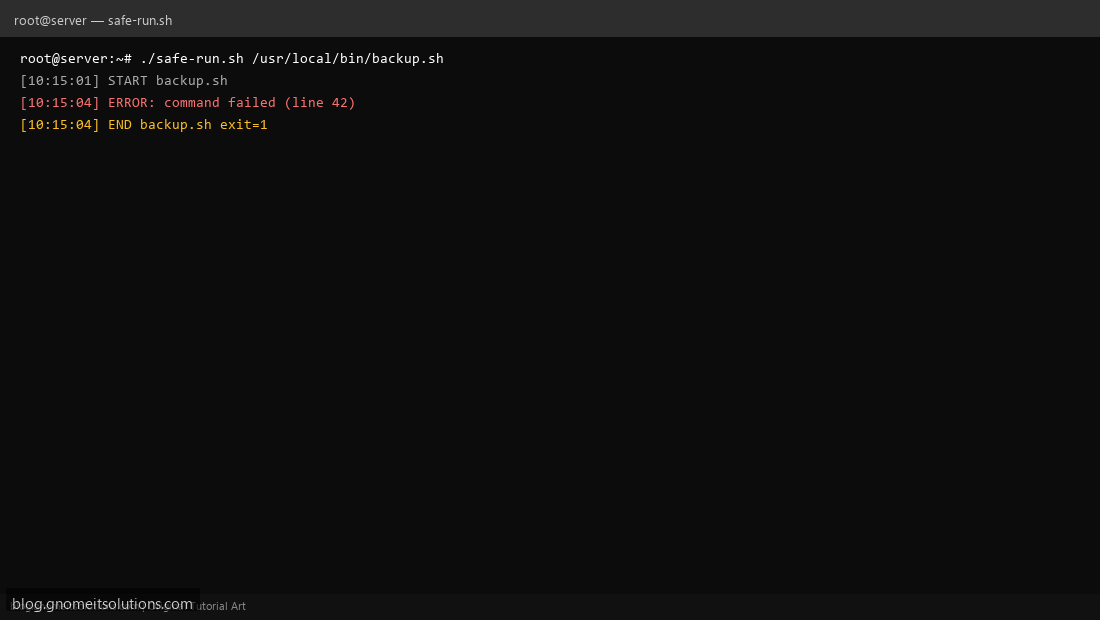
Step 4: Test manually
sudo install -m 755 safe-run.sh /usr/local/bin/safe-run.shsudo safe-run.sh /bin/false; echo exit=$?sudo tail -5 /var/log/safe-run.logSchedule with cron
sudo crontab -eAdd:
0 2 * * * /usr/local/bin/safe-run.sh /usr/local/bin/mysql-backup.shRelated tutorials
- Linux Backup Shell Script: Files & Database to Remote Server
- Cron Jobs in Linux: Schedule Tasks with crontab
- SSH Key Authentication on Linux Servers
Terminal screenshot is an original illustration created for Gnome IT Solutions (blog.gnomeitsolutions.com).