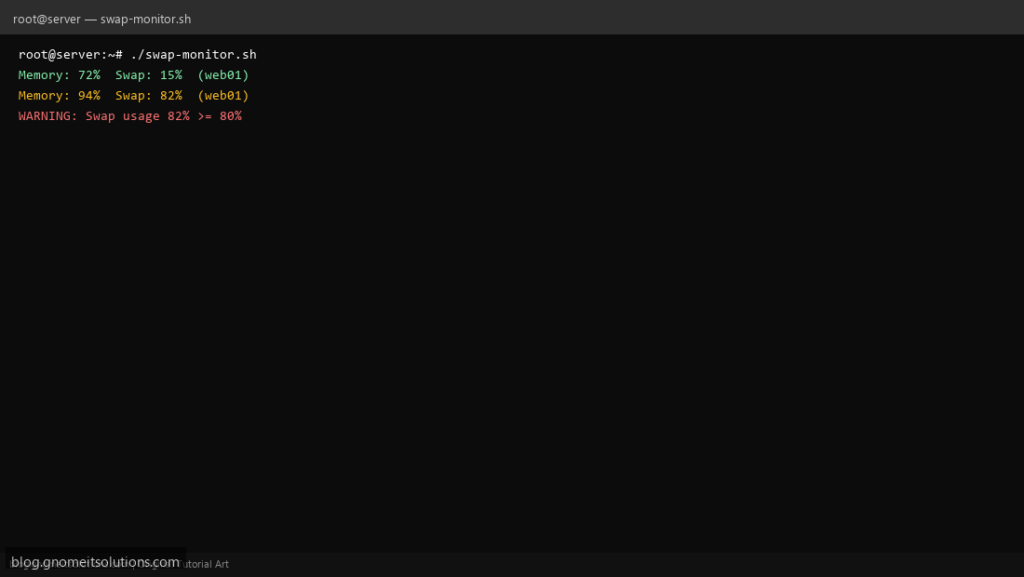
Catch memory pressure early with a Linux swap monitor script — alert before the OOM killer stops nginx, MySQL, or Docker.
What this script does
- Reports RAM and swap usage percentages
- Alerts when memory or swap exceeds thresholds
- Logs top memory-consuming processes
- Optional email notification
- Lightweight — safe to run every 5 minutes from cron
Prerequisites
- Linux server with /proc/meminfo
- Optional: mail command for alerts
Step 1: Save the script
sudo nano /usr/local/bin/swap-monitor.sh
sudo chmod +x /usr/local/bin/swap-monitor.sh
Step 2: Full script (scroll to read)
swap-monitor.sh
#!/usr/bin/env bash
set -euo pipefail

MEM_WARN=90
SWAP_WARN=80
ALERT_EMAIL="[email protected]"
LOG="/var/log/swap-monitor.log"

log(){ echo "[$(date '+%F %T')] $*" | tee -a "$LOG"; }

read -r total used <<< "$(free -m | awk '/Mem:/ {print $2, $3}')"
MEM_PCT=$(( used * 100 / total ))

read -r stotal sused <<< "$(free -m | awk '/Swap:/ {print $2, $3}')"
if (( stotal > 0 )); then
  SWAP_PCT=$(( sused * 100 / stotal ))
else
  SWAP_PCT=0
fi

log "Memory: ${MEM_PCT}%  Swap: ${SWAP_PCT}%  ($(hostname -s))"
ALERT=0

if (( MEM_PCT >= MEM_WARN )); then
  log "WARNING: Memory usage ${MEM_PCT}% >= ${MEM_WARN}%"
  ps aux --sort=-%mem | head -6 | tee -a "$LOG"
  ALERT=1
fi

if (( SWAP_PCT >= SWAP_WARN )); then
  log "WARNING: Swap usage ${SWAP_PCT}% >= ${SWAP_WARN}%"
  ALERT=1
fi

if (( ALERT )) && [[ -n "$ALERT_EMAIL" ]] && command -v mail >/dev/null; then
  echo "Memory ${MEM_PCT}% Swap ${SWAP_PCT}% on $(hostname -s)" | \
    mail -s "Memory alert: $(hostname -s)" "$ALERT_EMAIL"
  exit 1
fi
exit 0
Scroll inside the box to read the full script.
Step 3: Configure settings
MEM_WARN— alert when RAM use exceeds this % (default 90)SWAP_WARN— alert when swap use exceeds this % (default 80)ALERT_EMAIL— admin email for notifications
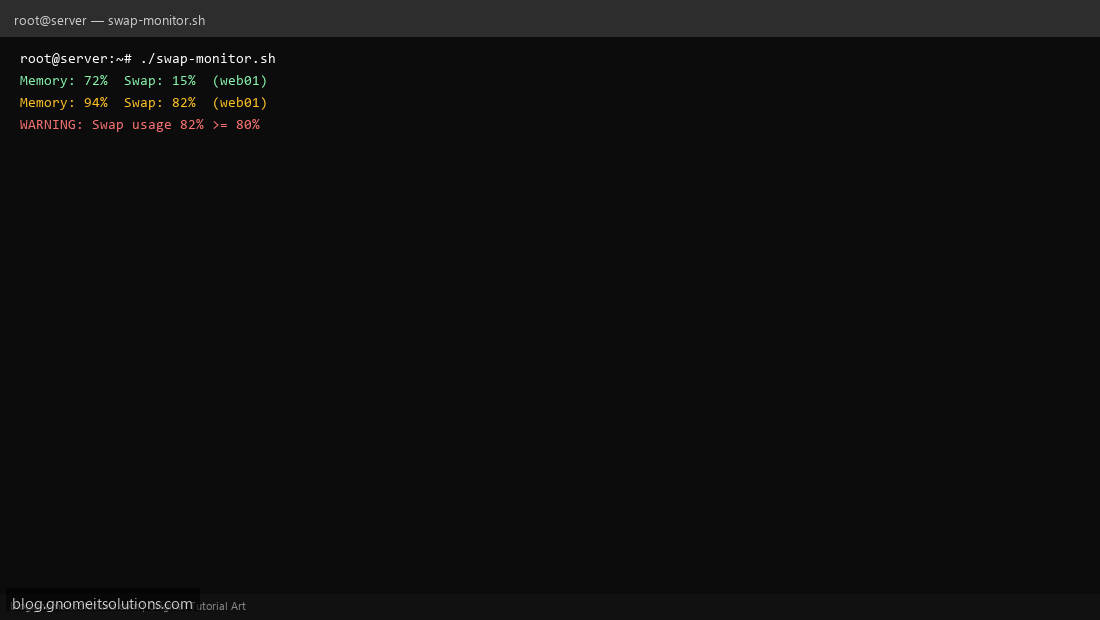
Step 4: Test manually
free -hsudo /usr/local/bin/swap-monitor.shSchedule with cron
sudo crontab -eAdd:
*/5 * * * * /usr/local/bin/swap-monitor.sh >> /var/log/swap-monitor.log 2>&1Related tutorials
- Linux Backup Shell Script: Files & Database to Remote Server
- Cron Jobs in Linux: Schedule Tasks with crontab
- SSH Key Authentication on Linux Servers
Terminal screenshot is an original illustration created for Gnome IT Solutions (blog.gnomeitsolutions.com).