
This error means Asterisk tried to route a call into a context — a named section of
extensions.conf — that either doesn’t exist or doesn’t contain a matching extension for the
number being dialed. It shows up most often on inbound trunks, where the trunk’s
context= setting points somewhere the dialplan was never actually built.
This guide walks through identifying exactly which context is missing, why it usually happens after a
trunk is added or re-provisioned, and how to add the correct routing.
Step 1: Read the Exact Context Name From the Error
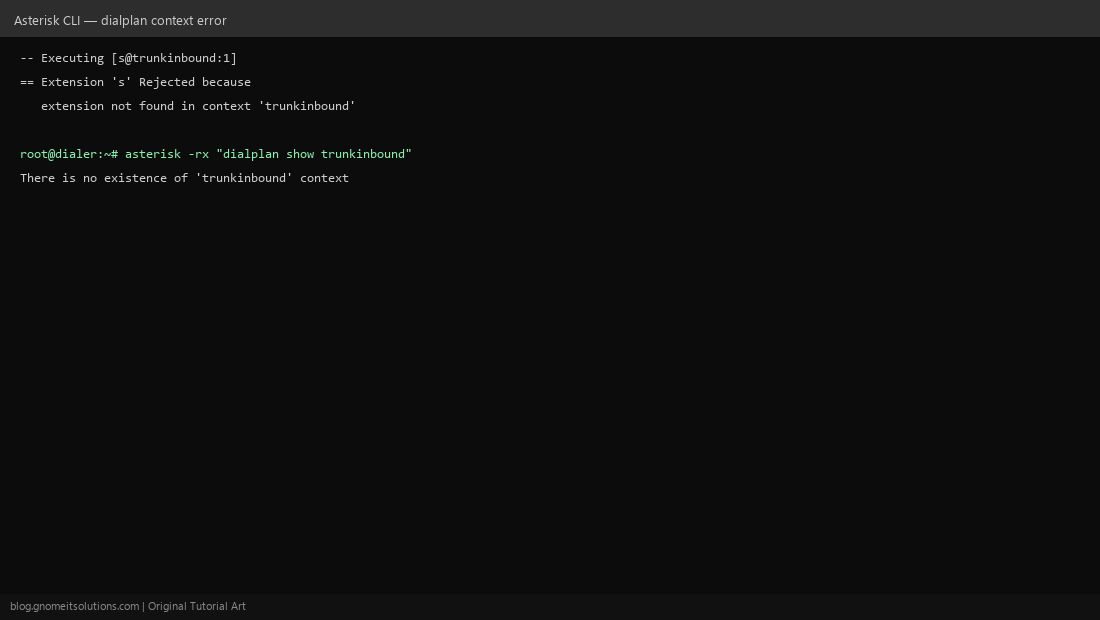
The Asterisk console log spells out the missing context directly, e.g. Extension 's' Rejected because extension not found in context 'trunkinbound'. Confirm it with asterisk -rx "dialplan show trunkinbound" — if Asterisk replies that the context doesn’t exist, you’ve confirmed the root cause immediately.
Step 2: Find What’s Pointing at That Context
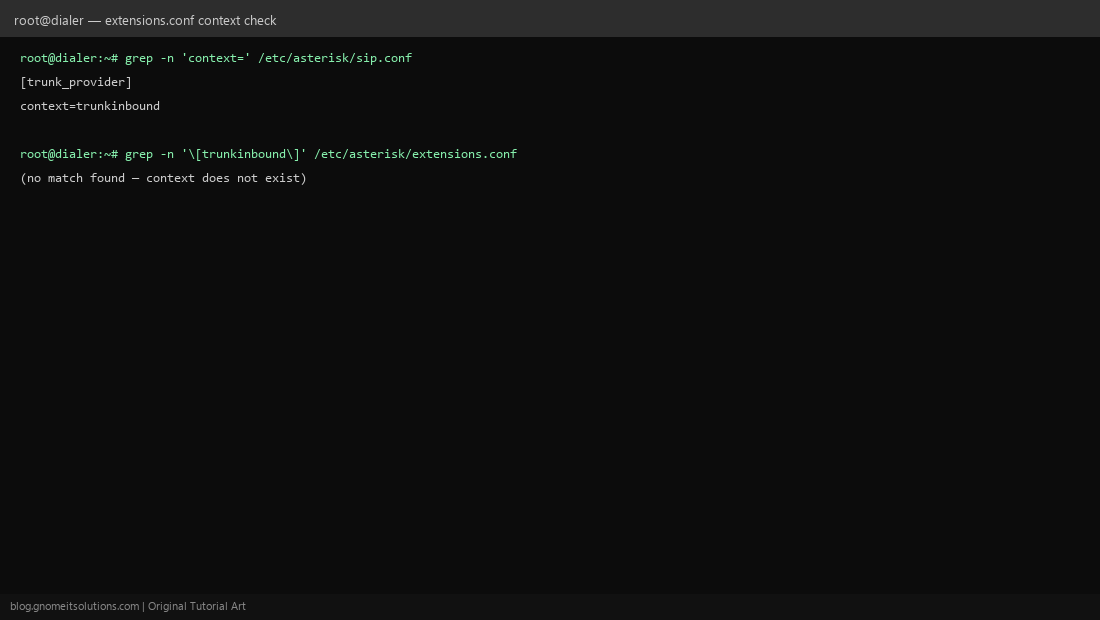
Search your trunk configuration for the context reference: grep -n 'context=' /etc/asterisk/sip.conf (or pjsip.conf). This shows you which trunk is configured to send inbound calls into trunkinbound — that trunk’s provisioning is what’s now broken, since the context it expects was never created (or was renamed/deleted) in extensions.conf.
Step 3: Understand Why This Happens
Most commonly this appears after: a new SIP trunk was added and pointed at a context name that was typed slightly differently than what exists in extensions.conf, a context was renamed during dialplan cleanup without updating the trunk, or a ViciDial inbound group was configured before the matching dialplan context was actually written.
Step 4: Add the Missing Context and Extension
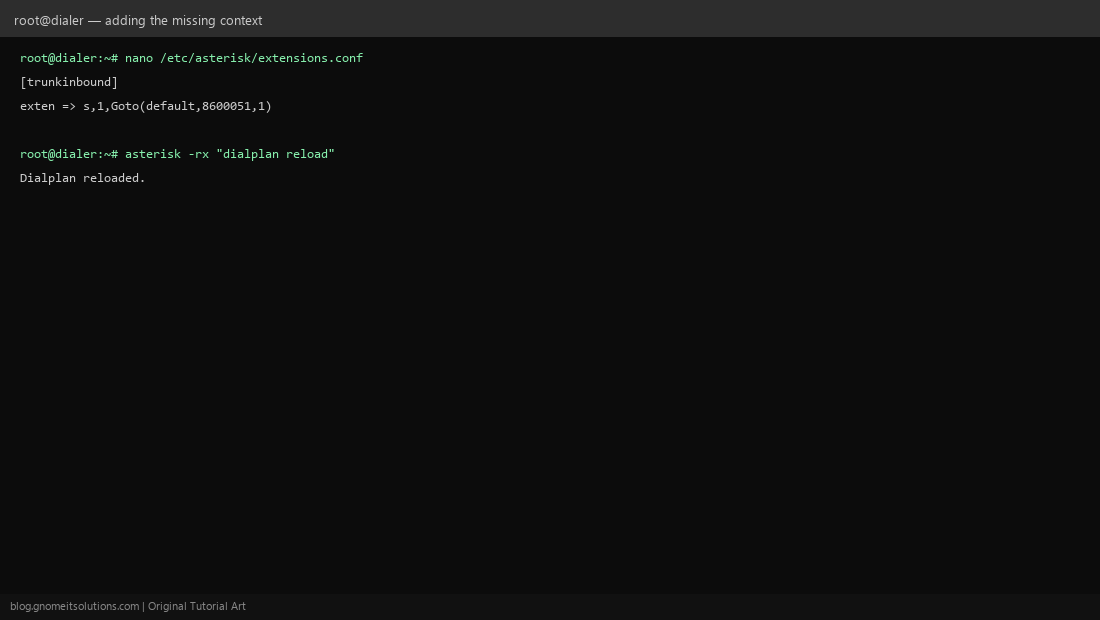
Edit /etc/asterisk/extensions.conf and add the context by name, with at least an s extension (the default entry point for inbound calls with no specific DID match): [trunkinbound] followed by exten => s,1,Goto(default,8600051,1) — routing into your existing ViciDial inbound extension.
Step 5: Reload the Dialplan
Changes to extensions.conf don’t apply automatically — run asterisk -rx "dialplan reload" (a full core restart now is not needed for dialplan-only changes and would drop active calls). This reloads just the dialplan module.
Step 6: Verify With a Test Call
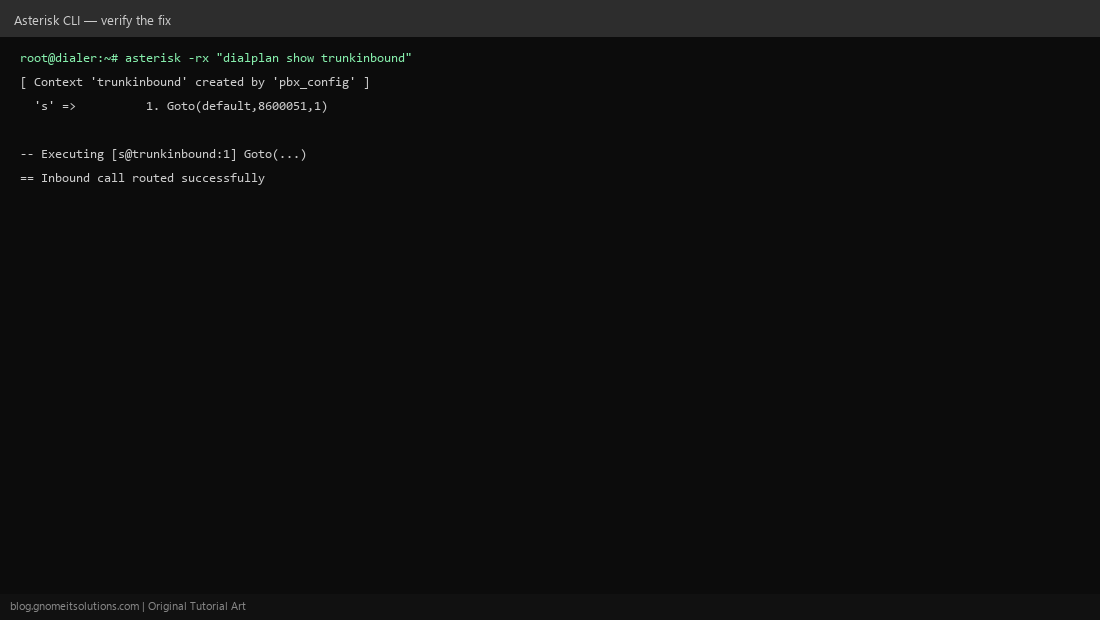
Run asterisk -rx "dialplan show trunkinbound" again — it should now list the context and its extension instead of reporting it missing. Place a real test call through the trunk and watch the Asterisk console (asterisk -rvvv) to confirm it executes into the context and routes successfully instead of rejecting.
Quick checklist
- Context name in the trunk config exactly matches a
[context]block inextensions.conf— check for typos and trailing spaces - The context has at least an
sextension as a catch-all entry point dialplan reloadrun after any edit- Test call confirmed end-to-end, not just
dialplan show
Related tutorials
Image credits: All illustrations are original terminal/config mockups created for
Gnome IT Solutions — not screenshots from any third-party site. Tutorial text © Gnome IT Solutions.