This error shows up at agent login and points to a mismatch between what ViciDial’s web layer expects
and what Asterisk actually has registered for that extension. It’s most common after an ungraceful Asterisk
restart, a network blip that dropped SIP registration, or a phone/softphone that silently stopped
re-registering.
This guide walks through the checks in order of likelihood, from the Asterisk side first since that’s
where the actual channel/registration state lives.
Step 1: Check the Live Channel and Peer State
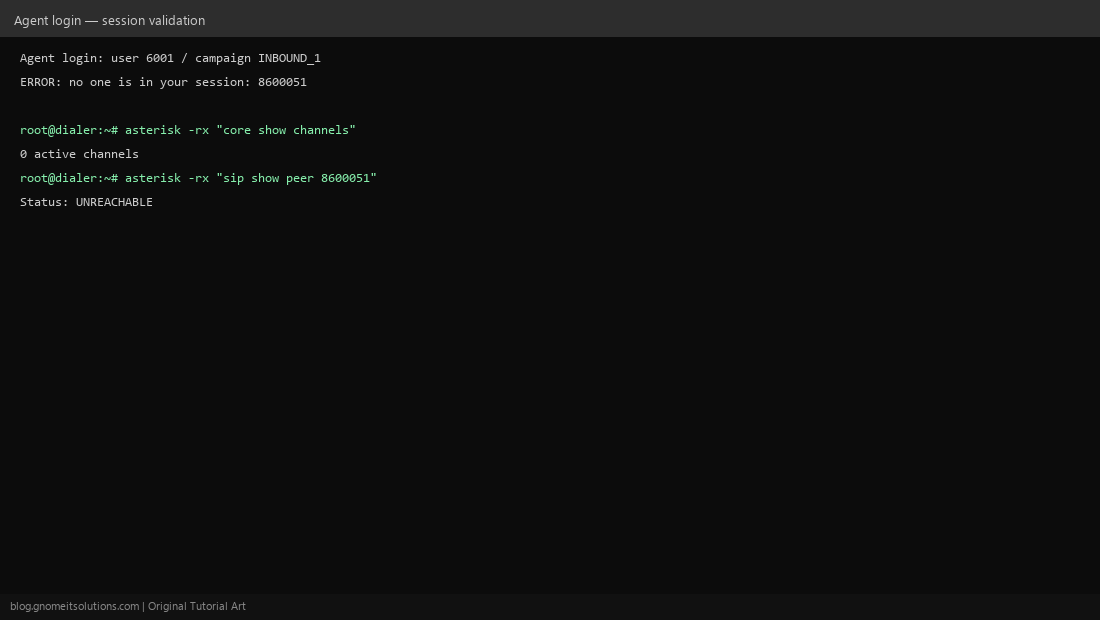
SSH into the dial server and run asterisk -rx "core show channels" and asterisk -rx "sip show peer EXTENSION" (or the pjsip equivalent). If the peer shows UNREACHABLE, the softphone or hardware phone has not registered with Asterisk at all — that’s the root cause, not a ViciDial bug.
Step 2: Re-Register the Phone or Softphone
If UNREACHABLE, check the phone/softphone itself — is it powered on, on the network, and pointed at the correct server IP/port? Restart the softphone or reboot the hardware phone to force a fresh SIP REGISTER, then re-check peer status.
Step 3: Clear a Stuck Session Flag
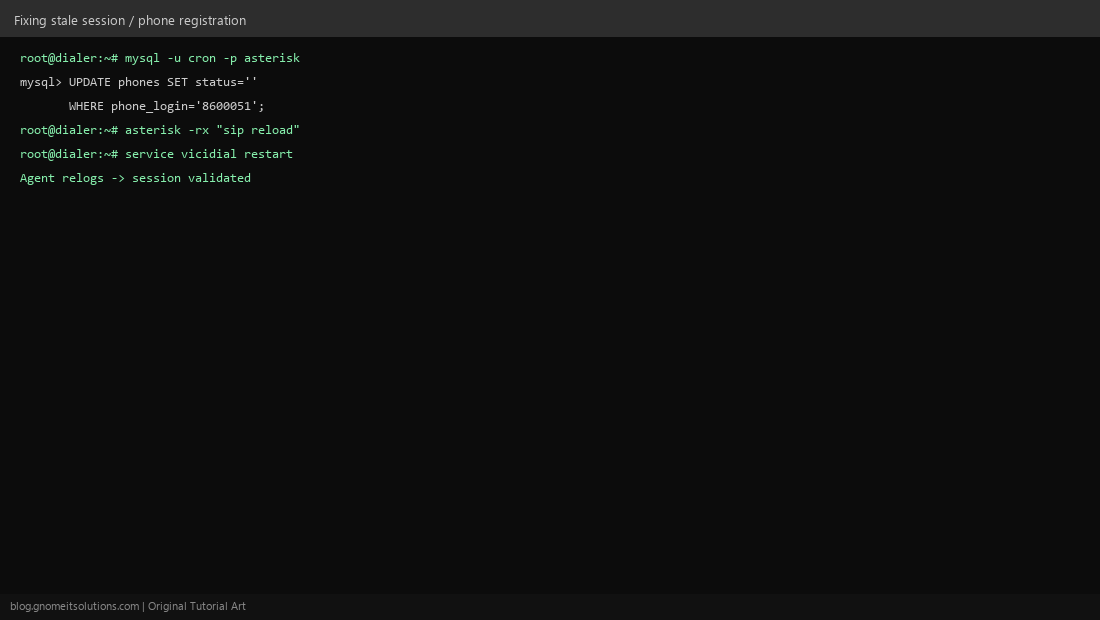
Even after the phone re-registers, ViciDial’s own phones table can keep a stale status value from the failed session. Clear it: UPDATE phones SET status='' WHERE phone_login='EXTENSION';.
Step 4: Reload SIP and Restart the ViciDial Services
Reload the SIP channel driver (asterisk -rx "sip reload", or pjsip reload) so Asterisk re-reads current peer state, then restart the ViciDial daemon/services on that box so the web layer’s cached session state clears too.
Step 5: Have the Agent Log In Again
Have the agent log out fully (close the browser tab, not just log out in-app) and log back in. If the error persists after all of the above, check that the extension’s context in the dialplan actually matches what the campaign expects — a mismatched context can produce the same symptom.
Quick checklist
- SIP/pjsip peer shows registered, not UNREACHABLE
- Phone/softphone actually re-registered after any network blip
phones.statuscleared of stale session state- SIP reloaded and ViciDial services restarted after the fix
Related tutorials
Image credits: All illustrations are original terminal/config mockups created for
Gnome IT Solutions — not screenshots from any third-party site. Tutorial text © Gnome IT Solutions.