
Nothing dials until ViciDial knows how to reach the phone network. That connection is a carrier (a SIP trunk to a
wholesale provider), configured under Admin → Carriers. Each carrier has an account entry (how Asterisk talks to the
provider) and a dialplan entry (which numbers go out through it).
This guide covers a single carrier end to end, then failover. Pair it with the
caller ID guide and, when you scale out, the
cluster architecture where each dial server holds its own trunks.
Note: field names and template dialplan lines vary slightly between ViciDial builds. Treat the snippets as a working pattern and compare with the template your version pre-fills.
How a Call Leaves ViciDial
The campaign adds a dial prefix, Asterisk matches the resulting number against the carrier’s dialplan entry, and that entry dials out through the trunk.
  campaign dial prefix '9' + 5551234567
      --> dialplan entry matches _9NXXNXXXXXX
      --> Dial(SIP/provider/5551234567)
      --> provider --> PSTN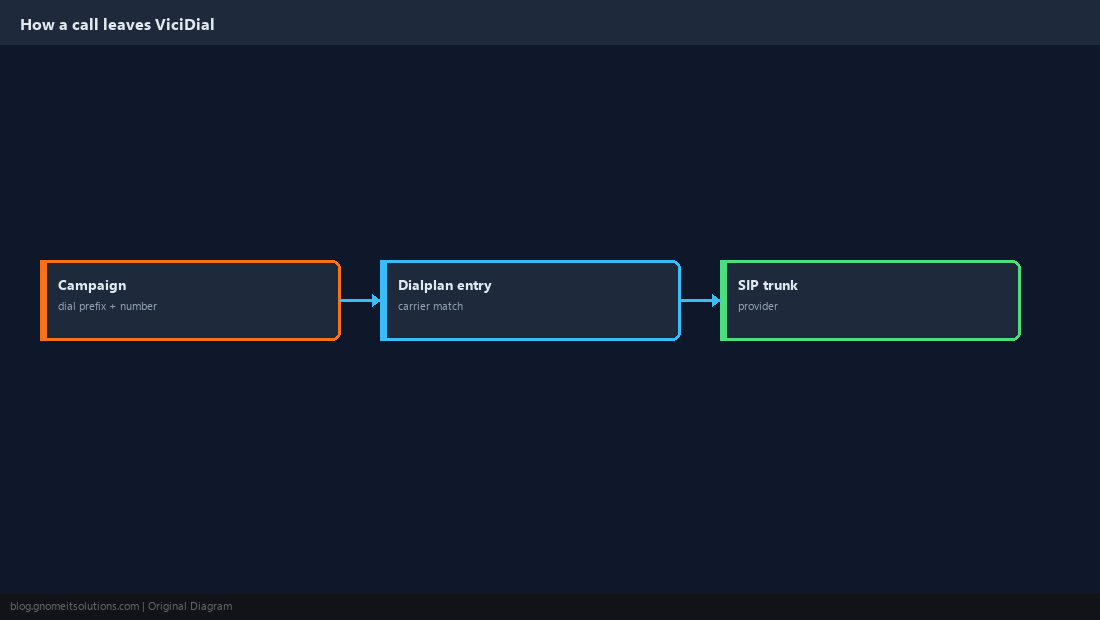
Gather Provider Details First
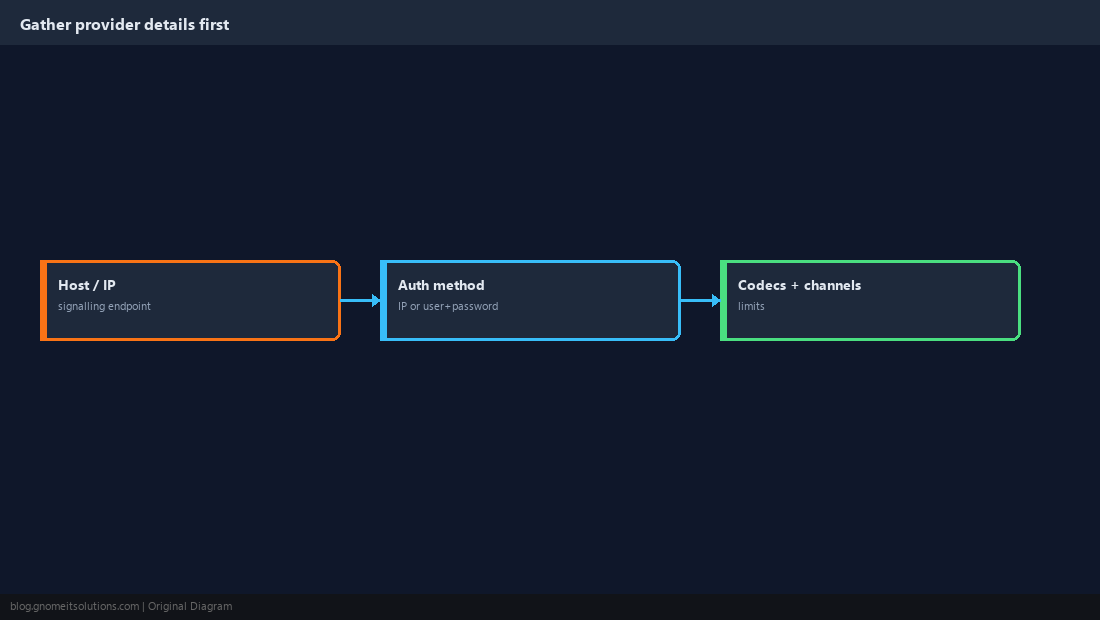
Get these from the provider before touching ViciDial: signalling host or IP, authentication method (IP whitelist or username/password), supported codecs, channel or CPS limits, and the number format they expect.
Add the Carrier in Admin
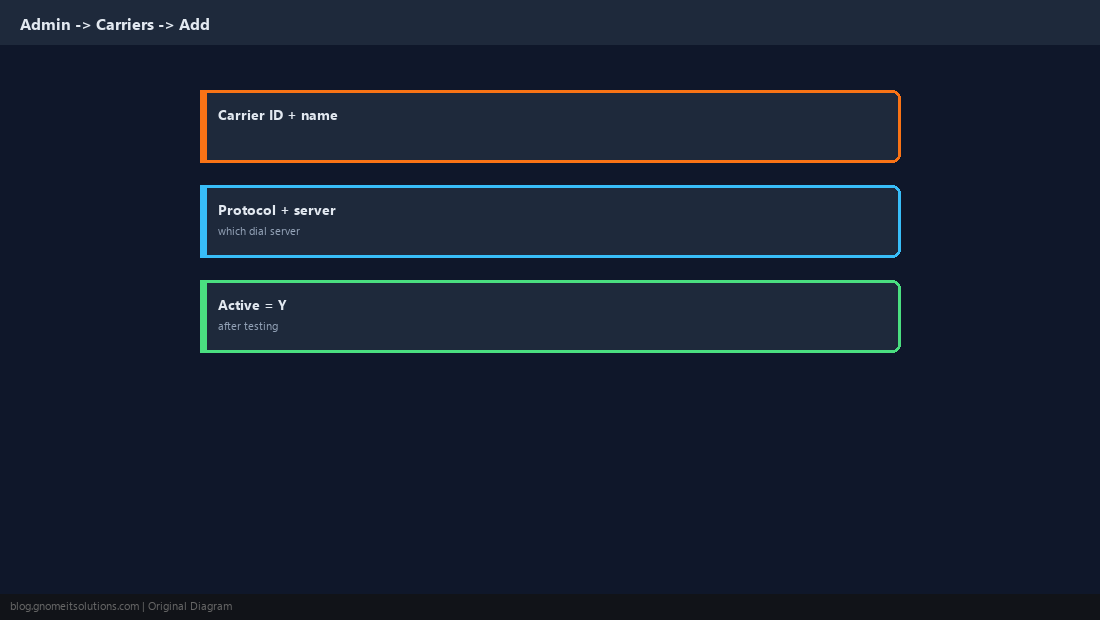
Open Admin → Carriers → Add A New Carrier. Set a Carrier ID and name, the protocol, and the dial server that owns the trunk. Leave Active at N until you finish and test.
Write the Account Entry
The account entry is a peer definition that Asterisk loads. For an IP-authenticated provider it is short; password providers add credentials.
[provider1]
type=peer
host=sip.provider.example
dtmfmode=rfc2833
disallow=all
allow=ulaw
allow=alaw
canreinvite=no
insecure=port,invite
qualify=yes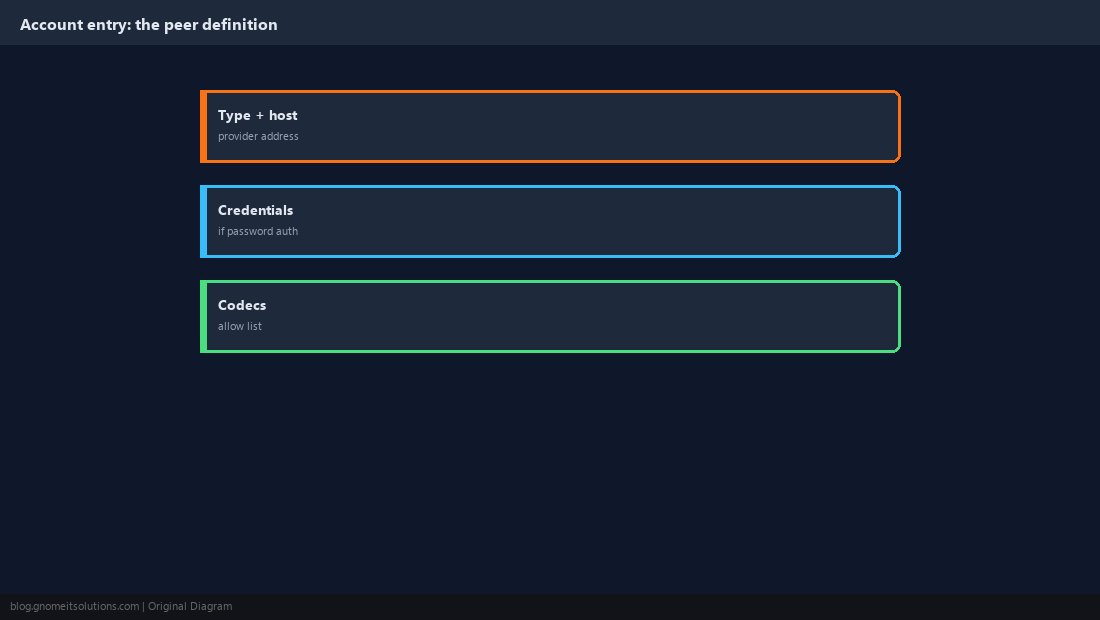
Write the Dialplan Entry
Match the campaign’s prefixed number, log the call through ViciDial’s AGI first, then dial the trunk with the prefix stripped.
exten => _9NXXNXXXXXX,1,AGI(agi://127.0.0.1:4577/call_log)
exten => _9NXXNXXXXXX,2,Dial(SIP/provider1/${EXTEN:1},,tTo)
exten => _9NXXNXXXXXX,3,Hangup${EXTEN:1} drops the leading dial prefix. If your carrier wants a different prefix or E.164 format, change the strip length and match pattern together.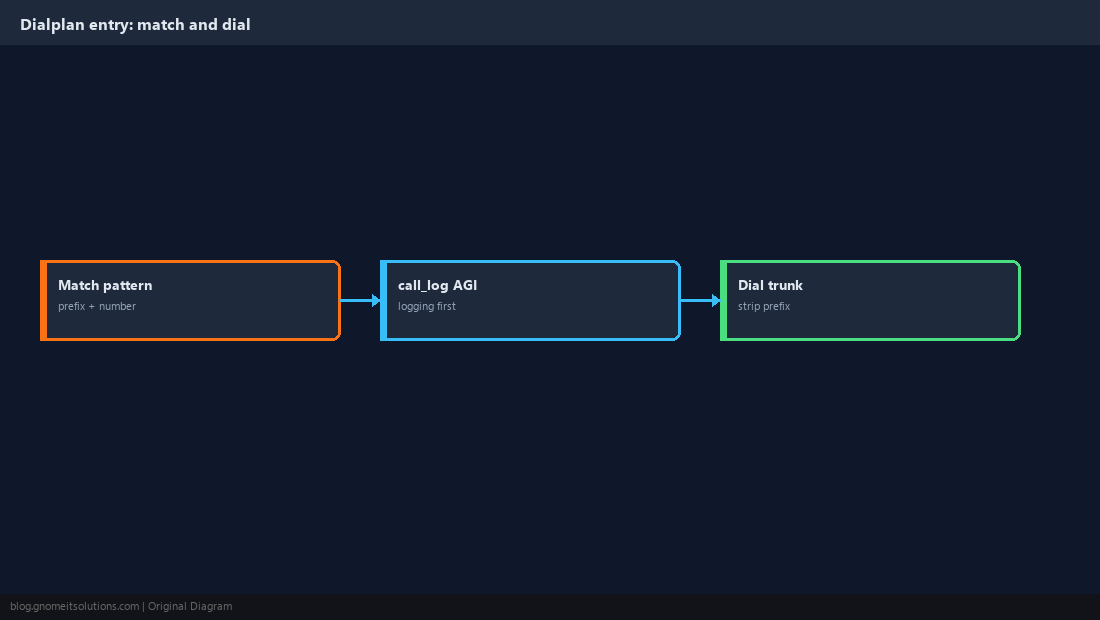
Add a Registration String If Required
Providers that authenticate by username and password expect Asterisk to register. IP-authenticated providers do not need this at all.
register => username:[email protected]asterisk -rx "sip show registry"
asterisk -rx "sip show peers" | grep provider1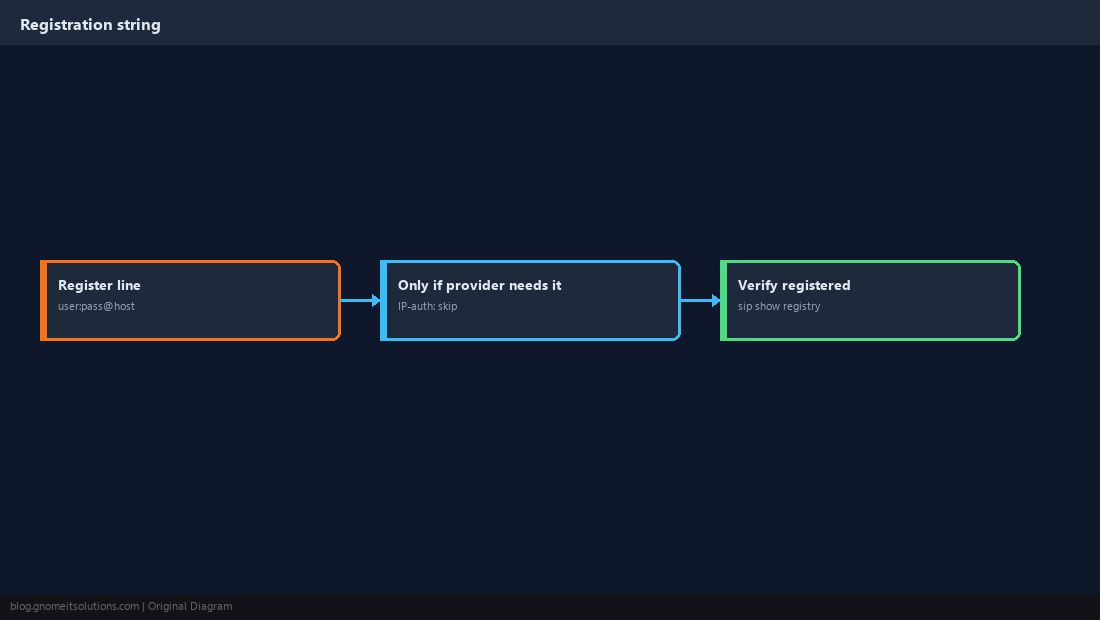
Activate and Test With a Real Call
Set the carrier Active, reload, and place a manual dial from a test campaign to a phone you control. Confirm audio both ways and that the call appears in the log.
asterisk -rx "core show channels"
asterisk -rx "sip set debug ip sip.provider.example"SELECT call_date, phone_number, status FROM vicidial_log ORDER BY call_date DESC LIMIT 5;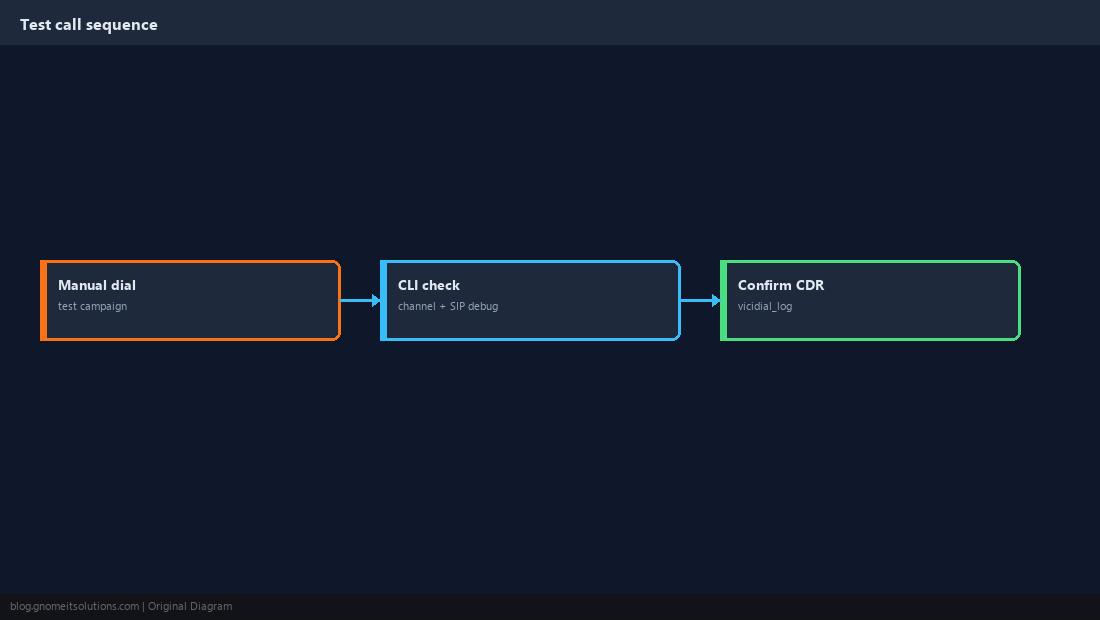
Plan Carrier Failover
A single carrier is a single point of failure. Add a second carrier and route by dial status or by splitting campaigns across trunks; test the failover path deliberately rather than discovering it during an outage.
exten => _9NXXNXXXXXX,2,Dial(SIP/provider1/${EXTEN:1},,tTo)
exten => _9NXXNXXXXXX,3,GotoIf($["${DIALSTATUS}" = "CONGESTION"]?4:5)
exten => _9NXXNXXXXXX,4,Dial(SIP/provider2/${EXTEN:1},,tTo)
exten => _9NXXNXXXXXX,5,Hangup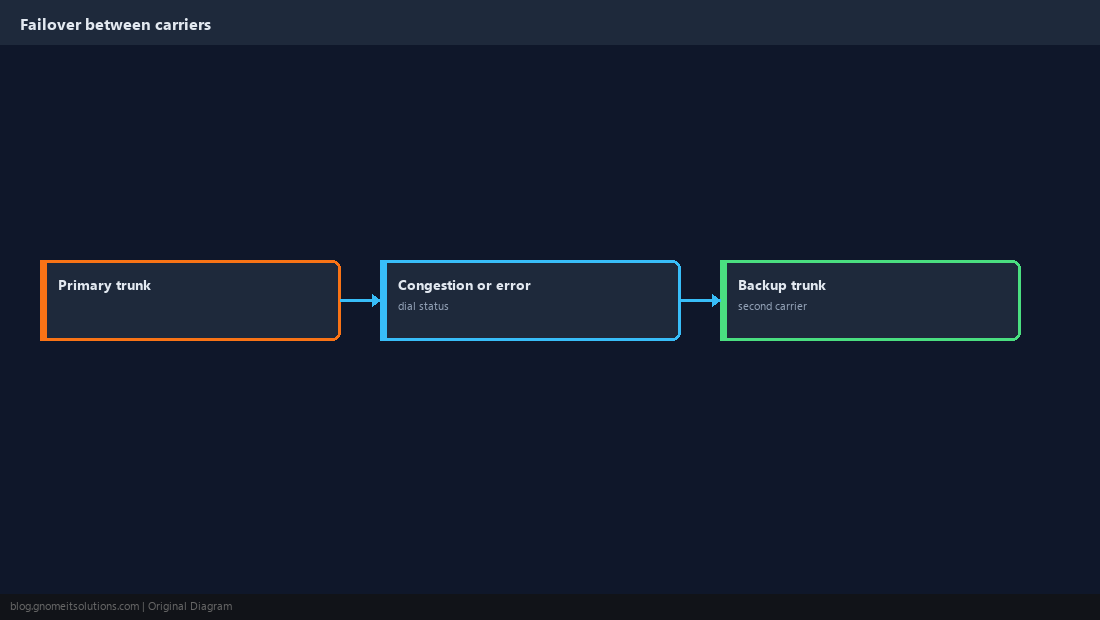
Quick Reference
- Provider details first; one carrier, tested, before adding a second
- Account entry = peer; dialplan entry = match +
call_log+Dial; test failover on purpose
Related tutorials
Diagrams are original illustrations by Gnome IT Solutions. Tutorial text © Gnome IT Solutions.