This guide is a technical configuration reference for ViciDial administrators, not legal
advice. TCPA (Telephone Consumer Protection Act) enforcement details, penalty amounts, and consent
requirements change and vary by call type and jurisdiction, so any campaign’s actual compliance posture
needs sign-off from qualified legal counsel — this guide only covers the dialer-side settings that support
whatever compliance policy counsel has defined.
With that framing, the technical side is real and configurable: ViciDial exposes abandonment-rate
targets, local call-time windows, and dial-method choices that directly affect TCPA exposure, and several of
our other guides already touch pieces of this —
pacing and ratio tuning covers the abandonment mechanics in detail, and
DNC scrubbing
and dial windows covers the do-not-call side. This guide pulls the compliance-relevant settings from
across the platform into one operational checklist, plus the audit logging and monitoring habits that let
you demonstrate compliance after the fact, not just configure toward it.
Step 1: Set and Enforce the Abandonment Rate Ceiling
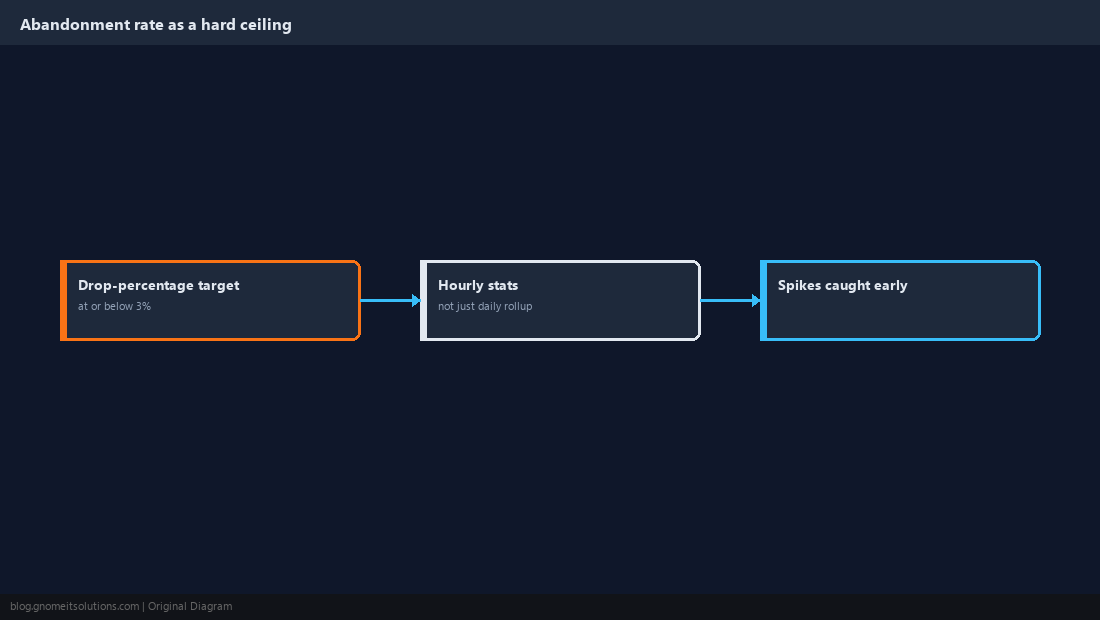
Set every outbound campaign’s drop-percentage target field at or below the 3% ceiling commonly referenced for U.S. telemarketing abandonment rules, and — as covered in depth in our pacing guide — treat that as a hard ceiling to stay under consistently, not an average to land near. Enforcement in practice is commonly assessed over sustained measurement windows rather than a single bad minute, but a campaign that regularly spikes well past 3% during busy stretches is exposed regardless of what the daily average works out to, so pull abandonment stats at an hourly granularity, not just a daily rollup, to catch spikes a daily average would smooth over and hide.
Step 2: Configure Local Call-Time Windows Correctly
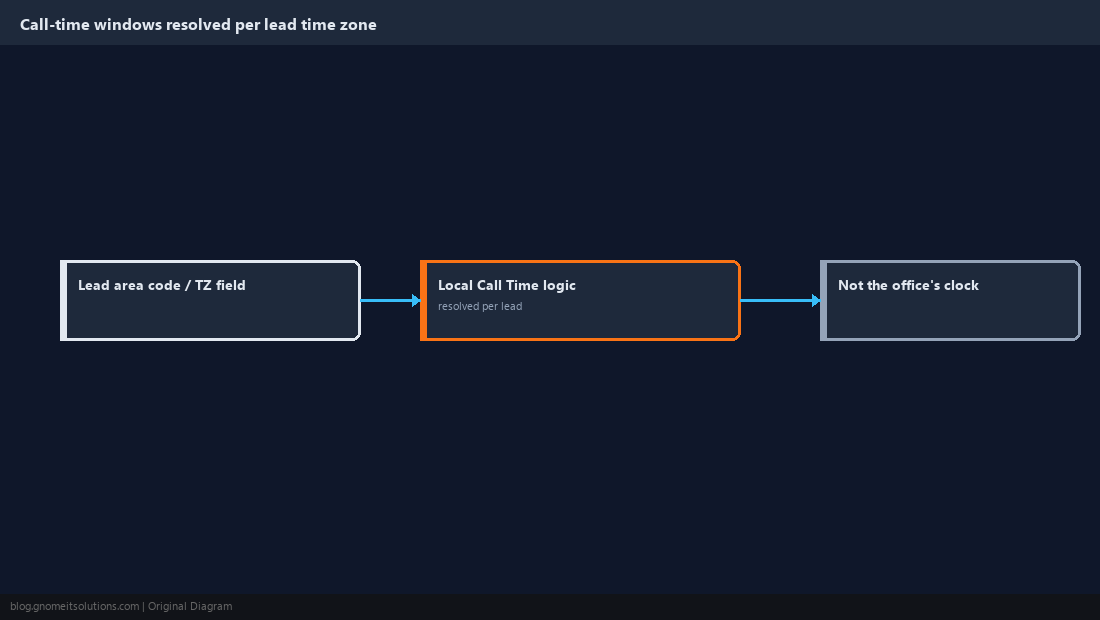
U.S. telemarketing rules commonly reference calling hour restrictions based on the called party’s local time zone, not the calling center’s time zone, so the Local Call Time field on each campaign has to be built from the lead’s area code or an explicit time-zone field on the lead record, not a single office-hours assumption applied uniformly. A list spanning multiple time zones needs the call-time logic to actually resolve time zone per lead — a campaign that only checks the calling center’s local clock will dial leads on the West Coast during hours that are compliant in the campaign’s own time zone but not in the lead’s, which is exactly the gap this field exists to close.
Step 3: Confirm DNC Scrubbing Runs Before Every Dial, Not Just at Import
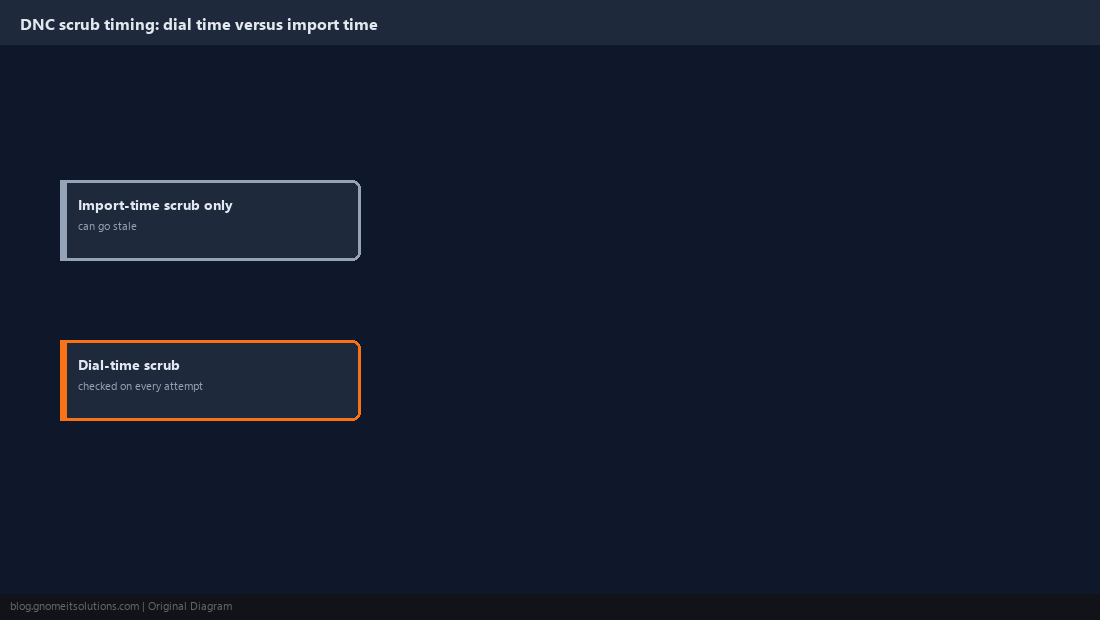
A list scrubbed against DNC data once at import time can still dial numbers added to DNC lists afterward, so the scrub needs to run as an ongoing check integrated into the campaign’s dial logic, not a one-time gate before the leads ever entered vicidial_list. Our DNC scrubbing guide covers the mechanics of wiring an internal or third-party DNC list into ViciDial’s dial-time checks; the compliance-relevant point here is timing — confirm whichever scrub method is in place actually runs close to dial time, and schedule periodic re-imports of any external DNC data source so the internal reference list doesn’t quietly go stale.
Step 4: Log Consent and Campaign Type Distinctly Where It Applies
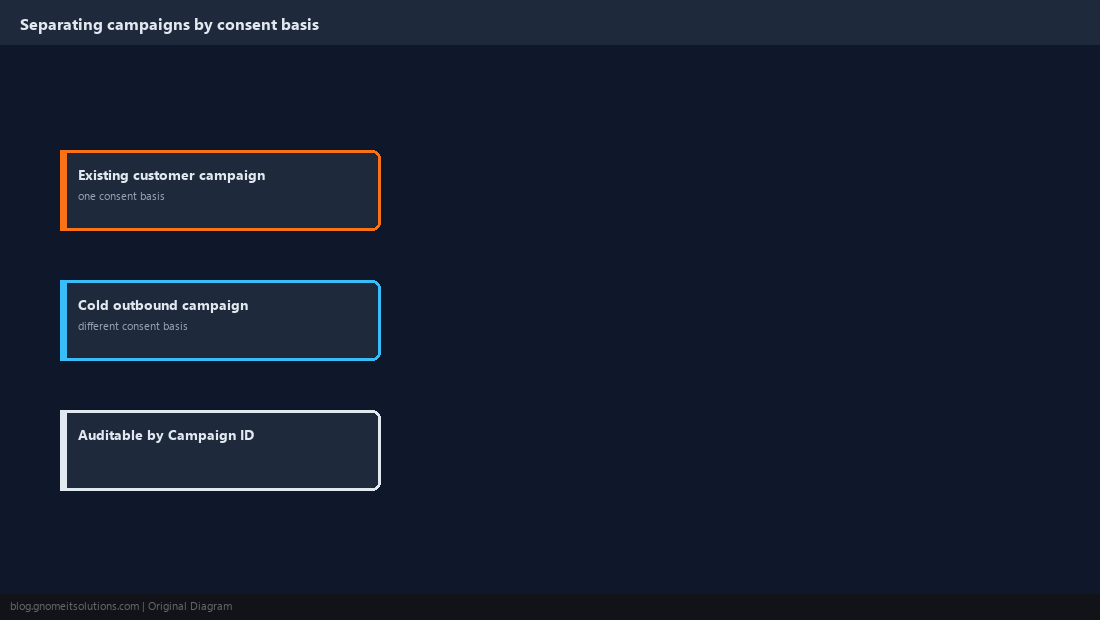
Different call types carry different consent requirements — a call to an existing customer regarding an existing account is commonly treated differently than a cold outbound sales call to a purchased list, and campaigns using pre-recorded messages or an autodialer against cell numbers carry their own distinct consent expectations. Structure campaigns and lead sources so this distinction is visible in the data — a separate Campaign ID or a lead-source field flagging consent basis — rather than blending consent-different lead populations into one undifferentiated campaign where an after-the-fact audit can’t tell which calls had which consent basis. This structural separation is what makes it possible to answer a compliance question about a specific call months later instead of reconstructing it from memory.
Step 5: Preserve Call Detail Records and Recordings for the Required Retention Window
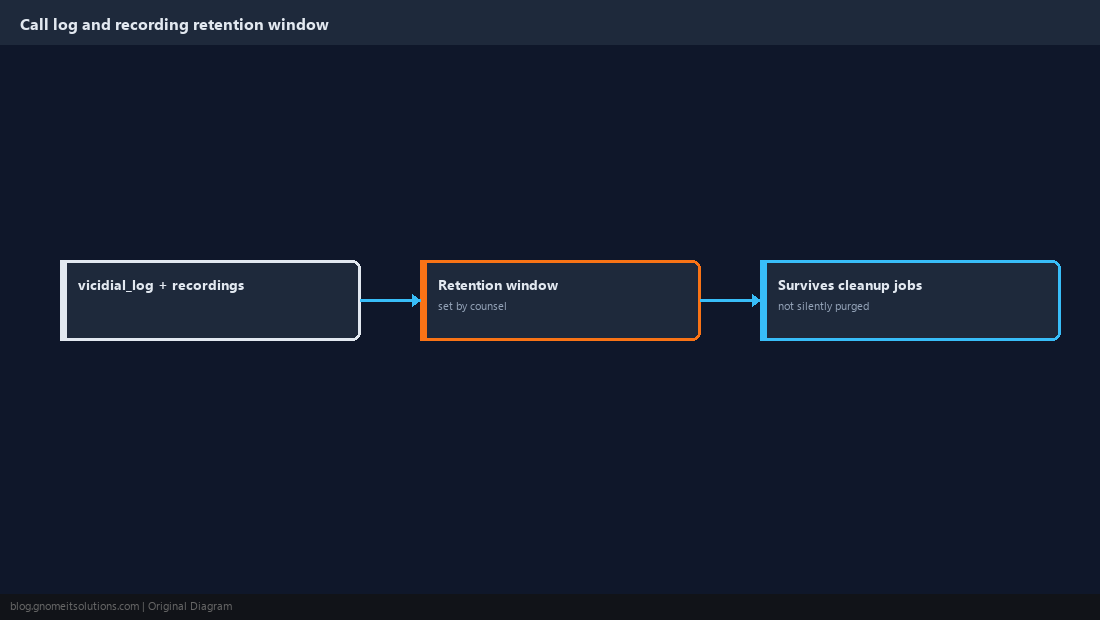
Confirm vicidial_log data and any call recordings referenced in our call recording storage guide are retained for whatever period counsel has specified as the compliance retention window, since a records-purge job or a database maintenance script pruning logs too aggressively can quietly destroy exactly the evidence needed to demonstrate compliance during a later dispute. Keep the abandonment rate history from Step 1 in that same retention scope — a demonstrated pattern of staying under the ceiling over time is only useful if the historical data proving it still exists when someone asks for it.
Step 6: Route DNC and Opt-Out Requests to Immediate, Verifiable Suppression
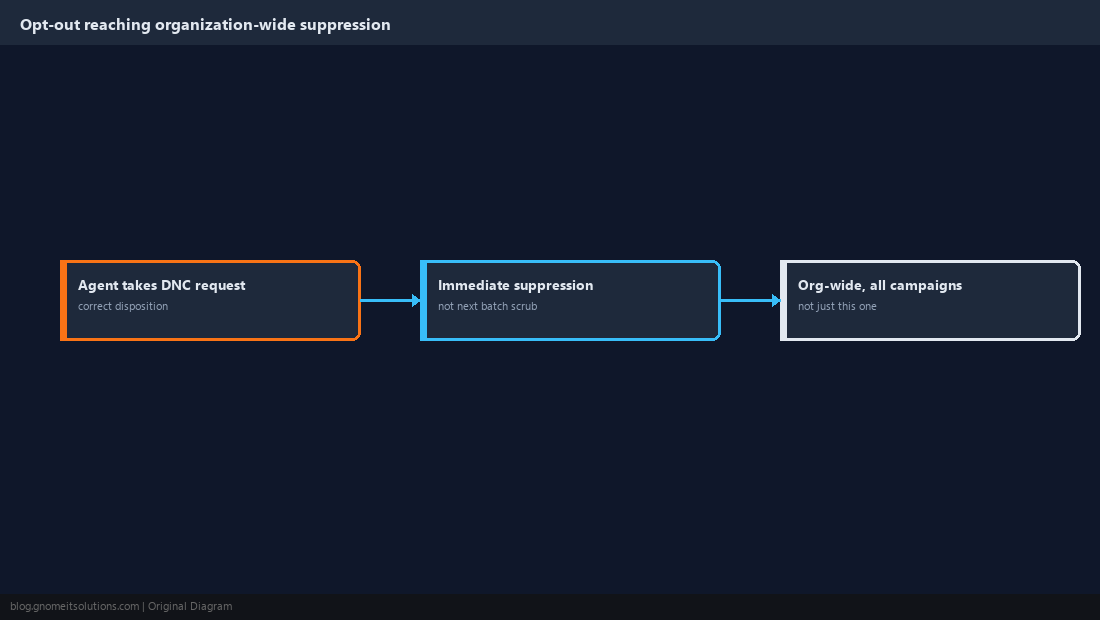
When an agent takes a DNC or opt-out request, confirm the disposition used is flagged correctly — as covered in our custom dispositions guide — so the number is added to the suppression list immediately rather than at the next batch scrub. Periodically pull a sample of numbers recently marked DNC and verify they were in fact excluded from every subsequent dial attempt across every campaign that might otherwise call them, not just the campaign the request originated on — a DNC suppression that only applies within one campaign ID instead of organization-wide is a gap that surfaces exactly when a number gets called again from a different list months later.
Step 7: Build a Recurring Compliance Review, Not a One-Time Setup Pass
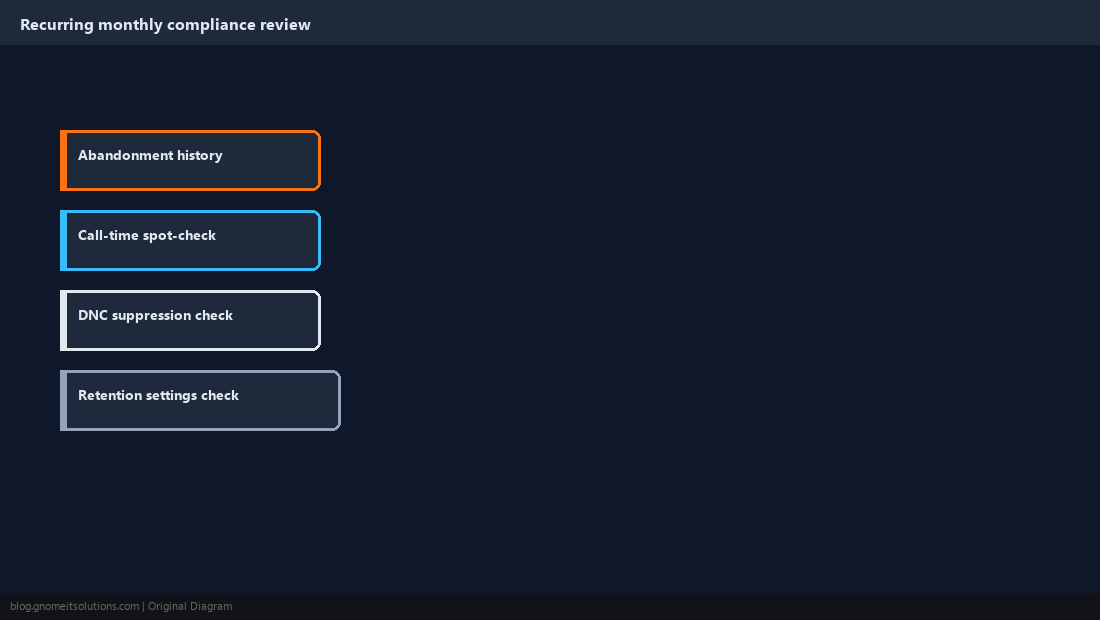
Set a recurring cadence — monthly is reasonable for most operations — to review abandonment rate history, spot-check call-time compliance against a sample of dialed leads, confirm DNC suppression is actually working end to end, and verify retention settings haven’t been changed by an unrelated maintenance task. Document each review with a simple pass/fail note per item rather than relying on memory that “we checked this a while back” — a documented recurring review is itself evidence of an active compliance program if that’s ever relevant, separate from whether any individual review found a problem to fix.
Step 8: Involve Legal Counsel Before Changing Compliance-Relevant Settings
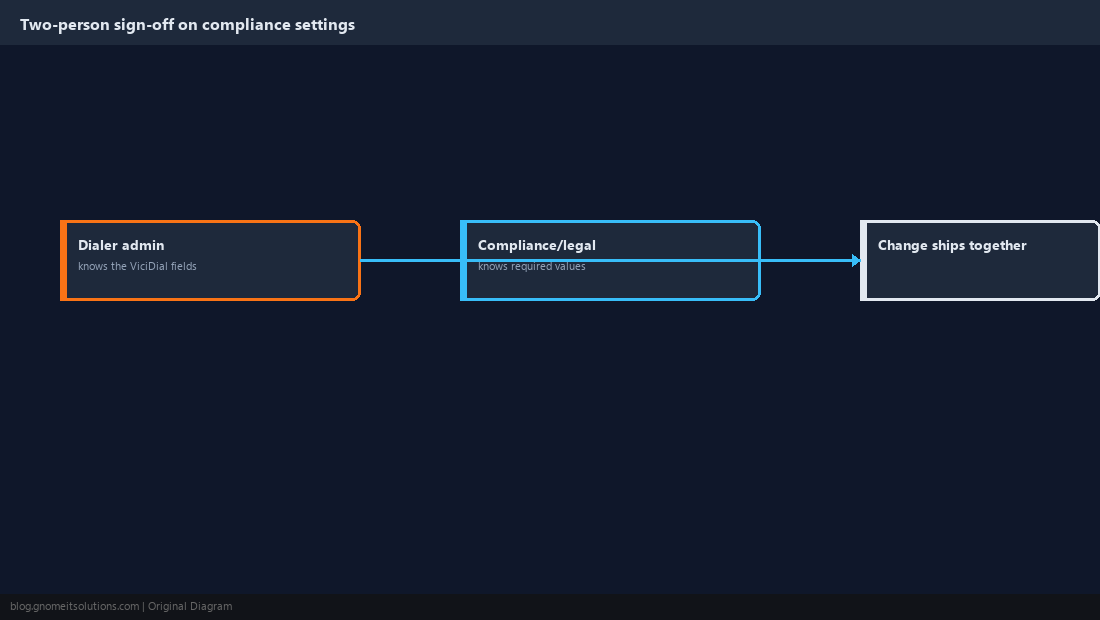
Any change to the abandonment ceiling, call-time window logic, DNC scrub timing, or retention settings covered in this guide should go through whoever owns compliance sign-off for the organization before it ships to a live campaign, even when the change looks purely technical from the dialer-admin side. A pacing tweak that looks like a small ratio adjustment can meaningfully change abandonment exposure, and a retention-window change that looks like routine database cleanup can eliminate records counsel is depending on being available. Treat this whole class of setting as a two-person change — the admin who knows the ViciDial fields, and the compliance function that knows what the fields need to be set to — rather than something the dialer admin decides on unilaterally.
Reminder: this is a configuration reference, not legal advice. Confirm actual compliance
requirements and thresholds with qualified legal counsel for your organization and call types.
Dialer-Side Compliance Settings at a Glance
Abandonment ceiling   at or below 3%, checked hourly not just daily
Call-time window      resolved per lead's time zone, not the office's
DNC scrub timing       runs at dial time, not just at list import
Consent structure      separate campaigns/fields by consent basis
Retention              survives routine database/log cleanup jobs
Opt-out suppression    organization-wide, not campaign-scoped
Compliance review      recurring and documented, not one-time
Related tutorials
- Predictive Dialer Pacing and Ratio Tuning
- DNC Scrubbing and Dial Windows
- Custom Dispositions and Status Setup
Image credits: All illustrations are original terminal/config mockups created for
Gnome IT Solutions — not screenshots from any third-party site. Tutorial text © Gnome IT Solutions.