
Our Docker
deployment guide ends with a deliberate warning: don’t try to scale call capacity by running more
Asterisk containers behind a load balancer the way you’d scale a stateless web app. ViciDial’s
actual answer to call-capacity scaling is a multi-server cluster — one database server holding the
single source of truth, one or more dedicated dial servers each running their own Asterisk instance and
carrier trunks, and a separate web server (or servers) handling the admin UI and agent screens. This is the
architecture ViciDial was designed around from the start, well before containers were part of the
conversation.
This guide covers how the roles split across servers, the astguiclient.conf and
manager.conf settings that let a dial server register itself against a central database, and
the operational practices — adding a dial server, taking one out of rotation for maintenance — that keep a
cluster running smoothly once it’s built.
The Cluster Architecture: Three Roles, Not One Server Doing Everything
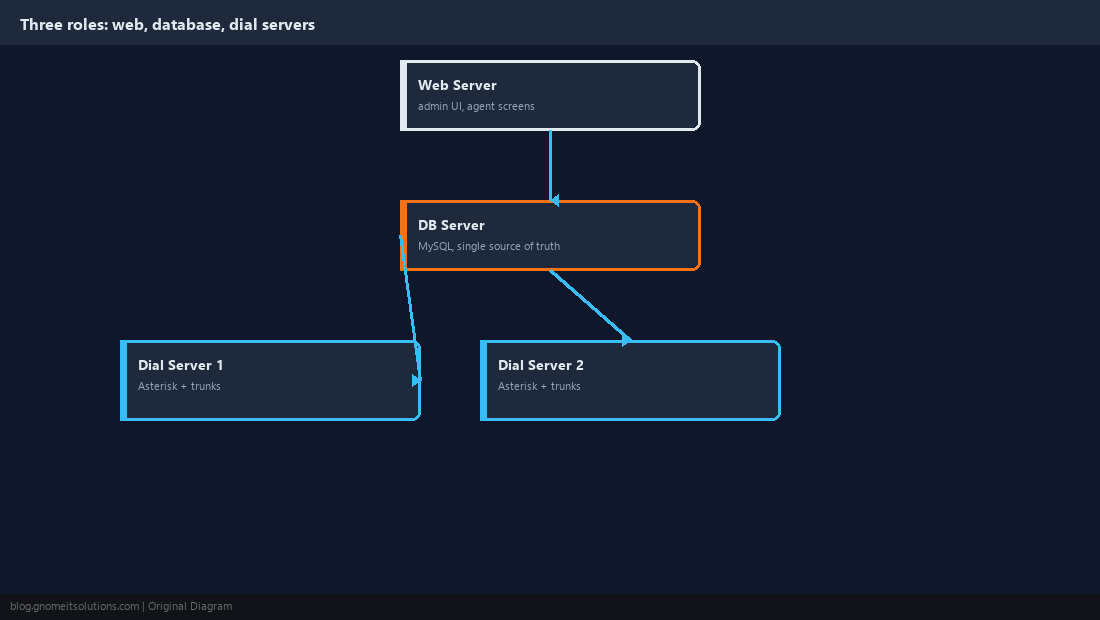
A single-server ViciDial install runs the web UI, Asterisk, and MySQL all on one box, which is fine up to a moderate agent count but hits a ceiling as call volume grows — Asterisk’s real-time media handling and MySQL’s write load start competing for the same CPU and disk I/O. Splitting into three roles removes that contention: a DB server runs MySQL and nothing else performance-sensitive, a web server serves the admin and agent screens and talks to the DB server over the network, and one or more dial servers each run their own Asterisk instance, own carrier trunks, and own set of agent phone registrations, all pointed at the same central database:
                     +---------------------------+
                     |        Web Server          |
                     |  (admin UI, agent screens) |
                     |     apache/php, no MySQL    |
                     +--------------+--------------+
                                    |
                     +--------------v--------------+
                     |        DB Server             |
                     |   MySQL, vicidial schema      |
                     |   single source of truth      |
                     +--------------+--------------+
                                    |
              +---------------------+---------------------+
              |                                           |
   +----------v----------+                     +----------v----------+
   |     Dial Server 1     |                     |     Dial Server 2     |
   |  Asterisk + carrier    |                     |  Asterisk + carrier    |
   |  trunks, agent phones  |                     |  trunks, agent phones  |
   +------------------------+                     +------------------------+
Adding call capacity from here means adding another dial server, not resizing the single box everything used to run on.
Point Each Dial Server at the Central Database
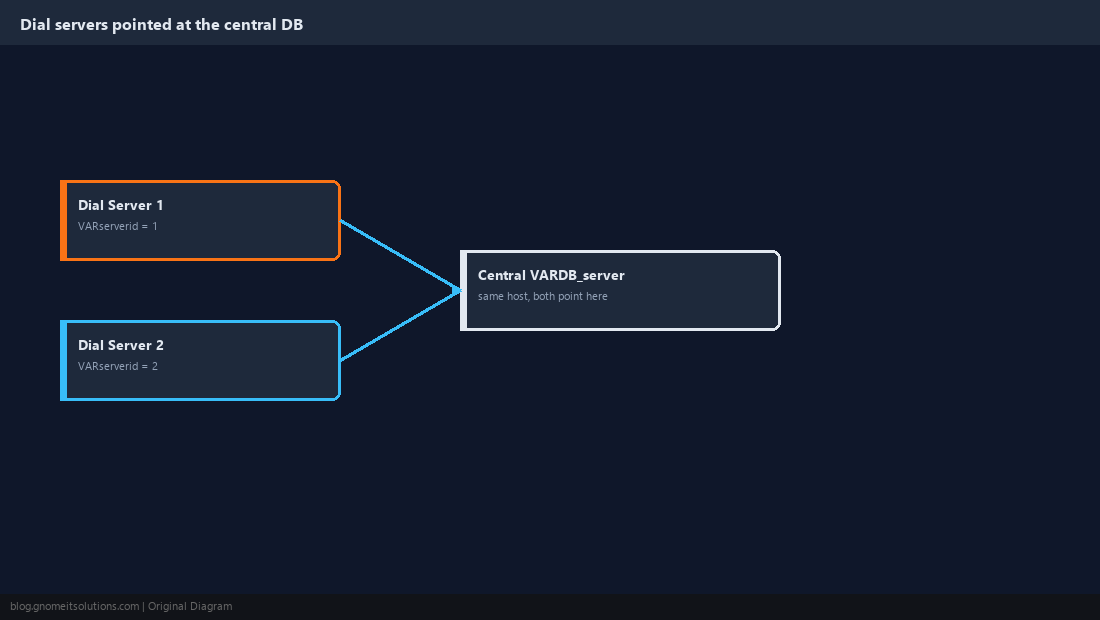
Every dial server needs its own unique VARserverid in /etc/astguiclient.conf so ViciDial can tell which server logged which call and which agent is registered where, while the VARDB_* fields all point at the same central DB server rather than localhost:
# /etc/astguiclient.conf  (on each dial server, pointed at the DB server)
VARDB_server = 10.0.0.10
VARDB_database = asterisk
VARDB_user = cron
VARDB_pass = REPLACE_ME
VARserverid = 2
Getting VARserverid wrong — reusing the same ID on two dial servers, or leaving it at the default — produces confusing symptoms like agent stats attributing to the wrong server or campaigns behaving as if leads are being pulled twice, so treat this single field as the most consequential value in the whole cluster setup.
Scope AMI Access Per Dial Server, Not Globally
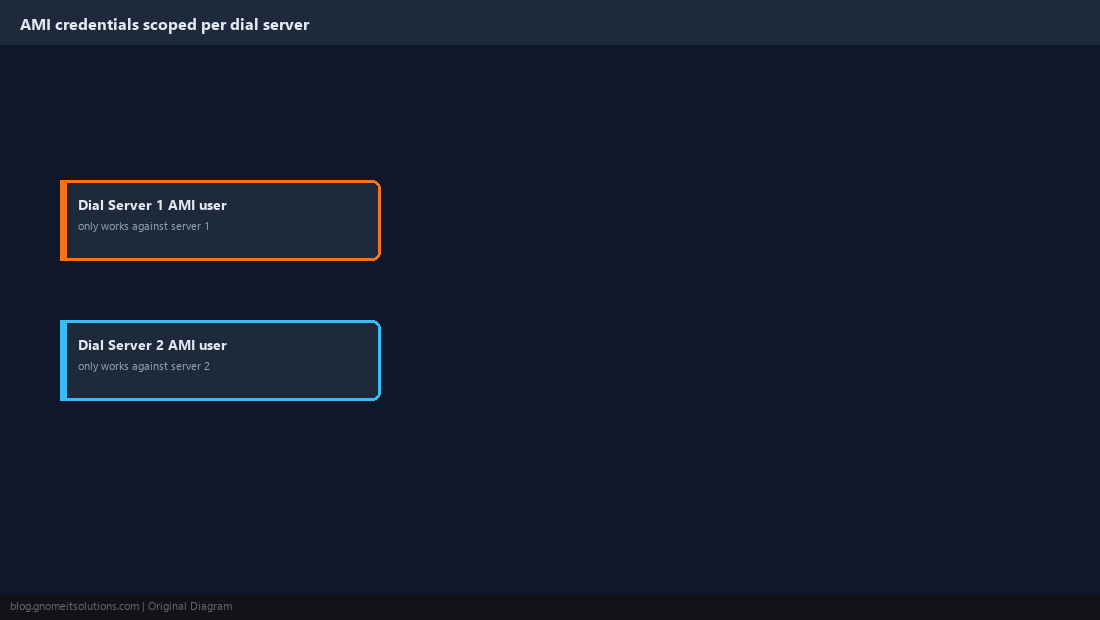
Each dial server’s own Asterisk instance needs its own Asterisk Manager Interface credentials scoped to just that server’s management needs — a cron job or dashboard script talking to dial server 1 should never accidentally have standing credentials that also work against dial server 2’s instance:
# /etc/asterisk/manager.conf snippet (per dial server)
[cron-user]
secret = REPLACE_ME
deny = 0.0.0.0/0.0.0.0
permit = 10.0.0.0/255.255.255.0
read = system,call,agent,log,verbose
write = system,call,agent,originate
This mirrors the same least-privilege principle from our AMI commands guide, just applied per server instead of assuming a single Asterisk instance for the whole install.
Assign Campaigns to Specific Dial Servers Where It Matters
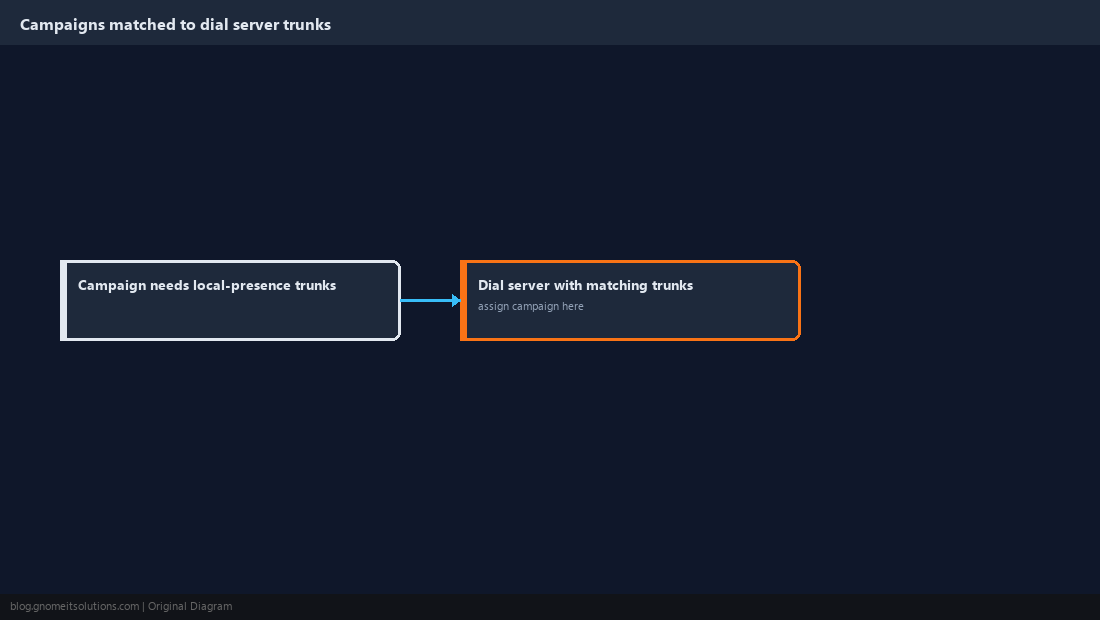
ViciDial lets a campaign’s dial activity be tied to a specific dial server, which matters when different dial servers have different carrier trunks — a campaign that needs a specific area code’s local-presence trunks, covered in our DID rotation guide, should run on the dial server that actually has those trunks configured rather than being left to land on whichever server happens to pick it up. For campaigns that don’t have a hard carrier requirement, spreading them across available dial servers evens out load better than concentrating everything on one server while others sit comparatively idle.
Add a New Dial Server Without Disrupting Live Traffic
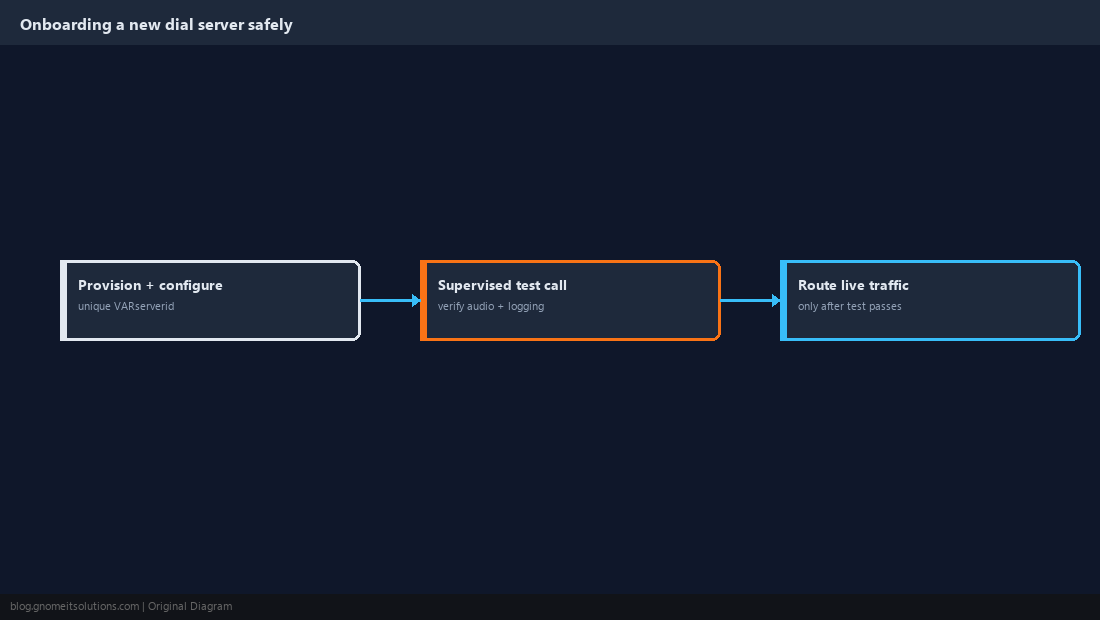
Provision the new server, install Asterisk and the ViciDial dial-server components, set a fresh unused VARserverid, and point its astguiclient.conf at the existing DB server — but leave any campaigns pointed at the existing dial servers until the new one has been verified independently. Place a supervised test call through the new server’s extensions the same way our campaign creation guide recommends for a brand-new campaign, confirming registration, audio, and correct logging against the central database, before moving any live campaign traffic onto it.
Drain a Dial Server for Maintenance Instead of Yanking It
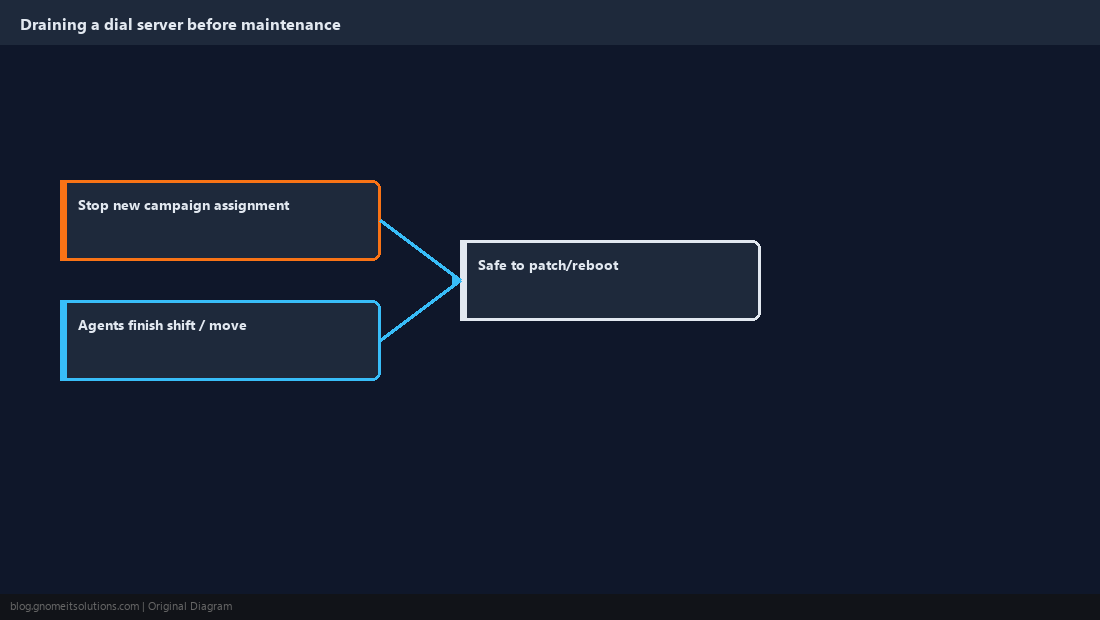
Before patching or rebooting a dial server, stop new campaigns from being assigned to it and let its currently-logged-in agents finish their shift or move to a different dial server, rather than restarting Asterisk out from under live calls. A dial server pulled offline mid-call doesn’t just drop that one call — agents logged into it lose their session entirely, and any calls mid-dial when the process stops can leave stale records in the central database that need manual cleanup afterward. Schedule maintenance windows around the campaign’s dial-window hours from our DNC and dial windows guide so a planned reboot naturally lands during a quiet period.
Monitor Each Dial Server’s Health Independently
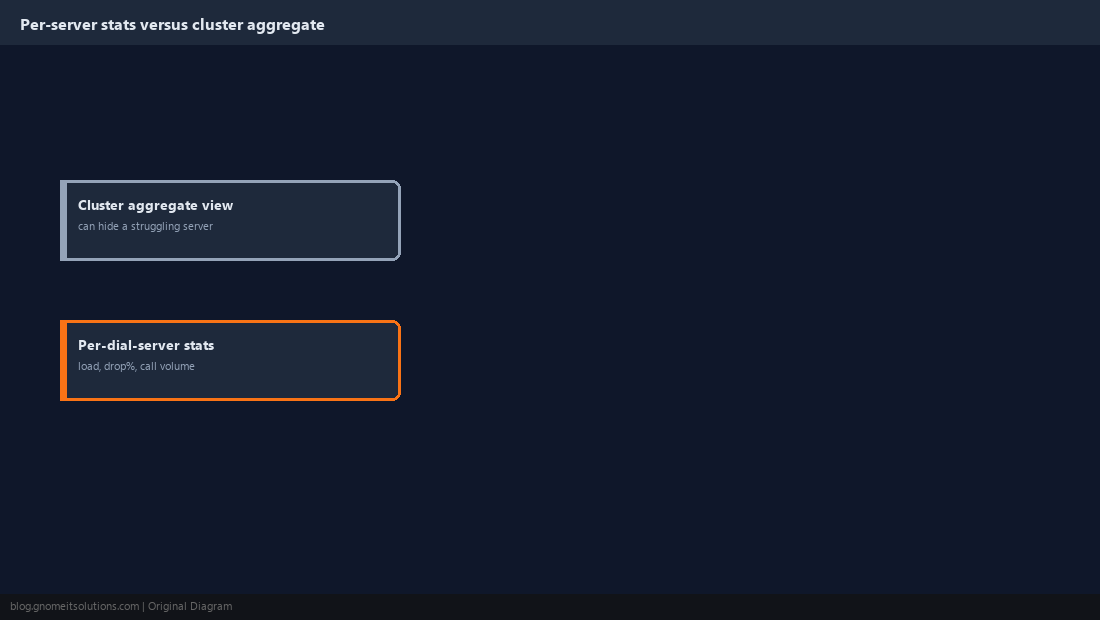
A cluster’s real-time reports screen aggregates stats across all dial servers by default, which can hide one struggling server behind healthy numbers from the others — pull per-server call volume, drop percentage, and system load separately on a recurring basis rather than only glancing at the aggregate view. A dial server running hot on CPU from a codec-heavy campaign, or one whose carrier trunk is degrading, shows up clearly in per-server stats well before it would visibly drag down the cluster-wide average enough to trigger anyone’s attention.
Keep the Database Server as the Cluster’s Single Point of Coordination
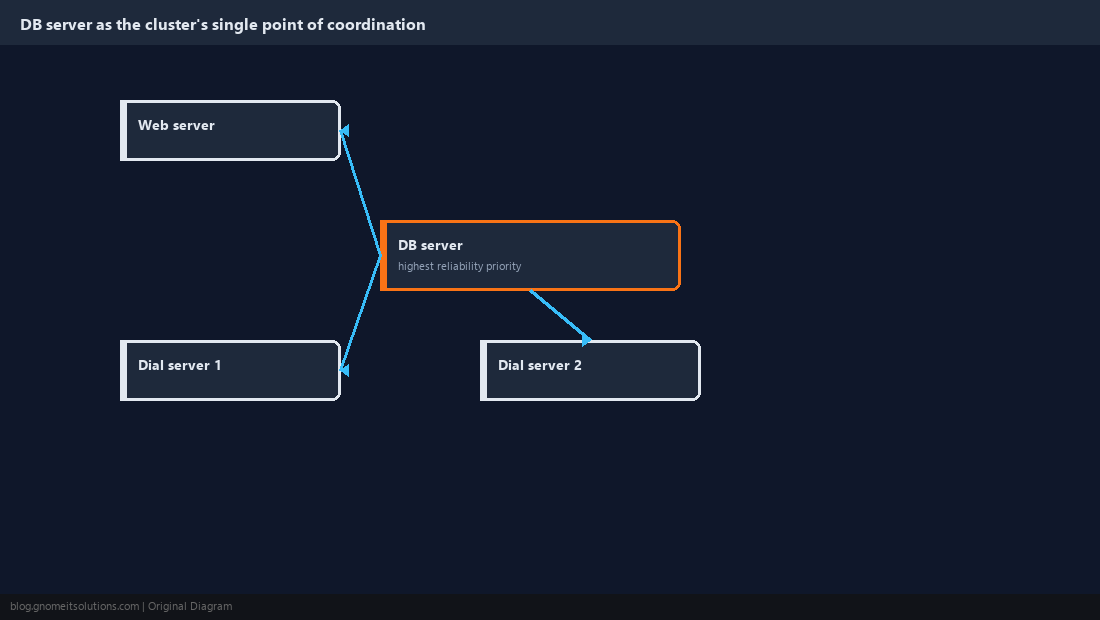
Every dial server and the web server all depend on the same DB server being available, which makes it the cluster’s most consequential single point of failure — invest in its reliability disproportionately relative to any individual dial server, including the backup and restore practices this guide’s second tutorial covers in detail. Don’t run anything performance-sensitive alongside MySQL on that box, and monitor its connection count and query load specifically, since a DB server that slows down degrades every dial server and every agent screen in the cluster simultaneously, unlike a single dial server having a bad day.
Cluster Roles at a Glance
DB server       MySQL only, single source of truth, highest reliability priority
Web server(s)   admin UI + agent screens, talks to DB server over the network
Dial server(s)  own Asterisk instance, own trunks, unique VARserverid each
Related tutorials
- Docker Deployment and Architecture Guide
- Asterisk AMI Commands for ViciDial
- Caller ID (DID) Rotation and Reputation
Image credits: All illustrations are original terminal/config mockups created for
Gnome IT Solutions — not screenshots from any third-party site. Tutorial text © Gnome IT Solutions.