
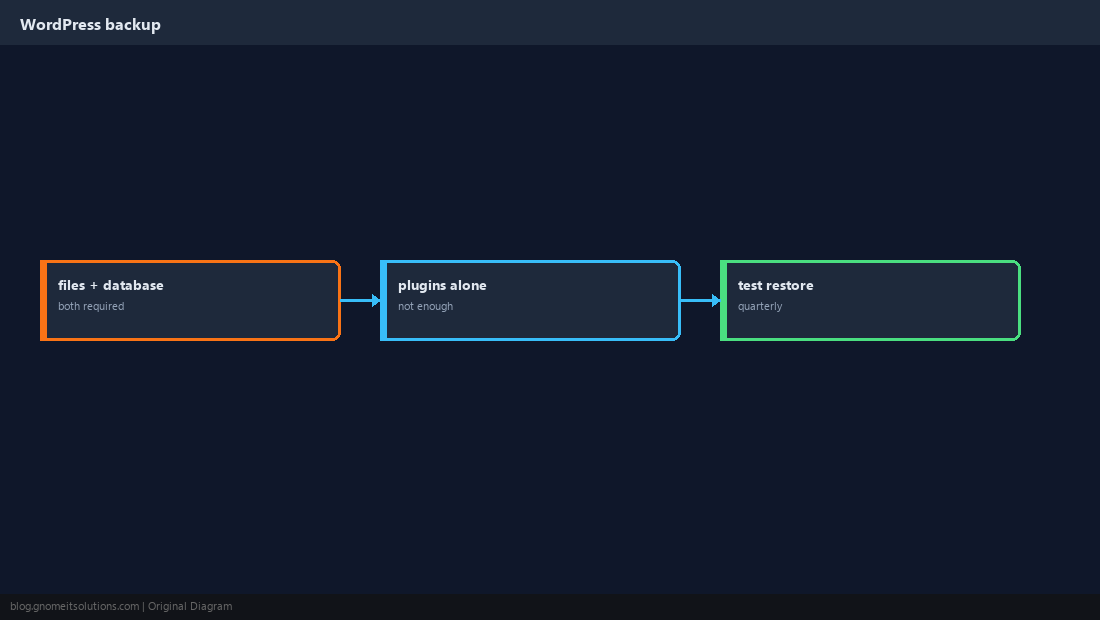
A WordPress backup that only copies wp-content cannot restore your site — posts and settings live in MySQL/MariaDB. Operators search for all-in-one backup plugins, but on Linux servers the reliable pattern is mysqldump plus file archive, stored off-server.
Database skills: mysqldump guide,
file sync: rsync backups,
fresh install context: WordPress LEMP install.
Two Halves: Files and Database
Themes, plugins, and uploads under wp-content; everything else critical in SQL tables prefixed wp_ (or custom prefix).
Back Up wp-content
Use rsync or tar; exclude object-cache and tmp dirs if plugins recreate them.
sudo tar -czf /backup/wp-content-$(date +%F).tar.gz -C /var/www/example.com wp-content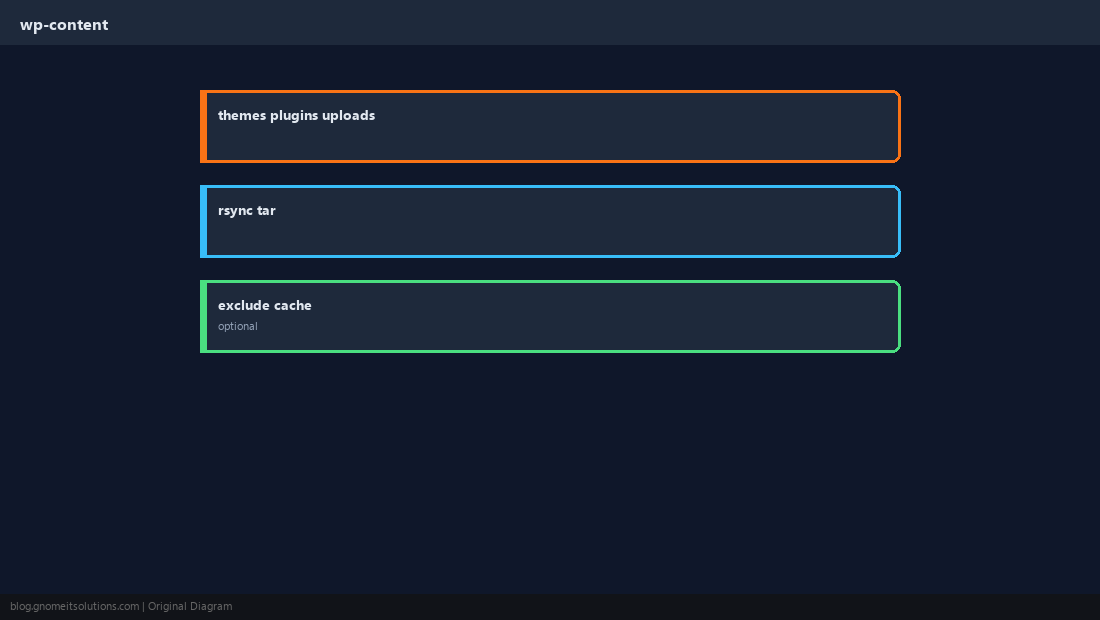
mysqldump the WordPress Database
Use --single-transaction for InnoDB to avoid long locks; gzip the result.
mysqldump -u wpuser -p --single-transaction wordpress | gzip > /backup/wordpress-$(date +%F).sql.gz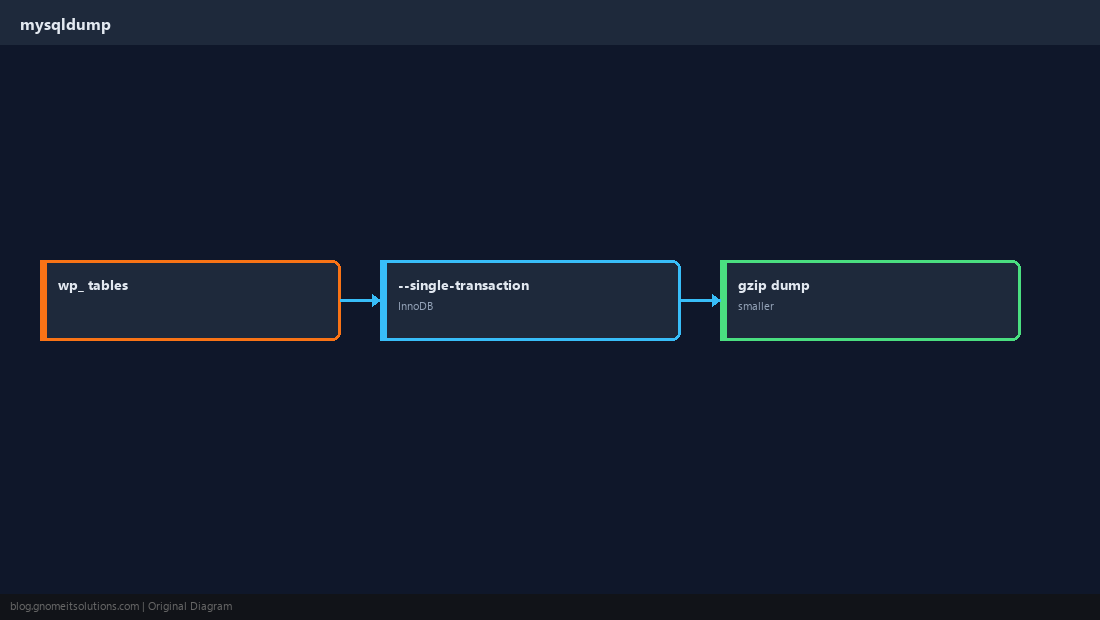
Script and Retention
Nightly cron with 7–30 day rotation; copy to another region or object storage.
find /backup -name 'wordpress-*.sql.gz' -mtime +14 -delete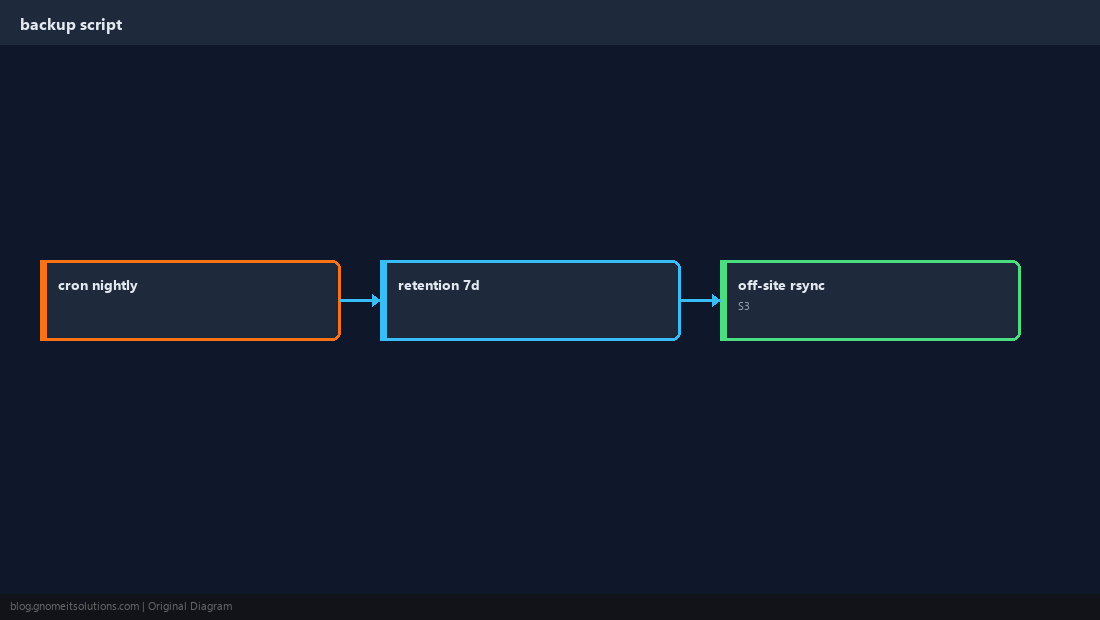
WP-CLI (Optional)
Helpful for exports, plugin lists, and search-replace during migrations.
wp db export /backup/wp-cli-$(date +%F).sql --path=/var/www/example.com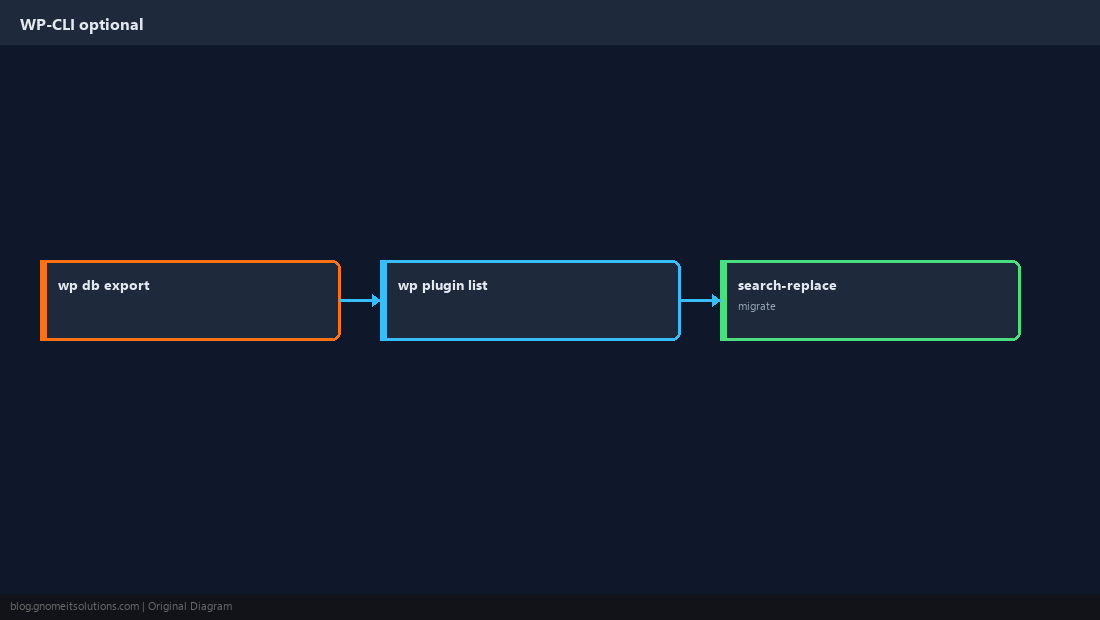
Restore Procedure
Create empty database, import SQL, restore files, fix ownership, flush permalinks in wp-admin.
gunzip < /backup/wordpress-2026-10-07.sql.gz | mysql -u wpuser -p wordpress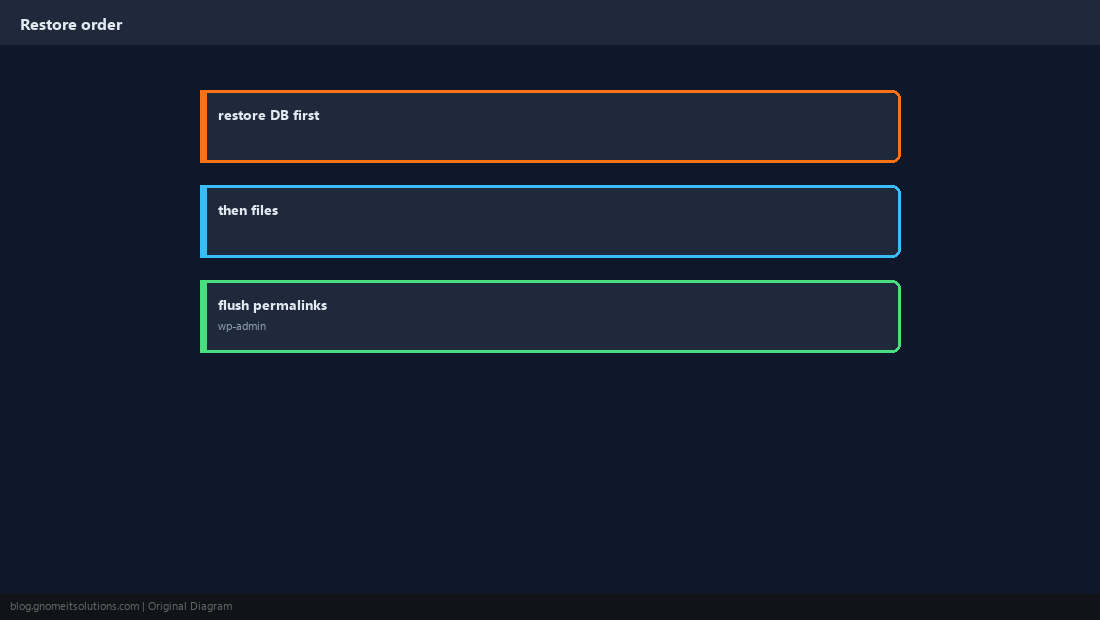
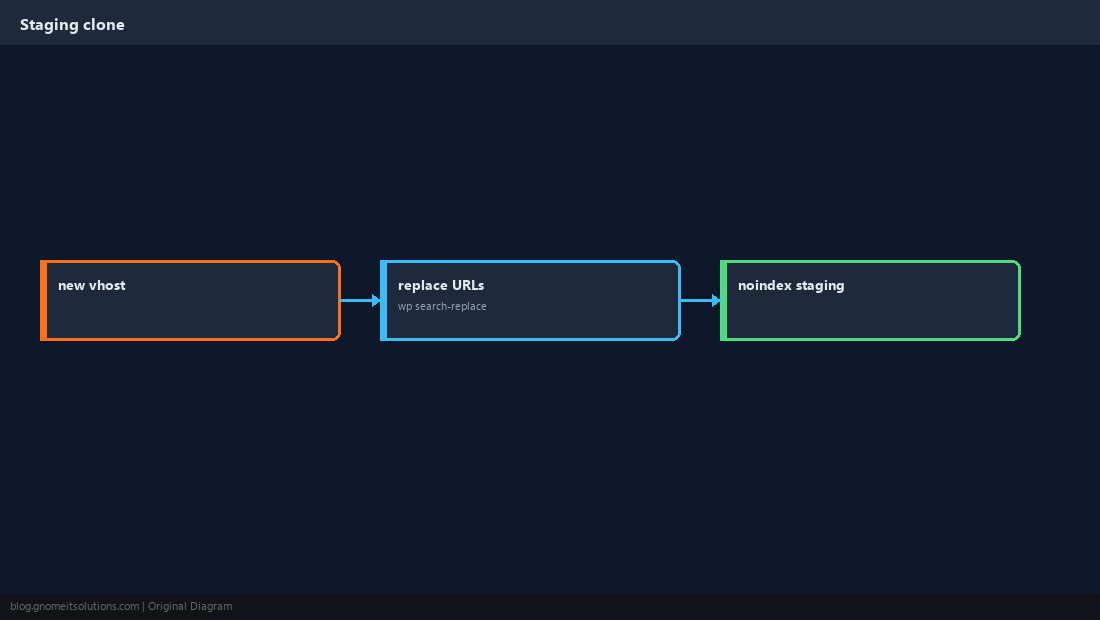
Staging Clones
Copy backups to a staging vhost; run URL search-replace; block indexing.
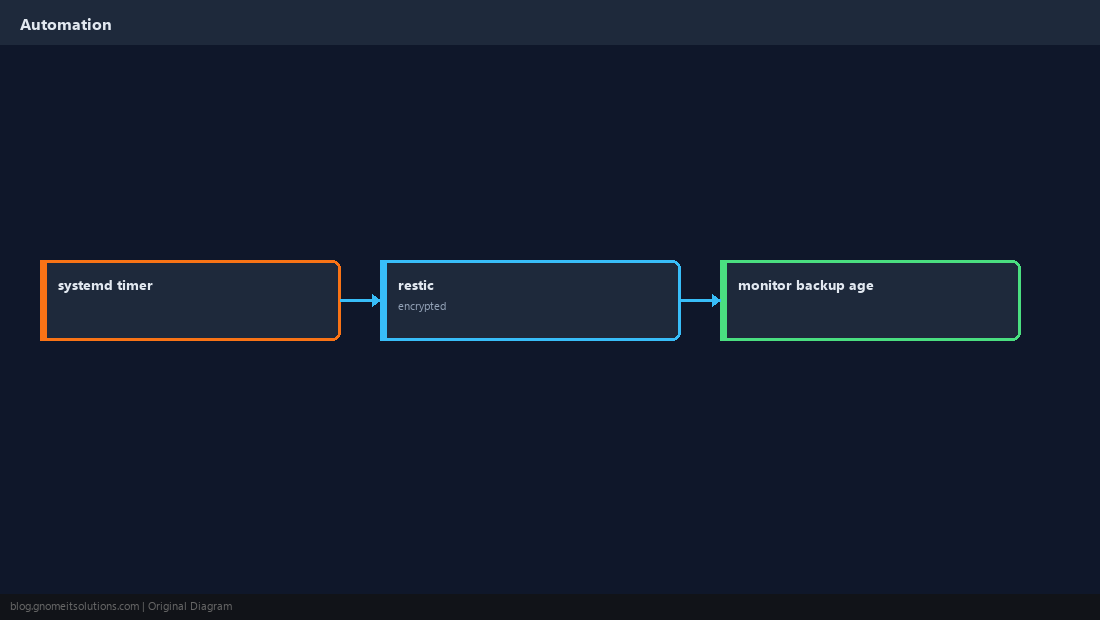
Automate With systemd Timers
More observable than bare cron — logs in journal, easy OnCalendar syntax.
Test Restores Quarterly
An untested backup is a guess. Import into a throwaway database and browse key pages.
tar -tzf /backup/wp-content-$(date +%F).tar.gz | head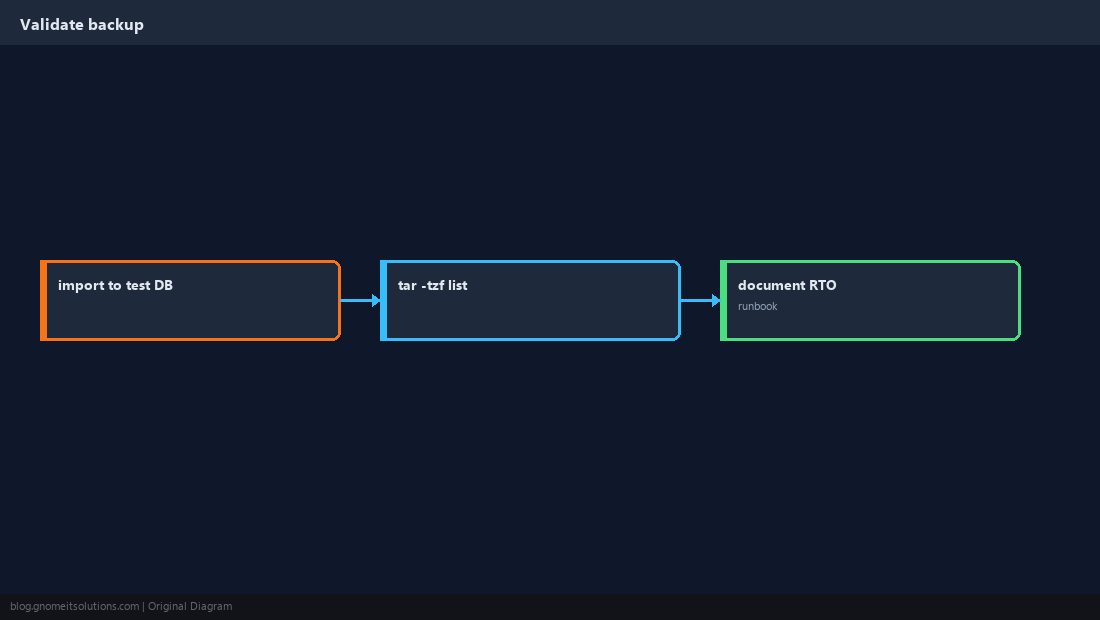
Quick Reference
- Always: database dump + wp-content
- Store copies off the web server
- Restore drill at least quarterly
Related tutorials
Diagrams are original illustrations by Gnome IT Solutions. Tutorial text © Gnome IT Solutions.