
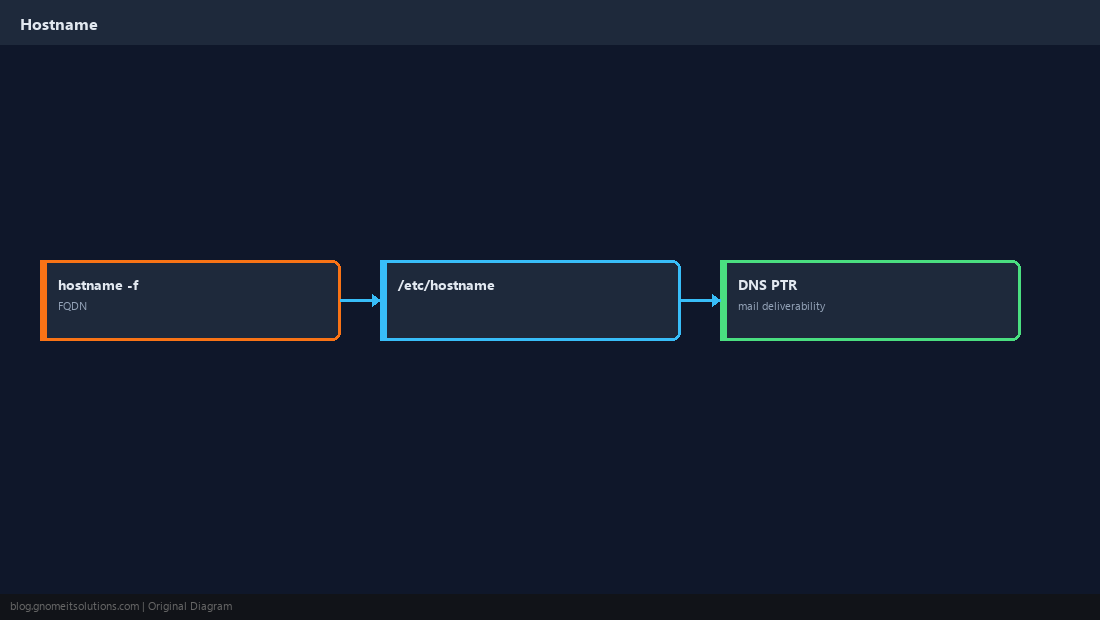
Change hostname on Linux is a frequent search after cloning VMs, renaming cloud instances, or fixing mail delivery where the SMTP banner does not match DNS. Use hostnamectl on systemd systems — avoid editing only /etc/hostname without updating hosts resolution.
Networking context: nmcli & netplan,
DNS troubleshooting.
Hostname vs FQDN
Short name is web1; FQDN is web1.example.com — mail and TLS care about consistency.
hostnamectl set-hostname
The supported method on modern distributions.
sudo hostnamectl set-hostname app1.internal.example
hostnamectl status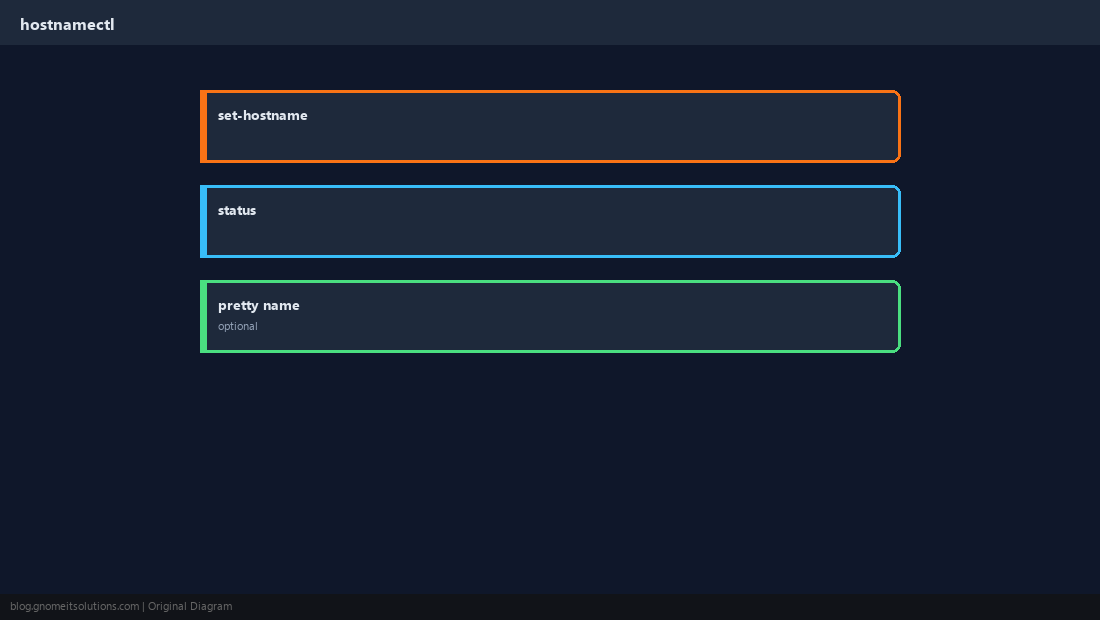
Update /etc/hosts
Debian/Ubuntu often map the hostname to 127.0.1.1 for local resolution.
grep 127.0.1.1 /etc/hosts || echo '127.0.1.1 app1.internal.example app1' | sudo tee -a /etc/hosts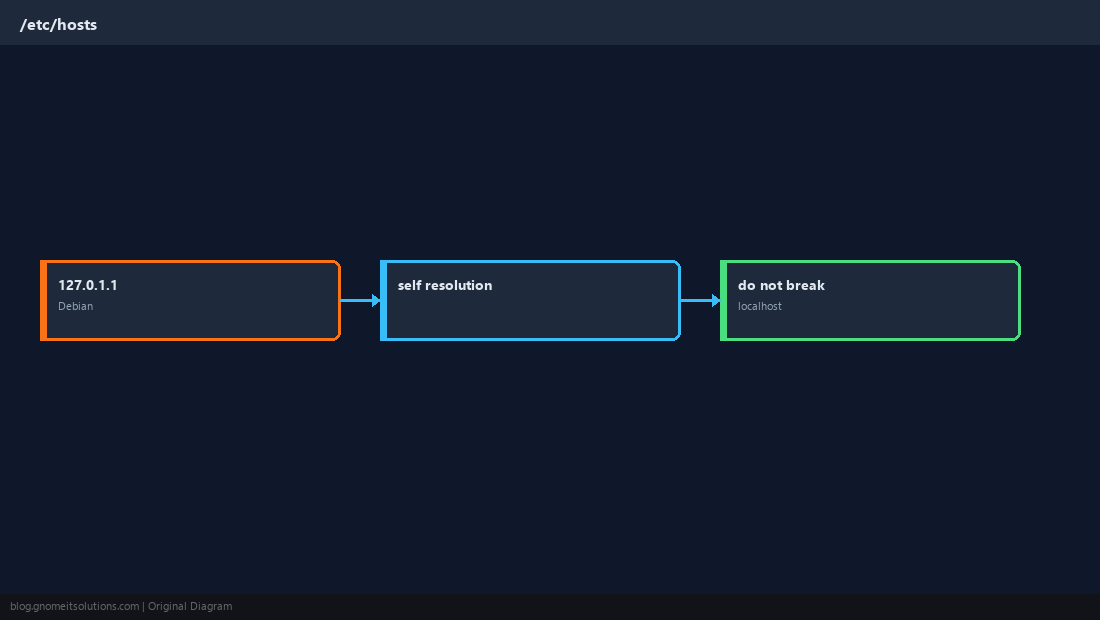
Cloud VPS Notes
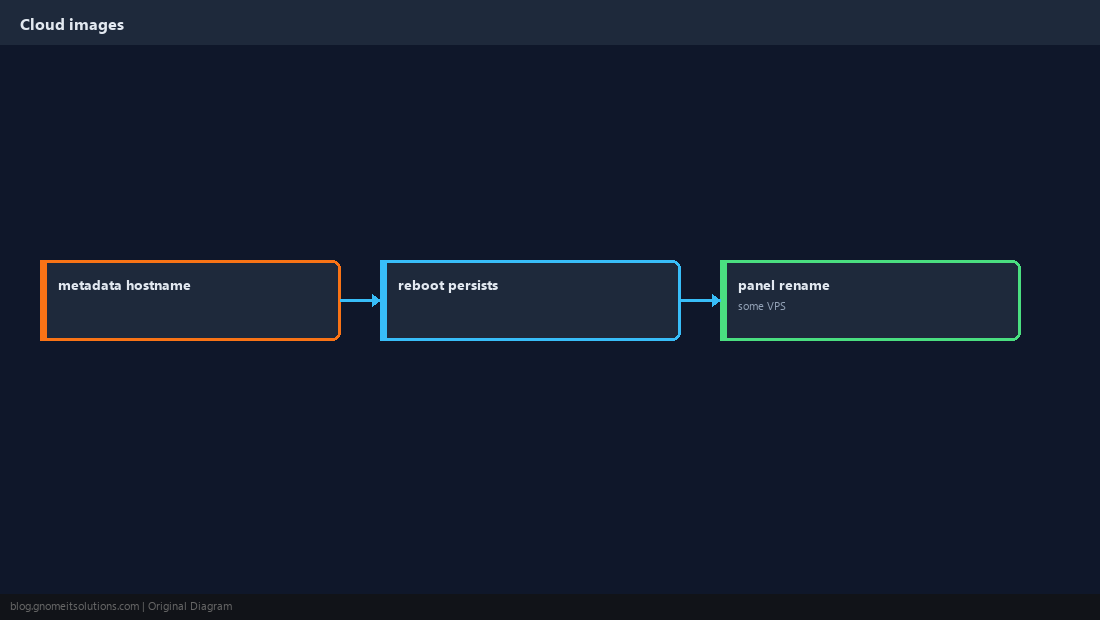
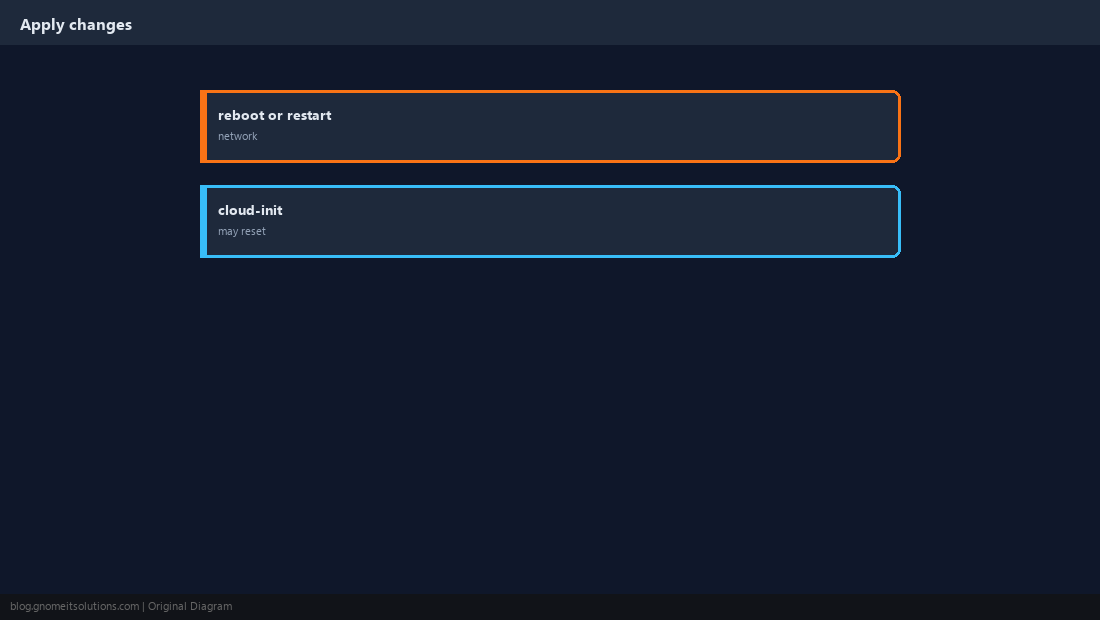
Some providers set hostname via metadata — changes may revert unless you update the panel too.
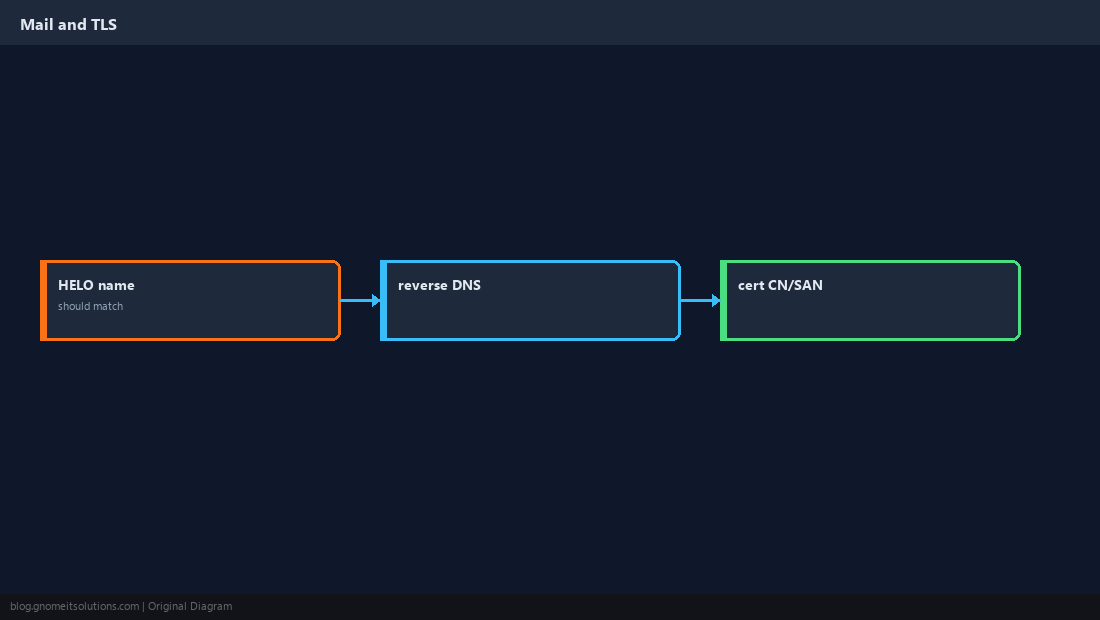
Mail and Certificates
PTR, HELO, and cert SANs should align with the public name clients expect.
Apply Without Surprises
New SSH sessions show the new name; some stacks need service restart.
Verify Resolution
Confirm libc resolver sees the name you expect.
hostname -f
getent hosts $(hostname -f)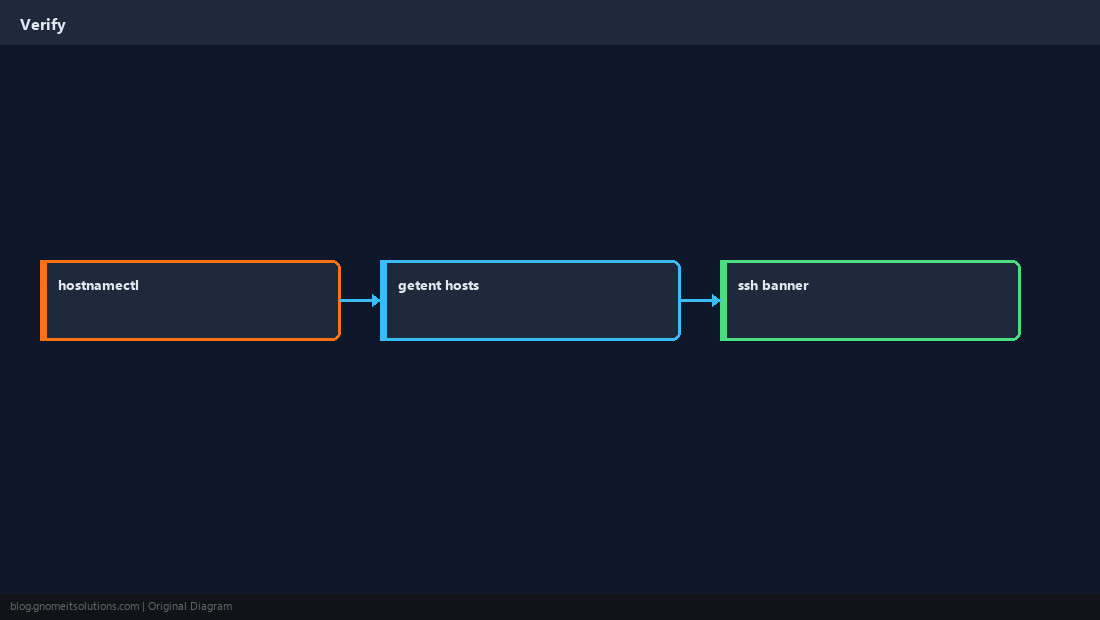
Quick Reference
sudo hostnamectl set-hostname NAME- Fix
/etc/hostson Debian family - Cloud: check provider + cloud-init
Related tutorials
Diagrams are original illustrations by Gnome IT Solutions. Tutorial text © Gnome IT Solutions.