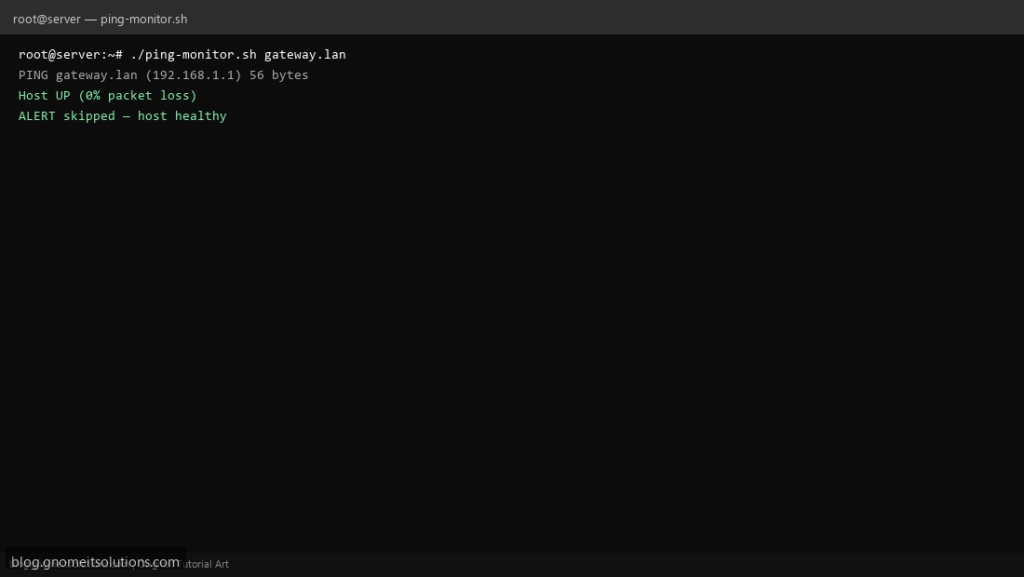
Ping monitor scripts are still searched constantly for home labs, branch routers, and tunnel endpoints — simpler than SNMP for “is the other side alive?” This version alerts only on sustained failure and respects a cooldown.
What this script does
- Pings a host N times with timeout
- Treats 100% loss as DOWN
- Emails on transition to down (with cooldown)
- Logs every check for post-mortems
- Works with IPv4 hostnames or IPs
Prerequisites
- iputils-ping or busybox ping
- ICMP allowed from server to target
- mailx for alerts (optional)
Step 1: Save the script
sudo nano /usr/local/bin/ping-monitor.sh
sudo chmod +x /usr/local/bin/ping-monitor.sh
Step 2: Full script (scroll to read)
ping-monitor.sh
#!/usr/bin/env bash
set -euo pipefail

HOST="${1:?usage: ping-monitor.sh HOST}"
COUNT="${PING_COUNT:-3}"
ALERT_TO="${ALERT_TO:[email protected]}"
COOLDOWN_SEC=600
STATE="/var/run/ping-monitor-${HOST//\//_}.state"
LOG="/var/log/ping-monitor.log"

log(){ echo "[$(date '+%F %T')] $HOST $*" | tee -a "$LOG"; }

if ping -c "$COUNT" -W 2 "$HOST" >/dev/null 2>&1; then
  log "UP"
  echo up >"$STATE"
  exit 0
fi

log "DOWN (${COUNT} packets lost)"
prev=$(cat "$STATE" 2>/dev/null || echo up)
now=$(date +%s)
last_alert=$(cat "${STATE}.alert" 2>/dev/null || echo 0)

if [[ "$prev" == down ]] && (( now - last_alert < COOLDOWN_SEC )); then
  log "SKIP alert (cooldown)"
  exit 1
fi

{
  echo "Host $HOST appears DOWN from $(hostname -f)"
  ping -c "$COUNT" "$HOST" || true
} | mail -s "[ping] $HOST down" "$ALERT_TO" 2>/dev/null || log "mail failed (no MTA?)"

echo down >"$STATE"
echo "$now" >"${STATE}.alert"
exit 1
Scroll inside the box to read the full script.
Step 3: Configure settings
- Some clouds block ICMP — use TCP check script instead for public endpoints
- See wait-for-port script for deploy gates
- Uptime HTTP checks: website uptime script
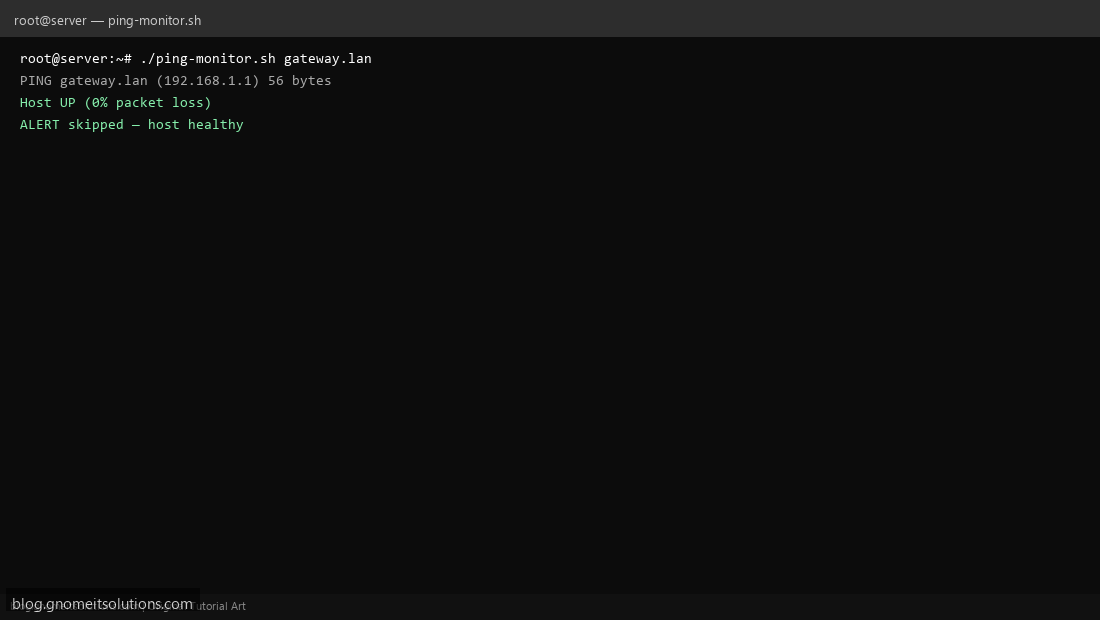
Step 4: Test manually
./ping-monitor.sh 127.0.0.1./ping-monitor.sh 192.0.2.1Schedule with cron
sudo crontab -eAdd:
* * * * * /usr/local/bin/ping-monitor.sh vpn-gateway.example.com >> /var/log/ping-monitor.log 2>&1Related tutorials
- Linux Backup Shell Script: Files & Database to Remote Server
- Cron Jobs in Linux: Schedule Tasks with crontab
- SSH Key Authentication on Linux Servers
Terminal screenshot is an original illustration created for Gnome IT Solutions (blog.gnomeitsolutions.com).