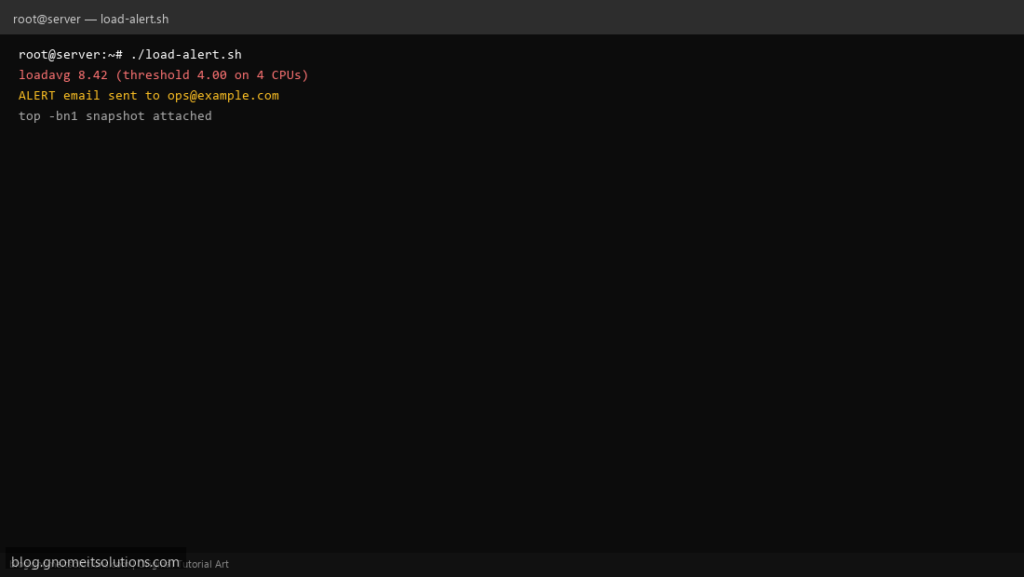
When users report “the server is slow,” load average is the first number operators check. This script compares 1-minute load to threshold × CPU cores and emails a short report with a top snapshot when the box is overloaded.
What this script does
- Reads load from
/proc/loadavg - Sets threshold relative to
nprocCPU count - Emails only when load exceeds limit (not every cron tick)
- Includes
top -bn1head in the message body - State file prevents alert spam within a cooldown window
Prerequisites
- mail or mailx for alerts (or adapt to webhook)
- bc or awk for float compare
- Readable /proc/loadavg
Step 1: Save the script
sudo nano /usr/local/bin/load-alert.sh
sudo chmod +x /usr/local/bin/load-alert.sh
Step 2: Full script (scroll to read)
load-alert.sh
#!/usr/bin/env bash
set -euo pipefail

ALERT_TO="[email protected]"
THRESHOLD_PER_CPU="${THRESHOLD_PER_CPU:-1.0}"
COOLDOWN_SEC=900
STATE="/var/run/load-alert.last"
LOG="/var/log/load-alert.log"

log(){ echo "[$(date '+%F %T')] $*" | tee -a "$LOG"; }

cpus=$(nproc)
load1=$(awk '{print $1}' /proc/loadavg)
limit=$(awk -v c="$cpus" -v t="$THRESHOLD_PER_CPU" 'BEGIN{printf "%.2f", c*t}')

log "load1=$load1 limit=$limit (${cpus} CPUs)"

awk -v l="$load1" -v m="$limit" 'BEGIN{exit (l>m)?0:1}' || { log "OK under threshold"; exit 0; }

now=$(date +%s)
if [[ -f "$STATE" ]]; then
  last=$(cat "$STATE" 2>/dev/null || echo 0)
  if (( now - last < COOLDOWN_SEC )); then
    log "SKIP alert (cooldown)"
    exit 0
  fi
fi

{
  echo "High load on $(hostname -f)"
  echo "load1=$load1 threshold=$limit CPUs=$cpus"
  echo "--- top ---"
  top -bn1 | head -n 25
} | mail -s "[load] $(hostname -s) load $load1" "$ALERT_TO"

echo "$now" >"$STATE"
log "ALERT sent to $ALERT_TO"
Scroll inside the box to read the full script.
Step 3: Configure settings
- Explain load vs CPU%: load average guide
- Pair with email on failure wrapper
- Swap pressure: swap alert script
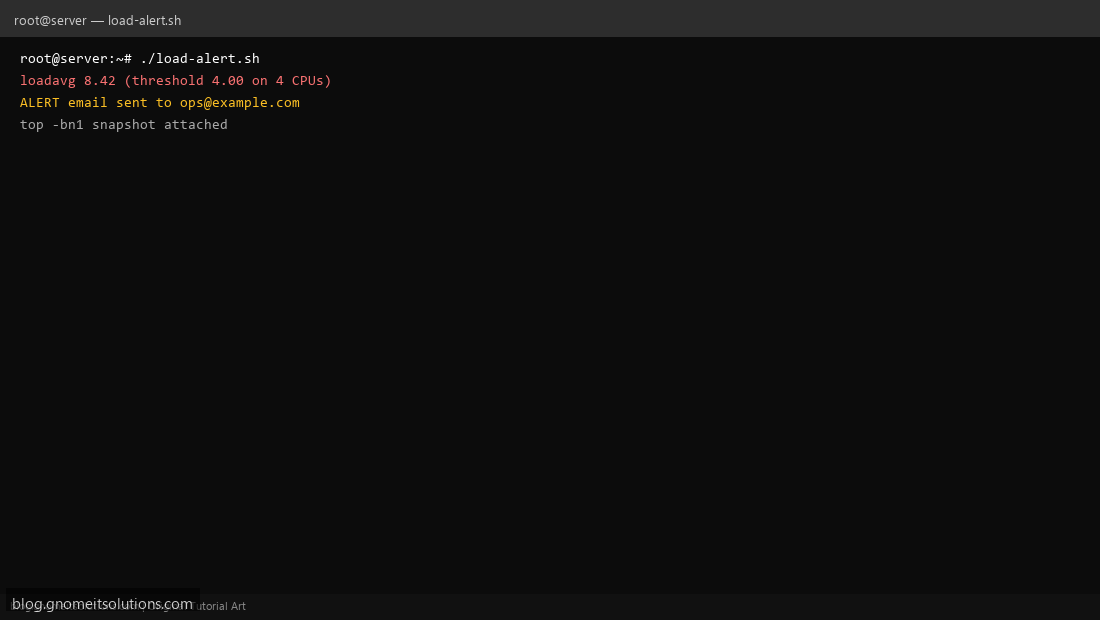
Step 4: Test manually
THRESHOLD_PER_CPU=0.1 sudo /usr/local/bin/load-alert.shcat /var/run/load-alert.lastSchedule with cron
sudo crontab -eAdd:
*/5 * * * * /usr/local/bin/load-alert.sh >> /var/log/load-alert.log 2>&1Related tutorials
- Linux Backup Shell Script: Files & Database to Remote Server
- Cron Jobs in Linux: Schedule Tasks with crontab
- SSH Key Authentication on Linux Servers
Terminal screenshot is an original illustration created for Gnome IT Solutions (blog.gnomeitsolutions.com).