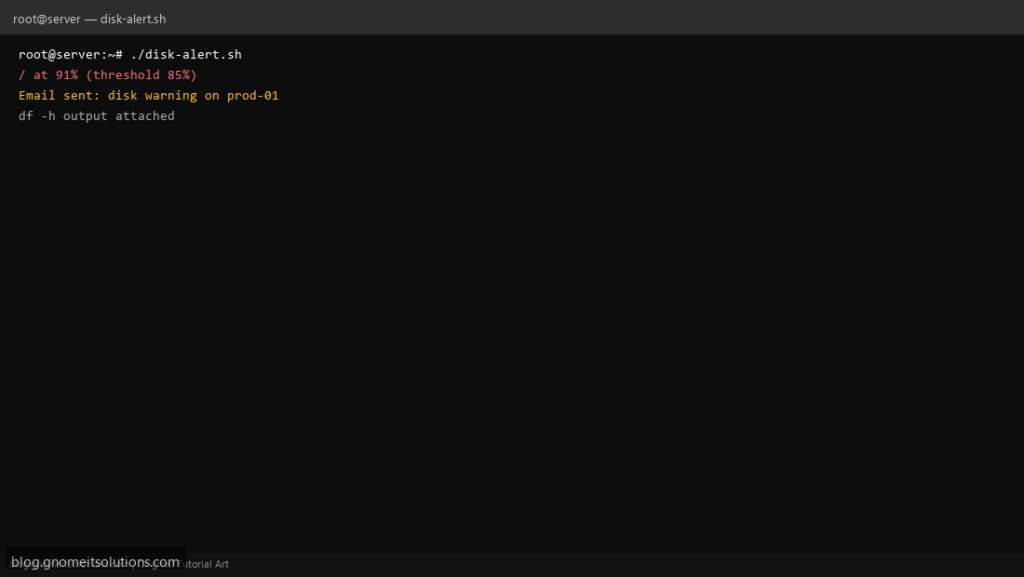
Before no space left on device stops MySQL, a simple df threshold script buys you time. This checks each mount (skipping tmpfs) and emails when usage exceeds your percentage.
What this script does
- Configurable
THRESHOLDpercent (default 85) - Uses
df -Pfor portable parsing - Skips tmpfs and devtmpfs mounts
- One email bundles all offending filesystems
- Exit 1 if any mount over threshold (hook to monitoring)
Prerequisites
- df from coreutils
- bc or awk for integer compare
- mail for notifications
Step 1: Save the script
sudo nano /usr/local/bin/disk-alert.sh
sudo chmod +x /usr/local/bin/disk-alert.sh
Step 2: Full script (scroll to read)
disk-alert.sh
#!/usr/bin/env bash
set -euo pipefail

THRESHOLD="${THRESHOLD:-85}"
ALERT_TO="${ALERT_TO:[email protected]}"
LOG="/var/log/disk-alert.log"
FSTYPE_SKIP='^(tmpfs|devtmpfs|overlay|squashfs)$'

log(){ echo "[$(date '+%F %T')] $*" | tee -a "$LOG"; }

warn=""
while read -r fs size used avail pct mount; do
  [[ "$fs" == Filesystem ]] && continue
  fstype=$(findmnt -n -o FSTYPE "$mount" 2>/dev/null || echo unknown)
  if [[ "$fstype" =~ $FSTYPE_SKIP ]]; then
    continue
  fi
  pct_num=${pct%%%}
  if [[ "$pct_num" -ge "$THRESHOLD" ]]; then
    warn+="$mount at ${pct} (threshold ${THRESHOLD}%)\n"
    log "WARN $mount ${pct}"
  fi
done < <(df -P)

if [[ -z "$warn" ]]; then
  log "OK all mounts under ${THRESHOLD}%"
  exit 0
fi

{
  echo "Disk usage warning on $(hostname -f)"
  echo -e "$warn"
  echo "--- df -h ---"
  df -h
} | mail -s "[disk] $(hostname -s) usage high" "$ALERT_TO" 2>/dev/null || log "mail send failed"

exit 1
Scroll inside the box to read the full script.
Step 3: Configure settings
- Cleanup automation: disk monitor & cleanup
- Find large files: find large files guide
- Inode full: inode monitor script
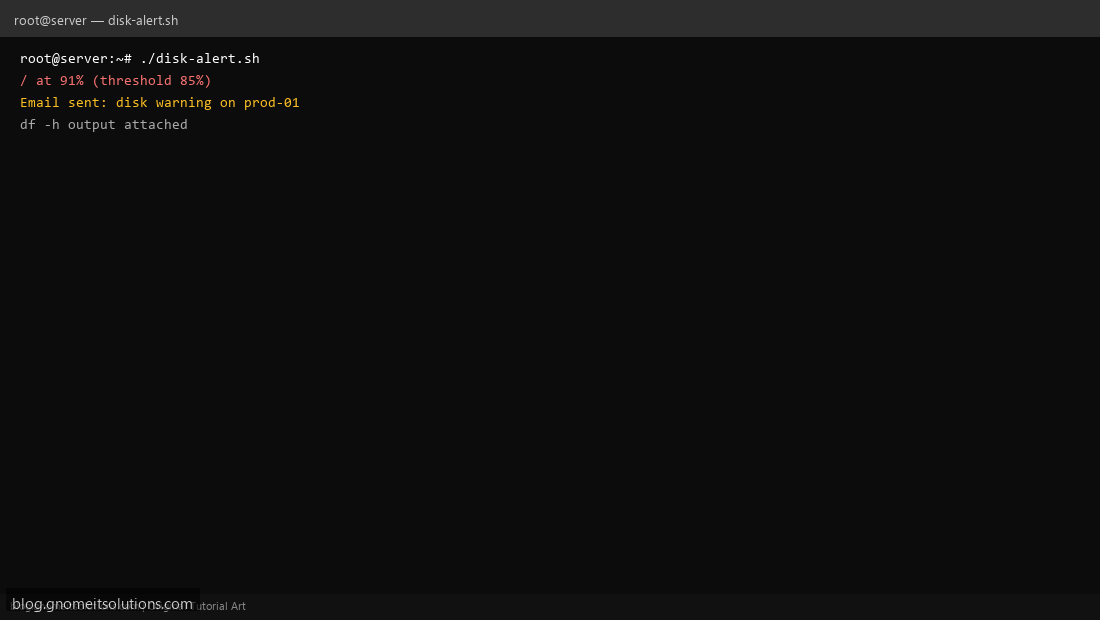
Step 4: Test manually
THRESHOLD=50 sudo /usr/local/bin/disk-alert.shdf -h /Schedule with cron
sudo crontab -eAdd:
0 * * * * /usr/local/bin/disk-alert.sh >> /var/log/disk-alert.log 2>&1Related tutorials
- Linux Backup Shell Script: Files & Database to Remote Server
- Cron Jobs in Linux: Schedule Tasks with crontab
- SSH Key Authentication on Linux Servers
Terminal screenshot is an original illustration created for Gnome IT Solutions (blog.gnomeitsolutions.com).