
iperf3 on Linux answers “how much bandwidth can these two hosts actually use?” — more useful than guessing from link speed, especially across VPNs, overlays, and throttled cloud NICs.
See: mtr diagnostics,
ping & traceroute,
firewalld.
Install and firewall
Default TCP port is 5201 — open it between test hosts only.
bashinstall
sudo apt install -y iperf3
# on server: sudo iperf3 -s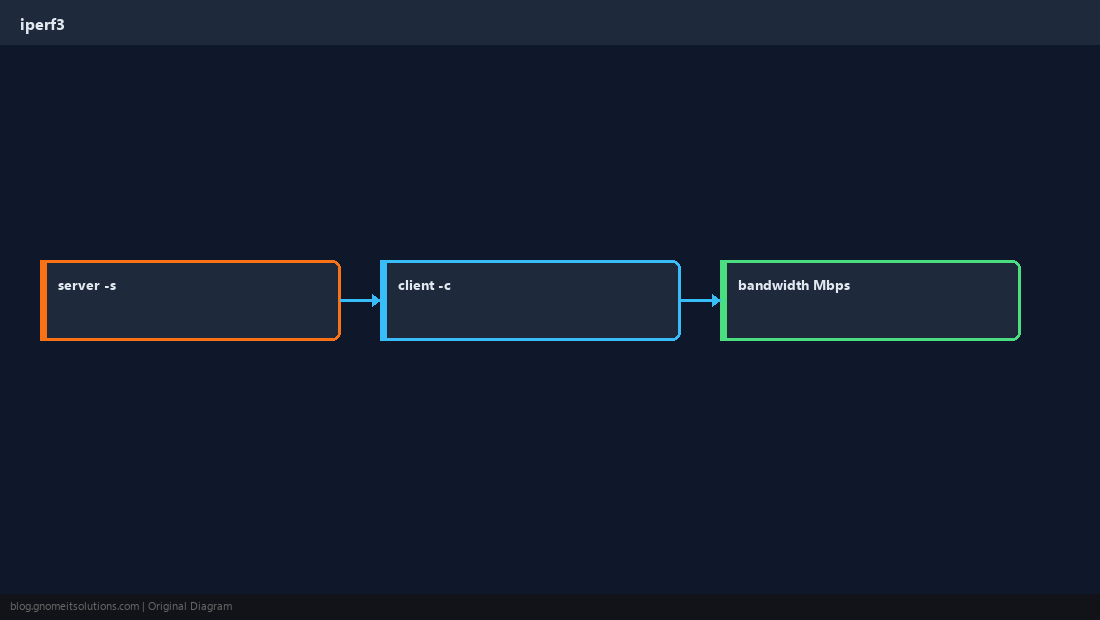
Basic TCP test
Run client pointed at the server IP or hostname.
bashclient
iperf3 -c 10.0.0.5 -t 30Parallel streams
-P helps saturate high-latency links — not always one stream.
bashparallel
iperf3 -c 10.0.0.5 -P 4 -t 20Interpret results
Reported bitrate is application throughput — compare both directions with -R reverse mode.
TipRun tests during maintenance windows; iperf3 can saturate links and affect production traffic.
Quick Reference
- Server:
iperf3 -s - Client:
iperf3 -c SERVER - Allow TCP 5201 between hosts
Related tutorials
Diagrams are original illustrations by Gnome IT Solutions. Tutorial text © Gnome IT Solutions.