fsck on Linux (e2fsck for ext4) checks inode and block consistency after unclean shutdowns or I/O errors. It is a high-stress search because the server dropped during a power cut or forced reset.
See: mount ext4 & fstab,
dmesg,
GRUB recovery.
Golden rule: unmount
Never fsck a mounted read-write filesystem — corruption risk.
bashdata disk
sudo umount /data
sudo fsck -f /dev/sdb1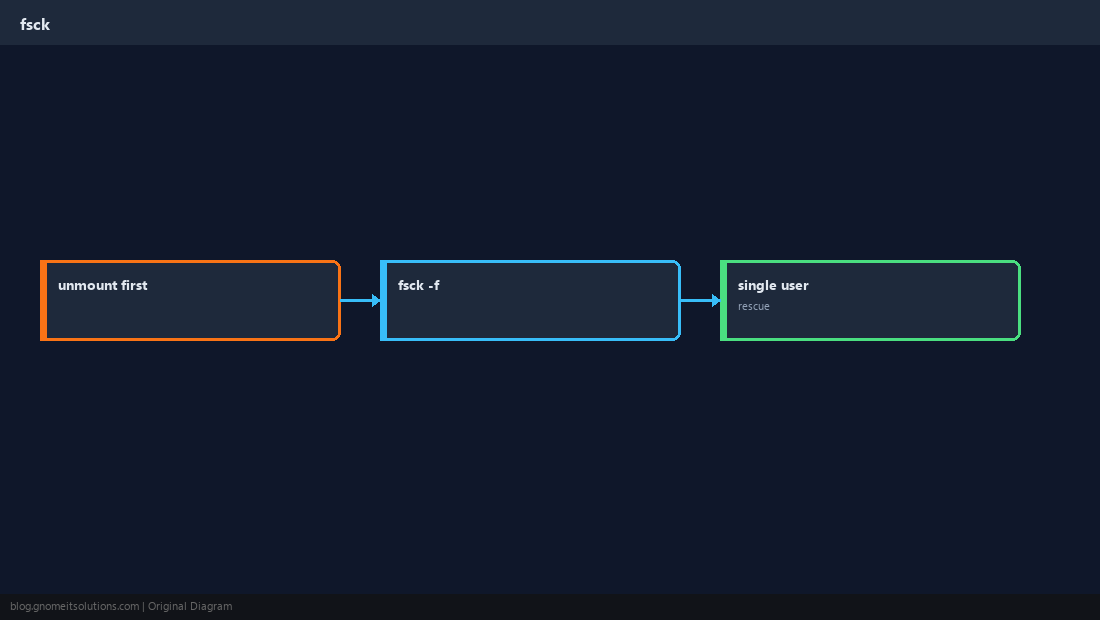
Interactive prompts
fsck may ask to fix inconsistencies — read prompts; -y auto-yes is for emergencies only.
Root filesystem
Boot rescue/single-user or initramfs maintenance shell when / cannot unmount normally.
TipCloud providers often offer attach-volume repair: mount disk on another VM and fsck offline.
After repair
Mount read-only first if suspicious; verify logs and SMART; find why unclean shutdown happened.
bashremount
sudo mount /dev/sdb1 /data
df -h /data
sudo dmesg -T | tail -20Quick Reference
- Data disk:
umountthenfsck -f /dev/… - ext4 =
e2fsck - XFS uses
xfs_repair(different tool)
Related tutorials
Diagrams are original illustrations by Gnome IT Solutions. Tutorial text © Gnome IT Solutions.