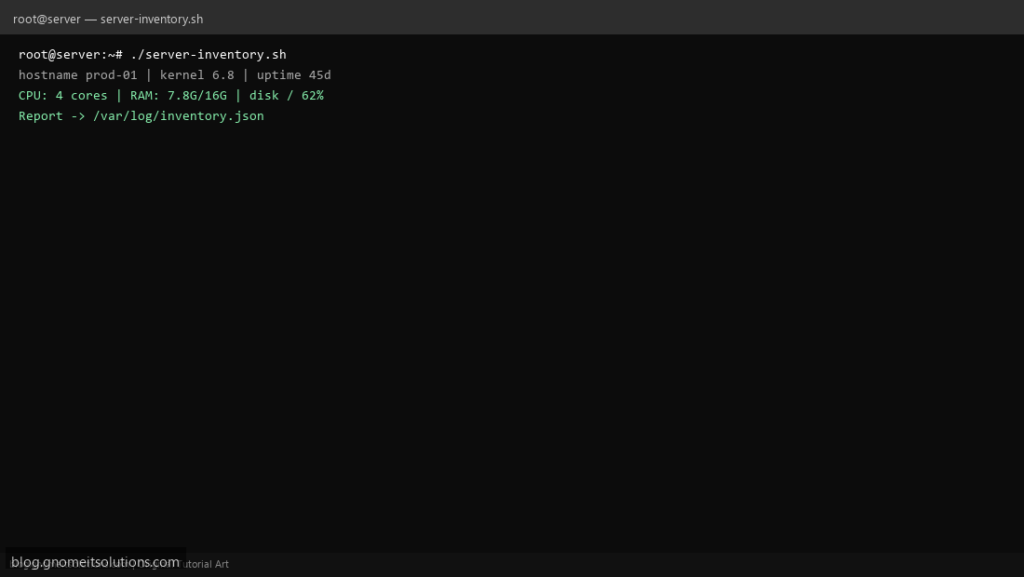
CMDBs start with a honest linux server inventory script — a Bash report you can cron weekly and diff when wondering what changed after a migration. This collects CPU, RAM, disk, and network basics in one JSON file.
What this script does
- Gathers hostname, kernel, uptime, OS pretty name
- Records CPU model and vCPU count, memory used/total
- Lists filesystem use for local mounts
- Captures
ip -br aaddresses - Writes timestamped JSON under
/var/log
Prerequisites
- Standard procps/iproute2 utilities
- python3 for JSON escaping (optional jq instead)
- Write access to REPORT_DIR
Step 1: Save the script
sudo nano /usr/local/bin/server-inventory.sh
sudo chmod +x /usr/local/bin/server-inventory.sh
Step 2: Full script (scroll to read)
server-inventory.sh
#!/usr/bin/env bash
set -euo pipefail

REPORT_DIR="/var/log/inventory"
mkdir -p "$REPORT_DIR"
OUT="$REPORT_DIR/latest.json"

host=$(hostname -f 2>/dev/null || hostname)
kernel=$(uname -r)
uptime_s=$(awk '{print int($1)}' /proc/uptime)
os=$(grep PRETTY_NAME /etc/os-release 2>/dev/null | cut -d= -f2 | tr -d '"' || echo unknown)
cpus=$(nproc)
mem=$(free -m | awk '/Mem:/ {printf "%s/%s MB", $3,$2}')
disk=$(df -hP -x tmpfs -x devtmpfs --output=target,pcent | tail -n +2 | tr '\n' '; ')
ips=$(ip -br a | tr '\n' '; ')

export HOST="$host" KERNEL="$kernel" UPTIME="$uptime_s" OS="$os" CPUS="$cpus" MEM="$mem" DISK="$disk" IPS="$ips"

python3 - <<'PY' >"$OUT"
import json, os
from datetime import datetime, timezone
print(json.dumps({
  "timestamp": datetime.now(timezone.utc).isoformat(),
  "hostname": os.environ["HOST"],
  "kernel": os.environ["KERNEL"],
  "uptime_seconds": int(os.environ["UPTIME"]),
  "os": os.environ["OS"],
  "cpu_count": int(os.environ["CPUS"]),
  "memory": os.environ["MEM"],
  "disk_usage": os.environ["DISK"],
  "interfaces": os.environ["IPS"],
}, indent=2))
PY

echo "Wrote $OUT"
Scroll inside the box to read the full script.
Step 3: Configure settings
- Extend with
dpkg -lorrpm -qafor package lists (slower) - Feed reports into health check script patterns
- Avoid storing secrets in inventory output
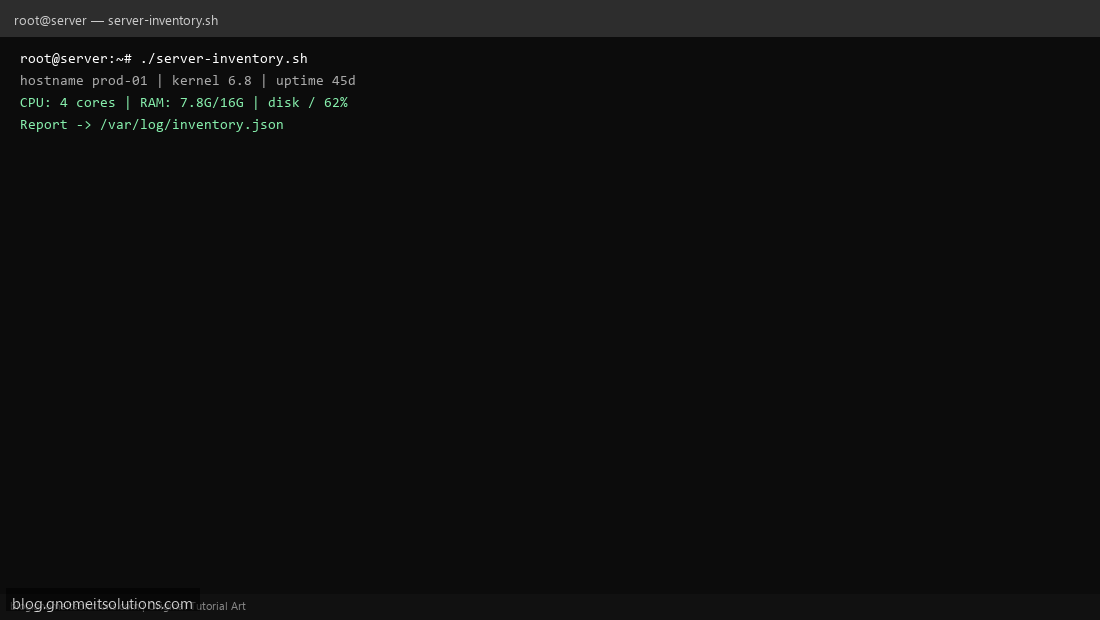
Step 4: Test manually
./server-inventory.shcat /var/log/inventory/latest.json | headSchedule with cron
sudo crontab -eAdd:
0 6 * * 1 /usr/local/bin/server-inventory.sh >> /var/log/server-inventory.log 2>&1Related tutorials
- Linux Backup Shell Script: Files & Database to Remote Server
- Cron Jobs in Linux: Schedule Tasks with crontab
- SSH Key Authentication on Linux Servers
Terminal screenshot is an original illustration created for Gnome IT Solutions (blog.gnomeitsolutions.com).