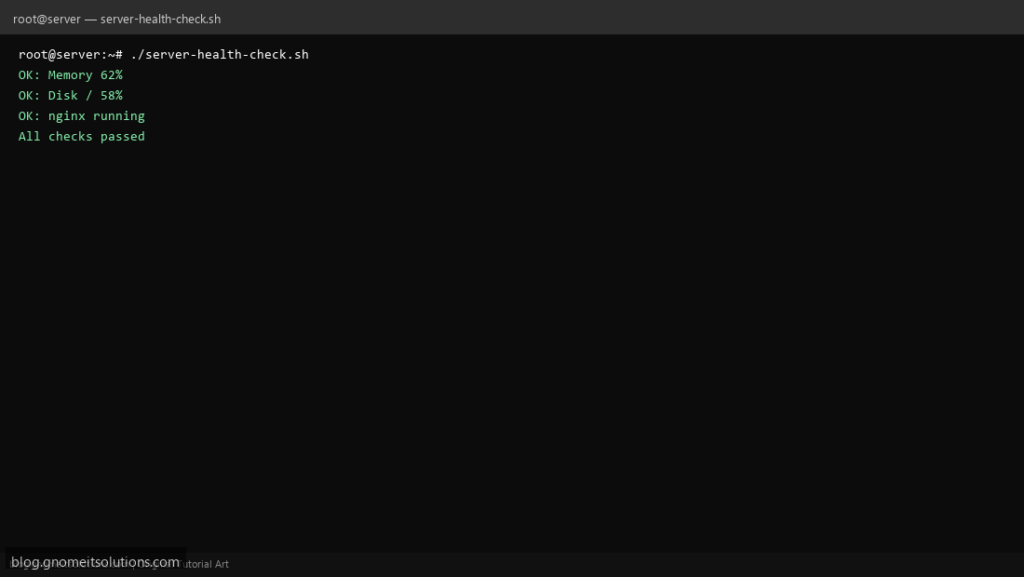
Run a complete Linux server health check from one script — CPU, memory, disk, load, and service status.
What this script does
- Reports CPU usage, load average, and uptime
- Checks RAM and swap utilization
- Monitors disk usage on all mounts
- Verifies critical services are running (nginx, mysql, sshd)
- Exit code 1 if any check fails (good for monitoring)
Prerequisites
- Linux with systemd
- Root or sudo for service checks
Step 1: Save the script
sudo nano /usr/local/bin/server-health-check.sh
sudo chmod +x /usr/local/bin/server-health-check.sh
Step 2: Full script (scroll to read)
server-health-check.sh
#!/usr/bin/env bash
set -euo pipefail

SERVICES=("sshd" "nginx" "mariadb")
DISK_WARN=90
LOAD_WARN=2
ISSUES=0

warn(){ echo "WARNING: $*"; ISSUES=1; }
ok(){ echo "OK: $*"; }

echo "=== Server Health: $(hostname -s) $(date) ==="
echo "--- Uptime & Load ---"
uptime
CORES=$(nproc)
LOAD=$(awk '{print $1}' /proc/loadavg)
awk -v l="$LOAD" -v c="$CORES" -v w="$LOAD_WARN" 'BEGIN{if(l>c*w) exit 1}' || warn "High load: $LOAD (cores: $CORES)"

echo "--- Memory ---"
free -h
MEM=$(free | awk '/Mem:/ {printf "%.0f", $3/$2*100}')
(( MEM < 95 )) && ok "Memory ${MEM}%" || warn "Memory usage ${MEM}%"

echo "--- Disk ---"
df -hP | awk 'NR==1 || $5+0>=0 {print}'
while read -r pct mount; do
  pct=${pct%%%}
  (( pct < DISK_WARN )) && ok "Disk $mount ${pct}%" || warn "Disk $mount ${pct}%"
done < <(df -P | awk 'NR>1 {print $5, $6}')

echo "--- Services ---"
for svc in "${SERVICES[@]}"; do
  if systemctl is-active --quiet "$svc"; then ok "$svc running"; else warn "$svc NOT running"; fi
done

(( ISSUES == 0 )) && echo "All checks passed" || echo "Issues detected"
exit $ISSUES
Scroll inside the box to read the full script.
Step 3: Configure settings
SERVICES— list of systemd units to verifyDISK_WARN— disk usage alert %LOAD_WARN— load average multiplier vs CPU cores
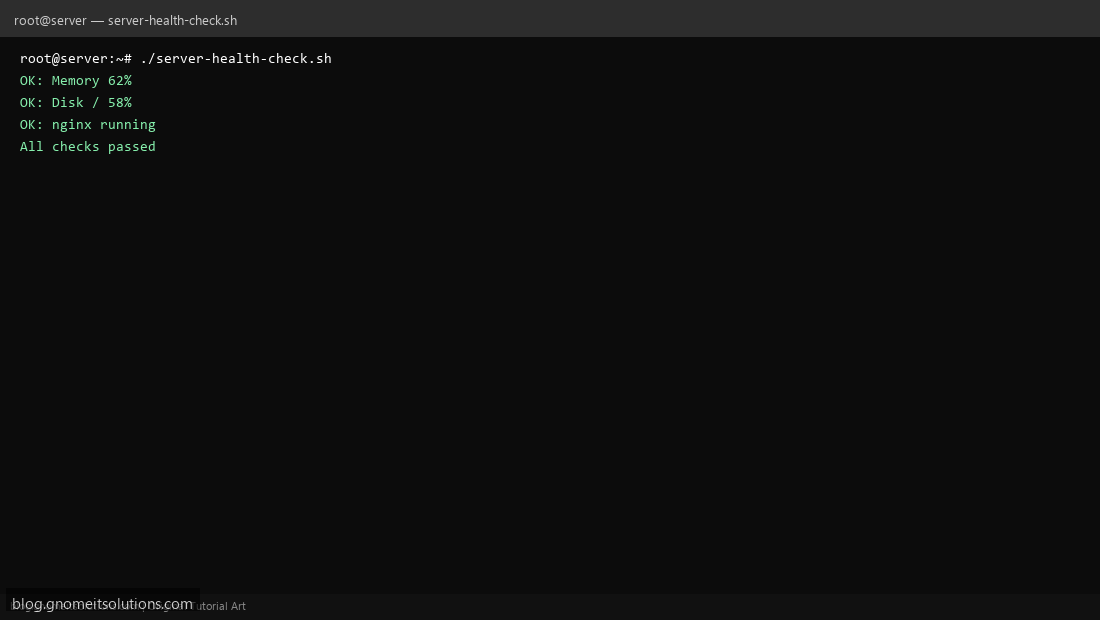
Step 4: Test manually
sudo /usr/local/bin/server-health-check.shecho $? # 0=OK, 1=issues foundSchedule with cron
sudo crontab -eAdd:
*/15 * * * * /usr/local/bin/server-health-check.sh >> /var/log/health-check.log 2>&1Related tutorials
- Linux Disk Monitor Shell Script
- Linux Backup Shell Script: Files & Database to Remote Server
- Cron Jobs in Linux: Schedule Tasks with crontab
- SSH Key Authentication on Linux Servers
Terminal screenshot is an original illustration created for Gnome IT Solutions (blog.gnomeitsolutions.com).