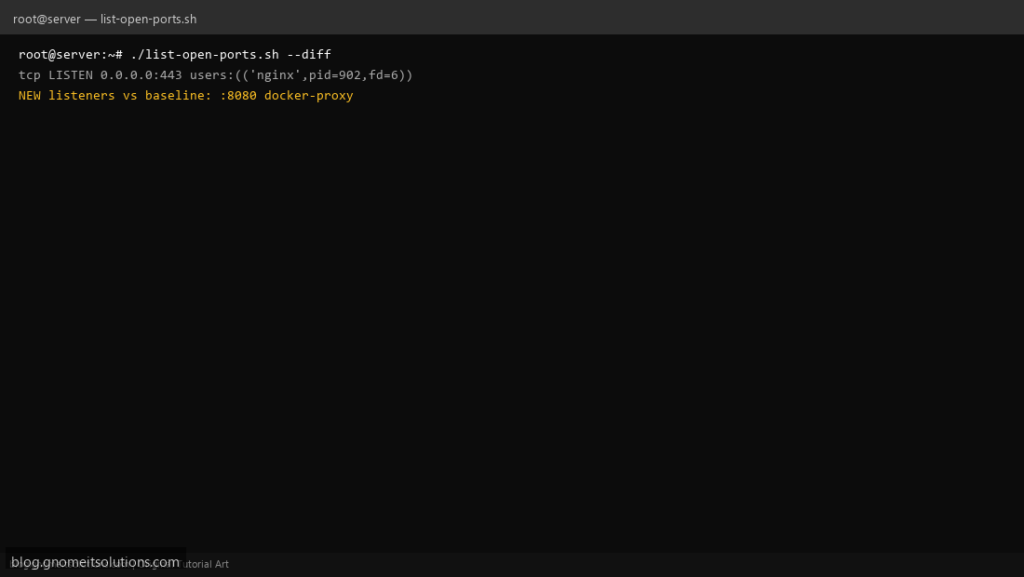
After a package upgrade or Docker deploy, teams run a list open ports shell script to see what is listening — this wraps ss -tulpn, falls back to netstat, and optionally diffs against yesterday’s baseline.
What this script does
- Prints TCP and UDP listeners with PID/program
- Uses
sswhen available, elsenetstat -tulpn - Writes report under
/var/log/open-ports - Optional baseline diff highlights new listeners
- Must run as root to see all process names
Prerequisites
- iproute2 ss or net-tools netstat
- Root for full -p output
- Writable log directory
Step 1: Save the script
sudo nano /usr/local/bin/list-open-ports.sh
sudo chmod +x /usr/local/bin/list-open-ports.sh
Step 2: Full script (scroll to read)
list-open-ports.sh
#!/usr/bin/env bash
set -euo pipefail

DIFF=0
REPORT_DIR="/var/log/open-ports"
STAMP=$(date +%F_%H%M)
OUT="$REPORT_DIR/ports-$STAMP.log"
BASELINE="$REPORT_DIR/baseline.txt"
LATEST="$REPORT_DIR/latest.txt"

mkdir -p "$REPORT_DIR"

[[ "${1:-}" == "--diff" ]] && DIFF=1

collect(){
  if command -v ss >/dev/null 2>&1; then
    ss -tulpn 2>/dev/null || ss -tuln
  elif command -v netstat >/dev/null 2>&1; then
    netstat -tulpn 2>/dev/null || netstat -tuln
  else
    echo "Need ss or netstat"; exit 2
  fi
}

{
  echo "# Open ports $(date -Is)"
  echo "# hostname: $(hostname -f 2>/dev/null || hostname)"
  collect
} | tee "$OUT" | tee "$LATEST"

if [[ ! -f "$BASELINE" ]]; then
  cp "$LATEST" "$BASELINE"
  echo "Baseline created: $BASELINE"
  exit 0
fi

if (( DIFF )); then
  echo "=== New listeners vs baseline ==="
  comm -13 <(sort "$BASELINE") <(sort "$LATEST") || true
  echo "=== Removed vs baseline ==="
  comm -23 <(sort "$BASELINE") <(sort "$LATEST") || true
fi
Scroll inside the box to read the full script.
Step 3: Configure settings
- Different from port monitor alert — this is a full audit snapshot
- Pair with iptables backup script
- Containers may show docker-proxy listeners — filter in post-processing
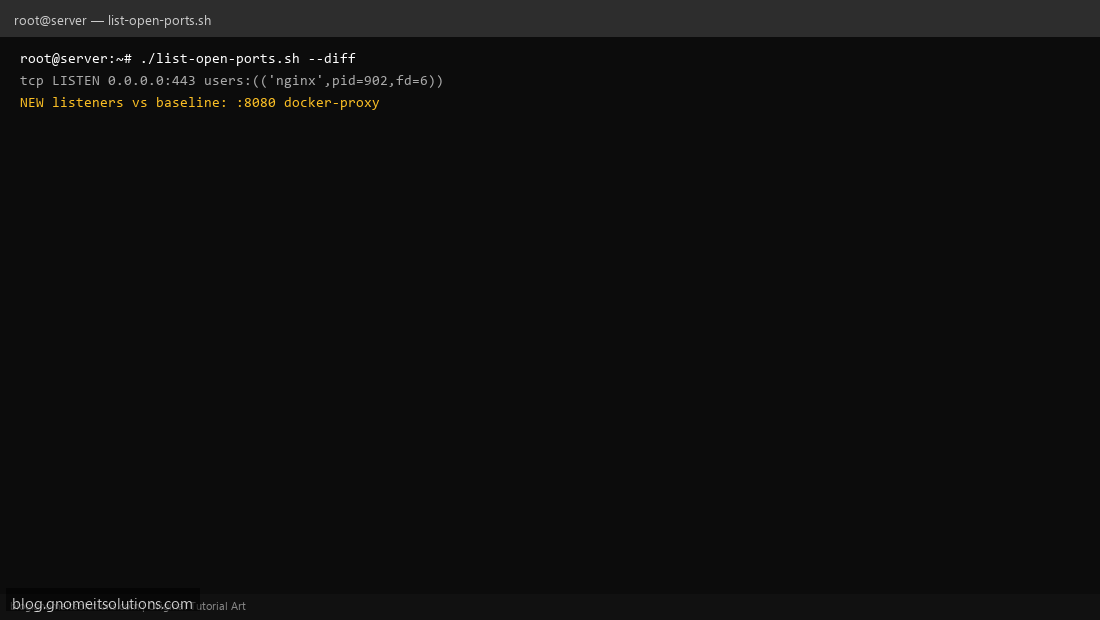
Step 4: Test manually
sudo ./list-open-ports.shsudo ./list-open-ports.sh --diffSchedule with cron
sudo crontab -eAdd:
0 6 * * 0 root /usr/local/bin/list-open-ports.sh --diff >> /var/log/open-ports/cron.log 2>&1Related tutorials
- Linux Backup Shell Script: Files & Database to Remote Server
- Cron Jobs in Linux: Schedule Tasks with crontab
- SSH Key Authentication on Linux Servers
Terminal screenshot is an original illustration created for Gnome IT Solutions (blog.gnomeitsolutions.com).