test on Linux (and its [ ] alias) is how Bash scripts branch on files, permissions, and string length. Search volume is huge because every deploy script needs “if config exists, then …”.
Related: shell scripting guide,
error handling,
stat.
File and directory tests
Classic single-bracket tests used in POSIX shells.
bashfiles
if [ -f /etc/nginx/nginx.conf ]; then echo "found"; fi
[ -d /var/www/html ] && echo "docroot exists"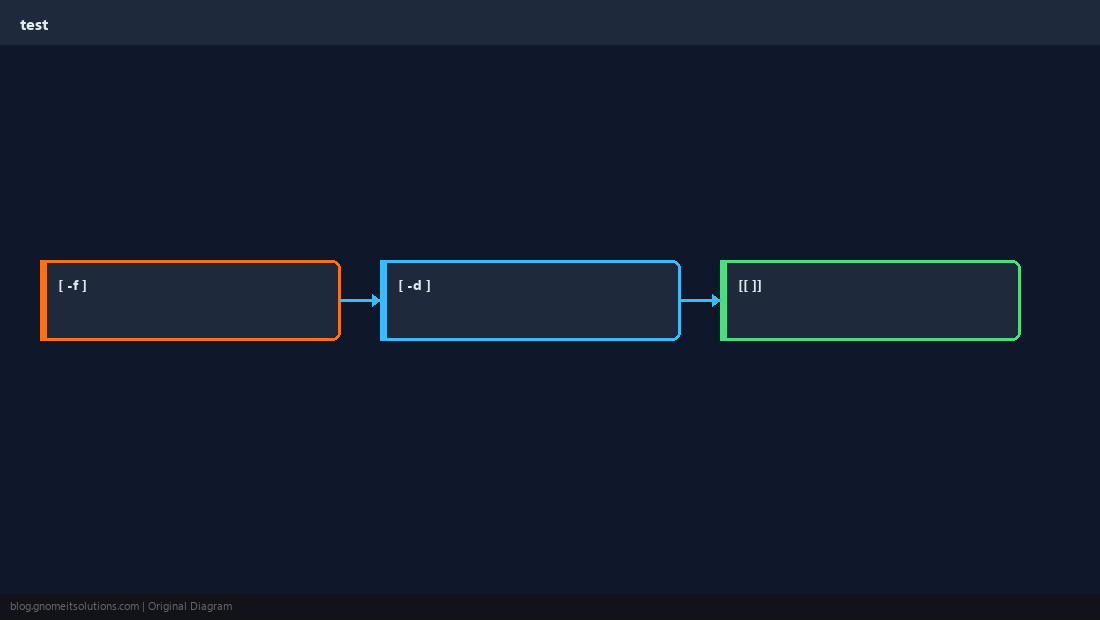
Permissions
-r readable, -w writable, -x executable.
bashexecutable
[ -x /usr/local/bin/backup.sh ] || { echo missing; exit 1; }Strings and integers
-z empty; use -eq for numbers, not == in old sh.
bashstrings
count=0
[ -z "$count" ] && echo empty
[ "$count" -eq 0 ] && echo zeroPrefer [[ ]] in Bash
Double brackets handle quoting and pattern matching more safely.
WarningAlways quote variables in
[ ]: [ -n "$var" ] avoids word-split surprises.Quick Reference
- File:
[ -f path ] - Dir:
[ -d path ] - Use
[[ ... ]]in Bash scripts when possible
Related tutorials
Diagrams are original illustrations by Gnome IT Solutions. Tutorial text © Gnome IT Solutions.