
seq on Linux prints incremental numbers — handy when brace expansion {1..100} fails because the limits are in variables, or when you need floating-point steps for quick benchmarks.
See: sort,
bash functions,
shell scripting.
Simple range
seq LAST or seq FIRST LAST.
bashrange
seq 5
seq 3 7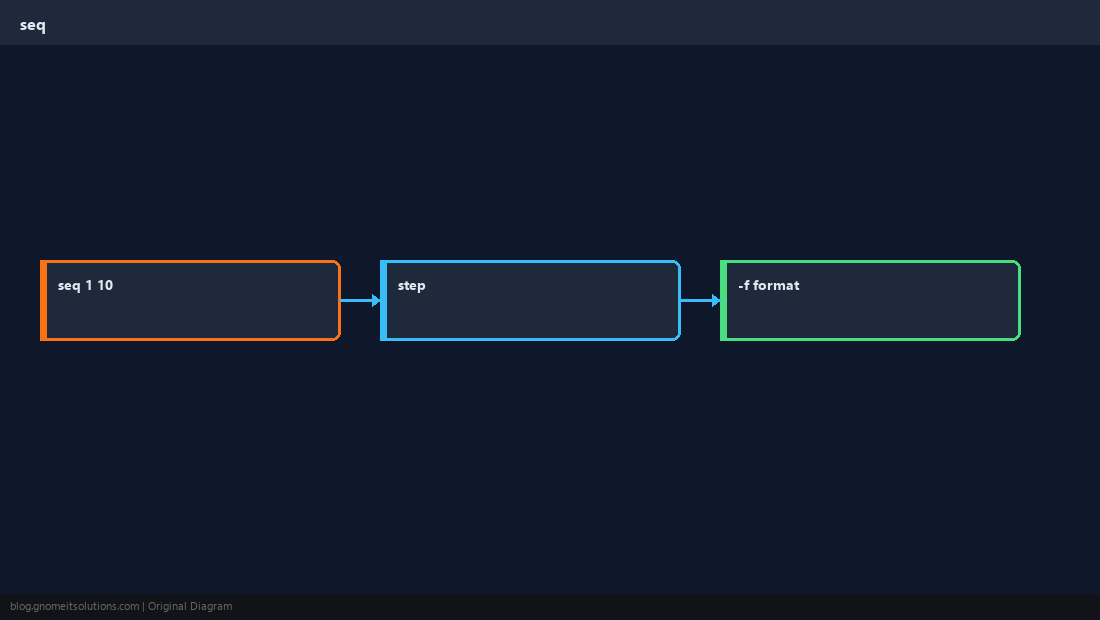
Step size
Three-argument form: start, increment, end.
bashstep
seq 0 2 10Formatted output
-f uses printf-style format for zero-padded IDs.
bashpadded
seq -f 'host-%03g' 1 5In loops
Safer than eval when bounds come from user input — still validate integers.
TipFor large ranges, prefer
while counters — seq builds the full list in memory.Quick Reference
seq 1 10- Step:
seq 1 2 10 - Pad:
seq -f '%03g' 1 9
Related tutorials
Diagrams are original illustrations by Gnome IT Solutions. Tutorial text © Gnome IT Solutions.