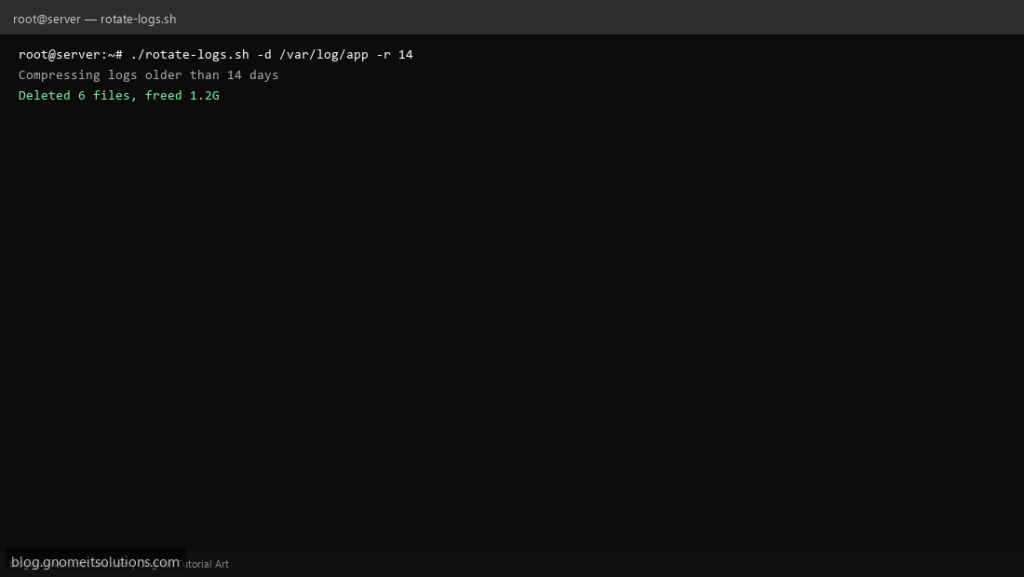
Scripts run by humans and by cron benefit from predictable flags. getopts is the portable way to parse -d /path -r 14 without fragile manual $1 $2 shifting.
What this script does
- Implements
-ddirectory and-rretention days - Shows
-husage text - Rejects unknown options with a clear error
- Example compresses and deletes old
*.logfiles - Safe defaults when flags are omitted
Prerequisites
- Bash on Linux
- Target log directory exists and is writable
- gzip installed for compression step
Step 1: Save the script
sudo nano /usr/local/bin/rotate-logs.sh
sudo chmod +x /usr/local/bin/rotate-logs.sh
Step 2: Full script (scroll to read)
rotate-logs.sh
#!/usr/bin/env bash
set -euo pipefail

DIR="/var/log/myapp"
RETENTION=14

usage(){
  cat <<EOF
usage: $0 [-d logdir] [-r days]
  -d  directory to clean (default: $DIR)
  -r  delete .log files older than N days (default: $RETENTION)
  -h  help
EOF
  exit "${1:-0}"
}

while getopts ":d:r:h" opt; do
  case "$opt" in
    d) DIR="$OPTARG" ;;
    r) RETENTION="$OPTARG" ;;
    h) usage 0 ;;
    :) echo "Option -$OPTARG requires an argument"; usage 1 ;;
    \?) echo "Unknown option: -$OPTARG"; usage 1 ;;
  esac
done

[[ -d "$DIR" ]] || { echo "Not a directory: $DIR"; exit 1; }
[[ "$RETENTION" =~ ^[0-9]+$ ]] || { echo "Retention must be integer"; exit 1; }

echo "Compressing logs older than ${RETENTION} days in $DIR"
find "$DIR" -type f -name '*.log' -mtime +"$RETENTION" -print -exec gzip -9 {} \;
find "$DIR" -type f -name '*.log.gz' -mtime +"$RETENTION" -print -delete
echo "Done"
Scroll inside the box to read the full script.
Step 3: Configure settings
- getopts only handles short options; use getopt (GNU) for long options like –dry-run
- Complements custom log rotation script
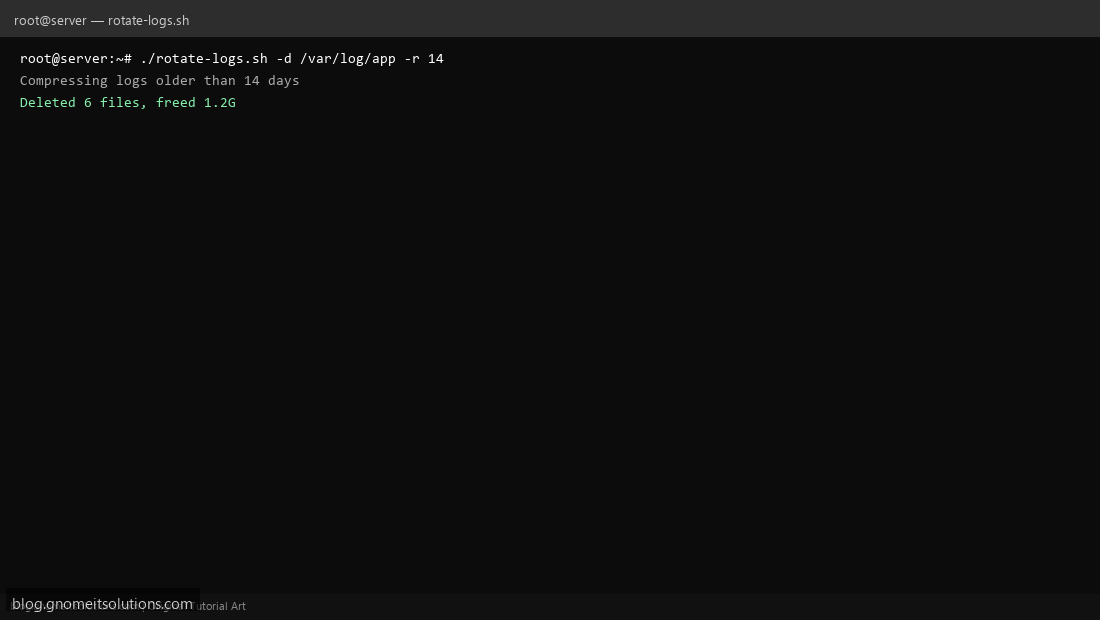
Step 4: Test manually
./rotate-logs.sh -h./rotate-logs.sh -d /var/log/myapp -r 7Schedule with cron
sudo crontab -eAdd:
0 4 * * * /usr/local/bin/rotate-logs.sh -d /var/log/myapp -r 30Related tutorials
- Linux Backup Shell Script: Files & Database to Remote Server
- Cron Jobs in Linux: Schedule Tasks with crontab
- SSH Key Authentication on Linux Servers
Terminal screenshot is an original illustration created for Gnome IT Solutions (blog.gnomeitsolutions.com).