
NUMA (non-uniform memory access) is where AMD vs Intel comparison stops being marketing and becomes milliseconds. An EPYC with multiple NUMA nodes per socket punishes a database that allocates on node 2 and runs on node 0. Intel dual-socket boxes have classic socket-wide NUMA — same toolset, different node map.
See: lscpu topology,
Proxmox NUMA pinning,
vmstat.
Print topology
numactl --hardware lists nodes, free memory, and the distance matrix.
numactl --hardware
lscpu | grep -i numa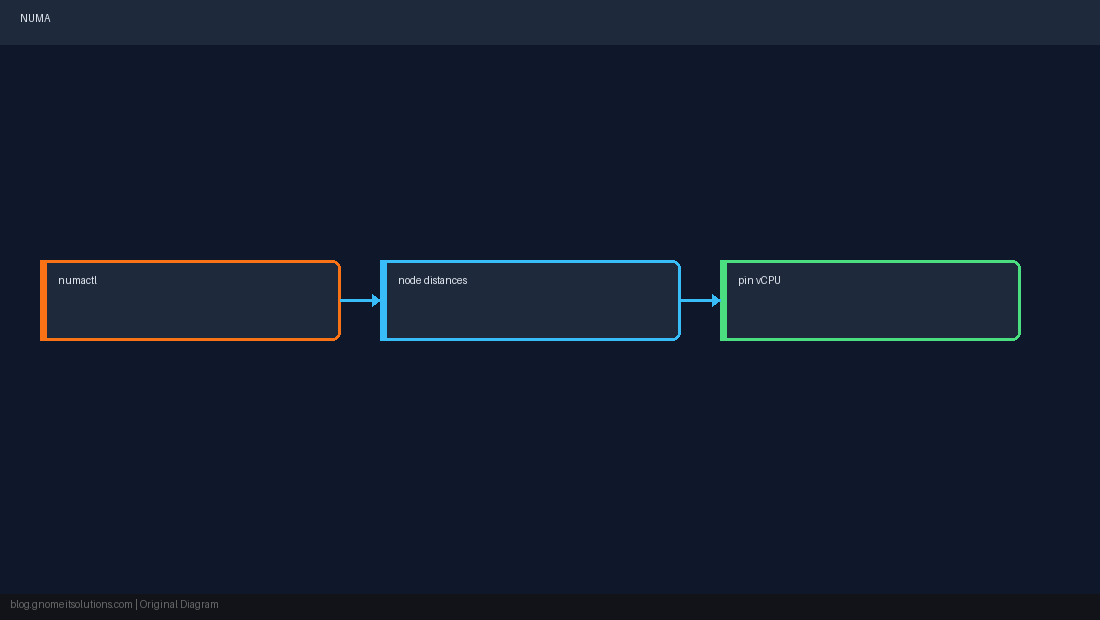
Bind CPU and memory
Run latency-sensitive processes with both CPU and RAM on the same node.
numactl --cpunodebind=0 --membind=0 postgres -D /var/lib/pgsql/data
numactl --showAMD EPYC pattern
Many hosts show multiple nodes per socket — align VM vCPU count with a node or use host passthrough planning in KVM/Proxmox.
Intel dual-socket pattern
Typically one NUMA node per physical CPU — numactl --physcpubind on a range of cores on socket 0 keeps traffic local.
numastat
numastat -p $(pgrep -n mysqld)Quick Reference
- Map:
numactl --hardware - Run local:
--cpunodebind+--membind - Monitor:
numastat -p PID
Related tutorials
Diagrams are original illustrations by Gnome IT Solutions. Tutorial text © Gnome IT Solutions.