
logger on Linux sends a line to the system log with a facility and priority — better than silent cron scripts. Pair with journalctl and Fail2ban audits.
Basic message
logger with optional tag -t.
bashlog
logger -t deploy 'backup finished OK'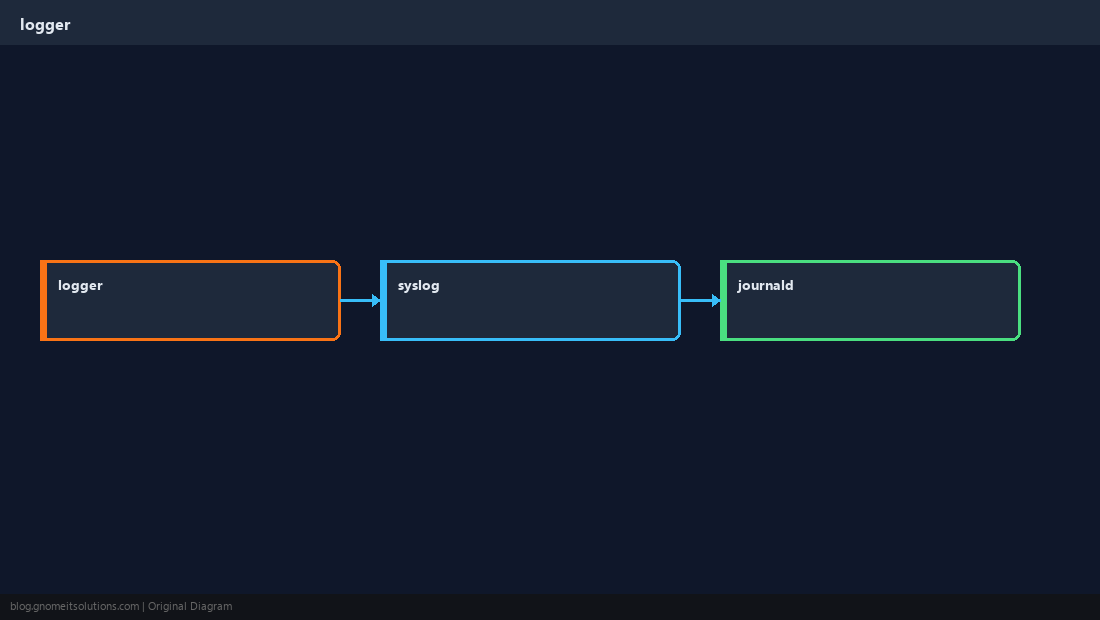
Priority
Use -p for severity matching monitoring rules.
bashpriority
logger -p user.err -t myapp 'disk 95% on /var'From a file
Ship last lines of a job log into syslog.
bashfile
logger -t nightly -f /var/log/nightly.logFind in journal
Filter by identifier after scripts run.
bashread
journalctl -t deploy --since todayQuick Reference
logger -t TAG 'message'- Severity:
-p user.warning - Read:
journalctl -t TAG
Related tutorials
Diagrams are original illustrations by Gnome IT Solutions. Tutorial text © Gnome IT Solutions.