
Admins search proxmox remove lvm when local-lvm wastes a whole disk on thin provisioning they never use — common on NUCs and single-disk homelabs. This is destructive: snapshot and backup first via Proxmox snapshots or PBS.
Inventory storage
See what uses local-lvm before you delete anything.
bashstatus
pvesm status
qm list
pct list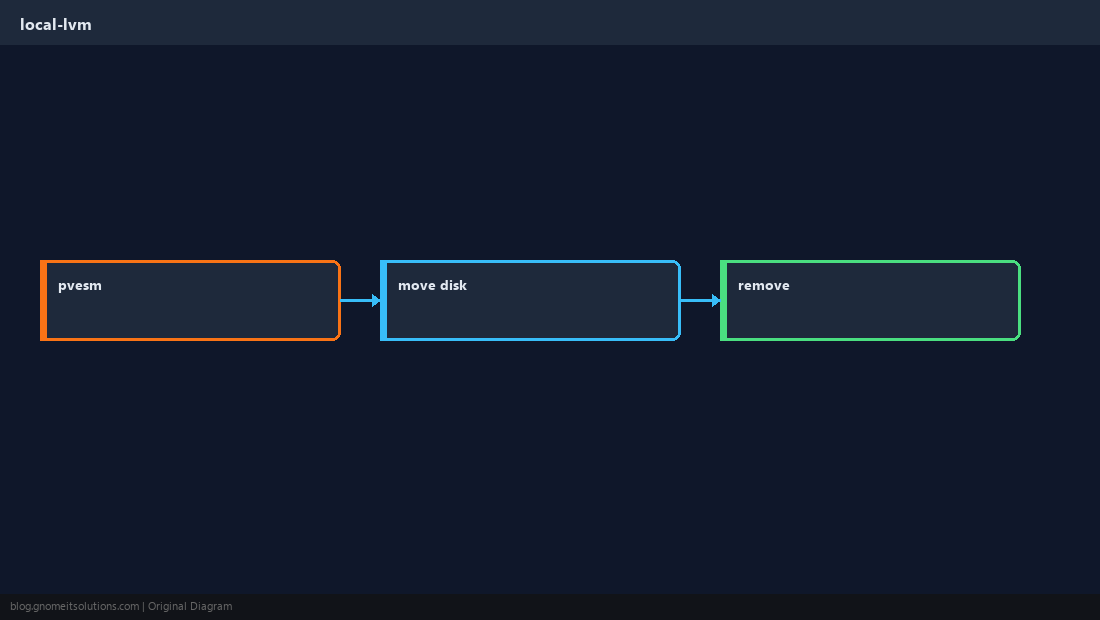
Migrate disks
Move VM/CT disks to local (directory) or another storage ID.
bashgui note
# Datacenter → Storage → local-lvm → show content
# VM → Hardware → Move disk → localRemove LVMthin storage
Delete the storage entry in Proxmox UI after disks are gone.
WarningNever remove LVM that holds the root
pve-root — this guide targets the default data thin pool only.Wipe PV/VG on spare disks
On a lab node you may lvremove/vgremove only when you know no OS lives there.
bashinspect
lsblk
pvs
lvsQuick Reference
- Empty
local-lvmfirst, then remove storage in UI - Prefer ZFS or directory on reclaimed space
Related tutorials
Diagrams are original illustrations by Gnome IT Solutions. Tutorial text © Gnome IT Solutions.