Picking hardware for Proxmox VE is not the same as buying a single-purpose web server.
You are sizing a hypervisor that runs multiple VMs, holds snapshots, serves storage to guests, and may run
ZFS, Ceph, or Proxmox Backup Server on the same box or
a adjacent node.
This guide breaks down CPU, RAM, and storage decisions for homelab, SMB, and production clusters —
with concrete specs you can hand to a vendor or use when shopping used enterprise gear.
Core principles
- CPU: More cores beat higher GHz for mixed VM workloads; leave 2–4 cores for the host
- RAM: ECC strongly recommended; budget host overhead + sum of VM RAM + ZFS ARC
- Storage: Never put OS, VM disks, and backups on one disk without redundancy
- Network: Dual 10 GbE for production; 1 GbE fine for homelab
Step 1: Match Server Tier to Your VM Count
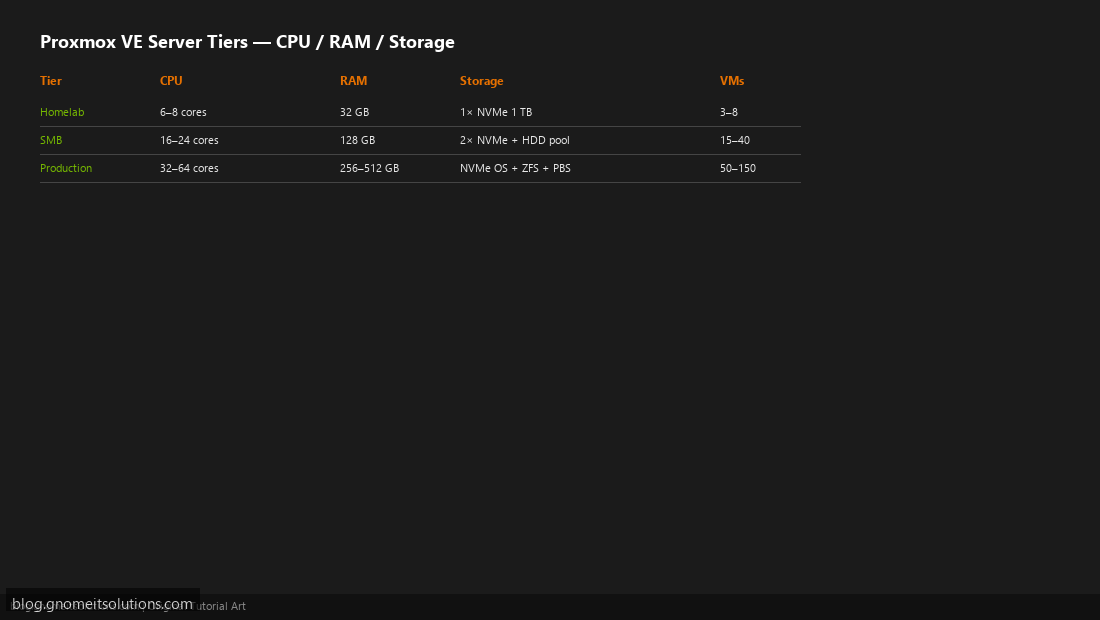
Use three reference tiers. Homelab (3–8 VMs): 6–8 cores, 32 GB RAM, single NVMe. SMB (15–40 VMs): 16–24 cores, 128 GB RAM, dual NVMe + HDD backup pool. Production (50+ VMs): dual-socket or high-core EPYC/Xeon, 256–512 GB RAM, separate OS/VM/backup disks. Scale up one tier if you run heavy databases or Kubernetes workers.
Step 2: CPU — Cores, Threads, and Headroom
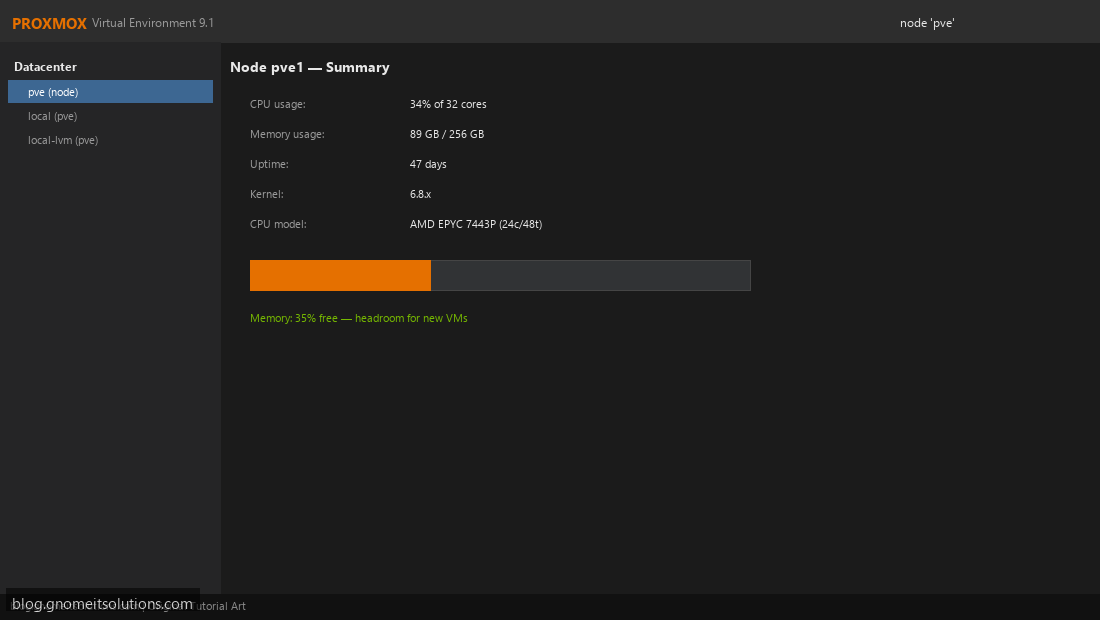
Proxmox schedules vCPUs across physical cores. Rule of thumb: total assigned vCPUs can exceed physical cores by 1.5–2× for mixed workloads (not all VMs peak at once), but the host needs 2–4 cores free for I/O, ZFS, and backup jobs. For 20 VMs averaging 4 vCPUs each, target 24–32 physical cores. Avoid desktop CPUs without ECC if this is production data.
Step 3: RAM — ECC, VM Sum, and ZFS ARC
Calculate: Host (4–8 GB) + Σ VM RAM + ZFS ARC (25–50% of remaining on ZFS nodes). Example: 20 VMs × 4 GB = 80 GB + 8 GB host + 32 GB ARC ≈ 120 GB minimum → buy 128 GB. Use ECC RDIMM/LRDIMM on server platforms — silent bit flips corrupt VM disks over months. Enable ballooning only when you overcommit intentionally and monitor swap.
Step 4: Storage Layout — OS, VMs, Backups
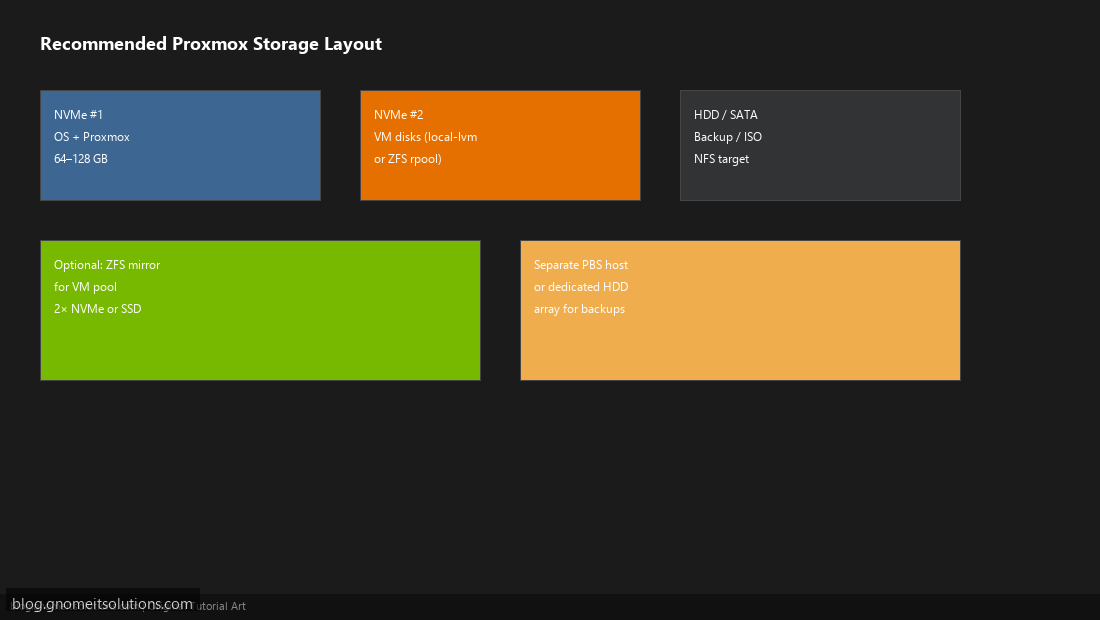
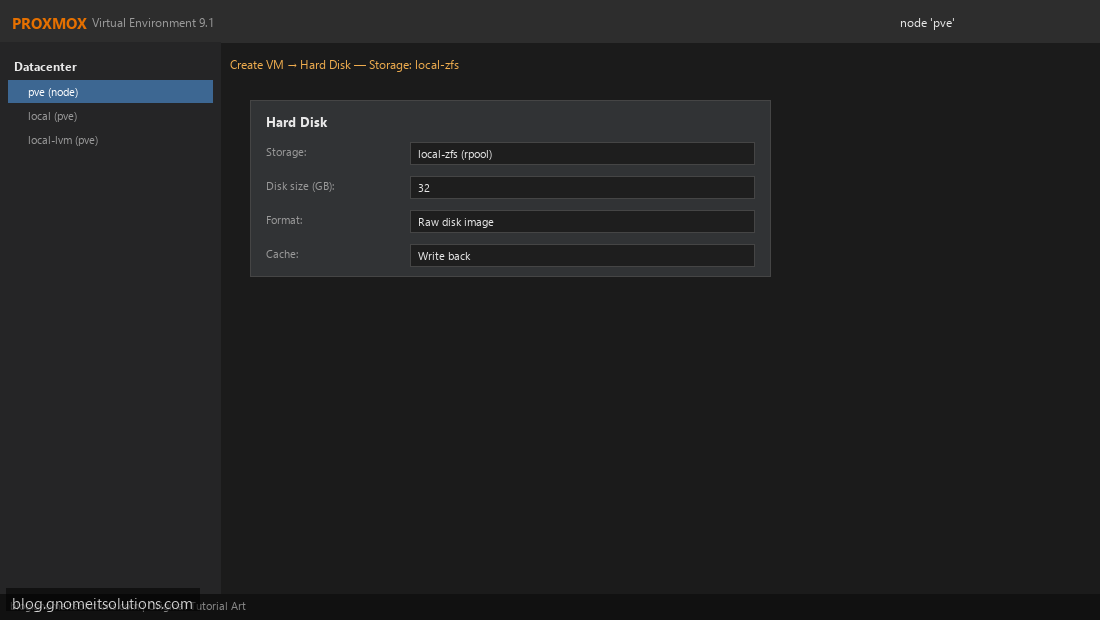
Separate concerns onto different media. NVMe #1: Proxmox OS (64–128 GB). NVMe #2 (or ZFS mirror): VM disks. HDD array or separate PBS box: backups and ISO library. Never rely on a single consumer SSD for production VM storage without mirror or external backup.
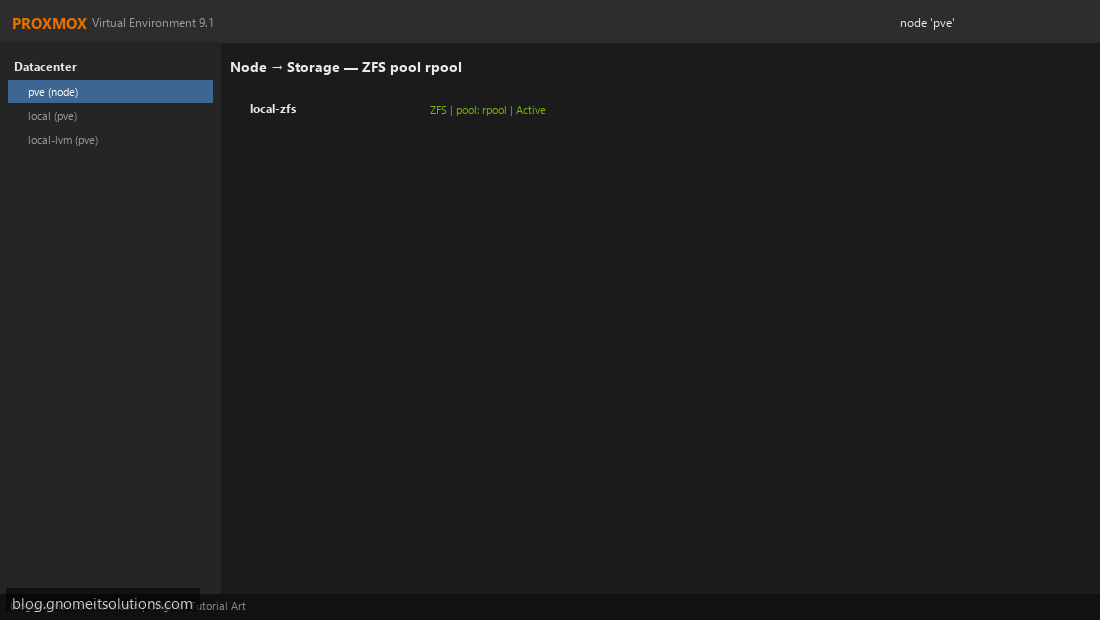
Step 5: ZFS vs LVM-Thin vs Ceph
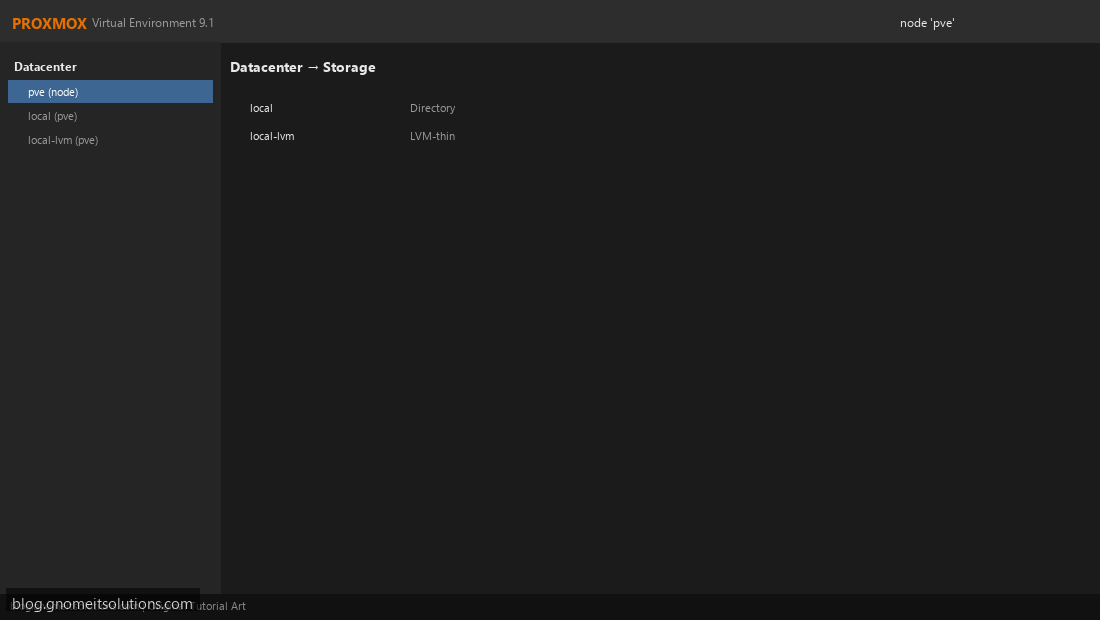
local-lvm (LVM-thin): Simple, fast on single NVMe — good homelab default. ZFS: Checksums, snapshots, compression — best for SMB/production on mirrored NVMe. Ceph: Distributed storage across 3+ nodes — not a single-server choice. Match installer choice to your disk plan at install time.
Step 6: Network and Remote Management
Minimum: 1 GbE management + 1 GbE VM traffic (VLAN-separate on one dual-port NIC if budget tight). Production: redundant 10 GbE for storage replication and live migration. Include IPMI/iDRAC/iLO for out-of-band reboot when the hypervisor hangs — essential for remote dedicated servers.
Step 7: Sample Build Sheets (2026)
Budget homelab (~$800 used): Dell T640 or HP DL380 Gen10, 8c/16t, 64 GB ECC, 1 TB NVMe + 4 TB HDD.
SMB node (~$3–5k): EPYC 7443P or Xeon Silver 4314, 128 GB ECC, 2× 1.92 TB NVMe mirror ZFS, 10 GbE dual port.
Production node (~$8–15k): Dual EPYC or Xeon Gold, 256 GB+, NVMe OS + NVMe VM pool, dedicated 10/25 GbE, IPMI, redundant PSU.
Quick sizing formulas
# Minimum RAM (GB)
host_overhead + sum(vm_ram_gb) + zfs_arc_gb

# ZFS ARC starting point (if using ZFS for VMs)
min(64, (total_ram_gb - sum(vm_ram_gb) - 8) * 0.5)

# Physical cores target
ceil(sum(vcpus) / 1.5) + 4   # mixed workload heuristic
Common mistakes
- Single SATA SSD for OS + VMs + backups — one failure loses everything
- 128 GB RAM with 200 GB of assigned VM RAM — heavy swap and OOM kills
- Desktop Ryzen without ECC on a “production” invoice system
- No IPMI on a colocated dedicated server — expensive truck rolls
Related tutorials
- AMD EPYC vs Intel Xeon for Proxmox
- GPU Passthrough Setup Guide
- Install Proxmox VE from Scratch
- Proxmox Backup Server Setup
Image credits: All illustrations use original Proxmox VE branded artwork created
for Gnome IT Solutions — not copied from vendor marketing assets or third-party screenshots.
Tutorial text © Gnome IT Solutions.
Image credits: Screenshots are from the official
Proxmox VE documentation
(Proxmox GmbH), used under open documentation terms for educational purposes.
Tutorial text and layout © Gnome IT Solutions.