
jq on Linux turned JSON from a niche format into everyday shell glue — DevOps engineers pipe curl, aws, and kubectl through jq to answer one question without opening a browser or spreadsheet.
Related: curl & wget,
grep,
kubectl install.
Why jq Exists
JSON is nested; jq is a filter language — like awk for structured logs and REST responses.
Install jq
Package managers ship jq on all major distros — verify version for jq 1.6+ features.
sudo apt update && sudo apt install -y jq
jq --version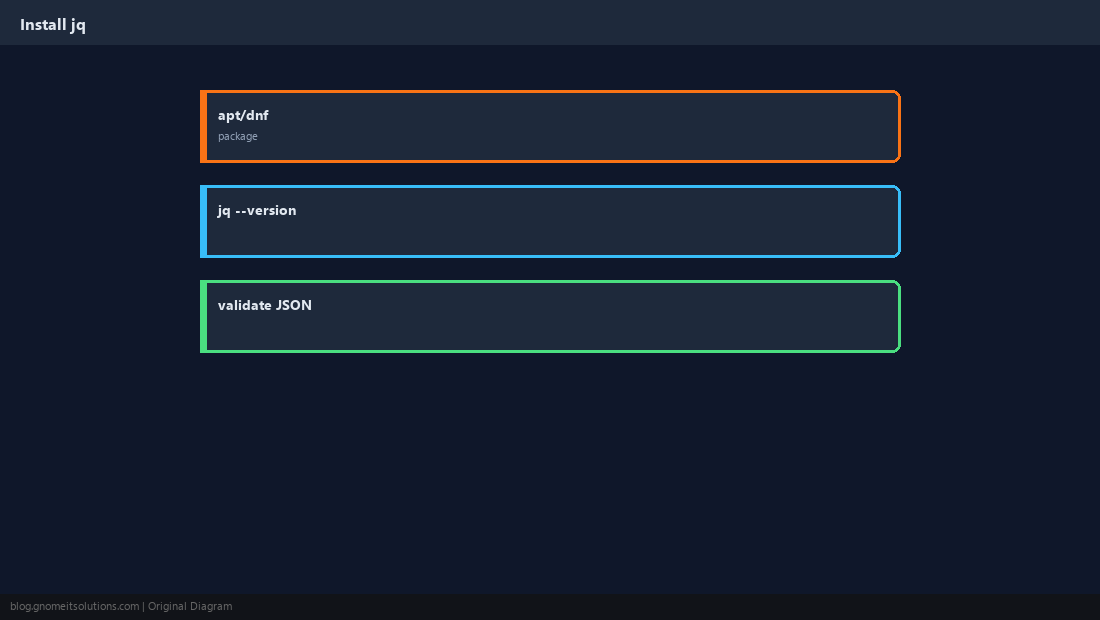
Select Fields
Dot notation walks objects; [] expands arrays.
curl -s https://api.github.com/repos/torvalds/linux | jq '.name, .stargazers_count'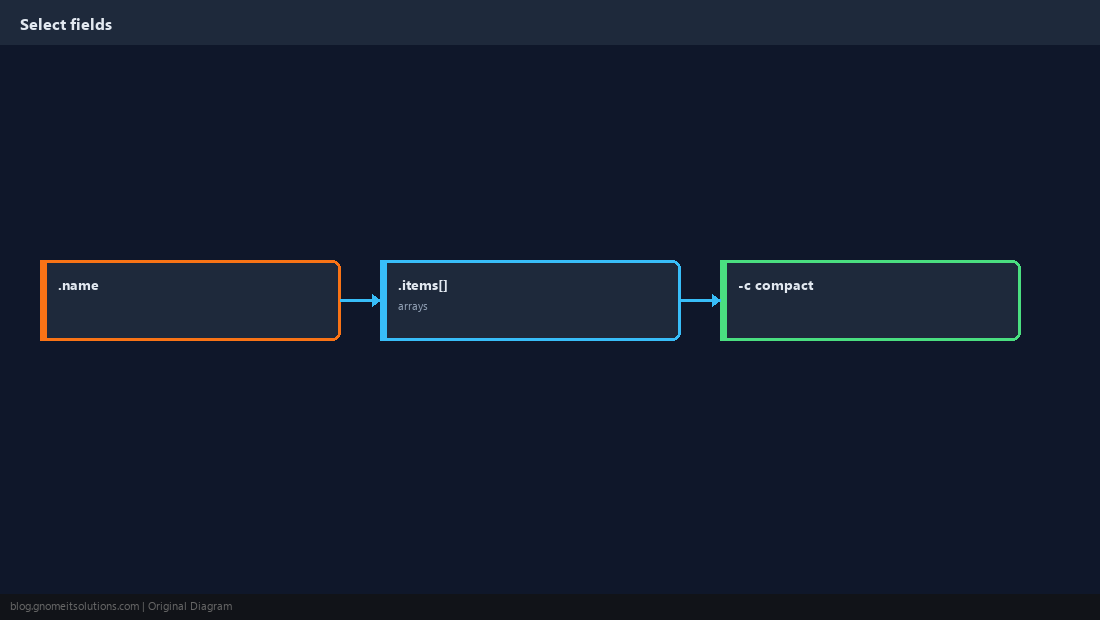
Filters: select and map
Narrow lists without writing Python one-liners.
curl -s https://httpbin.org/json | jq '.slideshow.slides | map(.title)'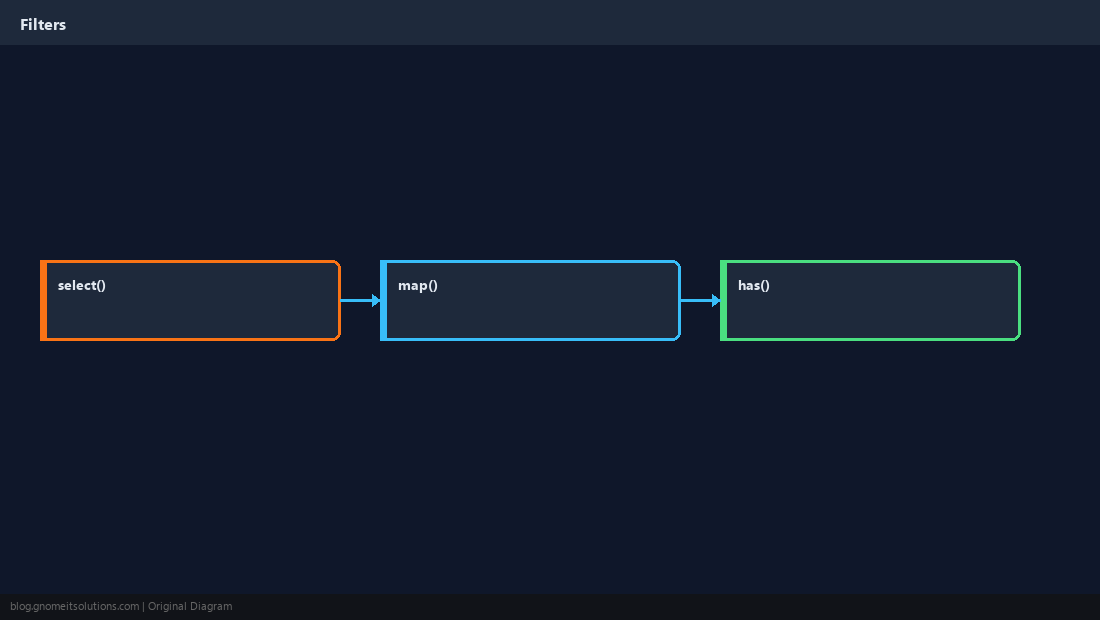
Pipe Real Commands
Same pattern for cloud CLIs and Kubernetes — always validate JSON first.
kubectl get pods -A -o json | jq -r '.items[] | select(.status.phase!="Running") | .metadata.name'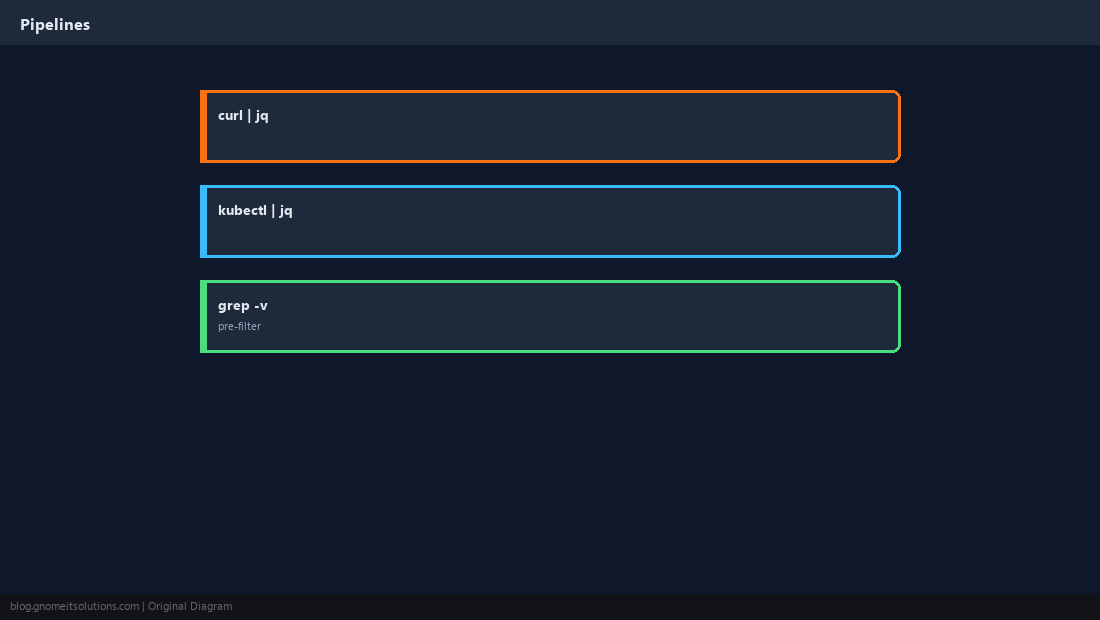
Errors and Scripting
Invalid JSON makes jq exit non-zero — ideal for cron health checks.
eval jq output into shell — use -r for safe strings and quote variables.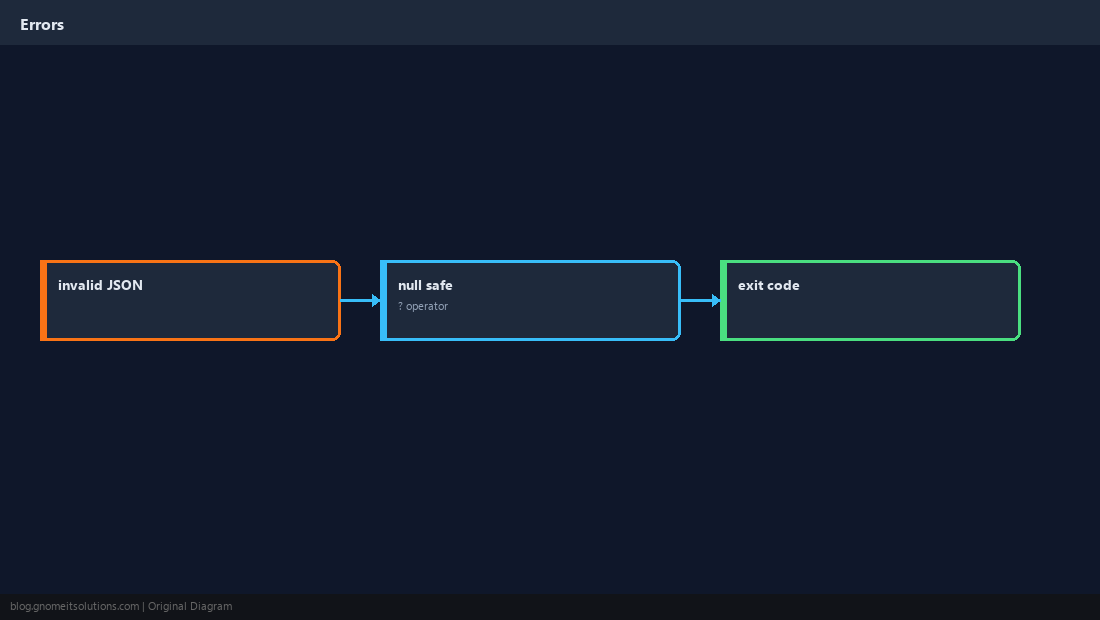
Practice on a Live Endpoint
Pick one field your monitor cares about; fail the script if it is missing.
status=$(curl -fsS https://httpbin.org/status/200 | jq -r '.status // empty')
[ "$status" = "200" ] || exit 1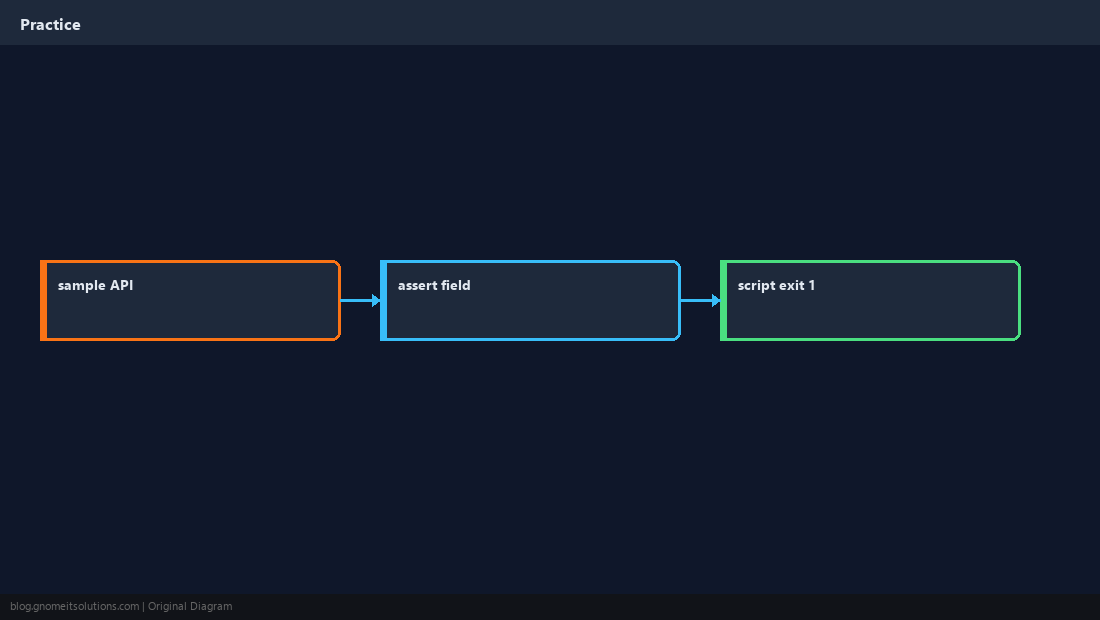
Quick Reference
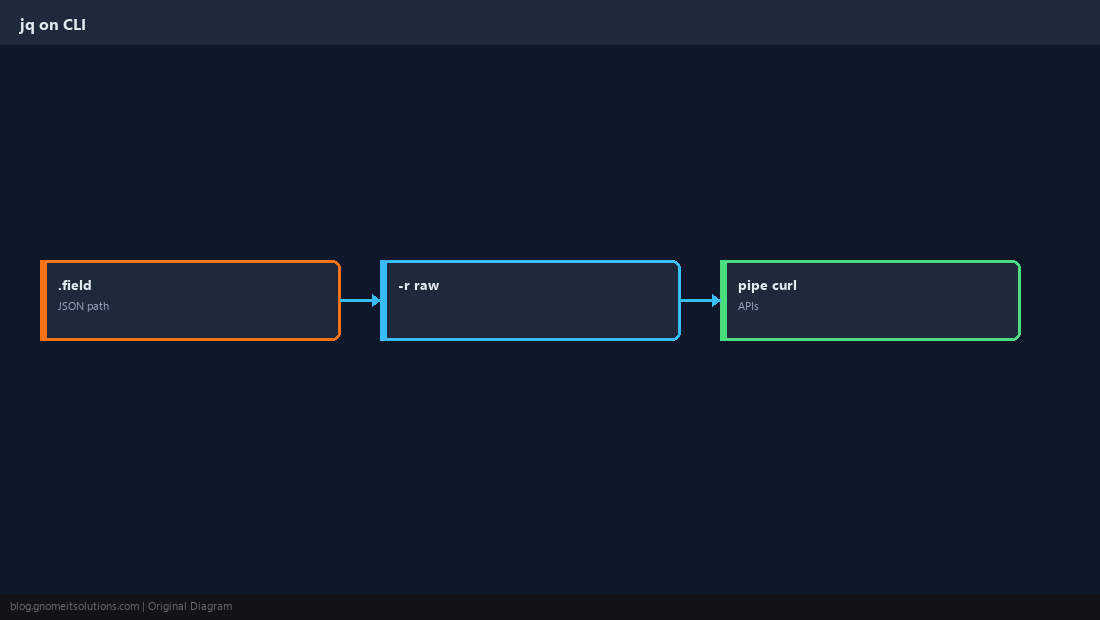
curl -s URL | jq '.field'for APIs-rprints raw strings (no quotes)- Use in scripts: check jq exit code on bad JSON
Related tutorials
Diagrams are original illustrations by Gnome IT Solutions. Tutorial text © Gnome IT Solutions.