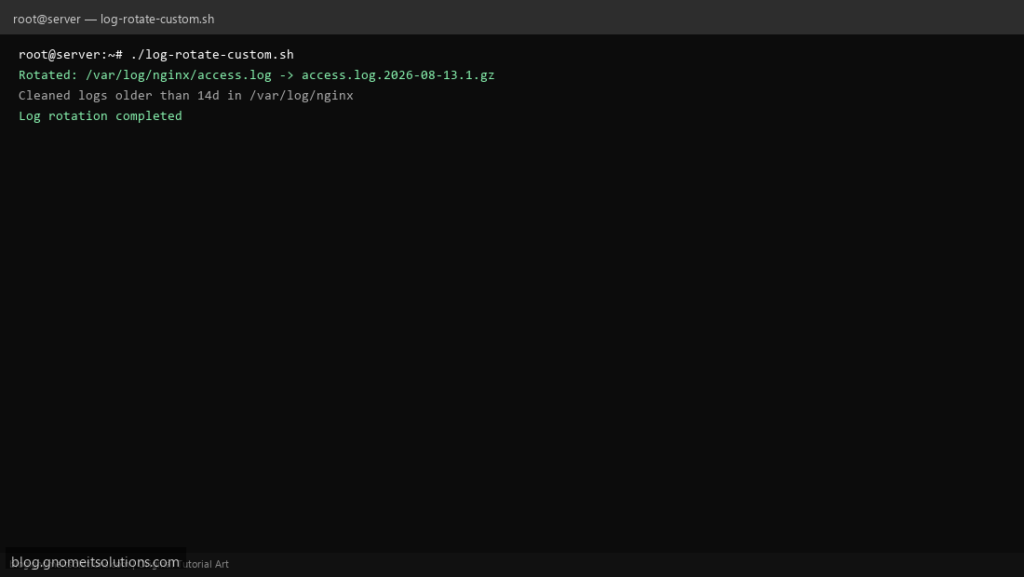
Supplement or replace default logrotate with a custom log rotation script for full control over compression and retention.
What this script does
- Rotates logs matching configurable patterns
- Compresses rotated files with gzip
- Deletes logs older than retention period
- Supports multiple directories
- Logs all rotation actions
Prerequisites
- Root access to /var/log
- gzip installed
Step 1: Save the script
sudo nano /usr/local/bin/log-rotate-custom.sh
sudo chmod +x /usr/local/bin/log-rotate-custom.sh
Step 2: Full script (scroll to read)
log-rotate-custom.sh
#!/usr/bin/env bash
set -euo pipefail

LOG_DIRS=("/var/log/nginx" "/var/log/apache2")
PATTERN="*.log"
KEEP_DAYS=14
MAX_SIZE_MB=100
LOG="/var/log/log-rotate-custom.log"

log(){ echo "[$(date '+%F %T')] $*" | tee -a "$LOG"; }

rotate_file(){
  local f="$1"
  local size_mb
  size_mb=$(du -m "$f" | awk '{print $1}')
  if (( size_mb >= MAX_SIZE_MB )); then
    local dest="${f}.$(date +%F).1"
    cp "$f" "$dest"
    : > "$f"
    gzip -f "$dest"
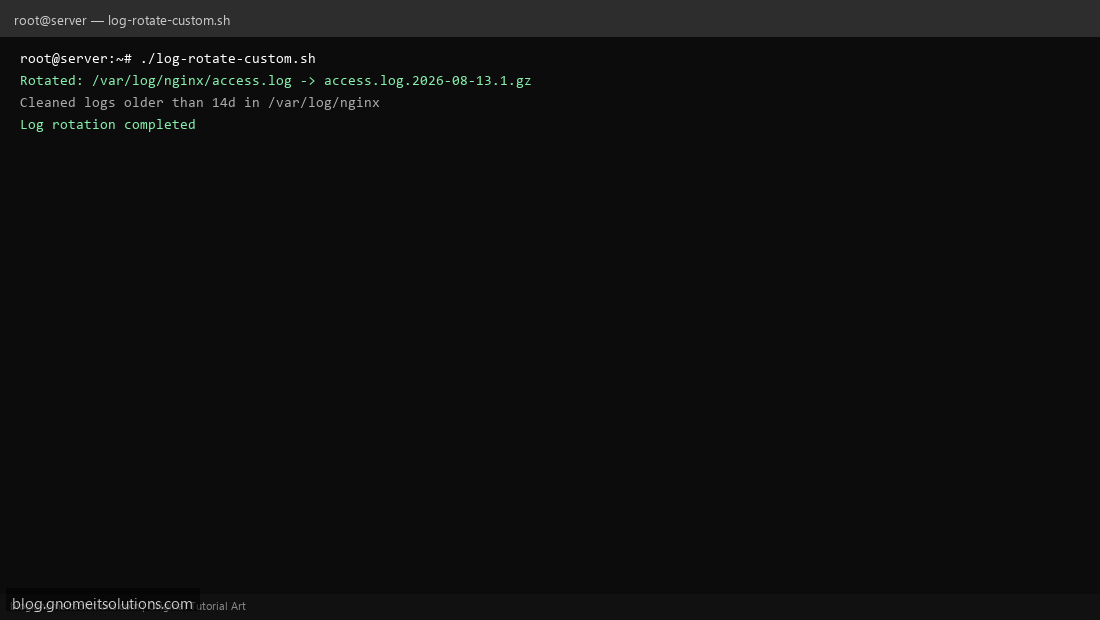
    log "Rotated: $f -> ${dest}.gz"
  fi
}

for dir in "${LOG_DIRS[@]}"; do
  [[ -d "$dir" ]] || continue
  find "$dir" -maxdepth 1 -name "$PATTERN" -type f | while read -r f; do
    rotate_file "$f"
  done
  find "$dir" -name "*.gz" -mtime +"$KEEP_DAYS" -delete
  log "Cleaned logs older than ${KEEP_DAYS}d in $dir"
done
log "Log rotation completed"
Scroll inside the box to read the full script.
Step 3: Configure settings
LOG_DIRS— directories to scanPATTERN— file pattern e.g. *.logKEEP_DAYS— retention in days
Step 4: Test manually
sudo /usr/local/bin/log-rotate-custom.shls -lah /var/log/nginx/Schedule with cron
sudo crontab -eAdd:
0 0 * * * /usr/local/bin/log-rotate-custom.sh >> /var/log/log-rotate-custom.log 2>&1Related tutorials
- Linux Disk Monitor Shell Script
- Linux Backup Shell Script: Files & Database to Remote Server
- Cron Jobs in Linux: Schedule Tasks with crontab
- SSH Key Authentication on Linux Servers
Terminal screenshot is an original illustration created for Gnome IT Solutions (blog.gnomeitsolutions.com).