
ssh-copy-id is the fastest safe path to passwordless logins — it appends your public key to ~/.ssh/authorized_keys on the server with sane permissions. Still generate keys locally; never copy private keys by email.
Next: harden SSH,
SSH config,
scp & sftp.
Generate a key pair
ed25519 is the modern default; use a passphrase for laptops.
bashkeygen
ssh-keygen -t ed25519 -C "you@laptop" -f ~/.ssh/id_ed25519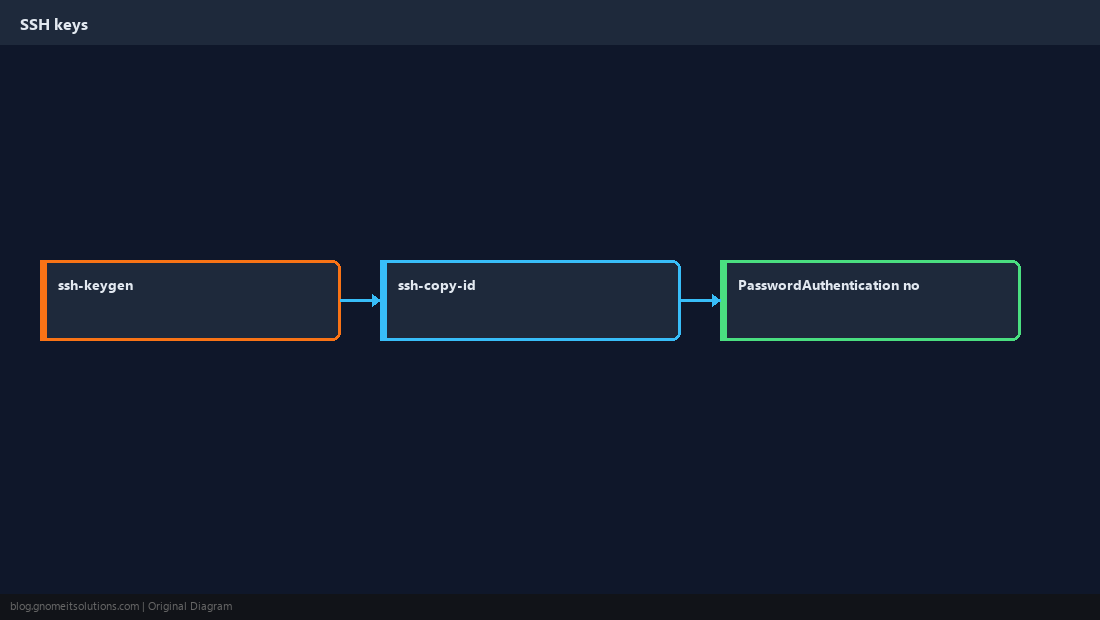
Copy key to the server
You will type the password one last time (unless using another auth method).
bashcopy
ssh-copy-id -i ~/.ssh/id_ed25519.pub [email protected]Test and lock down (carefully)
Confirm key login works in a second session before disabling passwords.
bashtest
ssh -i ~/.ssh/id_ed25519 [email protected] hostnamePermissions matter
OpenSSH ignores authorized_keys if directory permissions are too open.
bashserver perms
chmod 700 ~/.ssh
chmod 600 ~/.ssh/authorized_keysWarningKeep
PasswordAuthentication yes until you verify key login from every admin workstation.Quick Reference
ssh-keygen -t ed25519ssh-copy-id user@host- Test, then tighten
sshd_config
Related tutorials
Diagrams are original illustrations by Gnome IT Solutions. Tutorial text © Gnome IT Solutions.