
strace on Linux is the fastest way to answer “what file or socket is this binary actually touching?” — especially when logs are empty but the app exits with code 1. It records every syscall the process makes: open, read, connect, execve, and more.
Pair with: lsof,
journalctl,
kill & signals.
When strace Helps
Mystery permission denials, wrong config paths, DNS/connect hangs, and cron jobs that work interactively but fail unattended.
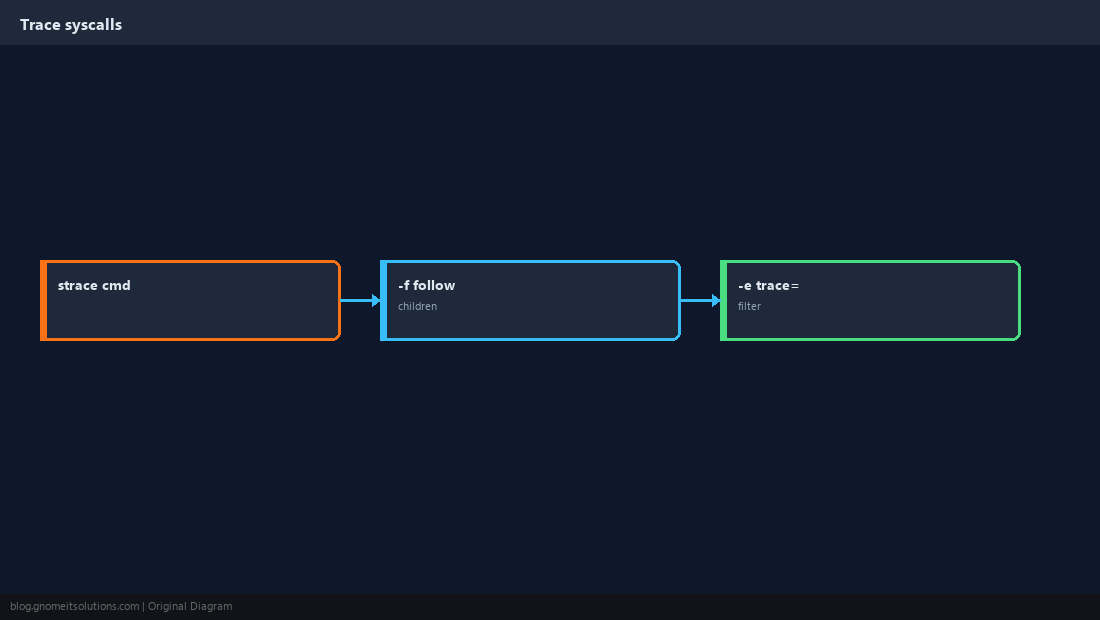
Run strace on a Command
Wrap the program once; use -f to follow child processes (shell scripts, workers).
strace -f -o /tmp/app.strace ./deploy.sh 2>&1 | tail -20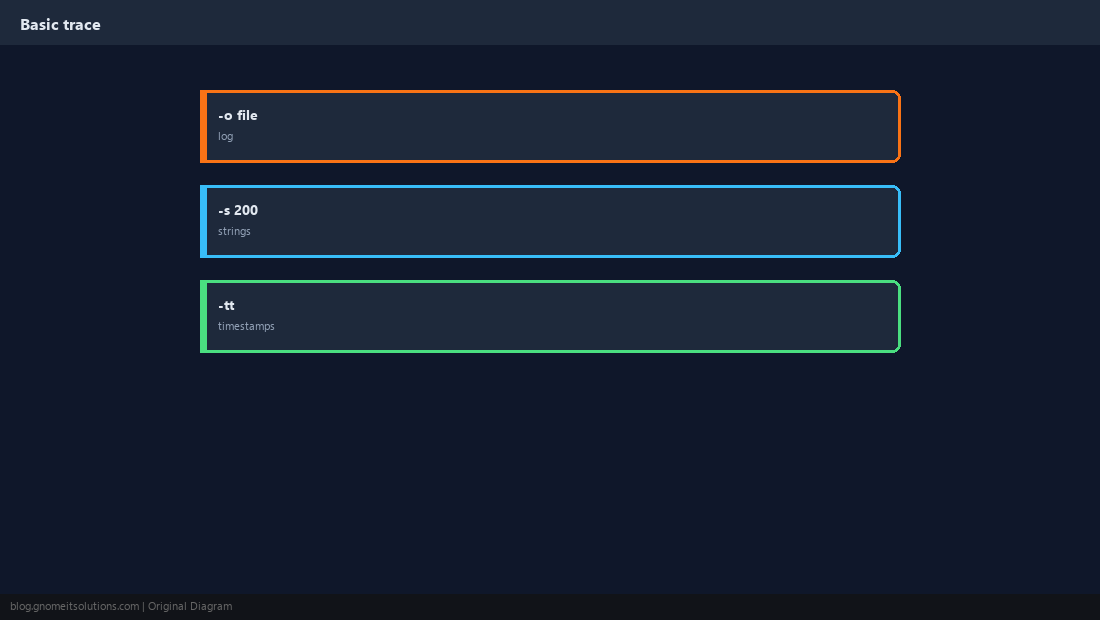
Filter Noise
Full traces are huge — limit to file or network syscalls while you iterate.
strace -e trace=openat,open,stat,access -f ./myapp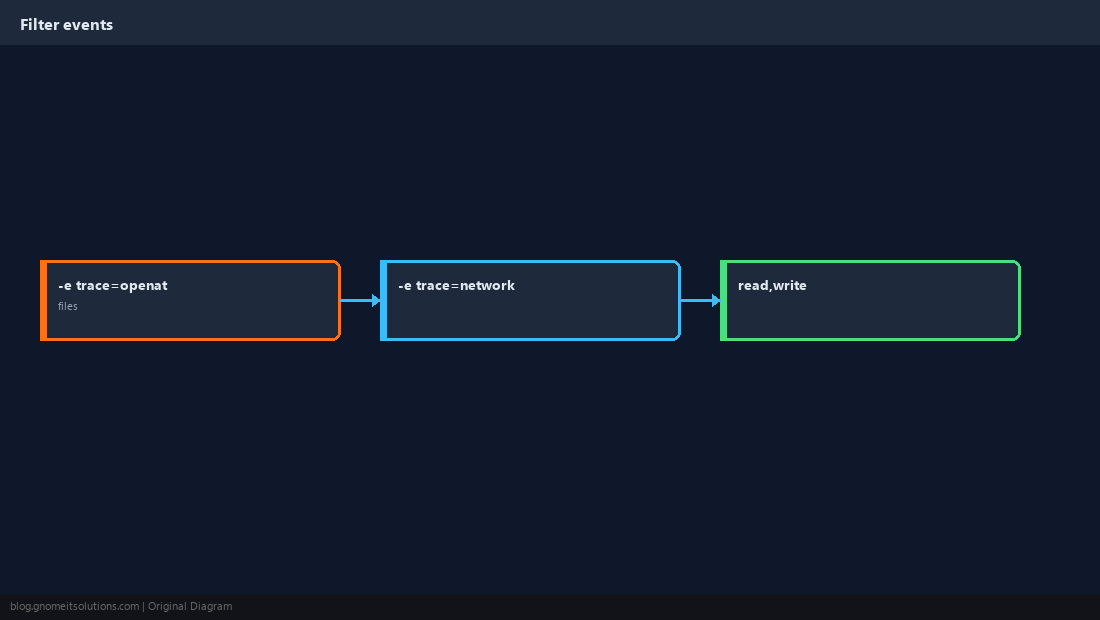
Attach to a Running PID
Useful for daemons; requires permission to ptrace (often root or same user).
sudo strace -p $(pidof nginx | awk '{print $1}') -e trace=network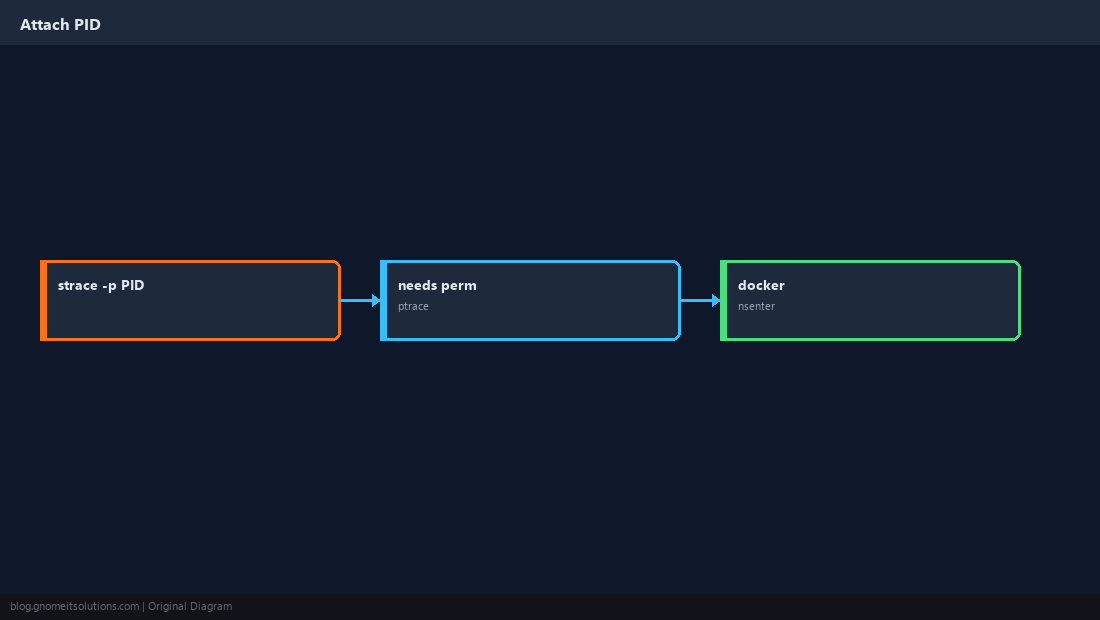
Performance and Production
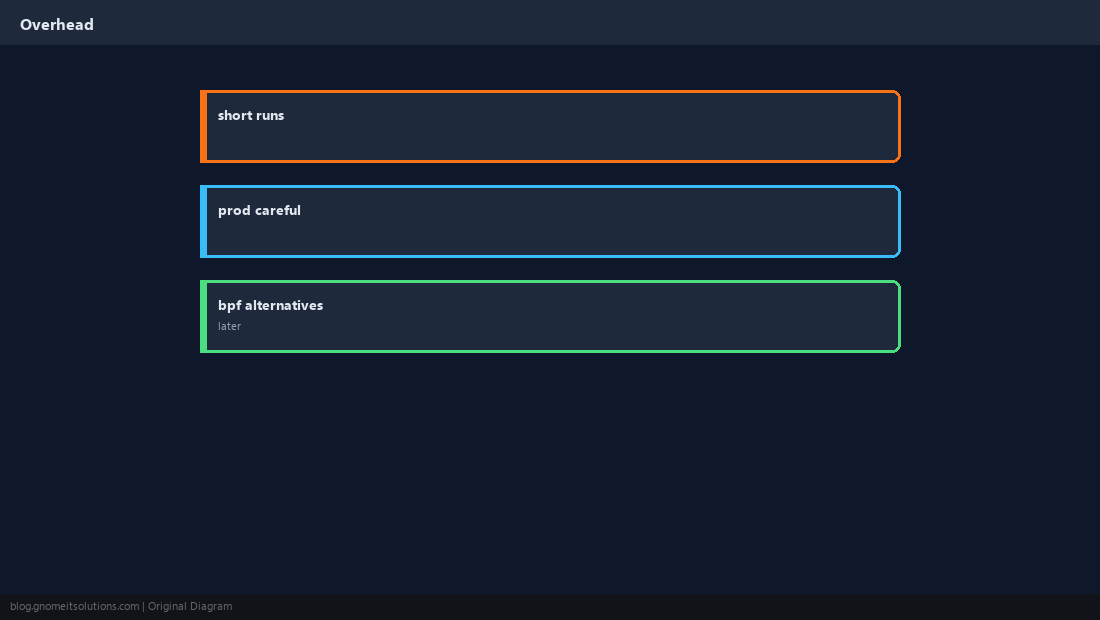
strace slows programs — use short windows and filters, not permanent tracing on hot paths.
Read Common Errors
ENOENT = path not found; EACCES = permissions; ECONNREFUSED = nothing listening on that port.
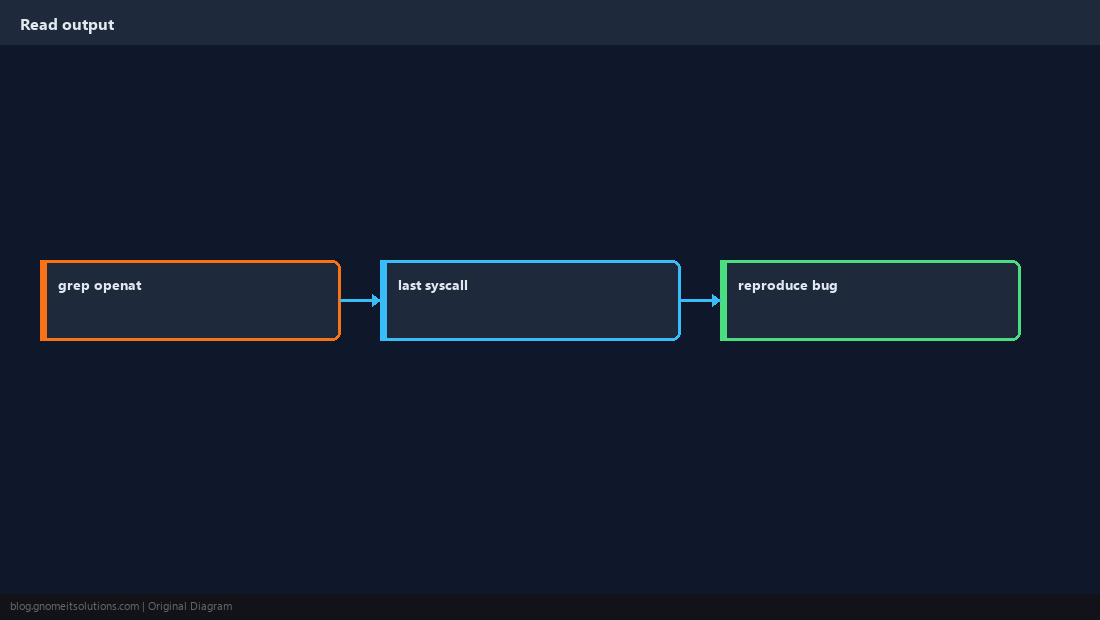
grep -E 'ENOENT|EACCES|ECONNREFUSED' /tmp/app.strace | tail -20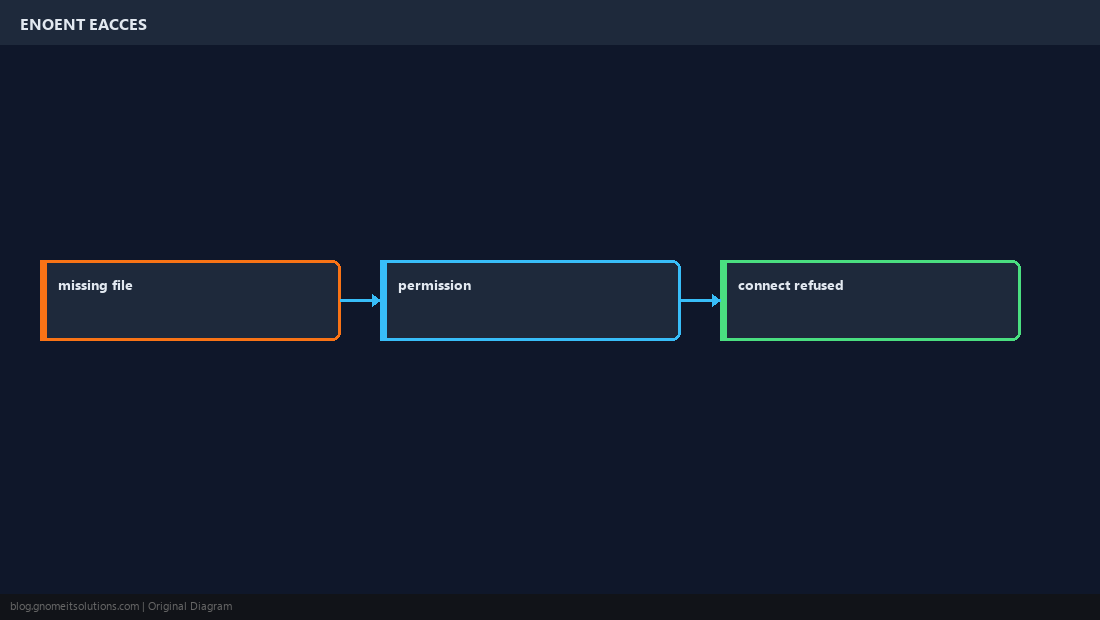
Confirm the Root Cause
Reproduce once with a minimal filter, fix the path or ACL, rerun without strace.
Quick Reference
strace -f -e trace=openat,connect ./cmdfor quick wins- Save:
-o /tmp/trace.log - Attach:
strace -p PID(careful in prod)
Related tutorials
Diagrams are original illustrations by Gnome IT Solutions. Tutorial text © Gnome IT Solutions.