A well-tuned
pacing ratio and a clean
DNC-scrubbed list both stop mattering if every outbound call is showing up on the called party’s phone
as “Scam Likely” before it ever rings through to a human decision to answer. Carrier-side
spam analytics engines silently score outbound numbers based on call volume, answer rate, and complaint
reports, and a number dialed too hard from one campaign can get flagged and start losing answer rate on
every other campaign that shares it — often with no notice from the carrier at all. Caller ID (DID)
rotation is the operational discipline that keeps that from quietly wrecking connect rates across
an entire dialer.
This guide covers how ViciDial’s CID Group feature actually rotates numbers across outbound calls, how to
size a DID pool against call volume so no single number gets overused, how to track answer-rate drop-off
that signals a number has been flagged, and the retirement and local-presence practices that keep a DID
pool healthy over time.
Step 1: Understand Why a Single Static Caller ID Fails at Scale
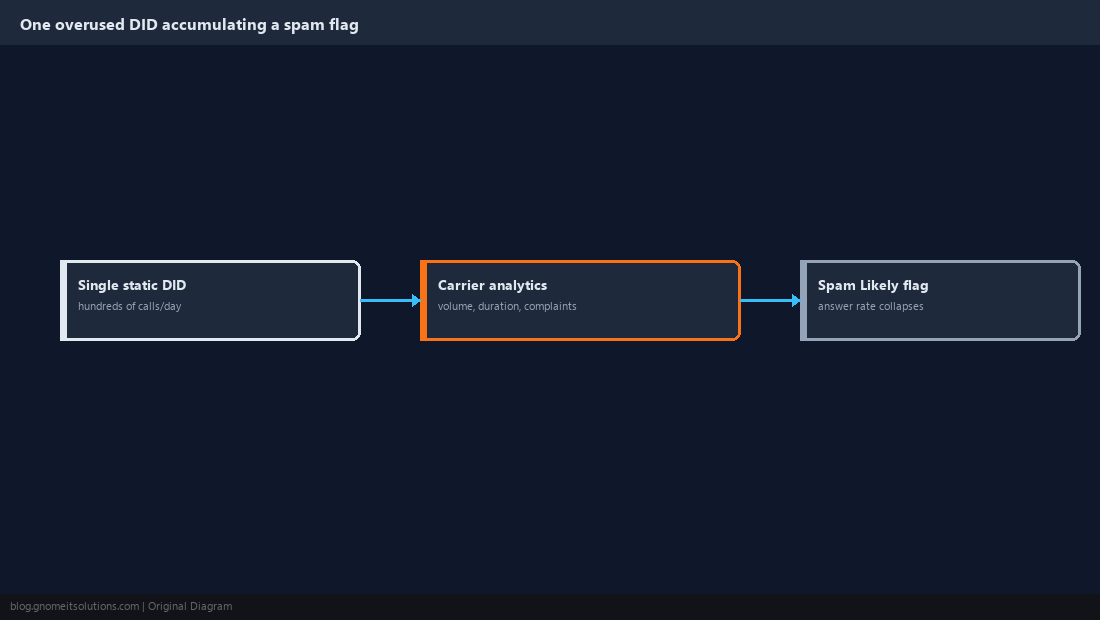
Every major U.S. carrier runs analytics that score a calling number against factors like call volume per day, average call duration, and how often recipients hang up immediately or report the call as spam — a single DID dialing hundreds of calls a day from one campaign accumulates a bad score fast, regardless of how compliant the campaign actually is. Once flagged, that same number shows up as “Spam Likely” or similar on recipient handsets across every carrier that shares reputation data, which measurably suppresses answer rate even for genuinely wanted calls. The fix isn’t a single trick setting — it’s spreading outbound volume across a pool of numbers so no single DID ever accumulates enough volume in a day to trip a carrier’s threshold.
Step 2: Build a CID Group Sized to Actual Call Volume
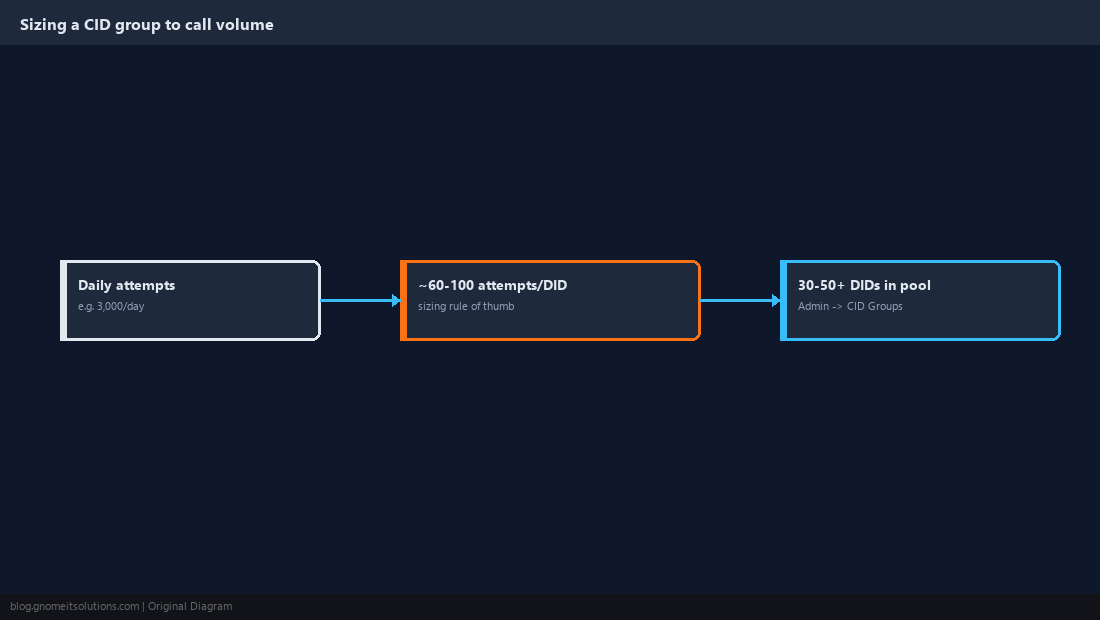
In Admin → CID Groups, create a group and populate it with the DIDs available for a campaign, then set that group on the campaign’s detail screen so ViciDial pulls from it for every outbound call rather than dialing out on one fixed number. Size the pool to volume, not guesswork: as a starting rule of thumb, keep each DID under roughly 60-100 outbound attempts per day, so a campaign averaging 3,000 attempts needs at minimum 30-50 numbers in rotation, more if the campaign runs aggressive pacing. Match area codes to the leads being called where possible — a pool of numbers local to the lead’s region answers noticeably better than an out-of-area number, independent of any spam-flagging question.
Step 3: Choose a Rotation Method That Fits the Campaign
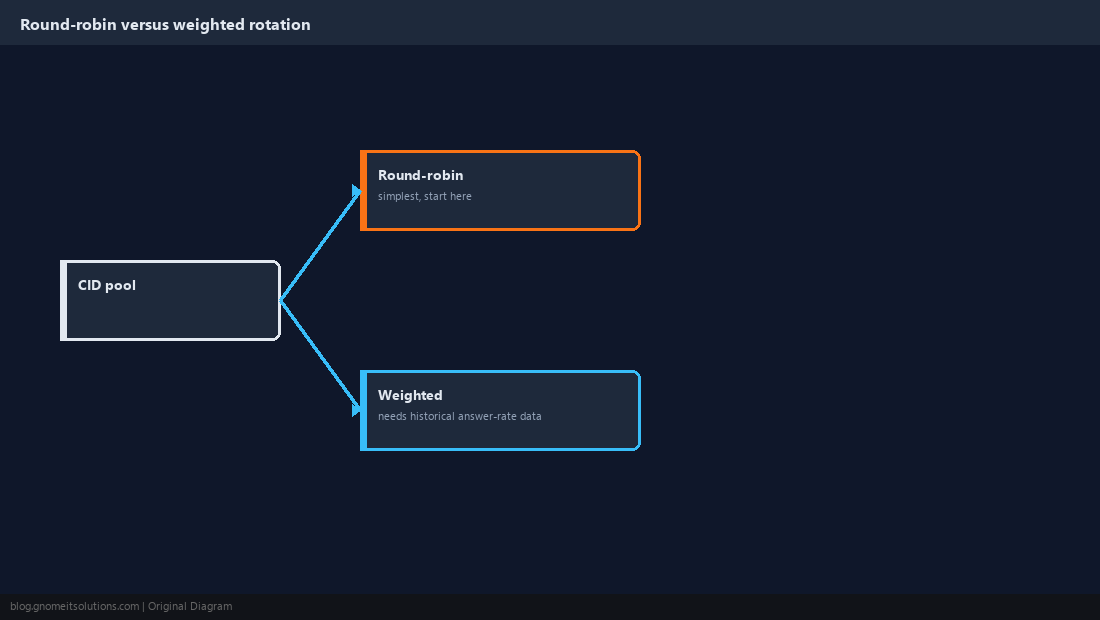
ViciDial’s CID group rotation cycles through the pool’s numbers on outbound calls, and the practical choice is between round-robin rotation (spread evenly, simplest to reason about) and weighted rotation where newer or better-performing numbers get more traffic while numbers showing early reputation trouble get throttled back rather than pulled from rotation. For most campaigns, start with plain round-robin across a correctly-sized pool from Step 2 — it’s simpler to audit and debug, and weighted rotation only pays off once you have enough historical answer-rate data per DID to make the weighting decisions meaningfully, which usually means running round-robin first to generate that data.
Step 4: Track Answer Rate Per DID, Not Just Per Campaign
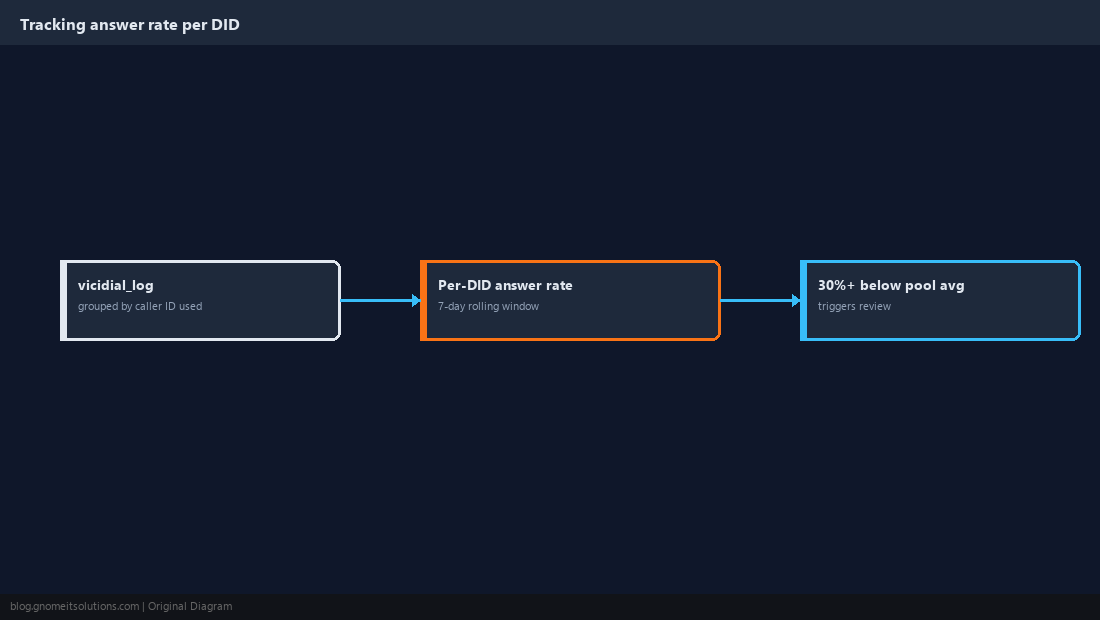
Campaign-level answer rate can look healthy while individual numbers inside the pool are quietly degrading, so pull answer-rate stats grouped by the outbound caller ID itself rather than only the campaign aggregate. A query against vicidial_log joined on the caller ID field used for each call, grouped by that number and compared over a rolling seven-day window, surfaces a DID whose answer rate has fallen well below the pool average even though nothing about the campaign’s settings changed — that gap is usually a spam-flag event on that specific number, not a real change in lead quality. Set an internal threshold, such as a DID’s answer rate falling more than 30% below the pool’s rolling average, as the trigger for the review in the next step rather than waiting for someone to notice anecdotally.
Step 5: Retire and Replace Flagged Numbers Promptly
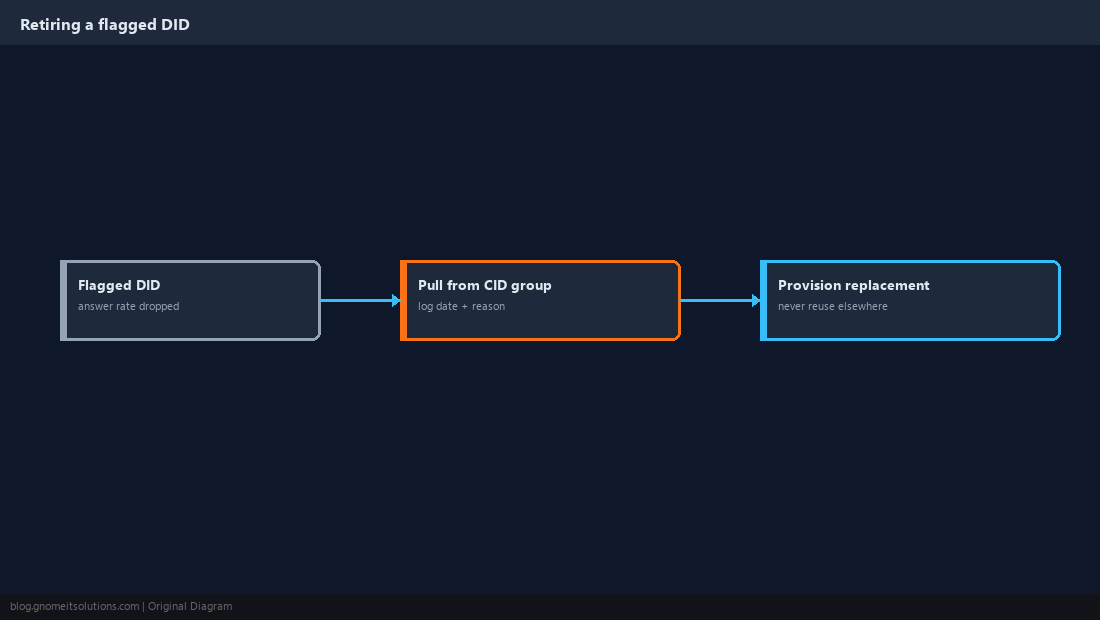
Once a DID’s answer rate has clearly dropped relative to the pool, pull it from the CID group rather than leaving it in rotation hoping the flag clears on its own — carrier-side spam scores can take weeks to reset if they clear at all, and a flagged number left in rotation keeps dragging down whatever fraction of calls it still receives. Replace it with a freshly provisioned number from your carrier or DID provider, and resist reusing a recently-retired number on a different campaign inside the same organization — reputation scoring is tied to the number itself, not the campaign dialing it, so a flagged DID is flagged everywhere it’s used next. Keep a simple retirement log noting the date and reason a number left rotation, since a pattern of frequent retirements from one provider or number block is itself a signal worth escalating to whoever manages carrier relationships.
Step 6: Register Numbers With Carrier Analytics Programs Where Available
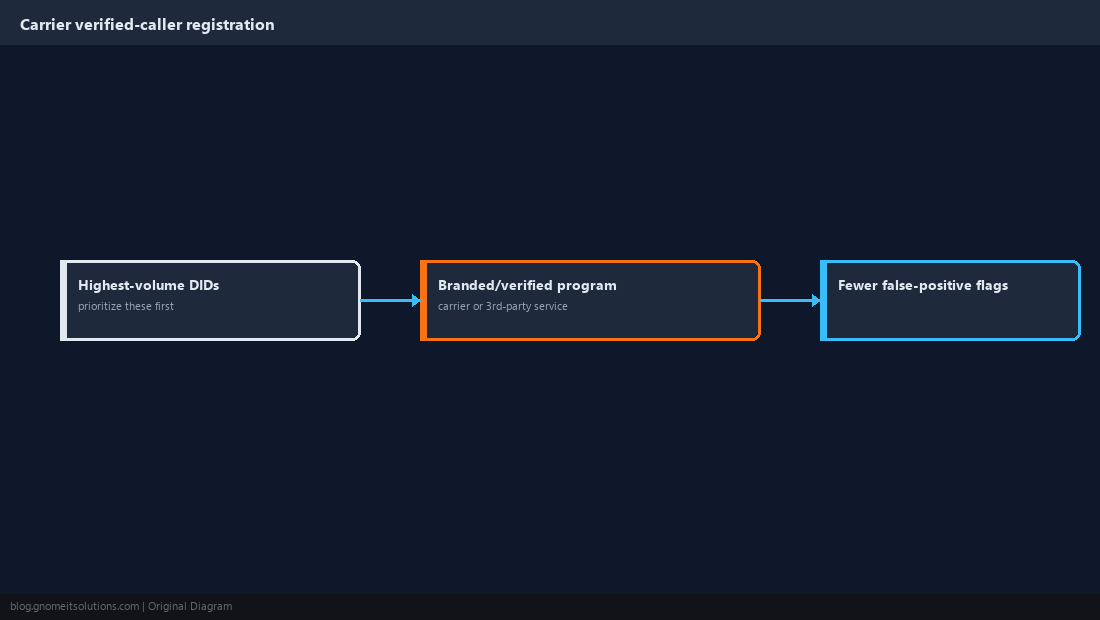
Several major U.S. carriers and third-party reputation services offer a registration or branded-calling program that lets a legitimate business attach verified caller-name and purpose information to a DID, which measurably reduces false-positive spam flagging compared to an unregistered number making the same call pattern. Registering a DID pool takes real setup time and sometimes a fee per number, so prioritize it for the highest-volume numbers in your most active campaigns first rather than trying to register an entire large pool on day one. Keep the registered business name and purpose accurate and consistent with what the campaign is actually calling about — registering under a mismatched name or category is a common reason these programs reject or later flag a registration.
Step 7: Match Local Presence to Lead Geography Without Overcomplicating It
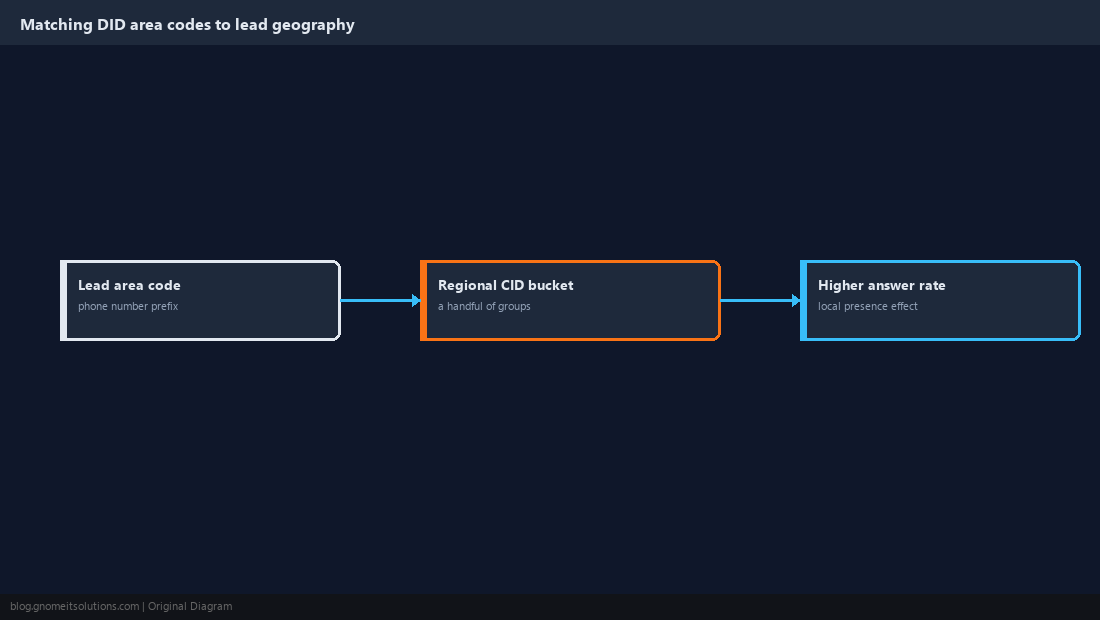
Beyond spam avoidance, matching a DID’s area code to the lead’s local area code — commonly called local presence dialing — measurably improves answer rate on its own, since recipients are more likely to pick up a call that appears to originate nearby. Implement this by grouping the CID pool into area-code buckets and having the dial logic select a bucket that matches the lead’s phone number prefix rather than pulling from the entire pool at random; ViciDial’s list and campaign configuration can support this through custom CID group logic tied to lead area code, though the exact implementation detail varies by version. Keep the bucket structure simple — a handful of regional groups is far easier to maintain than an attempt at exact area-code-for-area-code matching across a large, geographically spread lead list.
Step 8: Audit the Whole DID Pool on a Recurring Schedule
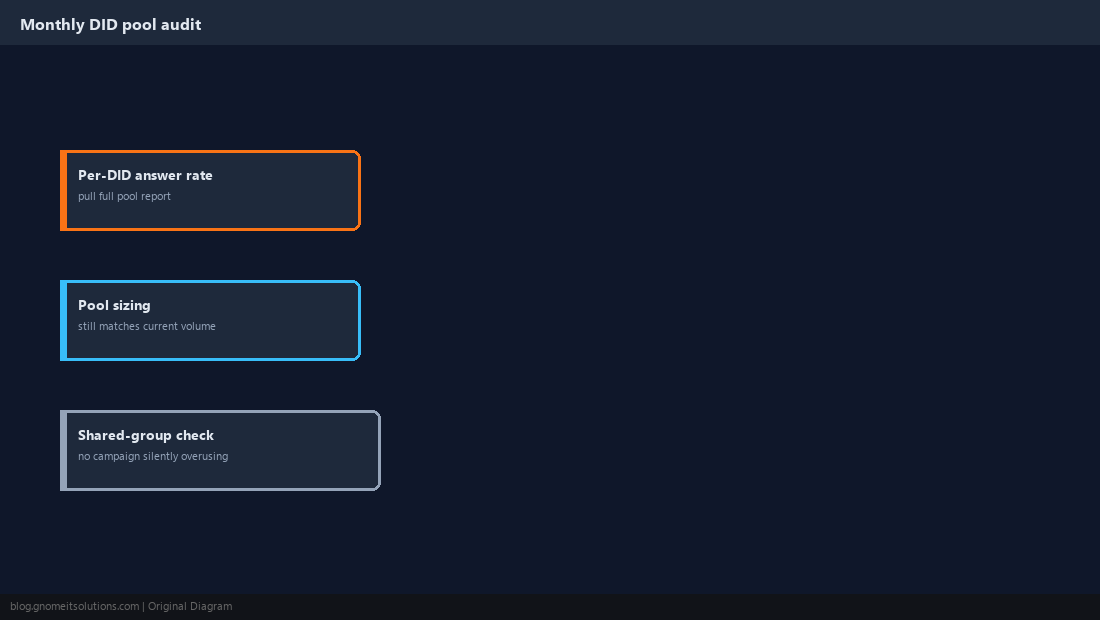
Treat the DID pool as a living asset that needs periodic maintenance, not a one-time setup: on a monthly cadence, pull the per-DID answer-rate report from Step 4 across the whole pool, retire anything trending down, confirm the pool is still sized correctly against current call volume from Step 2, and check that newly added campaigns haven’t quietly started sharing a CID group that was sized for a single campaign’s volume. A DID pool that was correctly sized six months ago silently becomes undersized as call volume grows, and that gradual overuse is exactly the failure mode this whole rotation strategy exists to prevent.
DID Pool Health Checklist
Pool size        roughly 1 DID per 60-100 outbound attempts/day
Rotation         round-robin to start; weighted once data exists
Answer rate      tracked per DID, not just per campaign
Retire trigger   answer rate 30%+ below pool rolling average
Registration     branded/verified caller programs on highest-volume DIDs
Local presence   area-code buckets matched to lead geography
Audit cadence    monthly review of the full pool
Related tutorials
- Predictive Dialer Pacing and Ratio Tuning
- DNC Scrubbing and Dial Windows
- Campaign Creation From Scratch
Image credits: All illustrations are original terminal/config mockups created for
Gnome IT Solutions — not screenshots from any third-party site. Tutorial text © Gnome IT Solutions.