Leave SSH exposed to the internet and automated scanners will try to log in within minutes, all day, forever. Strong key-based
authentication already stops them from getting in, but the noise of thousands of failed attempts is still worth cutting off at the source.
fail2ban watches log files for repeated failures and temporarily bans the offending IP at the firewall.
This guide installs fail2ban, enables the SSH jail correctly (never edit the packaged config file directly), tunes the three settings that actually matter,
and extends the same idea to other services.
Quick answer: copy jail.conf to jail.local, enable [sshd], set maxretry/bantime, restart.
How fail2ban Decides to Ban Someone
A filter defines the log pattern that counts as a failure; a jail ties that filter to a service, a threshold, and an action. Cross the threshold within the time window and fail2ban tells the firewall to block that IP.
auth log --> filter matches failed logins --> jail counts within findtime --> ban via firewall for bantime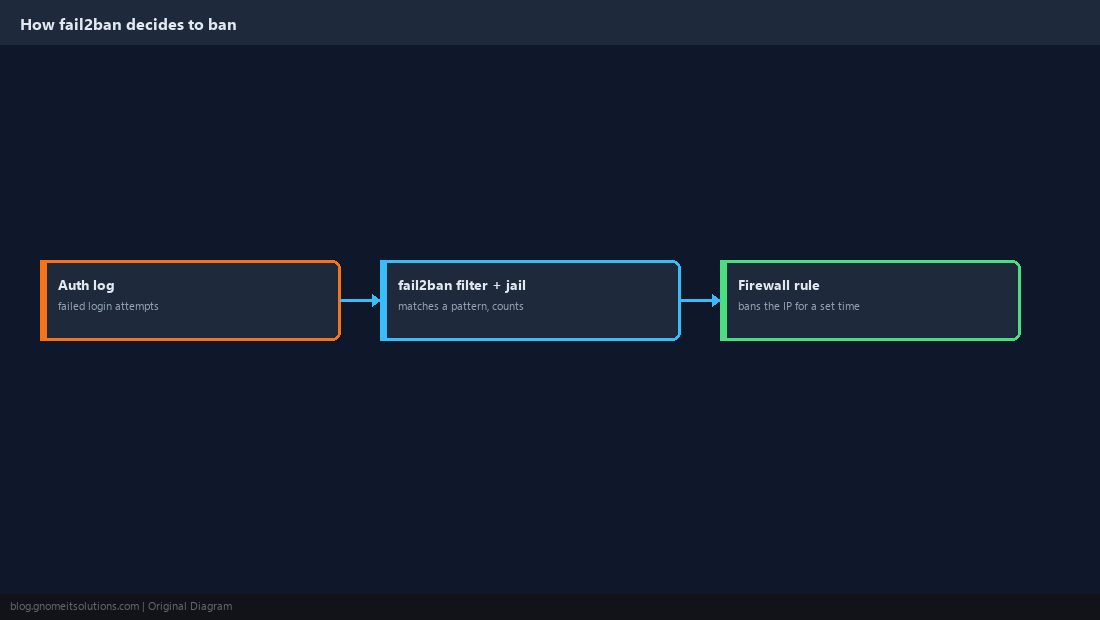
Install fail2ban and Prepare the Config
Never edit jail.conf directly — package updates overwrite it. Copy it to jail.local, which fail2ban always reads on top of the defaults.
sudo apt install -y fail2ban    # or: sudo dnf install -y fail2ban
sudo cp /etc/fail2ban/jail.conf /etc/fail2ban/jail.local
sudo systemctl enable --now fail2ban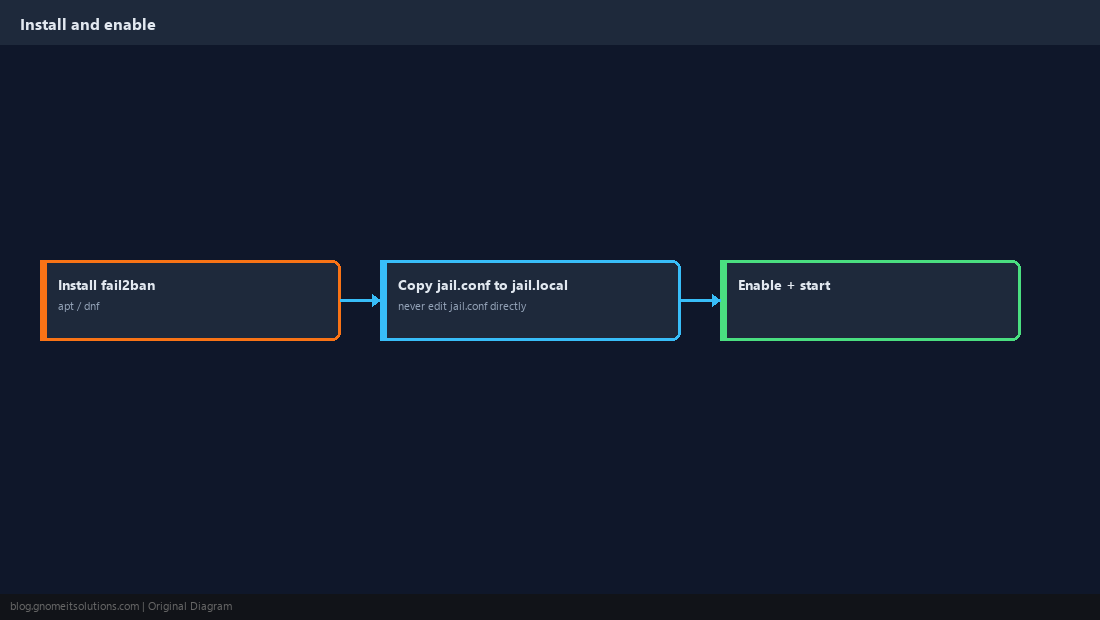
Enable the SSH Jail
Most distributions ship the SSH jail defined but disabled. Turn it on in jail.local.
[sshd]
enabled = true
port = ssh
findtime = 10m
maxretry = 5
bantime = 1h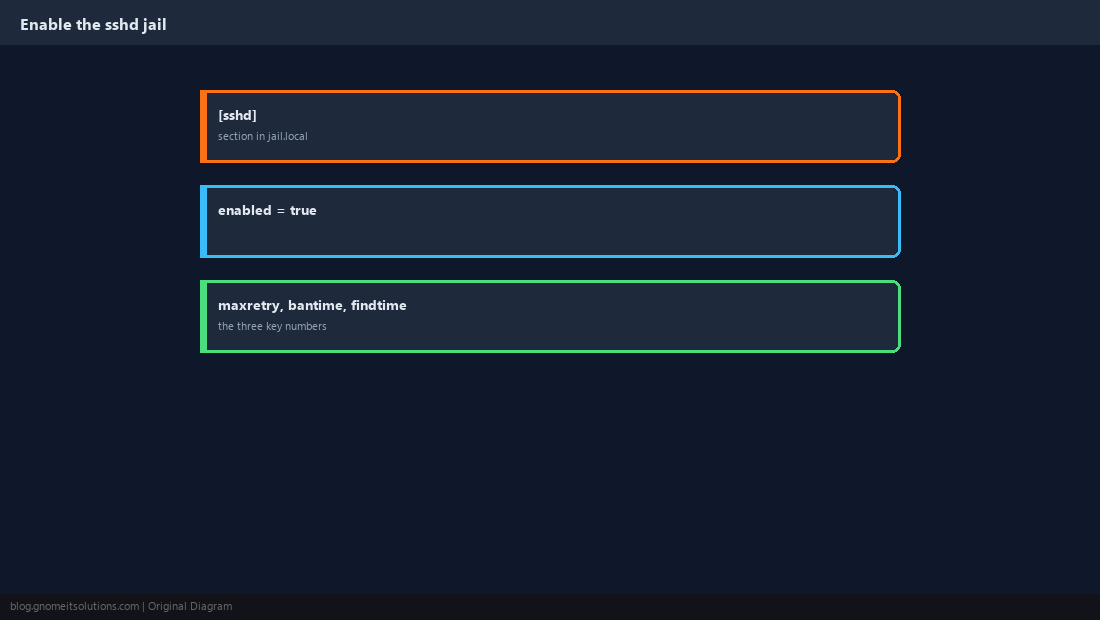
Tune the Three Numbers That Matter
findtime is the window failures are counted in. maxretry is how many failures within that window trigger a ban. bantime is how long the ban lasts. A stricter site lowers maxretry and raises bantime.
sudo systemctl restart fail2banbantime = -1 for a permanent ban after repeated offenses, once you trust the jail is not catching legitimate users.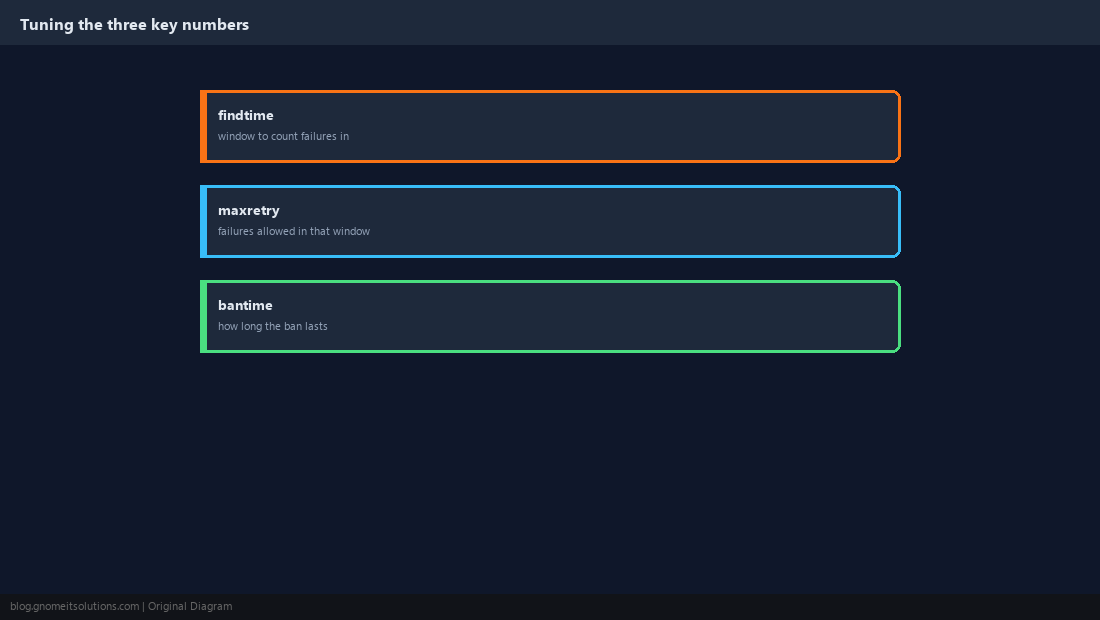
Check Jail Status
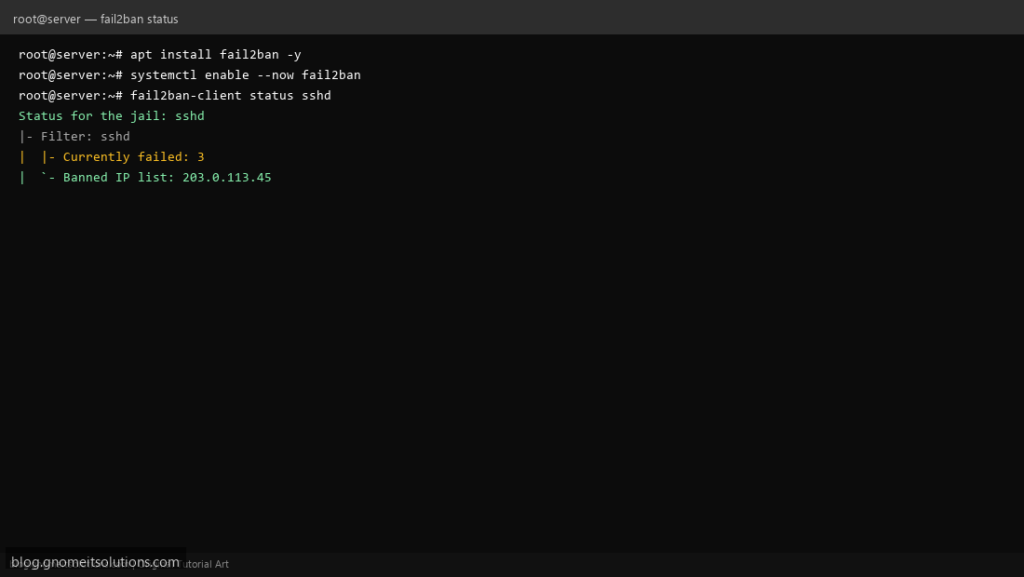
Confirm the jail is active and see which IPs are currently banned.
sudo fail2ban-client status
sudo fail2ban-client status sshd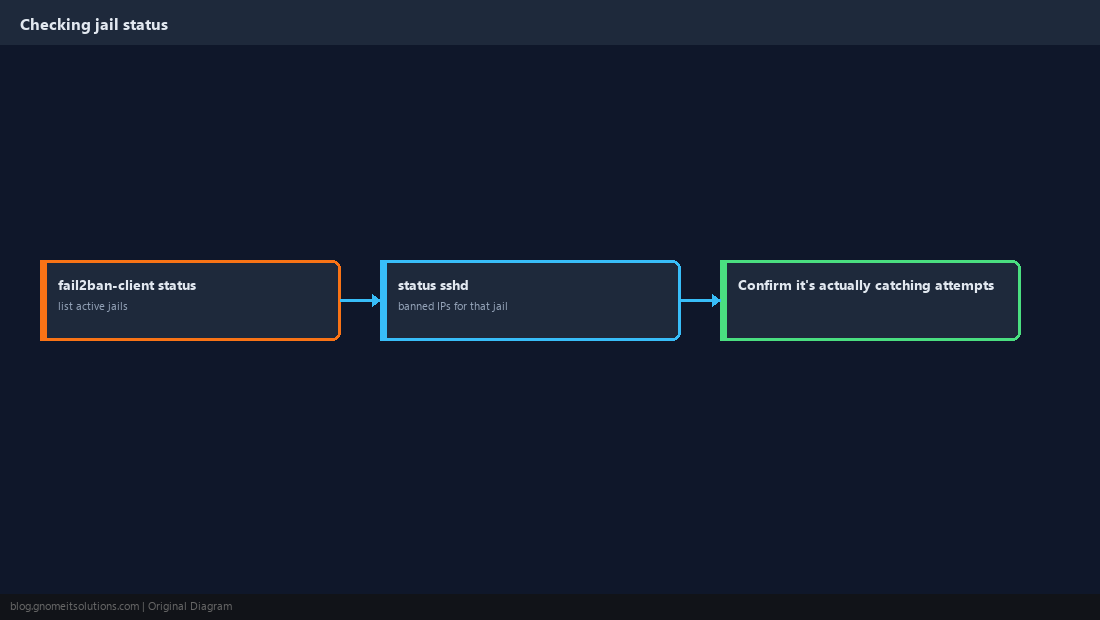
Unban an IP
You will eventually ban yourself, a coworker, or a legitimate monitoring service. Unbanning is one command.
sudo fail2ban-client set sshd unbanip 203.0.113.42
sudo fail2ban-client status sshd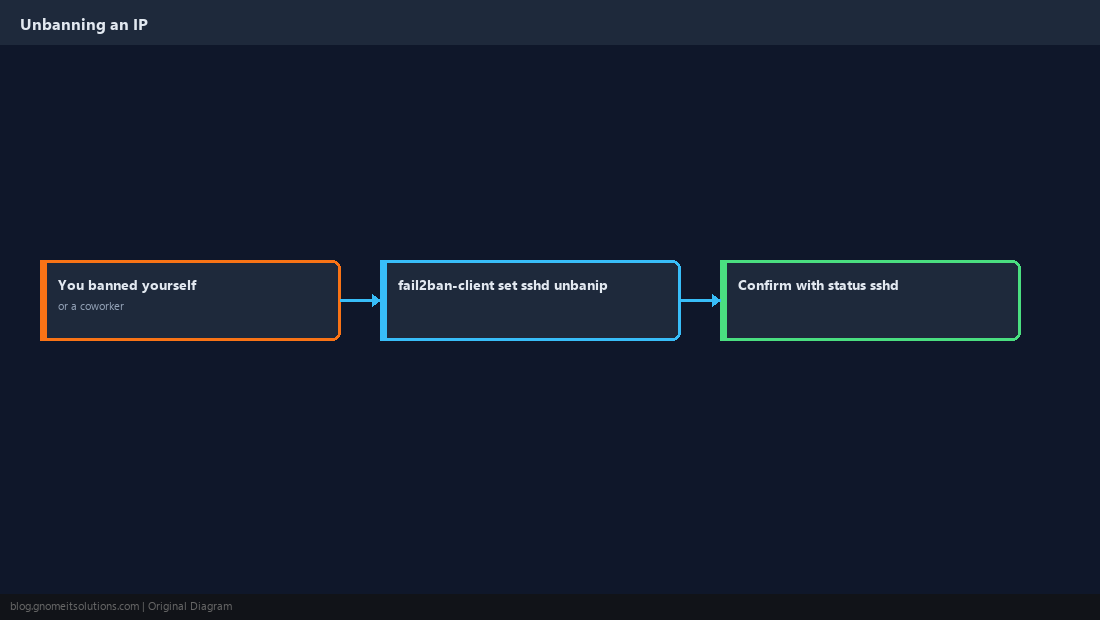
Protect More Than SSH
The same mechanism applies to any service with a log file: web login forms, mail authentication, or your own application. Many jails ship ready to enable.
[nginx-http-auth]
enabled = true
port = http,https
logpath = /var/log/nginx/error.log/etc/fail2ban/filter.d/ matching that app’s specific log format.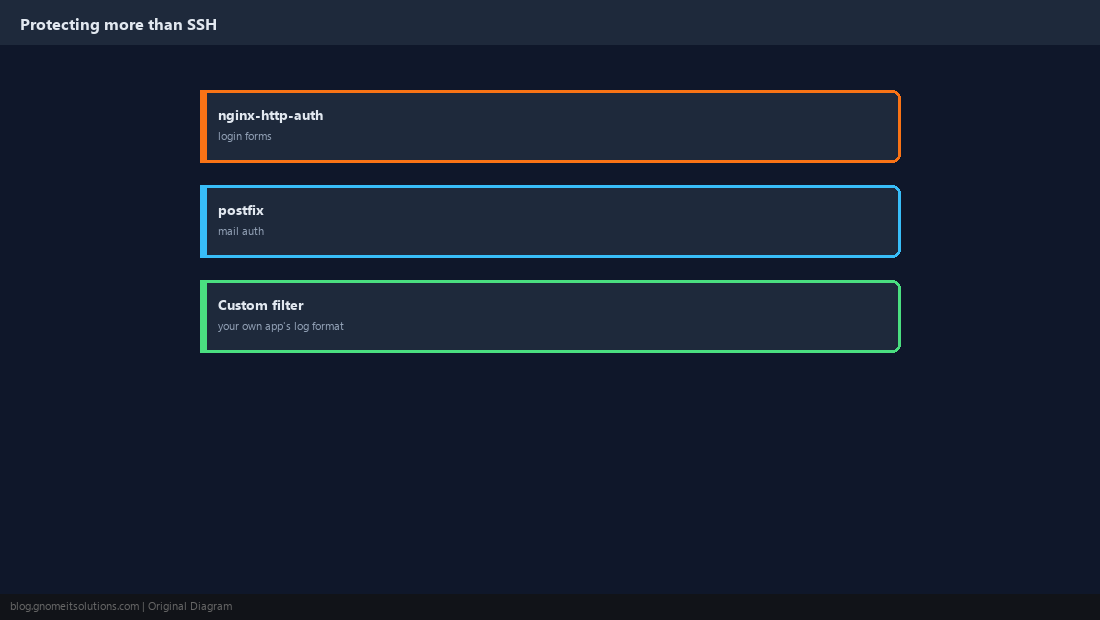
Verify It Actually Bans
Confirming the jail is “enabled” is not the same as confirming it works. Trigger it deliberately from a test IP you control.
sudo tail -f /var/log/fail2ban.log
# from another machine, fail an SSH login a few times, then:
sudo fail2ban-client status sshd
sudo iptables -L -n | grep -i f2b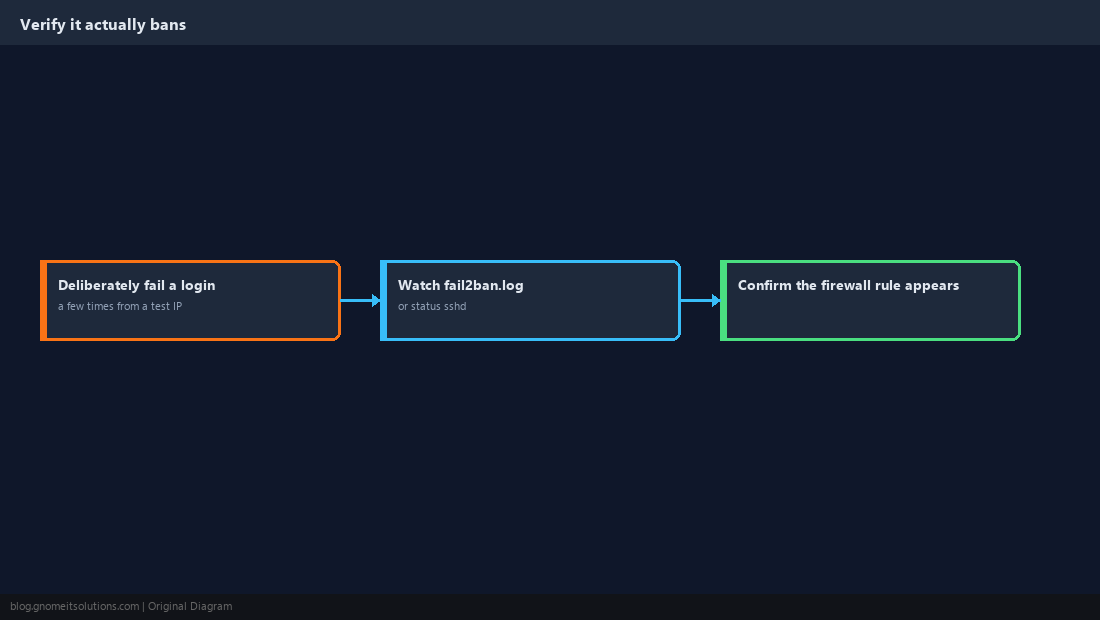
Should I edit jail.conf or jail.local?
Always jail.local. jail.conf is the package default and gets overwritten on updates; jail.local sits on top of it and is where your customizations belong.
What do findtime, maxretry and bantime mean?
findtime is the time window failures are counted in, maxretry is how many failures in that window trigger a ban, and bantime is how long the resulting ban lasts.
How do I unban my own IP from fail2ban?
Run sudo fail2ban-client set JAILNAME unbanip YOUR.IP.ADDRESS.HERE, using the specific jail name such as sshd, then confirm with fail2ban-client status JAILNAME.
Does fail2ban replace SSH key authentication?
No, they solve different problems. Key authentication stops attackers from actually logging in; fail2ban reduces the volume of repeated attempts and the load they place on the server.
Can fail2ban protect services other than SSH?
Yes. It ships jails for many common services (nginx, postfix, and others) and supports custom filters for your own application’s log format.
Cheat Sheet
- Edit
jail.local, neverjail.conf; enable[sshd] findtime/maxretry/bantimeare the three settings to tunefail2ban-client status sshdto check;unbanipto reverse a ban
Related tutorials
Diagrams are original illustrations by Gnome IT Solutions. Tutorial text © Gnome IT Solutions.