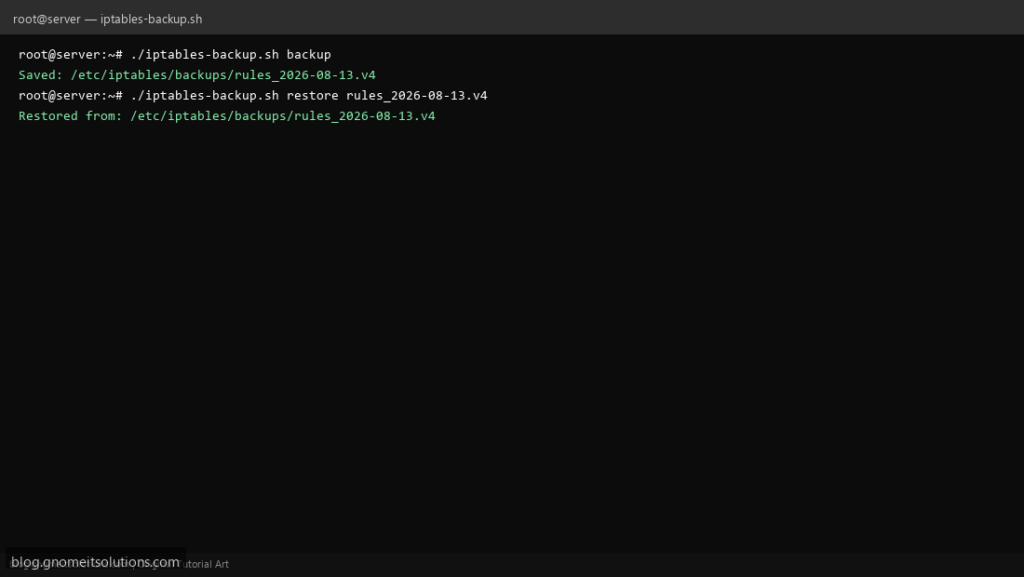
Save and restore iptables firewall rules before system updates or reboots with this backup script.
What this script does
- Exports current iptables rules to a dated file
- Restore rules from backup file
- Supports IPv4 and optionally ip6tables
- Keeps last N backups automatically
- Works with RHEL, CentOS, AlmaLinux, Ubuntu
Prerequisites
- iptables installed
- Root access
- Existing firewall rules to backup
Step 1: Save the script
sudo nano /usr/local/bin/iptables-backup.sh
sudo chmod +x /usr/local/bin/iptables-backup.sh
Step 2: Full script (scroll to read)
iptables-backup.sh
#!/usr/bin/env bash
set -euo pipefail

BACKUP_DIR="/etc/iptables/backups"
RETENTION=10
ACTION="${1:-backup}"
TARGET="${2:-}"

mkdir -p "$BACKUP_DIR"
STAMP=$(date +%F_%H-%M-%S)
FILE="${BACKUP_DIR}/rules_${STAMP}.v4"

case "$ACTION" in
  backup)
    iptables-save > "$FILE"
    ip6tables-save > "${FILE%.v4}.v6" 2>/dev/null || true
    echo "Saved: $FILE"
    ls -1t "$BACKUP_DIR"/rules_*.v4 | tail -n +$((RETENTION+1)) | xargs -r rm -f
    ;;
  restore)
    [[ -n "$TARGET" && -f "$TARGET" ]] || { echo "Usage: $0 restore /path/to/rules.v4"; exit 1; }
    iptables-restore < "$TARGET"
    echo "Restored from: $TARGET"
    ;;
  *) echo "Usage: $0 [backup|restore [file]]"; exit 1 ;;
esac
Scroll inside the box to read the full script.
Step 3: Configure settings
BACKUP_DIR— storage path for rule filesACTION— backup or restoreRETENTION— number of backups to keep
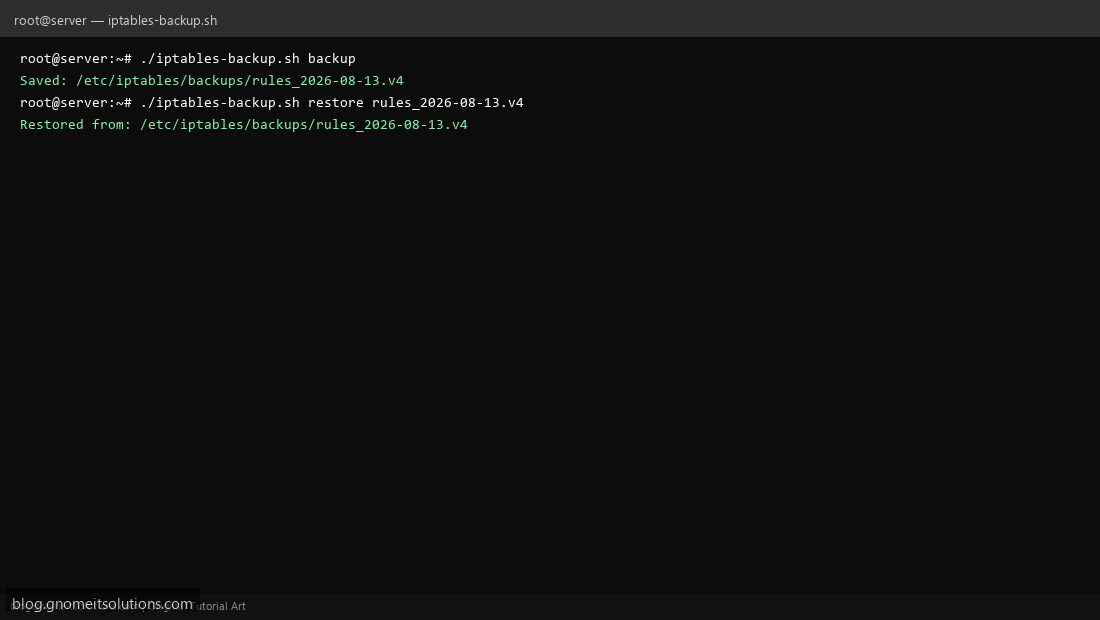
Step 4: Test manually
sudo /usr/local/bin/iptables-backup.sh backupsudo /usr/local/bin/iptables-backup.sh restore /etc/iptables/rules.backupSchedule with cron
sudo crontab -eAdd:
0 4 * * 0 /usr/local/bin/iptables-backup.sh backup >> /var/log/iptables-backup.log 2>&1Related tutorials
- Linux Disk Monitor Shell Script
- Linux Backup Shell Script: Files & Database to Remote Server
- Cron Jobs in Linux: Schedule Tasks with crontab
- SSH Key Authentication on Linux Servers
Terminal screenshot is an original illustration created for Gnome IT Solutions (blog.gnomeitsolutions.com).