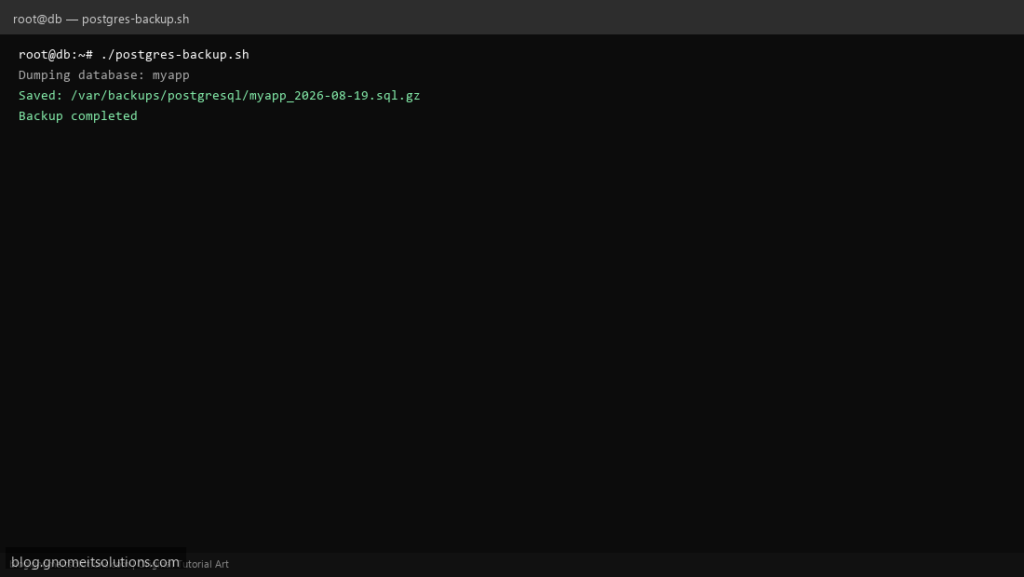
Automate PostgreSQL backups on Linux with pg_dump, gzip compression, and automatic retention — pairs with your Redis and MySQL backup scripts.
What this script does
- Dumps one database or all databases with pg_dump
- Compresses to .sql.gz with timestamp filenames
- Deletes backups older than retention days
- Supports custom format (-Fc) for faster restores
- Logs every run for audit and monitoring hooks
Prerequisites
- PostgreSQL client tools installed
- DB user with read access
- Backup directory with write permission
Step 1: Save the script
sudo nano /usr/local/bin/postgres-backup.sh
sudo chmod +x /usr/local/bin/postgres-backup.sh
Step 2: Full script (scroll to read)
postgres-backup.sh
#!/usr/bin/env bash
set -euo pipefail

PGHOST="127.0.0.1"
PGUSER="postgres"
DB_NAME="myapp"              # or ALL for pg_dumpall
BACKUP_DIR="/var/backups/postgresql"
RETENTION_DAYS=7
DATE=$(date +%F_%H-%M-%S)
LOG="/var/log/postgres-backup.log"

log(){ echo "[$(date '+%F %T')] $*" | tee -a "$LOG"; }
mkdir -p "$BACKUP_DIR"

export PGHOST PGUSER

if [[ "$DB_NAME" == "ALL" ]]; then
  OUT="${BACKUP_DIR}/all_${DATE}.sql.gz"
  log "Running pg_dumpall"
  pg_dumpall | gzip > "$OUT"
else
  OUT="${BACKUP_DIR}/${DB_NAME}_${DATE}.sql.gz"
  log "Dumping database: $DB_NAME"
  pg_dump "$DB_NAME" | gzip > "$OUT"
fi

log "Saved: $OUT ($(du -h "$OUT" | awk '{print $1}'))"
find "$BACKUP_DIR" -name '*.sql.gz' -mtime +"$RETENTION_DAYS" -delete
log "Backup completed"
Scroll inside the box to read the full script.
Step 3: Configure settings
PGHOST/PGUSER— connection settingsBACKUP_DIR— where .sql.gz files are storedDB_NAME— single database or ALL for pg_dumpallRETENTION_DAYS— auto-delete old backups
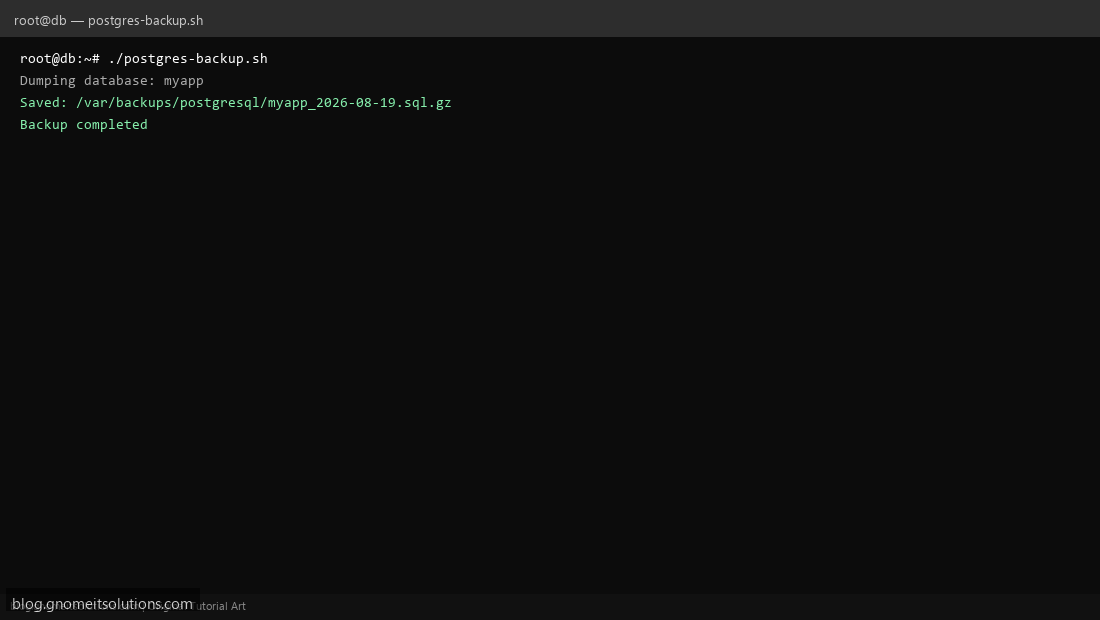
Step 4: Test manually
pg_dump --versionsudo /usr/local/bin/postgres-backup.shls -lah /var/backups/postgresql/Schedule with cron
sudo crontab -eAdd:
0 2 * * * /usr/local/bin/postgres-backup.sh >> /var/log/postgres-backup.log 2>&1Related tutorials
- Linux Backup Shell Script: Files & Database to Remote Server
- Cron Jobs in Linux: Schedule Tasks with crontab
- SSH Key Authentication on Linux Servers
Terminal screenshot is an original illustration created for Gnome IT Solutions (blog.gnomeitsolutions.com).