
When time sync fails, the symptoms are indirect: certificate errors, cluster warnings, logs out of order. This guide is the checklist for the moment you
run chronyc tracking and see Not synchronised. Work top to bottom; most problems are found in the first three steps.
New to chrony? Read the main chrony and NTP time sync guide first for installation and configuration, and the
timedatectl and hwclock guide for the basic commands.
Recognise the Symptom
Three messages cover most cases. Not synchronised with a reference ID of zeros means chrony has no usable source. 506 Cannot talk to daemon means chronyc cannot reach chronyd. 0 sources online means chrony believes the network is down.
chronyc tracking
chronyc activity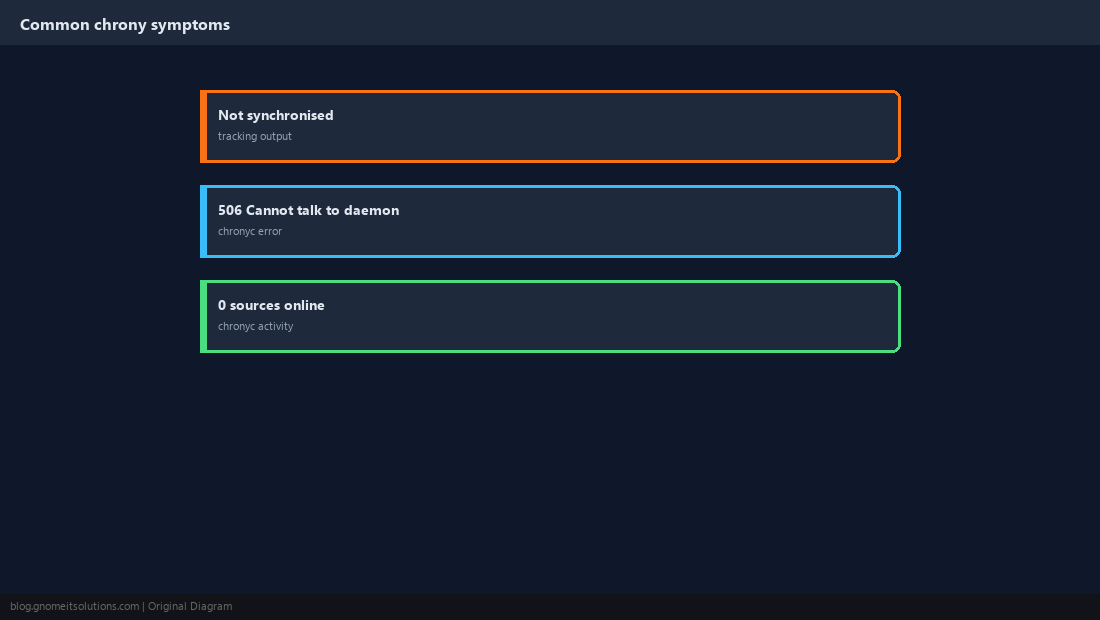
Confirm chronyd Is Running, and Alone
A stopped daemon or a second time service fighting over the clock explains a large share of failures. The unit is chrony on Debian/Ubuntu and chronyd on RHEL-family.
systemctl status chrony chronyd --no-pager 2>/dev/null
journalctl -u chrony -u chronyd --since today --no-pager | tail -30
systemctl is-active systemd-timesyncd ntpd 2>/dev/nullsystemd-timesyncd or ntpd is active alongside chrony, disable it: sudo systemctl disable --now systemd-timesyncd.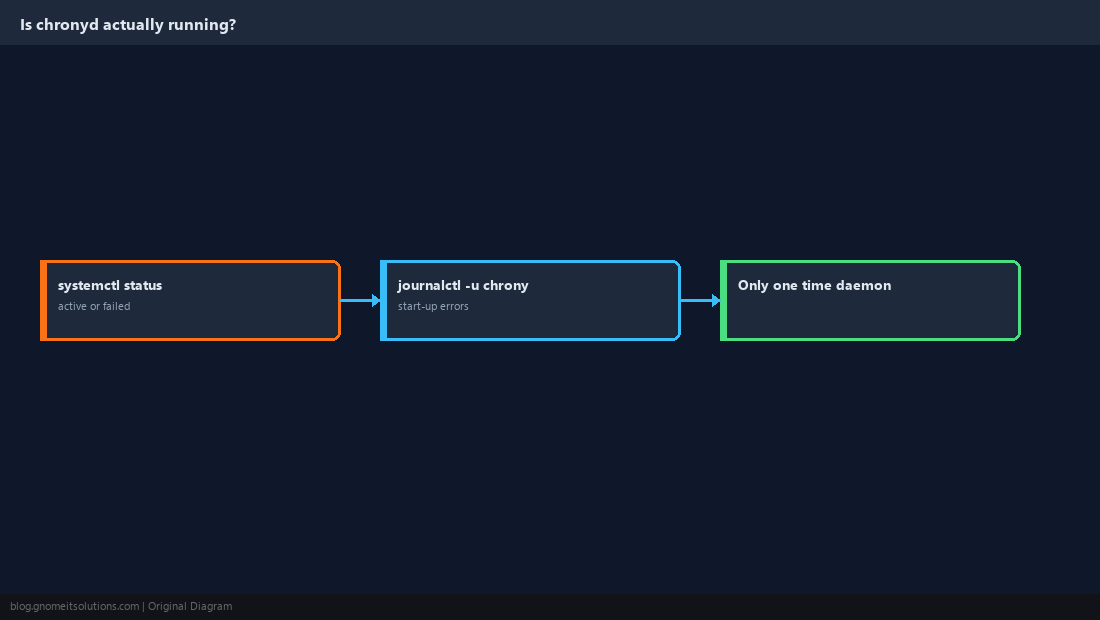
Read chronyc activity
This shows how many sources chrony considers online, offline, or unresolved. Sources that were unreachable at boot stay offline until told otherwise.
200 OK
0 sources online
2 sources offline
0 sources doing burst (return to online)
0 sources doing burst (return to offline)
0 sources with unknown addresssudo chronyc online
chronyc sources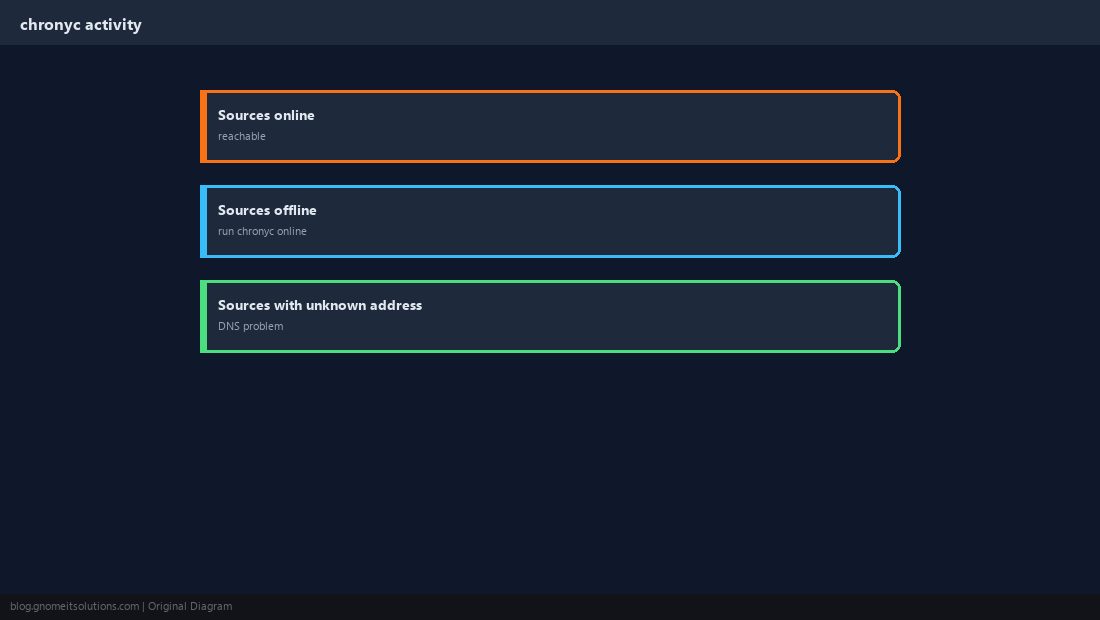
Check DNS for the Time Servers
If the names of your pool servers do not resolve, chrony has nothing to talk to. Test resolution the same way the system does.
getent hosts 2.pool.ntp.org
resolvectl query 2.pool.ntp.org 2>/dev/null | head -5chronyc activity almost always means DNS.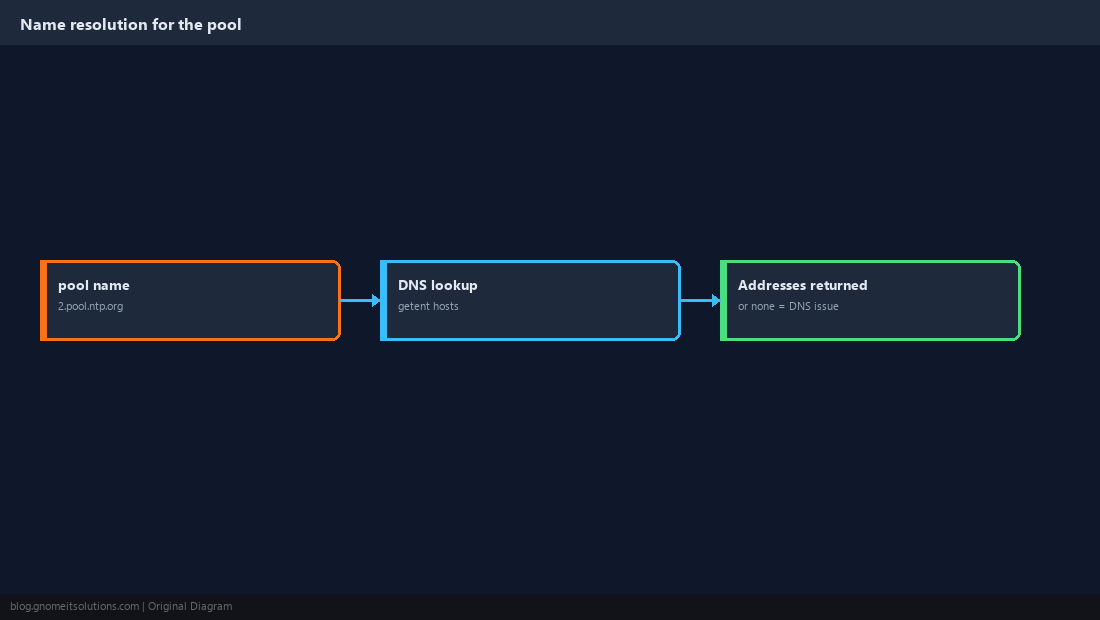
Verify UDP 123 Is Open Both Ways
NTP uses UDP port 123. A host firewall or a network firewall dropping replies leaves chrony sending requests into silence. Watch the wire to see whether answers come back.
sudo tcpdump -ni any udp port 123sudo ufw allow out 123/udp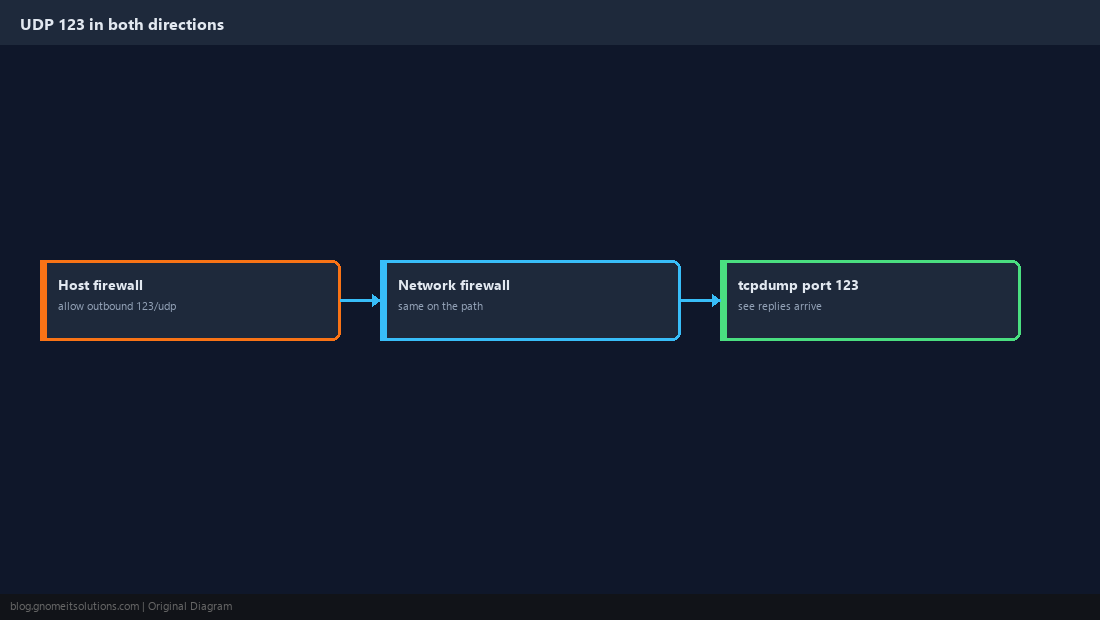
Deal With a Very Large Offset
chrony corrects small errors gradually and refuses big sudden jumps in normal operation. After a long suspend, a VM restore, or a dead motherboard battery, the clock may be minutes or hours off. Step it once, then find out why it drifted.
sudo chronyc makestep
chronyc tracking | grep -E 'System time|Leap'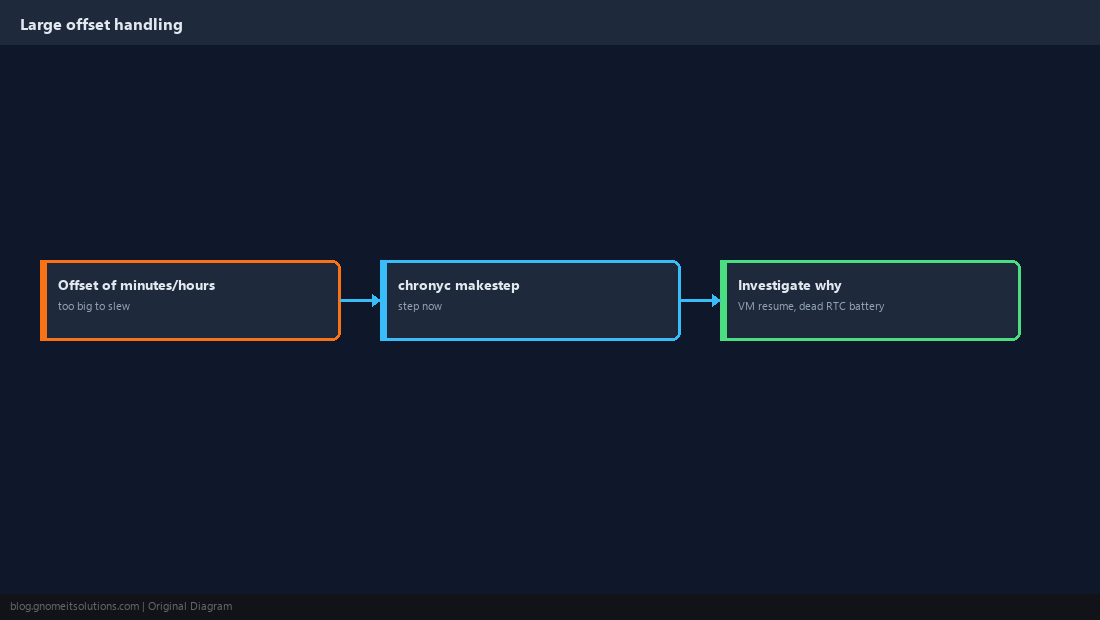
Containers and Virtual Machines
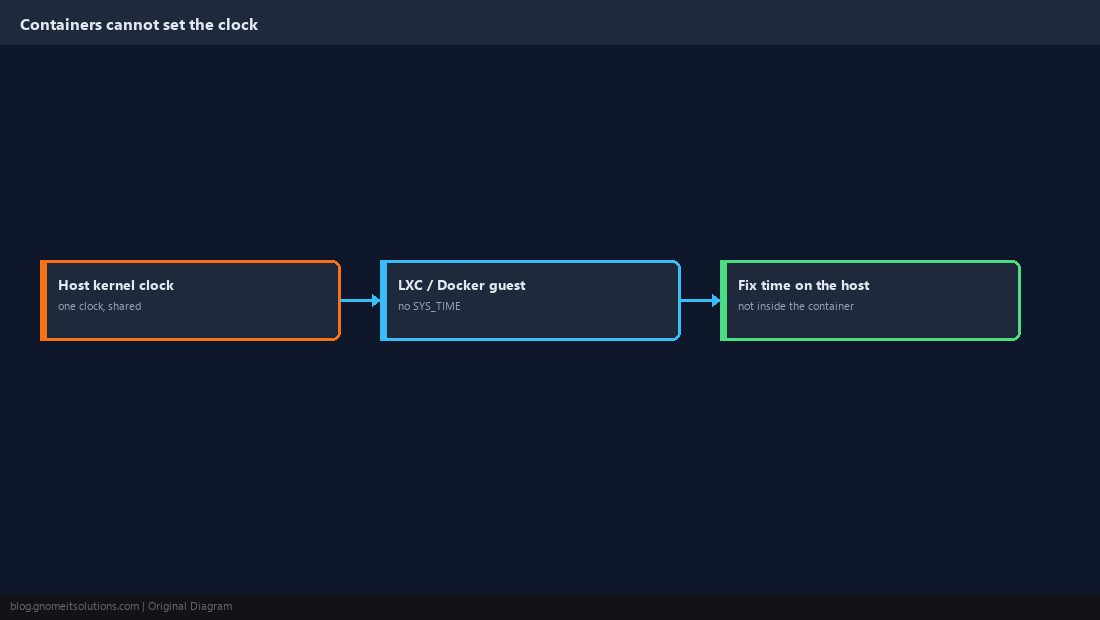
A container shares the host’s clock and normally cannot change it, so running chrony inside an LXC or Docker guest cannot fix the time. Fix time on the host; inside a VM, run chrony in the guest and keep the hypervisor synced too.
Test Without Changing the Clock
Two flags help isolate the problem. chronyd -Q measures the offset against sources and exits without changing the clock; -q sets the clock once and exits. Stop the service first.
sudo systemctl stop chrony
sudo chronyd -Q 'pool 2.pool.ntp.org iburst'
sudo systemctl start chrony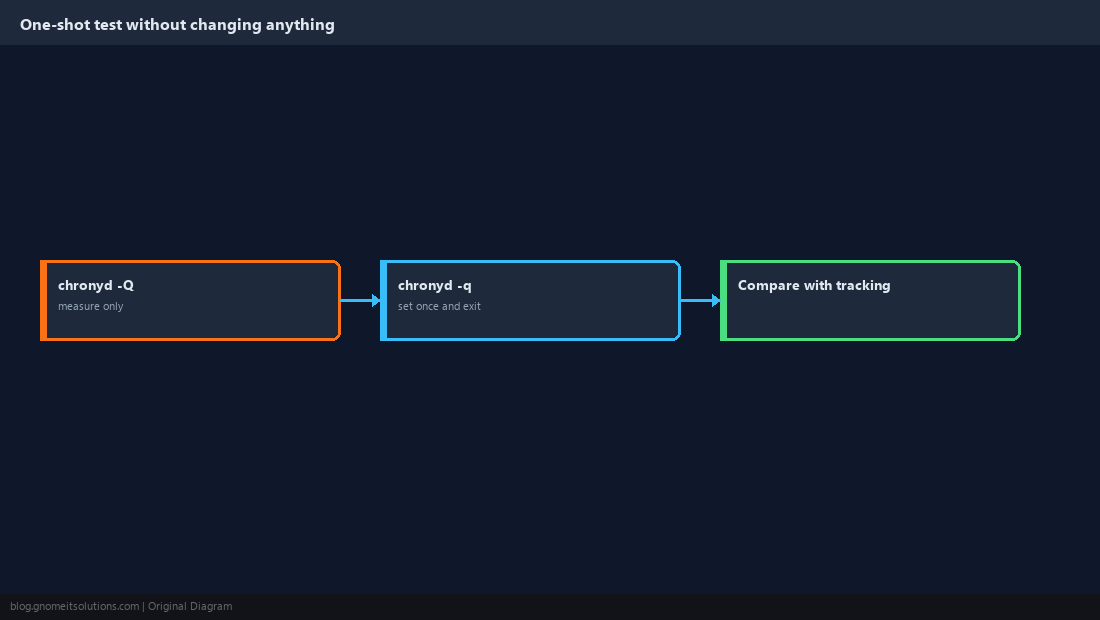
Quick Reference
- Daemon running and alone →
chronyc activity→ DNS → UDP 123 →makestepfor big offsets - Containers cannot set the clock; fix the host
Related tutorials
Diagrams are original illustrations by Gnome IT Solutions. Tutorial text © Gnome IT Solutions.