
A default nginx install serves anything, as fast as clients ask for it. That makes it easy to overwhelm a login form with
password guesses or hammer an expensive endpoint. Two cheap controls fix most of it: rate limiting and
security headers. They sit in front of the application, so they help even when the app cannot be changed.
This guide builds on our reverse proxy guide; every change is tested with
nginx -t and verified with real requests, in the spirit of our safe reload script.
Where the Controls Sit
Rate limiting is evaluated per request before it reaches the backend; headers are added to the response on the way out.
client --> [ limit_req zone ] --> [ proxy_pass app ] --> response + security headers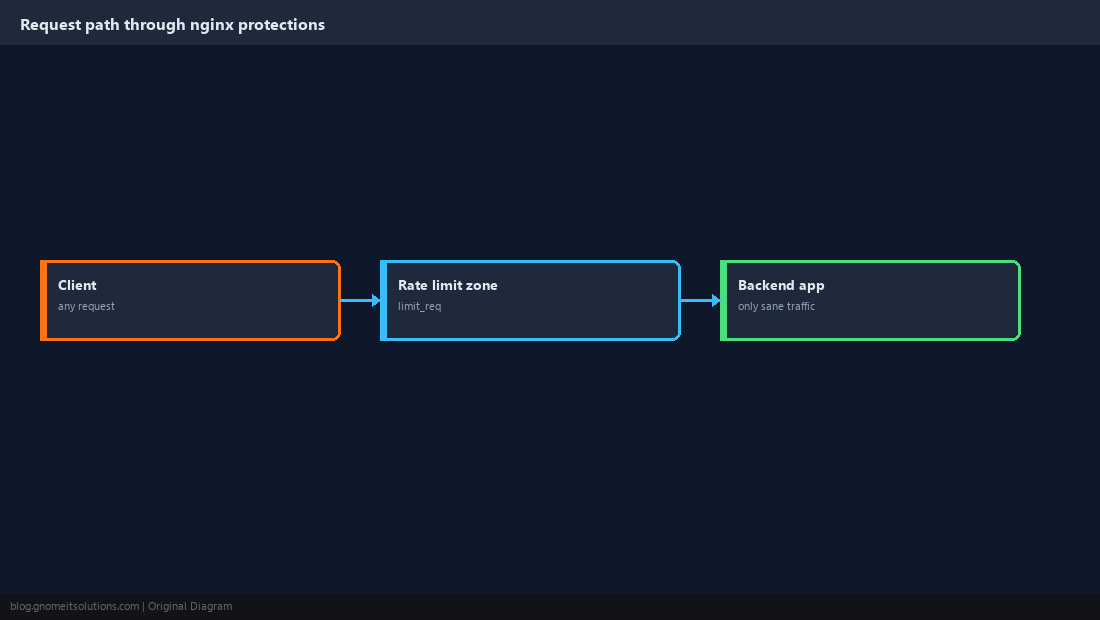
Baseline: Back Up and Test First
Always keep a copy of the working config and validate before applying. A typo that fails nginx -t never reaches production.
sudo cp -a /etc/nginx /etc/nginx.bak-$(date +%F)
sudo nginx -t && sudo systemctl reload nginx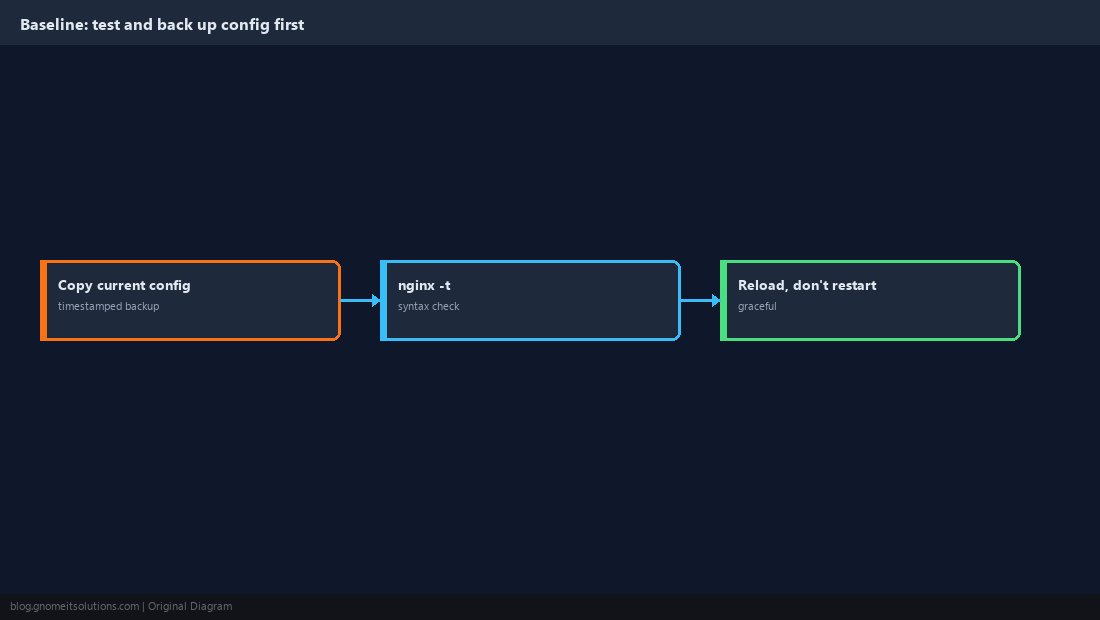
Define a Rate-Limit Zone
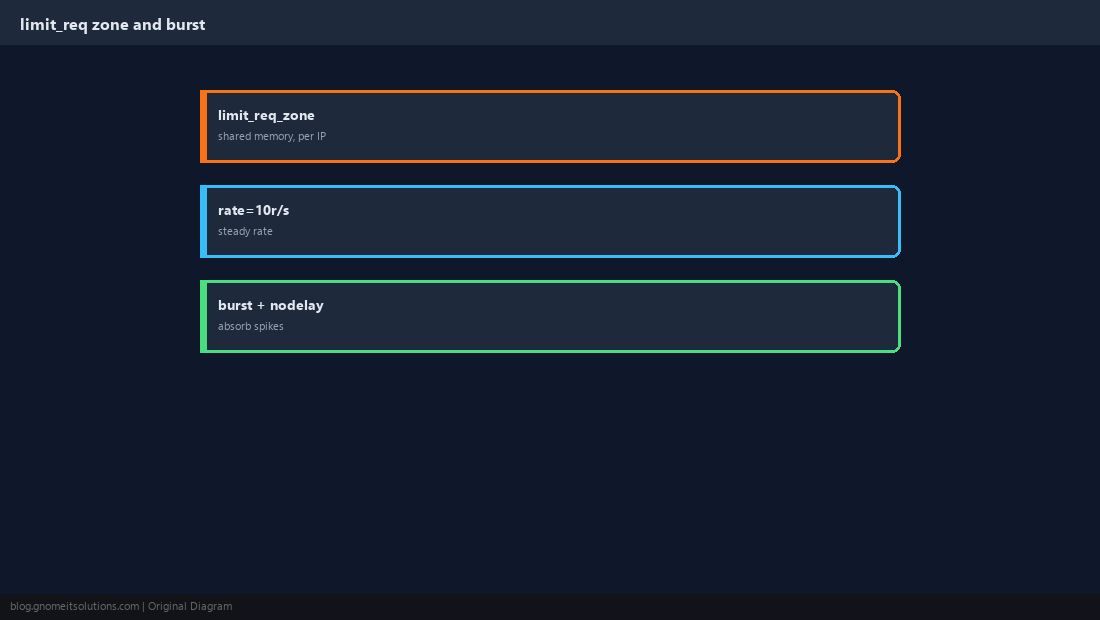
limit_req_zone lives in the http block and tracks clients by IP in shared memory. burst lets short spikes through (page loads fetch many assets); nodelay serves the burst immediately instead of queueing it.
limit_req_zone $binary_remote_addr zone=perip:10m rate=10r/s;
limit_req_status 429;location / {
limit_req zone=perip burst=20 nodelay;
proxy_pass http://127.0.0.1:8080;
}
Tighten Sensitive Paths
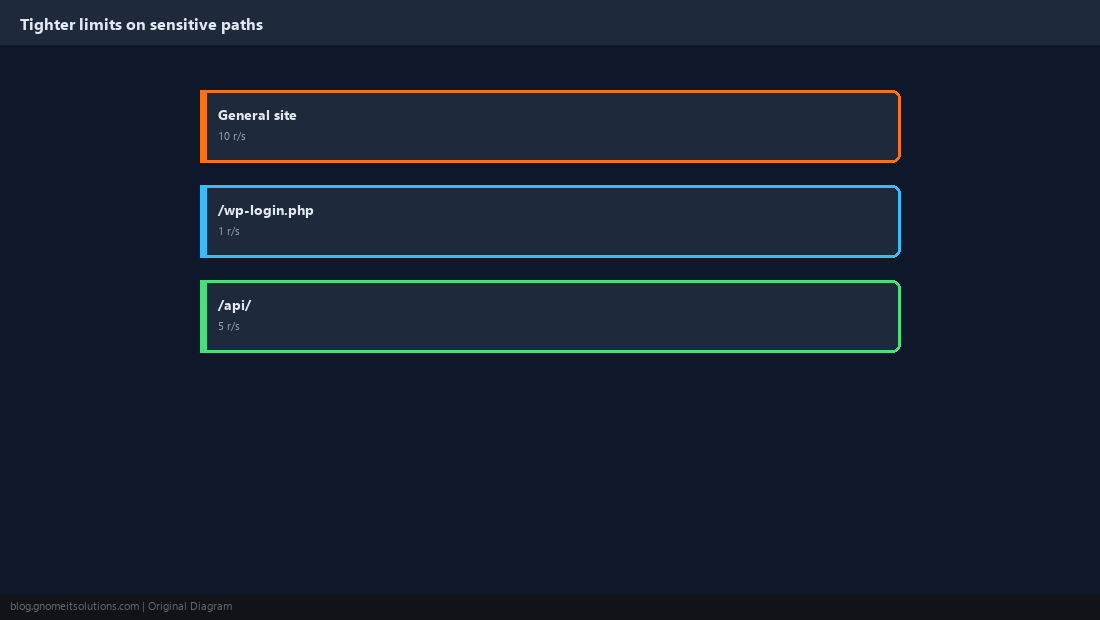
Login and API endpoints deserve stricter limits than static pages. Add a second zone and apply it to just those locations.
limit_req_zone $binary_remote_addr zone=login:10m rate=1r/s;location = /wp-login.php {
limit_req zone=login burst=5 nodelay;
proxy_pass http://127.0.0.1:8080;
}
Add Security Response Headers
Headers instruct the browser to enable protections the page would otherwise not have. Use always so they are sent on error responses too.
add_header X-Content-Type-Options "nosniff" always;
add_header X-Frame-Options "SAMEORIGIN" always;
add_header Referrer-Policy "strict-origin-when-cross-origin" always;
add_header Permissions-Policy "geolocation=(), camera=(), microphone=()" always;Content-Security-Policy last and in report-only mode first; a strict policy can break inline scripts.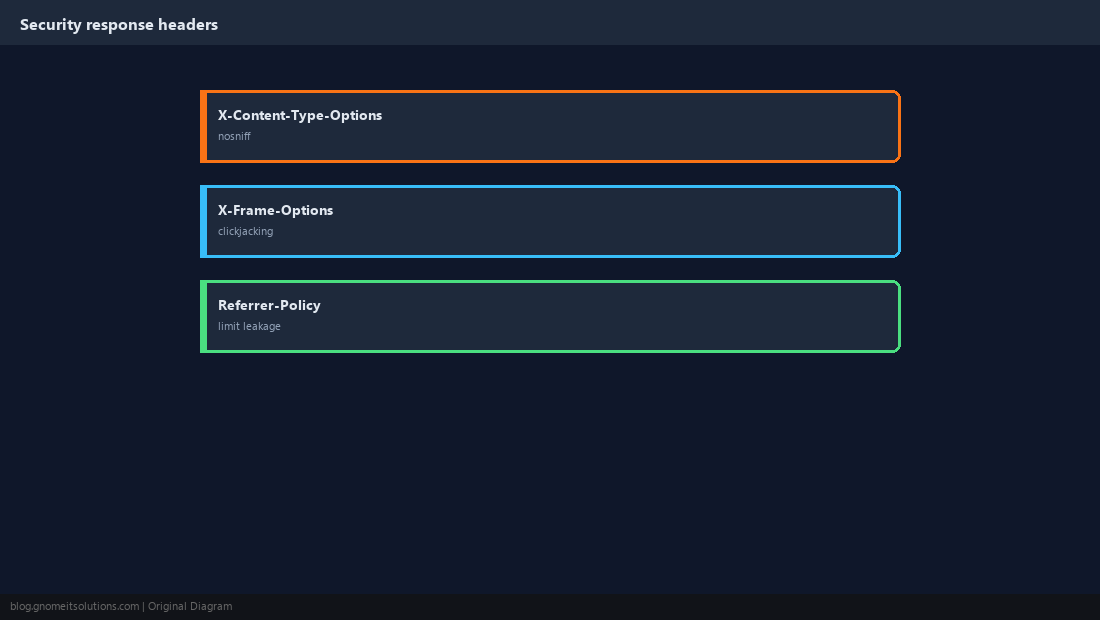
Modern TLS and HSTS
Disable legacy protocols and tell browsers to use HTTPS only. Enable HSTS once you are sure every subdomain serves valid HTTPS (see the Let’s Encrypt guide).
ssl_protocols TLSv1.2 TLSv1.3;
ssl_prefer_server_ciphers off;
add_header Strict-Transport-Security "max-age=31536000; includeSubDomains" always;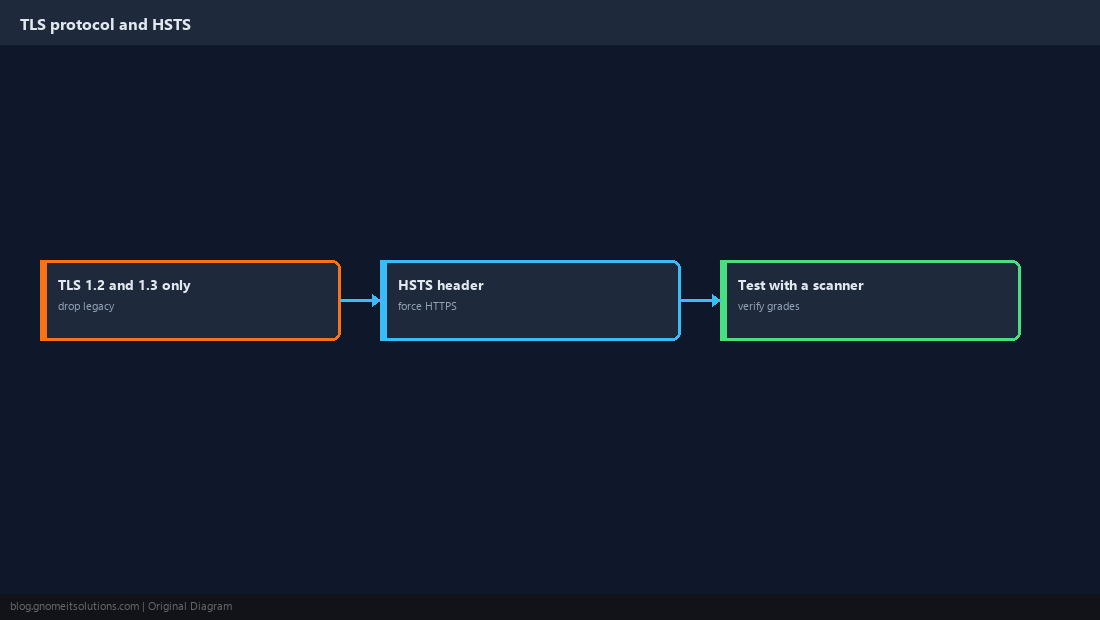
Reduce Information Leakage
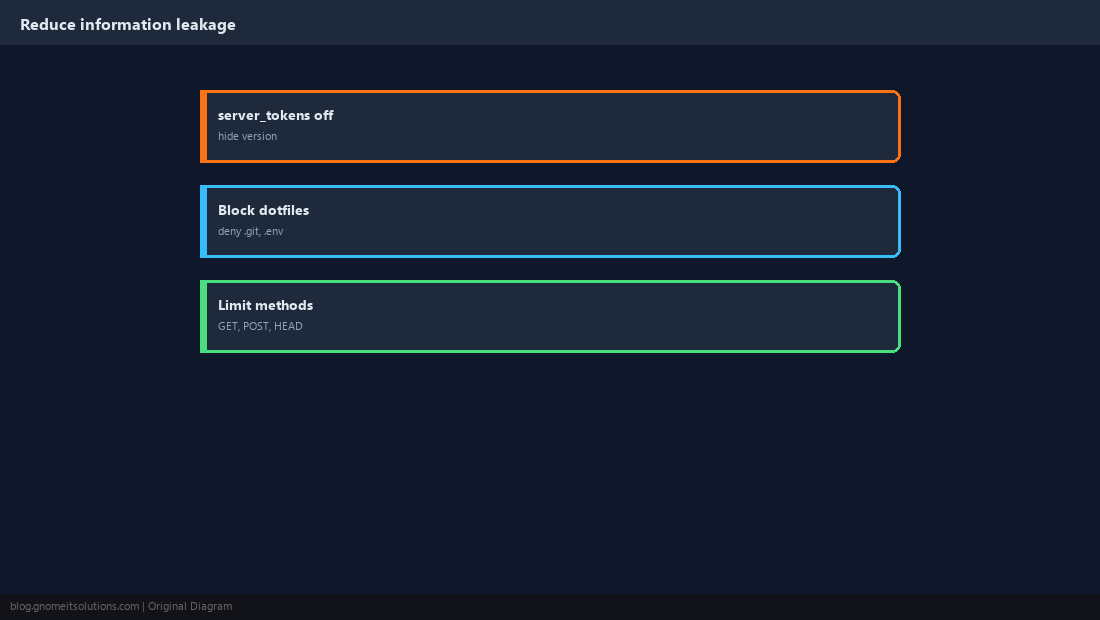
Hide the version number, deny hidden files, and allow only the methods the site needs.
server_tokens off;

location ~ /\.(?!well-known) {
    deny all;
}

if ($request_method !~ ^(GET|HEAD|POST)$ ) {
    return 405;
}
Verify That Limits Actually Trigger
A control you never tested is a guess. Fire a burst of requests, confirm the 429 responses, and check the error log.
for i in $(seq 1 40); do curl -s -o /dev/null -w "%{http_code}\n" https://example.com/; done | sort | uniq -c
curl -sI https://example.com | grep -iE 'x-frame|nosniff|strict-transport'
sudo grep 'limiting requests' /var/log/nginx/error.log | tail -3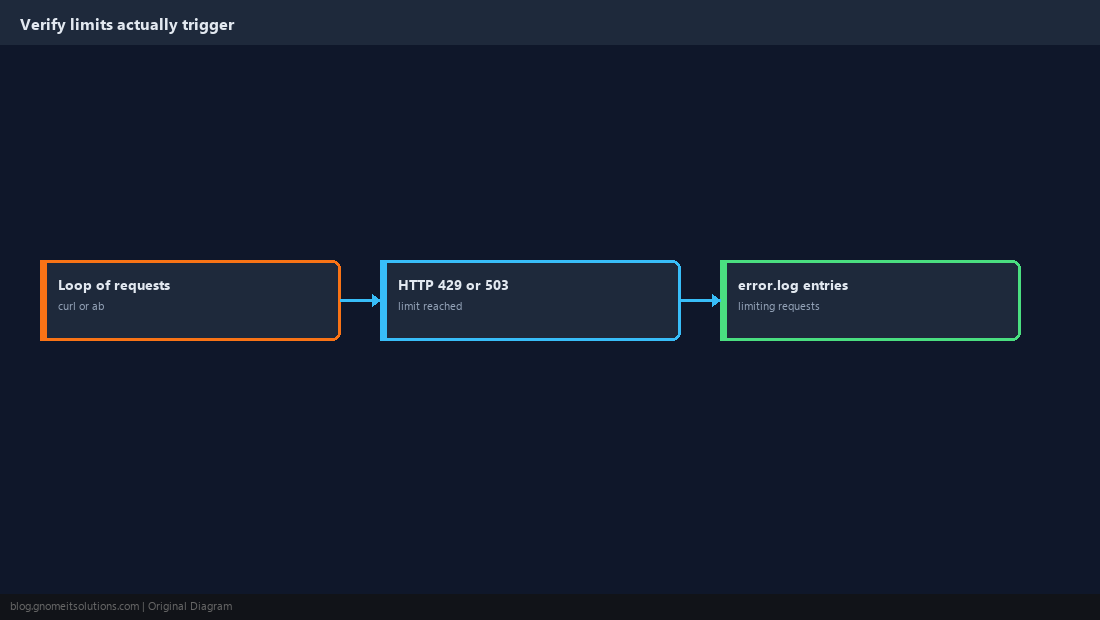
Quick Reference
limit_req_zone+burst; stricter zone for login- Headers with
always; TLS 1.2+, HSTS;server_tokens off
Related tutorials
Diagrams are original illustrations by Gnome IT Solutions. Tutorial text © Gnome IT Solutions.