restic is a single-binary backup tool that encrypts everything client-side and stores data as deduplicated chunks,
so the second backup of a large directory uploads only what changed. Unlike plain
rsync copies, every run produces a point-in-time snapshot you can list and restore individually.
This guide creates a repository, runs the first backup, trims it with a retention policy, schedules it with a
systemd timer, and finishes with the step that decides whether any of it was worth doing: a restore drill.
What restic Gives You Over a Copy Script
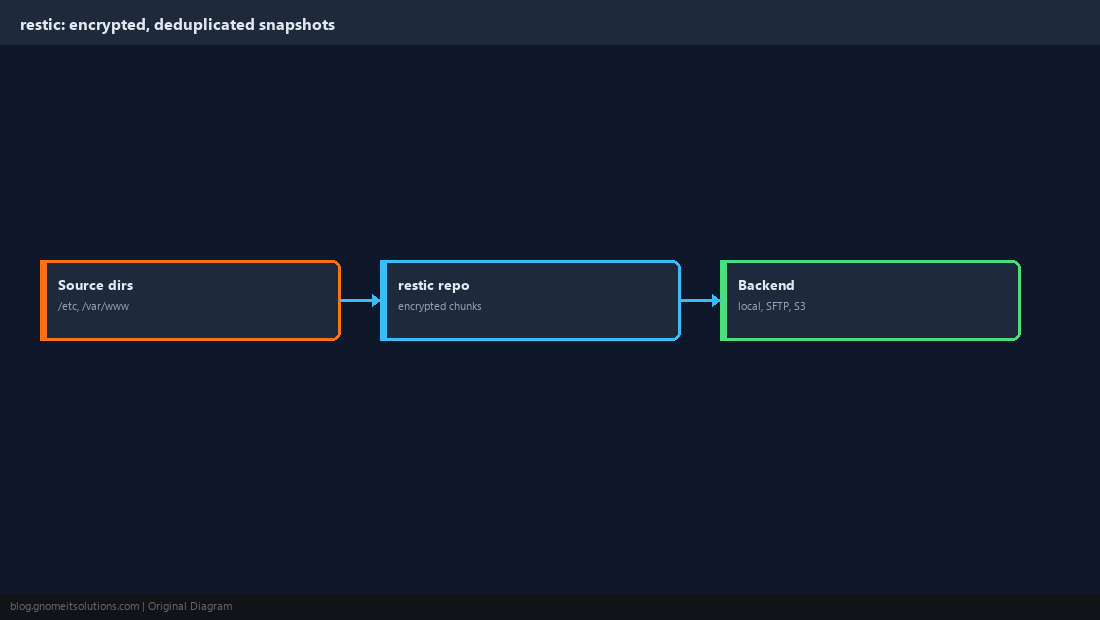
restic splits files into content-addressed chunks, encrypts them, and writes them to a repository on a local path, SFTP server, or S3-compatible bucket. Snapshots are cheap because unchanged chunks are shared. The repository password is the encryption key — lose it and the backups are unreadable.
  /etc  /var/www  /home
        |  restic backup (chunk + dedup + encrypt)
        v
  [ restic repository ] ---> local disk | SFTP | S3 bucket
Install restic and Choose a Backend
Use your distribution package or the official static binary. Pick the backend based on where the copy must survive: a different disk is not enough; a different machine or provider is. Keep credentials in a root-only environment file rather than on the command line.
sudo apt install -y restic # or: sudo dnf install -y resticRESTIC_REPOSITORY=sftp:[email protected]:/srv/restic/web01
RESTIC_PASSWORD_FILE=/etc/restic/passwordsudo install -d -m 700 /etc/restic
sudo sh -c 'openssl rand -base64 32 > /etc/restic/password'
sudo chmod 600 /etc/restic/password /etc/restic/env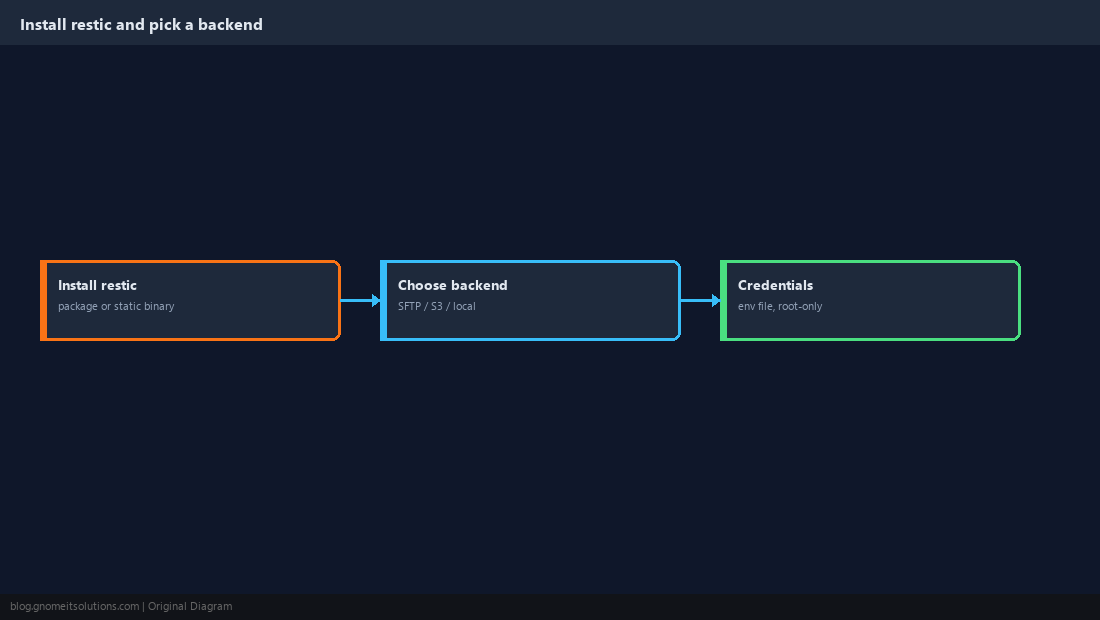
Initialise the Repository
Initialisation writes the repository config and derives the master key from your password. Run it once per repository.
set -a; . /etc/restic/env; set +a
restic init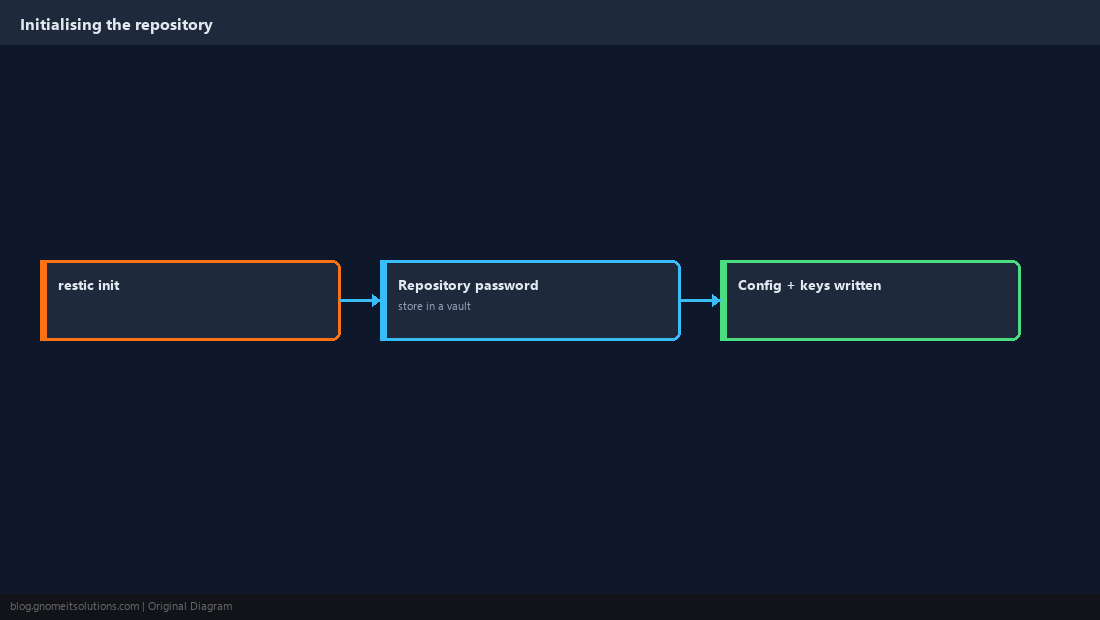
Run the First Backup
The first run uploads everything; later runs are much faster because unchanged chunks are skipped. Back up configuration and data, not the whole filesystem.
restic backup /etc /var/www /home --tag nightly
restic snapshots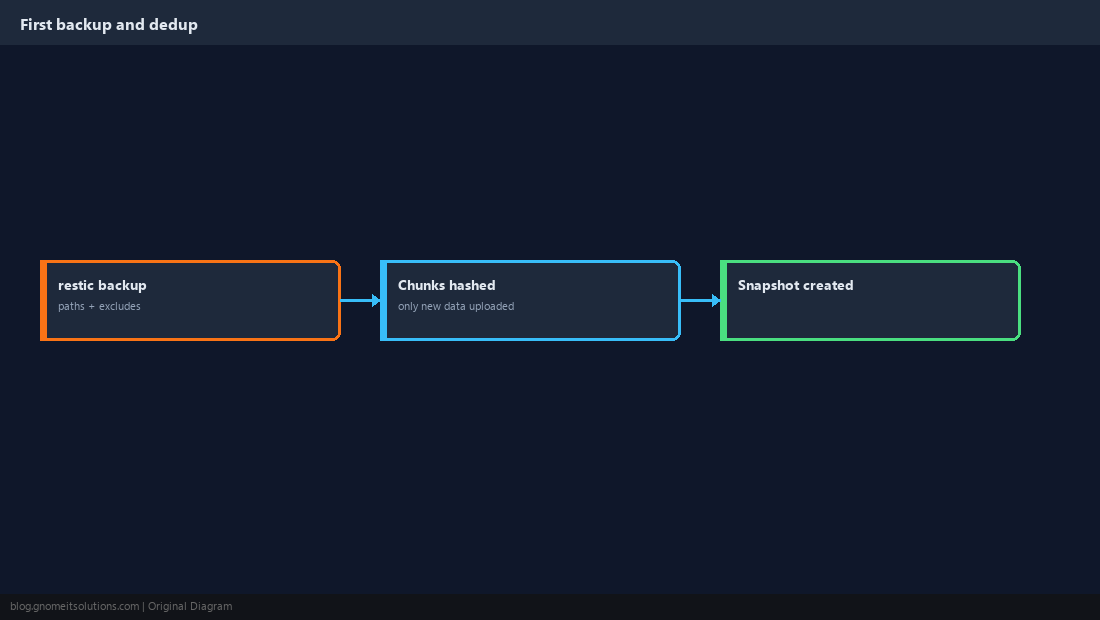
Exclude What You Do Not Need
Caches, temporary files and package downloads bloat the repository and slow restores. Keep the patterns in a file under version control and test with a dry run.
/var/cache
/var/tmp
/home/*/.cache
*.tmp
/var/www/*/wp-content/cacherestic backup /etc /var/www /home --exclude-file /etc/restic/excludes --dry-run -v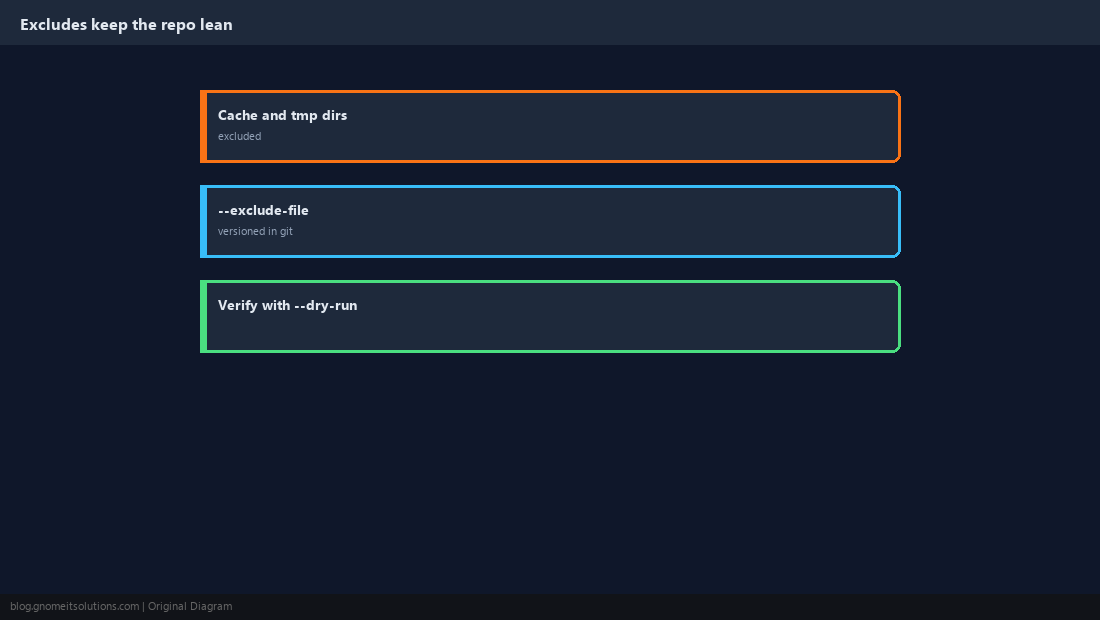
Apply a Retention Policy with forget and prune
Without retention the repository grows forever. forget marks snapshots for removal according to the policy and --prune reclaims the space.
restic forget --keep-daily 7 --keep-weekly 4 --keep-monthly 6 --prunerestic forget --dry-run ... first when you change the policy; pruning cannot be undone.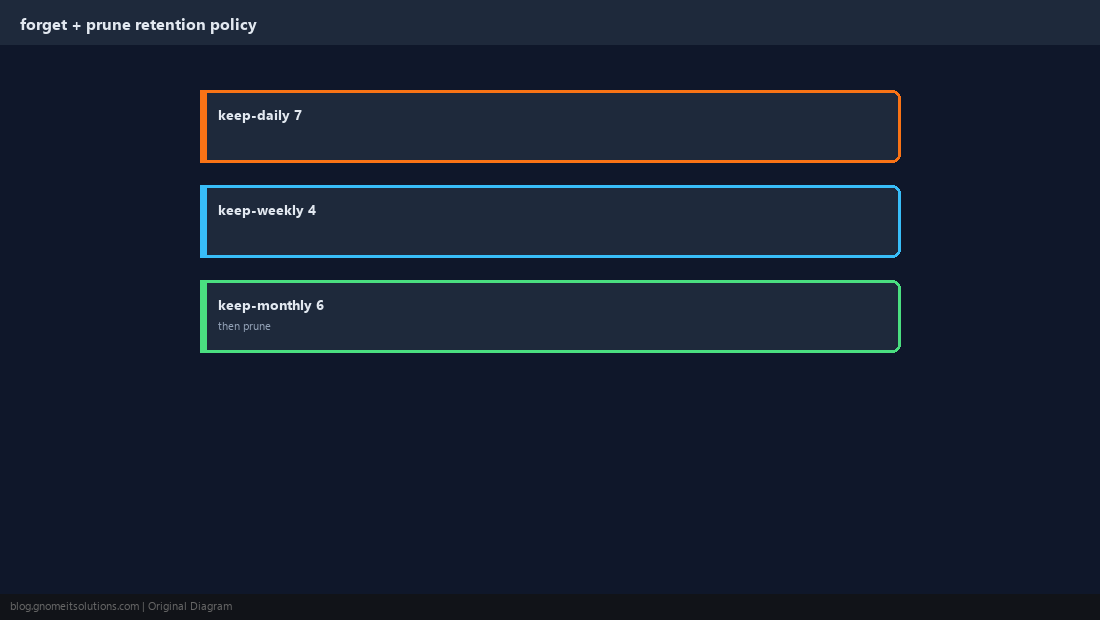
Schedule It with a systemd Timer
A oneshot service plus timer gives logging in journalctl, missed-run catch-up with Persistent=true, and an OnFailure= hook for alerts.
[Unit]
Description=Restic backup

[Service]
Type=oneshot
EnvironmentFile=/etc/restic/env
ExecStart=/usr/bin/restic backup /etc /var/www /home --exclude-file /etc/restic/excludes --tag nightly
ExecStartPost=/usr/bin/restic forget --keep-daily 7 --keep-weekly 4 --keep-monthly 6 --prune[Unit]
Description=Nightly restic backup
[Timer]
OnCalendar=*-*-* 02:15:00
Persistent=true
RandomizedDelaySec=300
[Install]
WantedBy=timers.targetsudo systemctl daemon-reload
sudo systemctl enable --now restic-backup.timer
systemctl list-timers | grep restic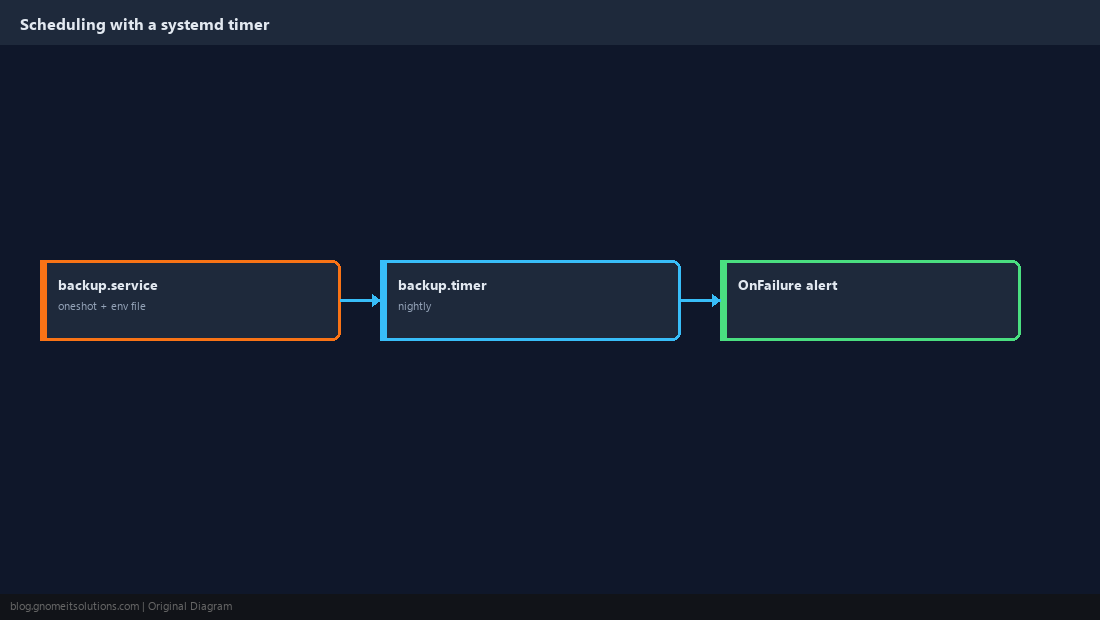
Verify Integrity and Run a Restore Drill
A backup you have never restored is a hypothesis. restic check validates repository structure, and a restore into a scratch directory proves the data and the password actually work.
restic check --read-data-subset=5%
restic restore latest --target /tmp/restore-test --include /etc/hostname
diff /etc/hostname /tmp/restore-test/etc/hostname && echo RESTORE OK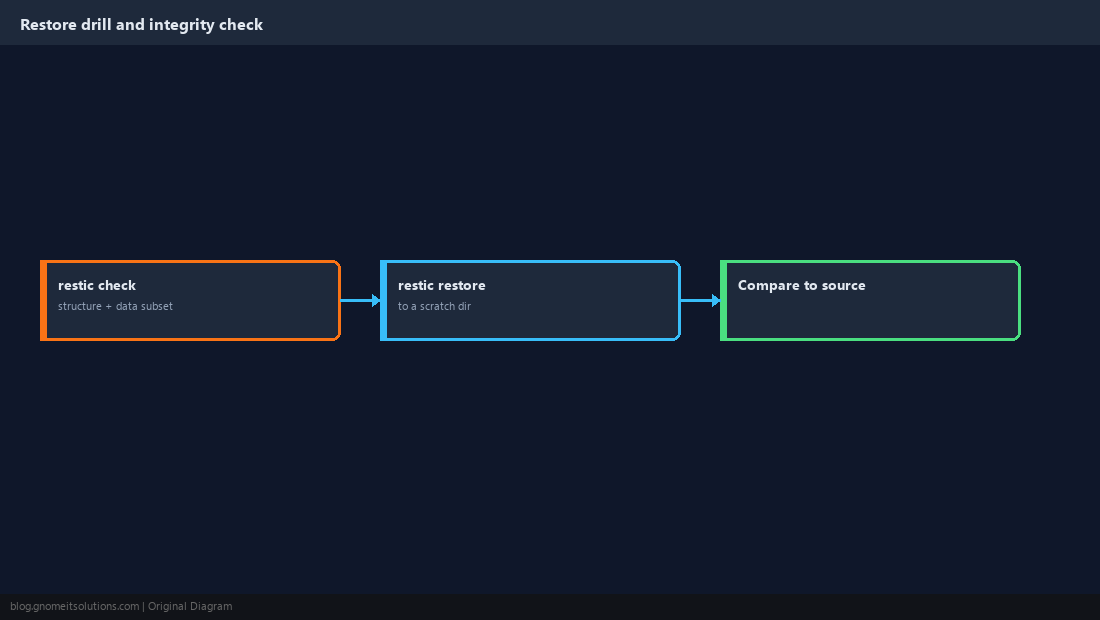
Checklist
- Repository on a different machine or provider; password stored off-server
- Retention set, timer enabled, failure alerting wired, restore drilled quarterly
Related tutorials
Diagrams are original illustrations by Gnome IT Solutions. Tutorial text © Gnome IT Solutions.